Free trial
Free accounts receive 20 credits at signup and 20 more every month, no card required. Guests can run a few documents before needing to register.
Learn moreName the columns, and AI pulls them from any document
Own ImageToTable.ai? Verify ownership to get a dofollow link

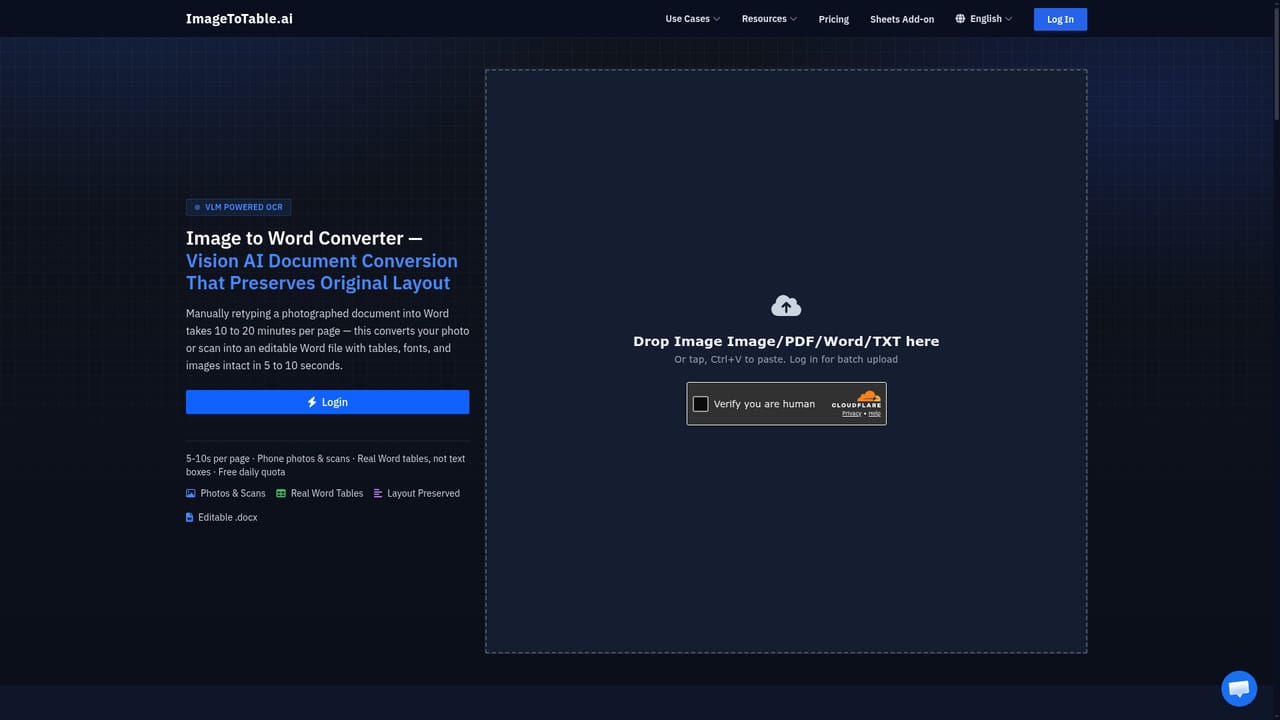
ImageToTable.ai is an AI spreadsheet generator tool. A field-first extraction tool: name the columns you want and the AI pulls them from PDFs, invoices, bank statements, screenshots, scans and handwriting, then exports to Excel, CSV, JSON or Word. Collection links, a dedicated email inbox, a Google Sheets add-on and a REST API cover the usual workflows.
ImageToTable.ai is a document data extraction service built around a simple idea: instead of guessing at a fixed table structure, the user names the fields they want and the AI returns those fields as a clean table. Upload a PDF, an invoice, a receipt, a bank statement, a phone screenshot, a scan, or a Word or TXT file, type column headers such as Vendor, Invoice No., Date, Amount and Tax, and the tool maps matching values from the document into those columns. The column names become the headers of the output, which exports to Excel, CSV or JSON. A To Word mode is offered for anyone who needs the original layout preserved as an editable document rather than a table. The strongest use cases are the ones where volume and repetition collide: finance teams reconciling bank and credit card statements, accounts payable staff keying invoices, payroll admins collecting timesheets and payslips, and operations people pulling amounts and order numbers out of payment or e-commerce screenshots. The tool claims 150+ apps are covered for screenshot extraction and reads handwriting, stamps, cursive script, checkboxes and poor quality scans, so paper forms and field surveys are within scope. For tabular documents it extracts the table directly; for documents without one it relies on the named fields. It also says it can compute totals and infer values that were not printed. In practice, documents arrive in three ways. Direct upload with drag and drop, paste or a phone or webcam photo is the quickest path. A collection link lets vendors, clients or field staff submit files without an account, with optional labels so the origin is traceable. Every account also gets a dedicated inbox address that processes attachments or the email body automatically, with a sender whitelist and stored PDF passwords for protected statements. A Google Sheets add-on puts the same engine in a sidebar, and a public REST API covers pipeline work. Against dedicated OCR suites or enterprise invoice platforms, ImageToTable.ai positions itself as lightweight: no template design, no training step, and a free tier that renews monthly. That suits individuals and small teams more than organisations needing deep ERP configuration.
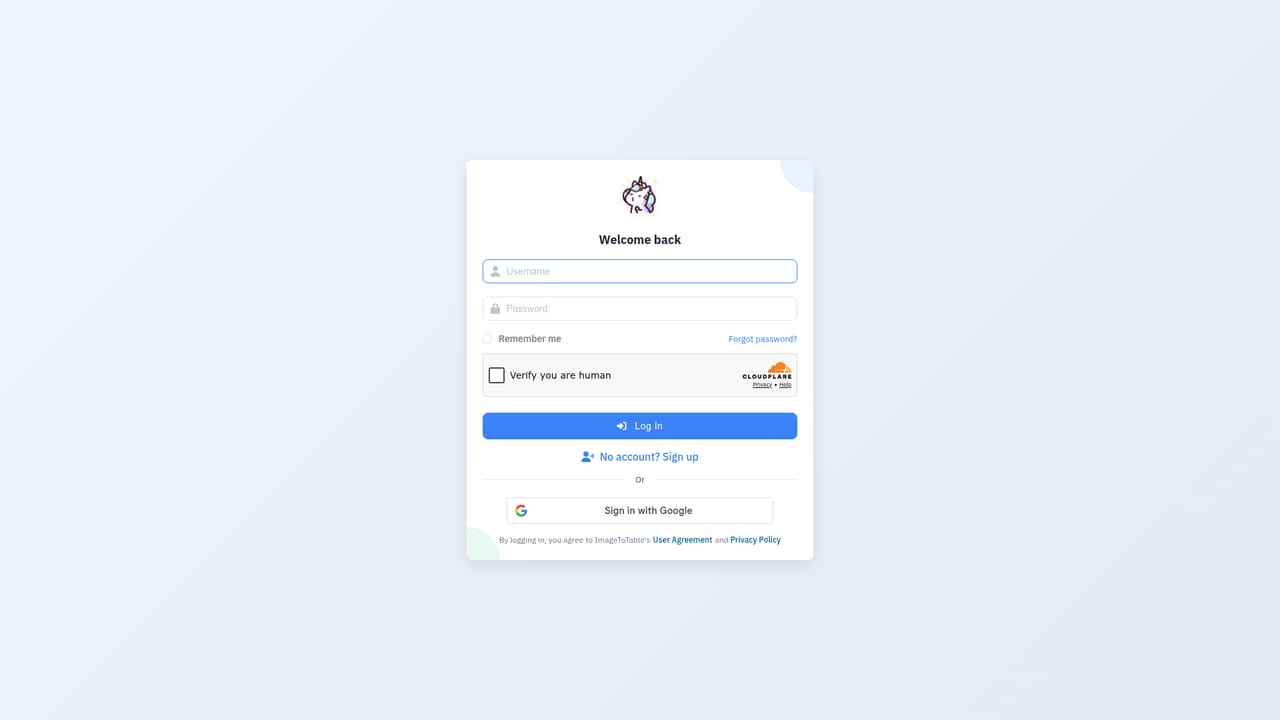
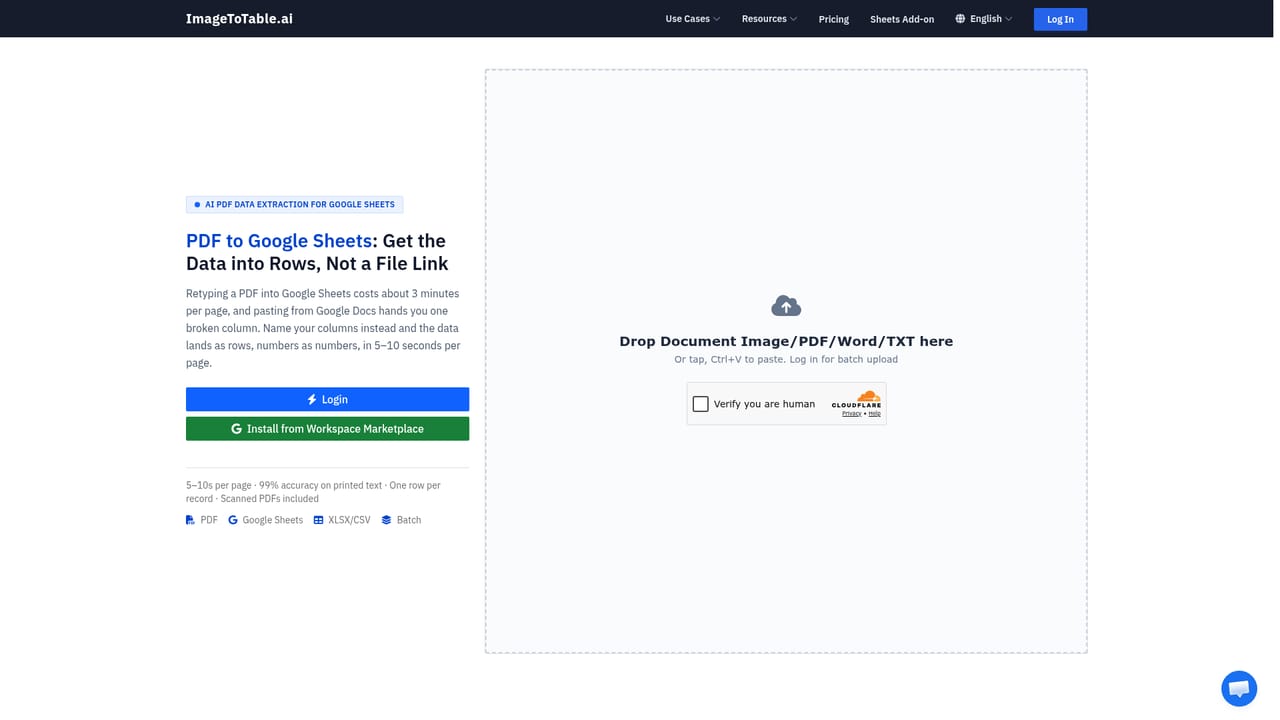
Free accounts receive 20 credits at signup and 20 more every month, no card required. Guests can run a few documents before needing to register.
Learn moreA free tier gives 20 credits on signup and renews with 20 credits each month with no card required. Guest access allows a limited number of tries before an account is needed. Paid tier prices are not stated on the homepage.
Learn moreA contact address is published for feedback and problem reports, and API documentation and a troubleshoot link are provided. No help centre or live chat is described on the homepage.
A Google Sheets add-on installed from the Workspace Marketplace brings extraction into a spreadsheet sidebar, and a public REST API with webhooks supports custom pipelines. Email inbox ingestion accepts forwarded attachments.
Learn moreNamed-column extraction from PDF, image, Word and TXT files, plus direct table extraction for tabular documents. Reads handwriting, stamps, checkboxes and low quality scans, standardises dates and amounts, computes totals and infers unprinted values. Exports to Excel, CSV and JSON, or to Word for layout preservation. Also offers collection links, a per-account email inbox with sender whitelist and stored PDF passwords, a Google Sheets add-on and a REST API.
Learn more AI Angels400+ customizable AI girlfriends for NSFW chat, voice calls, and roleplay
 Candy AIExperience the future of companionship with AI friends who chat, role-play, and connect with you on a human level.
 ourdream.aiA vast AI roleplay platform with millions of characters for chat, images, video and voiceAI Angels400+ customizable AI girlfriends for NSFW chat, voice calls, and roleplayCandy AIExperience the future of companionship with AI friends who chat, role-play, and connect with you on a human level.ourdream.aiA vast AI roleplay platform with millions of characters for chat, images, video and voice