Free trial
A 3-day trial gives 5 credits. A subscription must be selected at signup, and the full amount is charged unless it is cancelled before the trial ends.
Learn moreTurn screenshots and designs into responsive HTML and CSS with AI.

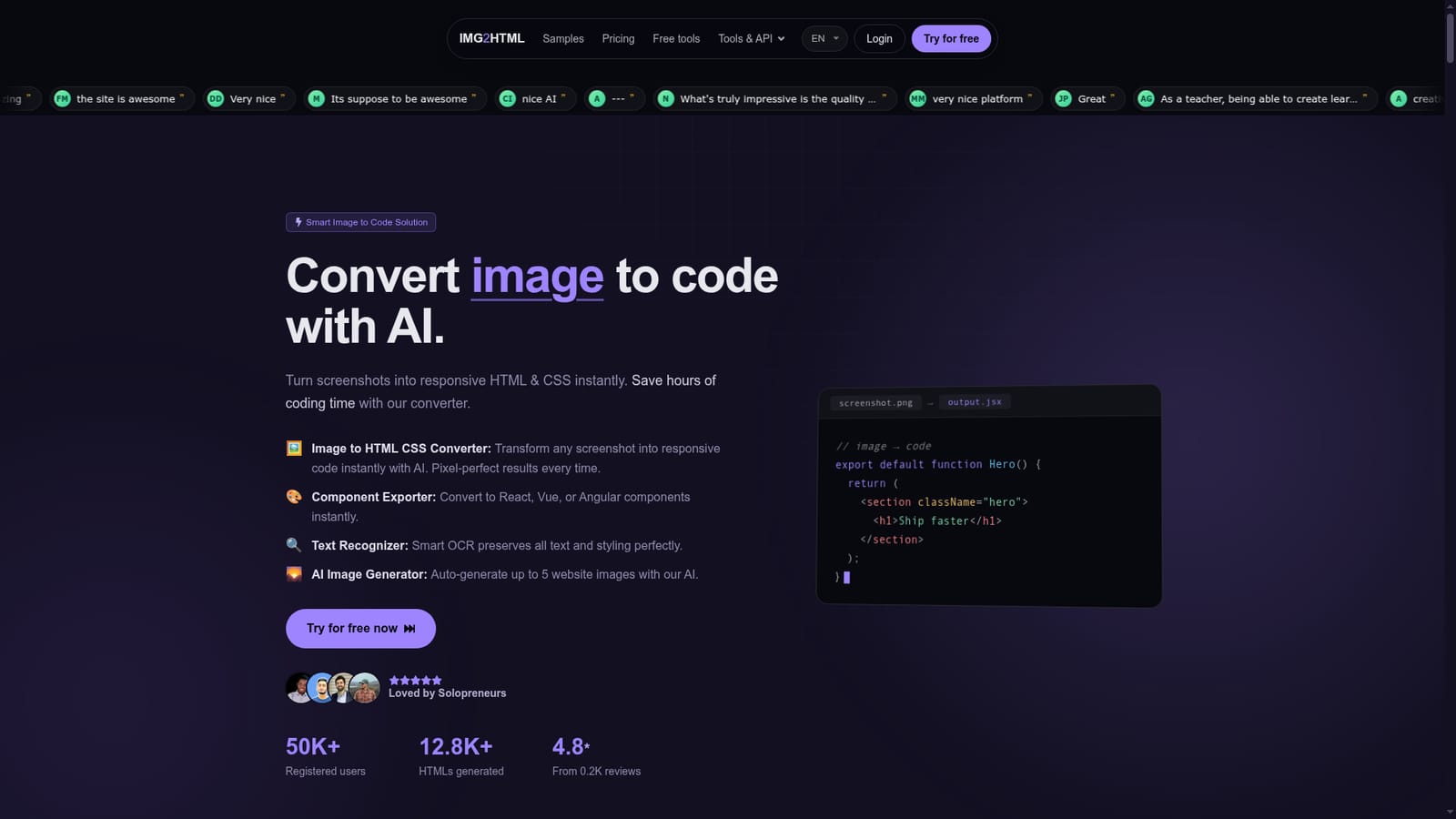
IMG2HTML is an HTML generator tool that turns screenshots and designs into responsive HTML and CSS with AI. IMG2HTML converts screenshots and design images into responsive HTML and CSS, with exports for React, Vue and Angular, Tailwind support, OCR text extraction, a Chrome extension and an API.
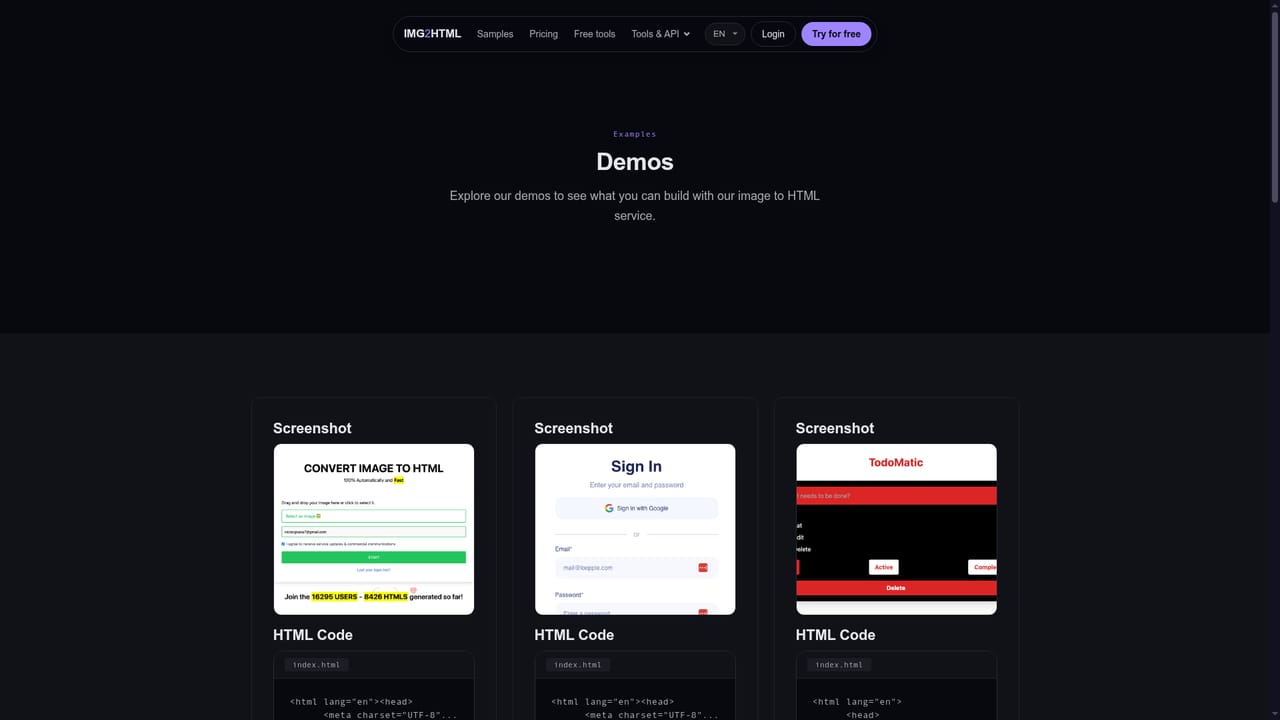
IMG2HTML is a conversion service that takes a screenshot, mockup or design image and returns working front end code. The homepage positions it as an image to code converter first and a web design assistant second: upload a picture, let the model analyse the layout and text, then copy the generated HTML and CSS or the component output into an existing project. The company reports over 50,000 registered users and a 4.8 star average across roughly 200 reviews, which puts it among the better established options in a crowded space of screenshot to code tools. The feature set goes beyond a single flat HTML file. Output can be exported as plain HTML, CSS and JS or as ReactJS, VueJS and AngularJS components, and Tailwind CSS is supported for teams that already build with utility classes. A text recognizer handles OCR so labels, headings and button copy survive the conversion rather than appearing as baked in pixels. Each credit also covers up to five generated images, which is useful when the source mockup has empty image placeholders. A Chrome extension captures content from any page, and a REST API accepts an image file plus credentials, making batch or pipeline use possible. In practice the workflow is three steps: upload an image, wait for the model to generate code, then copy or export it. The result is a starting point rather than a finished production page, so expect to review markup, tidy responsive behaviour and adjust spacing before shipping. It suits solo developers, freelance designers and small teams who regularly rebuild layouts from screenshots, and it is also used by teachers and marketers producing landing pages or learning materials. Against code first tools such as dedicated Figma to code plugins, IMG2HTML is looser about input format (any image works) but has no design file layer, so design tokens and component libraries are not imported automatically.
A 3-day trial gives 5 credits. A subscription must be selected at signup, and the full amount is charged unless it is cancelled before the trial ends.
Learn moreCredit based pricing: 40 images for $9.99, 200 for $29.99 (marked recommended) and 500 for $59.99, with a $1.99 trial tier of 3 credits. Annual billing saves 20 percent. One image equals one credit, and unused credits roll over while a subscription stays active. No refunds are given.
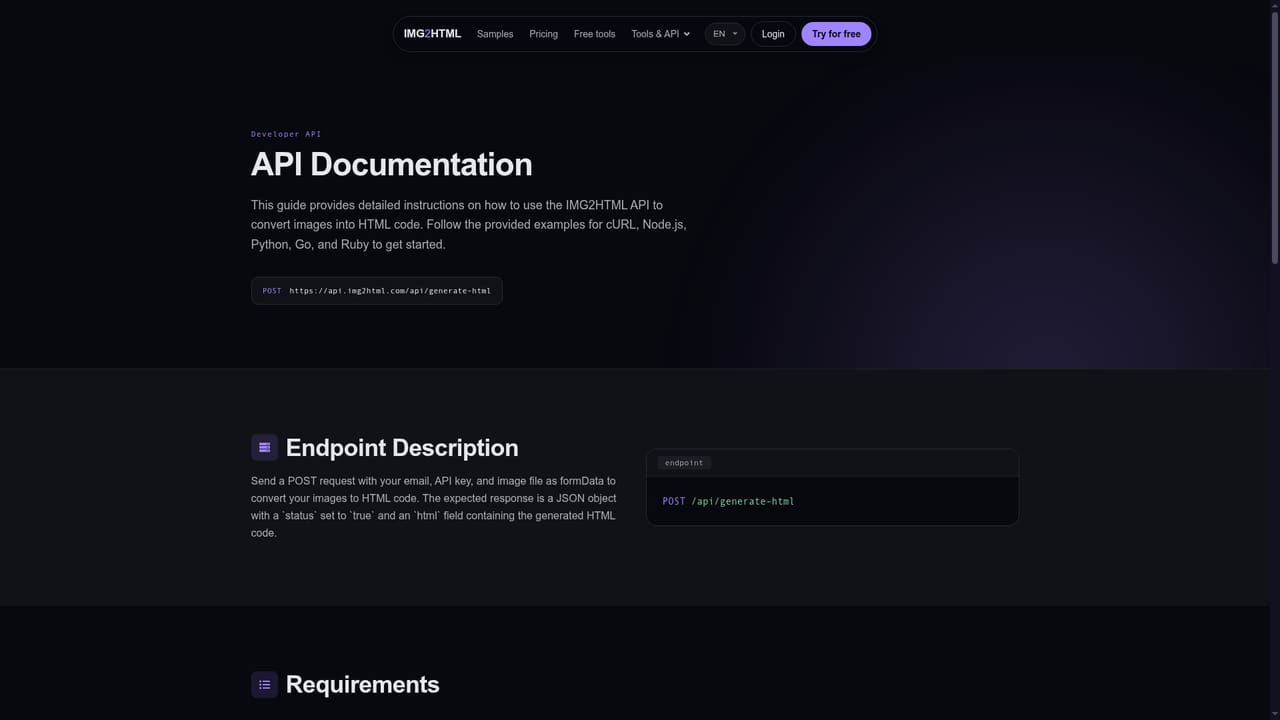
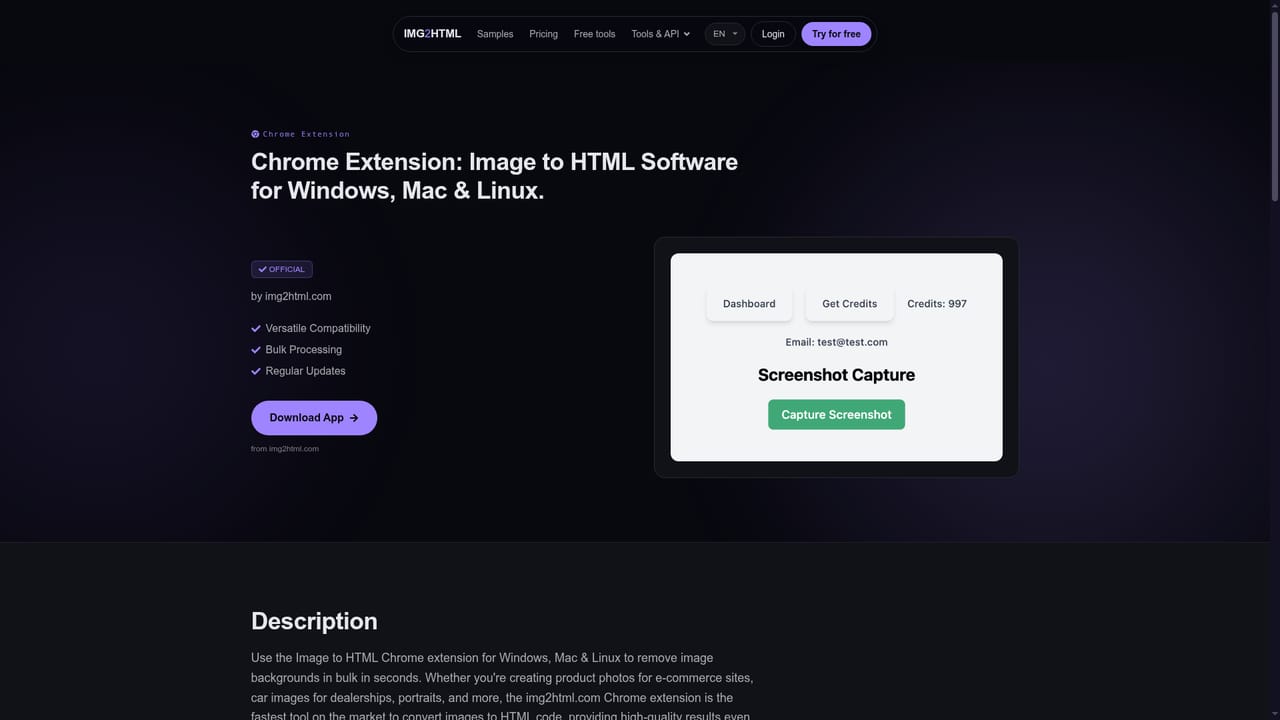
Learn moreA REST API accepts an image file with an email and API key, with cURL and other language examples on the API page. A Chrome extension covers capture inside the browser.
Learn moreImage to HTML and CSS conversion, OCR text extraction, Tailwind CSS support, exports to React, Vue and Angular, an AI HTML editor with unlimited use, generation of up to five website images per credit, a Chrome extension and a developer API.
 AI Angels400+ customizable AI girlfriends for NSFW chat, voice calls, and roleplay
 Candy AIExperience the future of companionship with AI friends who chat, role-play, and connect with you on a human level.
 ourdream.aiA vast AI roleplay platform with millions of characters for chat, images, video and voiceAI Angels400+ customizable AI girlfriends for NSFW chat, voice calls, and roleplayCandy AIExperience the future of companionship with AI friends who chat, role-play, and connect with you on a human level.ourdream.aiA vast AI roleplay platform with millions of characters for chat, images, video and voice