Imgkits

All-in-one browser AI suite for image generation, editing, restoration and video.

Beginner
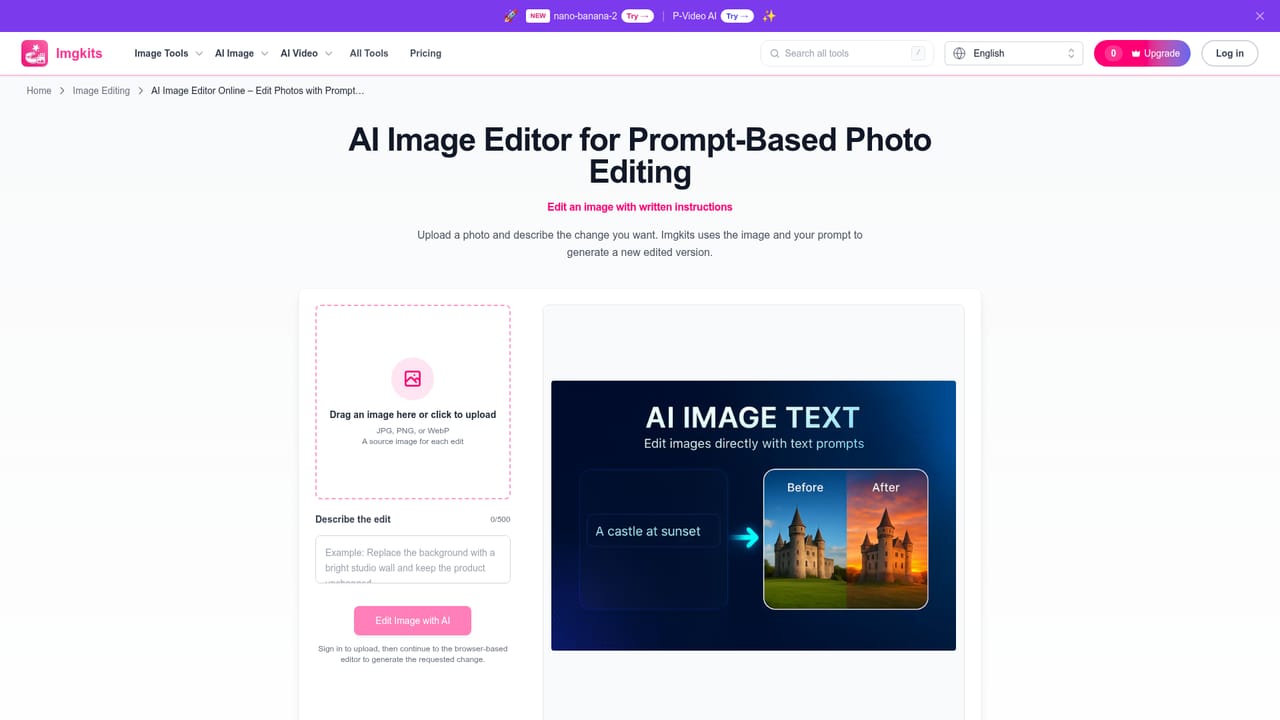
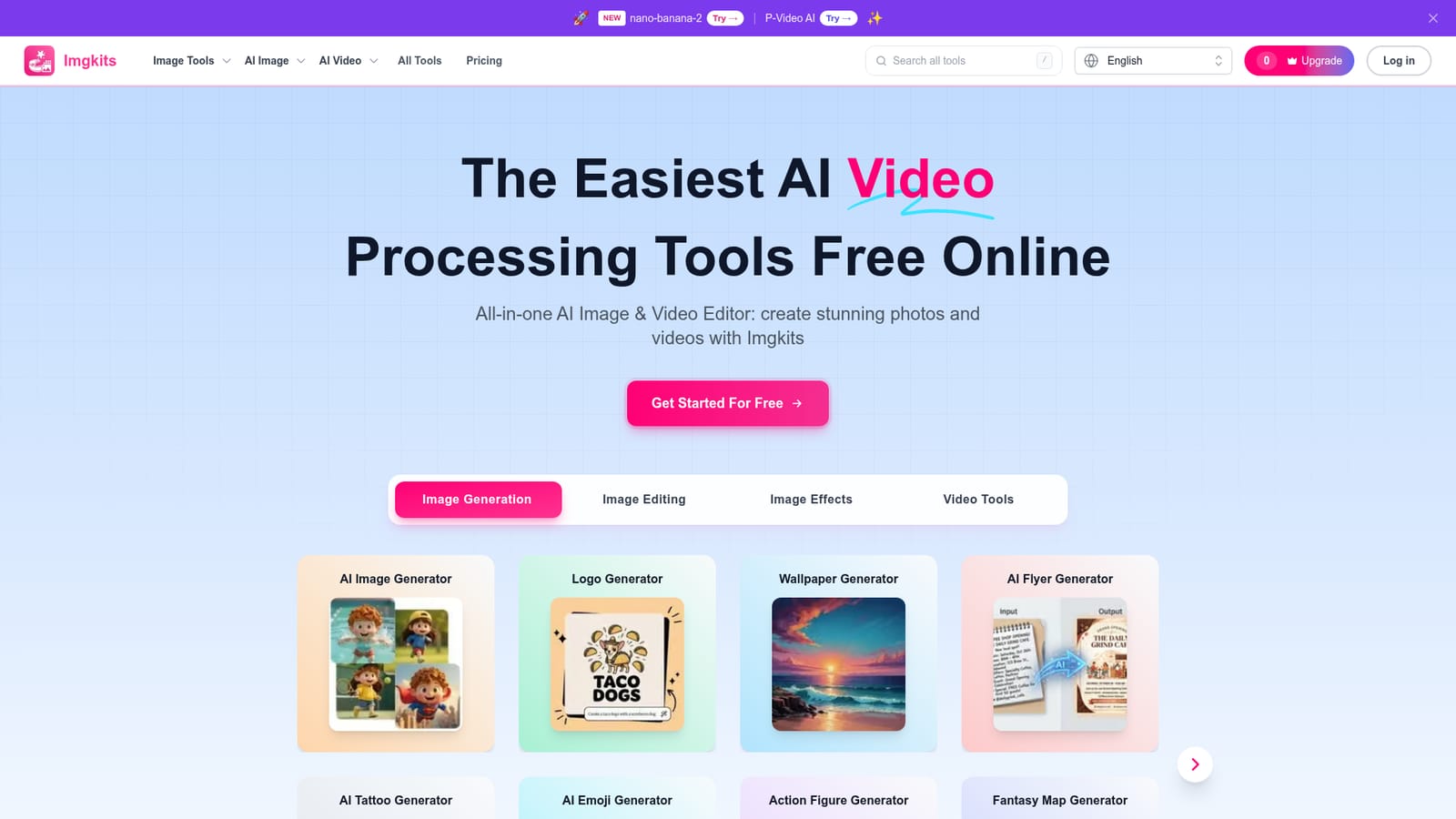
Screenshot of Imgkits, All-in-one browser AI suite for image generation, editing, restoration and video

What is Imgkits?

Imgkits is a browser-based AI platform combining image generation, editing, background removal, photo restoration, upscaling, style filters, and basic video creation in a single workspace aimed at non-designers.

Imgkits is a browser-based platform that bundles a wide range of AI image and video tools into one workspace. It covers image generation from text prompts, natural-language image editing, background removal and replacement, photo restoration and colorization, upscaling, object and text removal, style filters such as anime and cartoon conversion, and tools that turn still images or prompts into short videos. Rather than offering one specialized editor, it functions as a hub where users pick a dedicated tool for a specific task, such as a logo maker, flyer generator, headshot generator, or fantasy map generator. The platform targets people who need quick, professional-looking visual results without design training: online store owners cleaning up product photos, photographers restoring old family pictures, marketers producing flyers or social posts, and hobbyists experimenting with AI art styles. Imgkits emphasizes accessibility over depth, positioning itself as a tool that requires minimal technical skill compared to traditional desktop editors like Photoshop. In practice, the workflow is consistent across tools: select the function needed, upload an image or video where required, adjust the settings offered for that tool, and download the processed result after preview. Batch processing is available for handling multiple HD images at once, which suits users with repetitive, high-volume editing needs such as e-commerce catalogs. Common formats like JPG, JPEG, PNG and WebP are supported, though exact limits vary by tool. Within the broader AI image editing market, Imgkits sits alongside single-purpose background removers and upscalers, but differentiates itself by consolidating generation, editing, restoration, style transfer, and basic video creation under one account and interface. It is best suited to users who want breadth and convenience rather than the fine-grained control of specialized creative software.
How do you use Imgkits?

  1. 1Create an account and open the tool directory
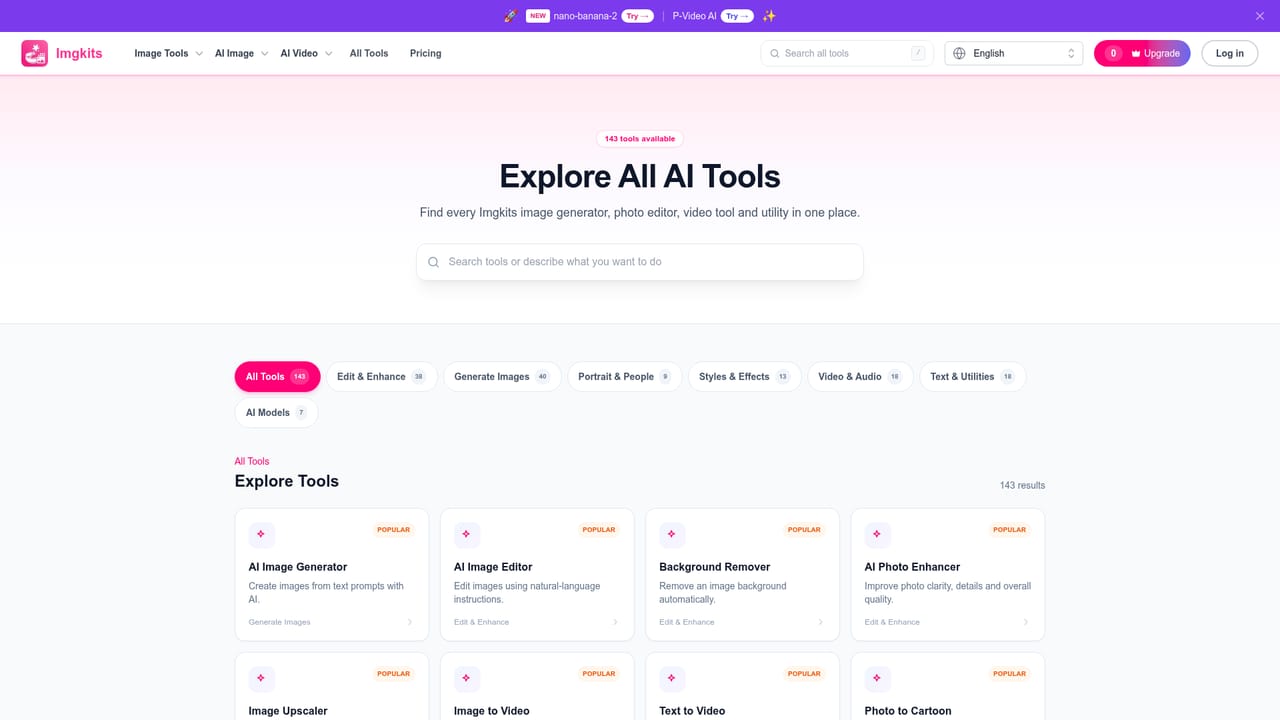
    Visit the Imgkits homepage and log in or sign up, then browse the full list of available image and video tools to find the one matching the task at hand.
    Imgkits — Create an account and open the tool directory
  2. 2Pick a task-specific tool
    Choose from categories like image generation, editing and enhancement, style effects, or video tools, such as the AI Image Generator or Background Remover.
    Imgkits — Pick a task-specific tool
  3. 3Upload an image or enter a prompt
    Depending on the tool selected, upload a photo in a supported format like JPG or PNG, or enter a text prompt describing the desired output.
    Imgkits — Upload an image or enter a prompt
  4. 4Adjust settings and process
    Configure the options available for the chosen tool, such as style, background color, or resolution, then let Imgkits process the request.
  5. 5Preview, download, or batch process
    Review the result once processing finishes, download the output, or use batch processing to handle multiple HD images at once for larger projects.
  6. 6Check pricing before scaling up usage
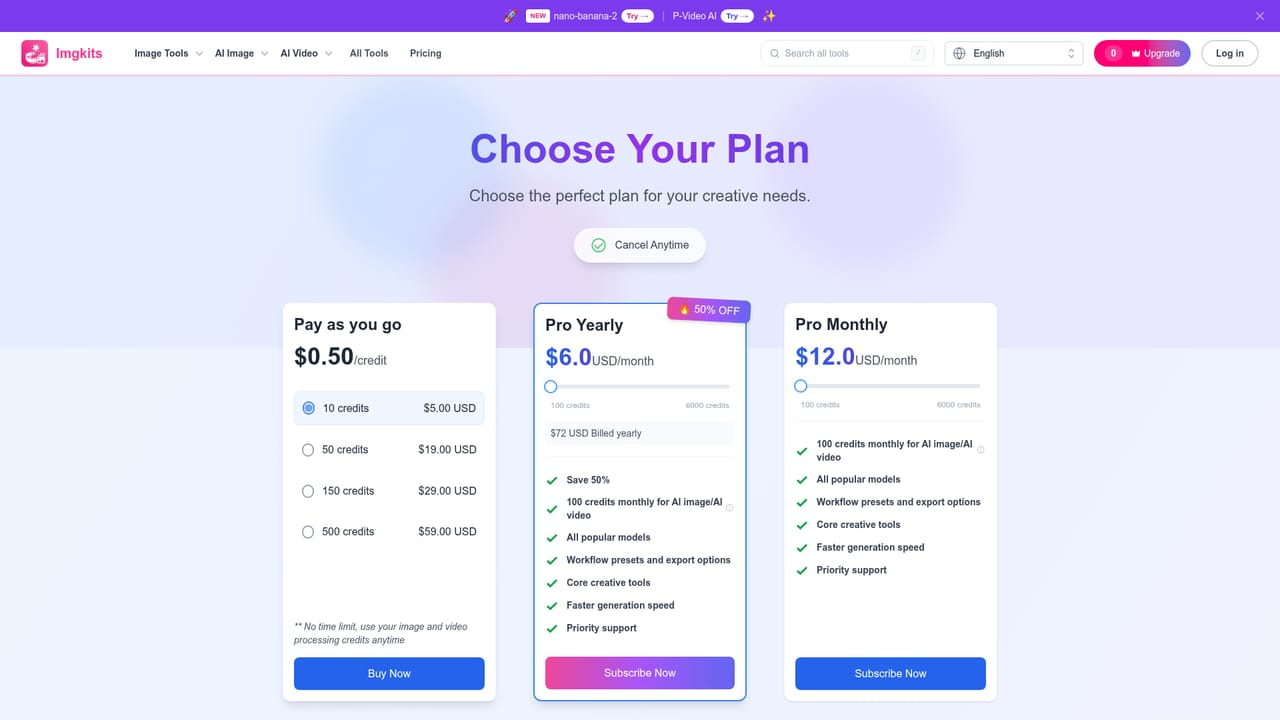
    Review the Pricing page to understand paid plan allowances if free usage limits are reached.
    Imgkits — Check pricing before scaling up usage

Pros and cons

Pros

  • Consolidates many image and video tasks (generation, editing, restoration, upscaling) in one browser toolAI
  • Designed for non-experts, requiring minimal technical skill to get usable resultsAI
  • Supports batch processing of multiple HD images for high-volume projectsAI
  • No software installation needed since it runs fully in the browserAI
  • Covers a wide range of niche generators like flyers, tattoos, emojis, and fantasy mapsAI

Cons

  • Homepage does not disclose specific pricing tiers or exact free usage limitsAI
  • Free access is described as limited, so meaningful use likely requires a paid planAI
  • Breadth of tools may come at the cost of depth compared to specialized single-purpose editorsAI
  • Supported file formats and size limits vary by tool and are not clearly listed upfrontAI
  • Subscription cancellation requires emailing support rather than a self-service optionAI

How much does Imgkits cost?

Free trial

The platform provides limited free trial access to its tools before requiring a paid plan for continued or expanded use.

Learn more

Pricing

Imgkits offers limited free access, with paid options available for additional usage. Exact prices and included features are listed on the Pricing page rather than the homepage.

Learn more

Support

Support is available through a dedicated support page, and subscription cancellations are handled by emailing the support address.

Learn more

Features

Image generation from text, natural-language image editing, background removal and replacement, photo restoration and colorization, upscaling, object and text removal, style filters, and image-to-video or text-to-video creation, with batch processing for HD images.

Learn more

Frequently asked questions about Imgkits

  • How much does Imgkits cost?
    Imgkits offers limited free access, with paid options available for additional usage. Exact prices and included features are listed on the Pricing page rather than the homepage.
  • Does Imgkits offer a free trial?
    The platform provides limited free trial access to its tools before requiring a paid plan for continued or expanded use.
  • How do you use Imgkits?
    The walkthrough on this page covers 6 steps: 1. Create an account and open the tool directory 2. Pick a task-specific tool 3. Upload an image or enter a prompt 4. Adjust settings and process 5. Preview, download, or batch process 6. Check pricing before scaling up usage.
  • What platforms does Imgkits support?
    Imgkits is available on Web App.
  • What are the limitations of Imgkits?
    Homepage does not disclose specific pricing tiers or exact free usage limits. Free access is described as limited, so meaningful use likely requires a paid plan. Breadth of tools may come at the cost of depth compared to specialized single-purpose editors.

Status

StatusActive
Views0
Outbound clicks0
Added10/9/2026

Platforms

Web App

Pricing

FreemiumFree TrialSubscription