Immerse

VR and AI glasses language training built for enterprise teams

Beginner
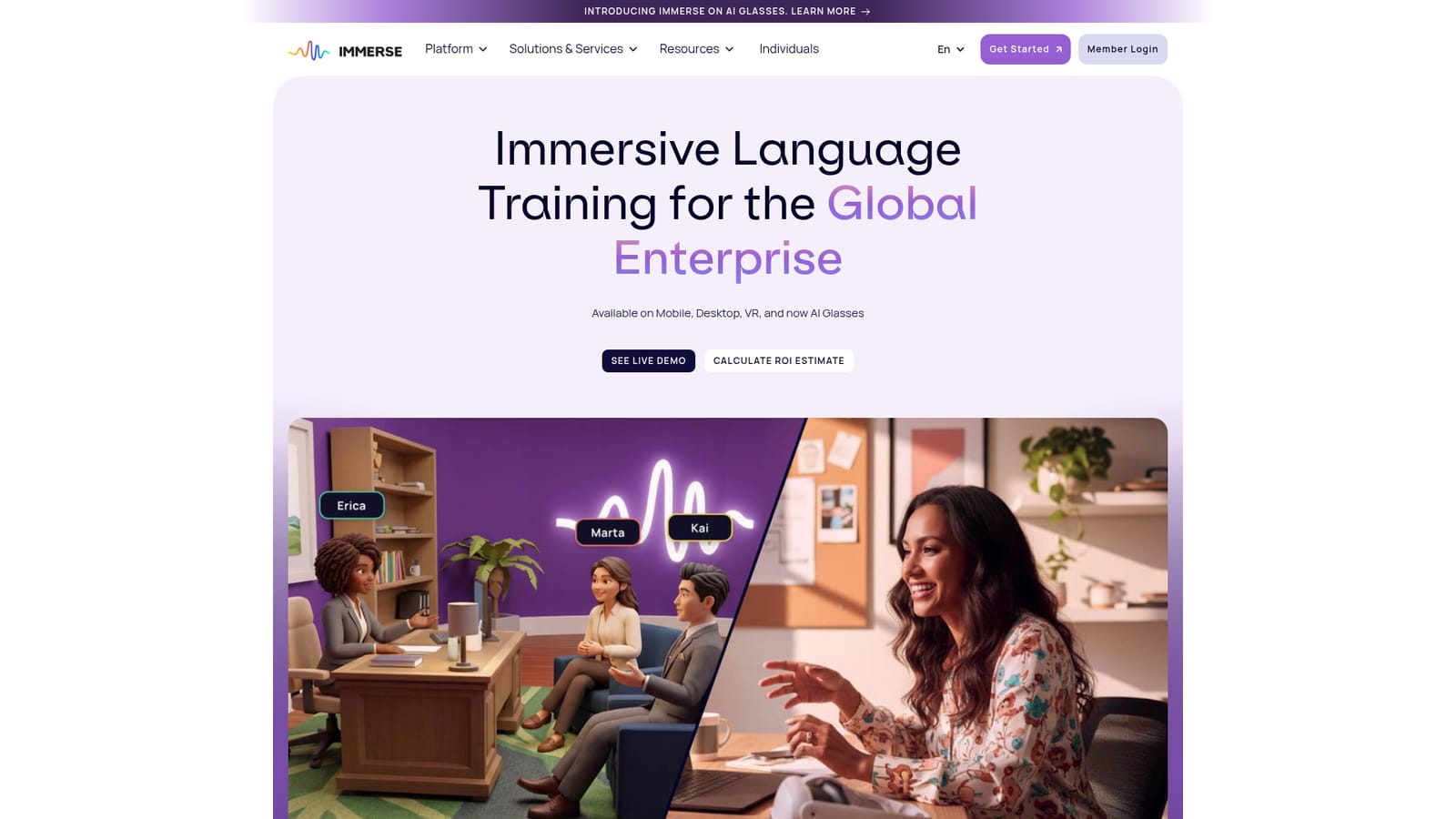
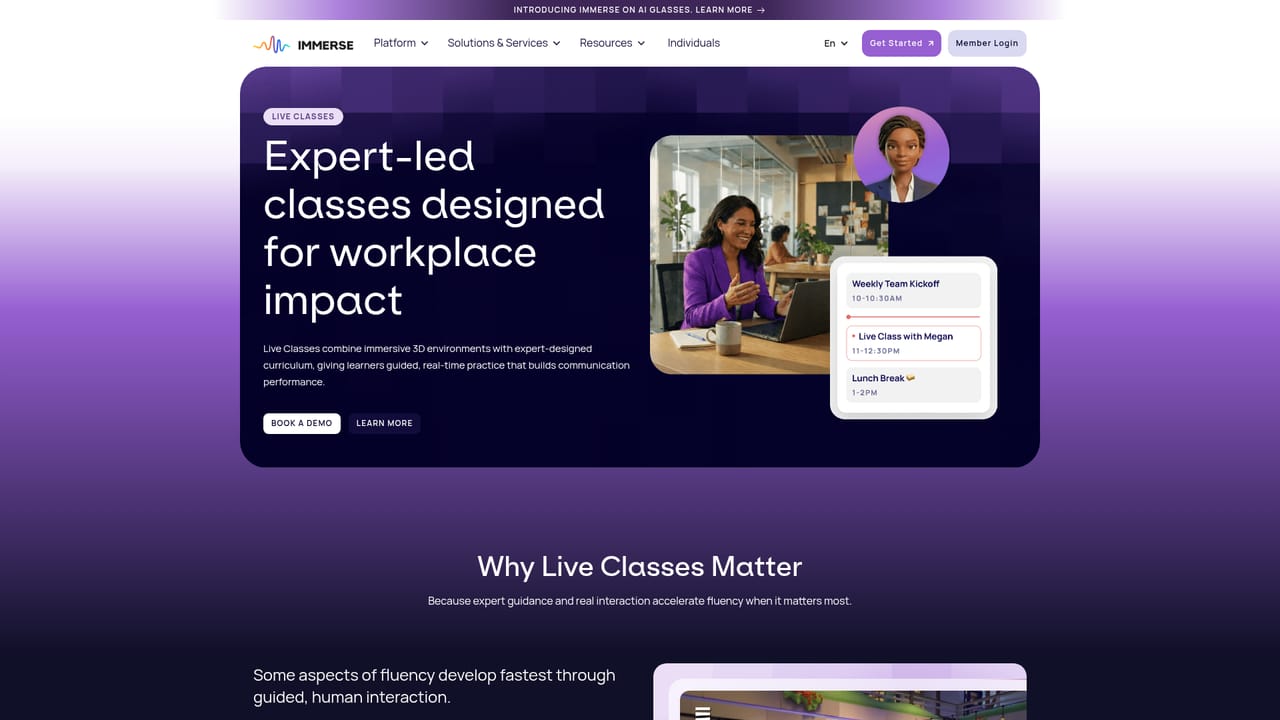
Screenshot of Immerse, VR and AI glasses language training built for enterprise teams

What is Immerse?

Immerse is a language learning tool. Enterprise language training platform combining VR conversation practice, live coach-led classes, avatar self-paced lessons, executive coaching and AI glasses capture across mobile, desktop and headsets, backed by fluency measurement and ROI reporting for HR and L&D teams.

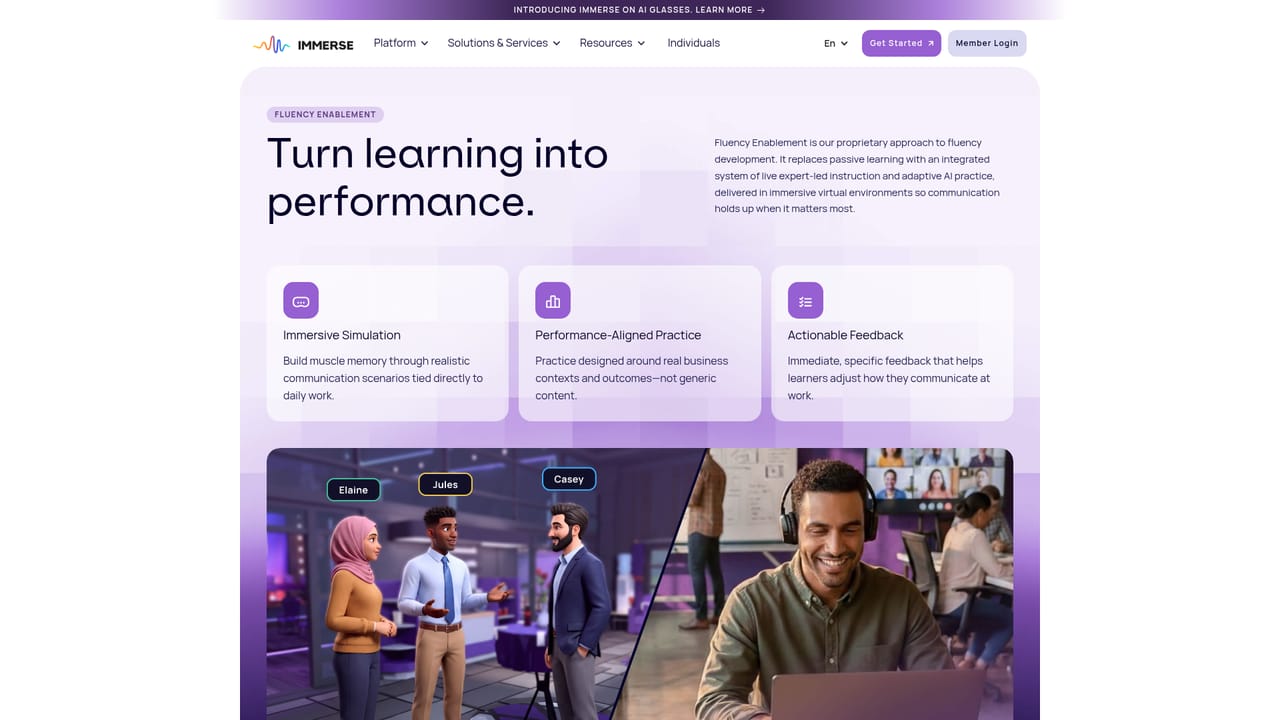
Immerse is an enterprise language training platform that puts learners inside simulated conversations instead of in front of flashcard decks. It runs across mobile, desktop, VR headsets and, more recently, AI glasses, and the core promise is real-world fluency: the ability to hold a confident business conversation with an executive, a prospect or a peer, not just to pass a grammar quiz. The company reports that more than 90 percent of employees describe the product as engaging or motivating, and it positions itself as two to three times more effective than conventional alternatives. The platform is organized as five connected layers rather than a single course. Fluency Enablement handles immersive practice, Fluency Mapping turns language ability into actionable insight, Fluency Intelligence applies AI to guide learning, Fluency Network adds peer learning at scale, and Fluency Impact surfaces business-level reporting for executives. Around that core sit three service tiers: drop-in daily live classes with expert coaches, self-paced lessons taught by an avatar coach, and custom one-on-one executive coaching. The AI glasses offering closes the loop by capturing real conversations and turning them into the next lesson. This is not a consumer app for casual learners. Immerse is sold to HR and learning and development leaders at multinationals, with named customers including Microsoft, Bosch, adidas, PwC, Santander, TGT Global, adage Technologies and Arizona State University. Individual learners can still sign up through a dedicated individuals track, and there is a fluency gap calculator for estimating return on investment before a pilot. The case studies span corporate, banking and higher education deployments, several of which involve thousands of learners at once, which tells you where the product is happiest. Compared with general-purpose language apps, Immerse leans hard on measurement and manager visibility: staffing and promotion decisions can be tied to fluency data rather than guesswork. The tradeoff is that the experience is structured around organizational rollout, so self-directed learners get less of the ecosystem than a company deployment does.

How do you use Immerse?

  1. 1Estimate the fluency gap and ROI
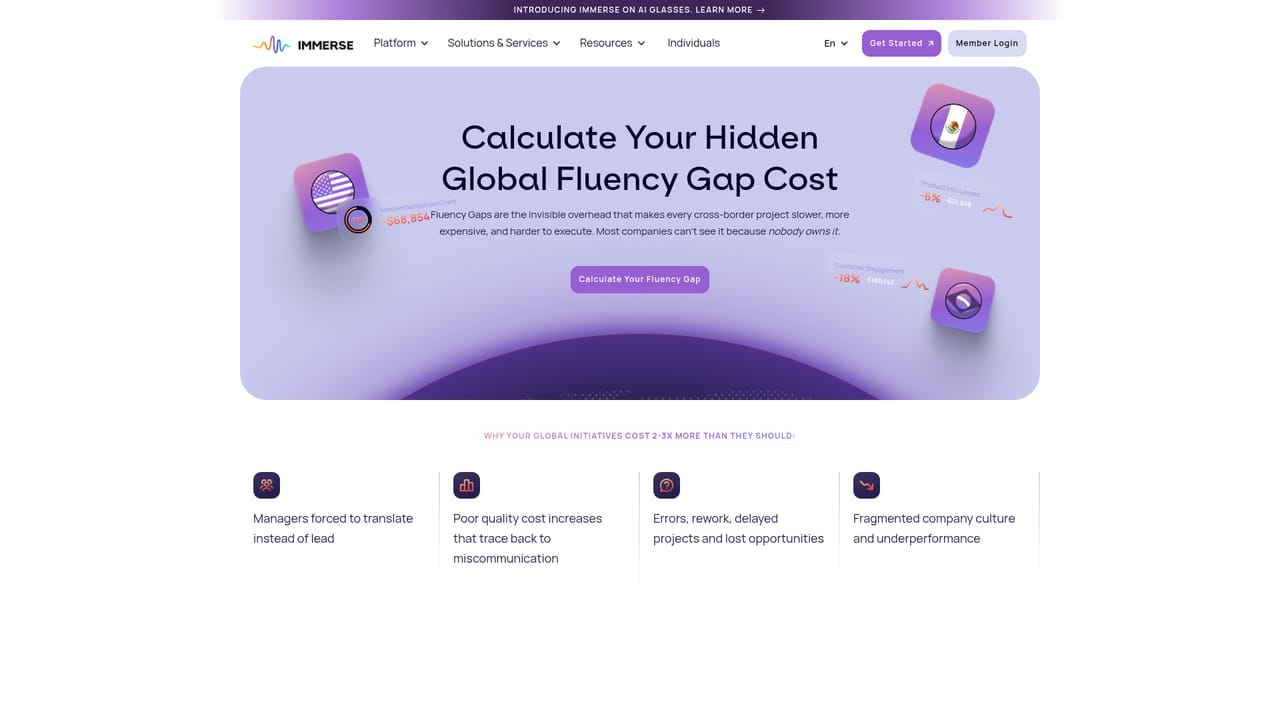
    Start with the fluency gap calculator to frame current capability against business needs and produce an internal cost justification before talking to the vendor.
    Immerse — Estimate the fluency gap and ROI
  2. 2Attend a live demo
    Join a scheduled live demo to see the platform in action and understand how the five fluency layers fit together in a real deployment.
    Immerse — Attend a live demo
  3. 3Review the fluency platform features
    Read through Fluency Enablement, Mapping, Intelligence, Network and Impact to decide which layers matter most for your teams.
    Immerse — Review the fluency platform features
  4. 4Choose a service mix
    Decide between drop-in live classes, avatar-led self-paced lessons and custom executive coaching, or combine them for different learner groups.
    Immerse — Choose a service mix
  5. 5Contact the team to scope a rollout
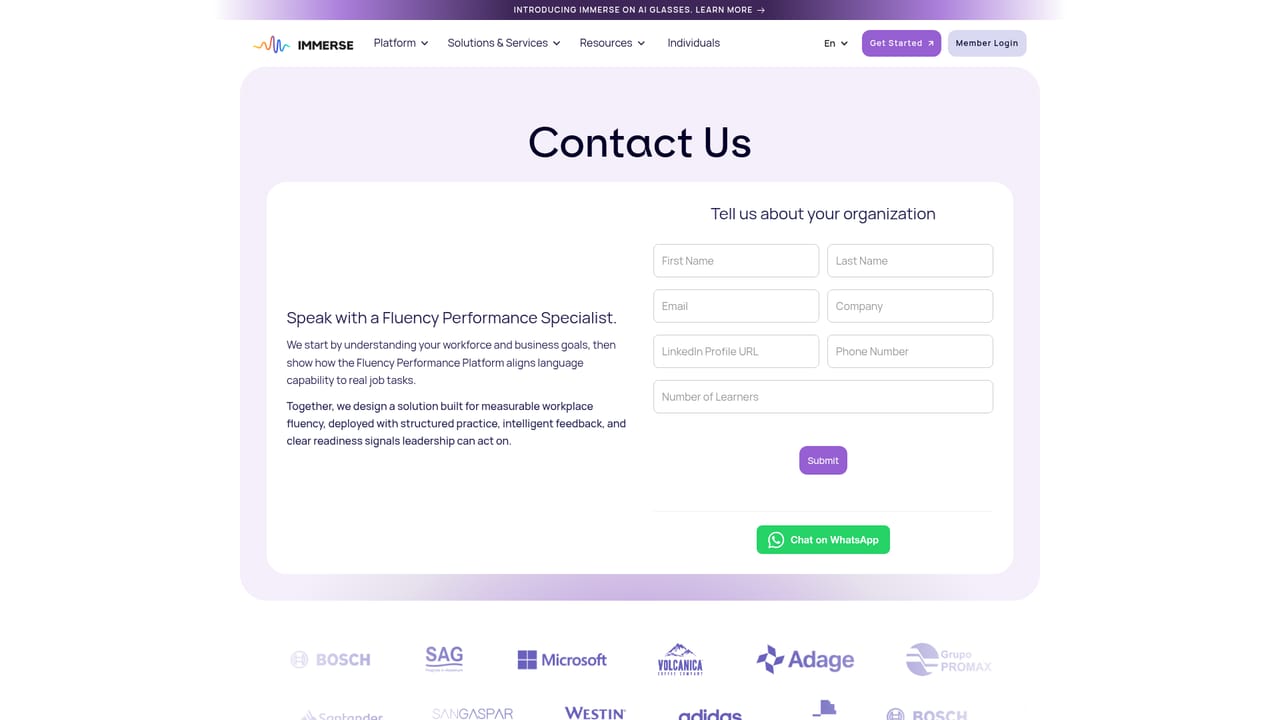
    Reach out to discuss learner numbers, languages, device availability and pilot design, then set up admin and learner accounts once terms are agreed.
    Immerse — Contact the team to scope a rollout
  6. 6Sign in and begin practice
    Once provisioned, learners log in to the member portal to join classes or start self-paced sessions on their chosen device, including VR or AI glasses where available.

Pros and cons

Pros

  • Practice happens inside immersive, voice-driven conversation scenarios rather than static drillsAI
  • Wide device coverage: mobile, desktop, VR headsets and AI glasses all feed the same programAI
  • Fluency Mapping and Fluency Impact give managers concrete data instead of anecdotal progress reportsAI
  • Flexible delivery mix spans drop-in live classes, avatar-led self-paced lessons and one-on-one coachingAI
  • Named enterprise references across banking, manufacturing, tech and higher education, including large multi-thousand learner rolloutsAI

Cons

  • Enterprise-first orientation means individuals get a thinner slice of the ecosystem than corporate buyersAI
  • No public pricing tiers or self-serve checkout, so evaluating cost requires contacting salesAI
  • Hardware-dependent experiences (VR, AI glasses) limit access for learners who lack the devicesAI
  • Most published evidence is vendor case studies, so independent head-to-head effectiveness comparisons are scarceAI
  • Full benefit depends on organizational rollout and manager involvement, not on solo sign-upAI

How much does Immerse cost?

Features

Five connected layers: immersive Fluency Enablement practice, Fluency Mapping language insights, AI-driven Fluency Intelligence, peer-based Fluency Network, and executive Fluency Impact reporting. Delivery options include drop-in daily live classes, one-on-one avatar language coaching, custom executive coaching, and AI glasses that turn real conversations into lessons. Runs on mobile, desktop, VR and AI glasses, with ROI estimation and a large case study library.

Learn more

Frequently asked questions about Immerse

  • How do you use Immerse?
    The walkthrough on this page covers 6 steps: 1. Estimate the fluency gap and ROI 2. Attend a live demo 3. Review the fluency platform features 4. Choose a service mix 5. Contact the team to scope a rollout 6. Sign in and begin practice.
  • What platforms does Immerse support?
    Immerse is available on Web App, iOS, Android and Windows.
  • What are the limitations of Immerse?
    Enterprise-first orientation means individuals get a thinner slice of the ecosystem than corporate buyers. No public pricing tiers or self-serve checkout, so evaluating cost requires contacting sales. Hardware-dependent experiences (VR, AI glasses) limit access for learners who lack the devices.

Status

StatusActive
Views0
Outbound clicks0
Added10/21/2026

Platforms

Web AppiOSAndroidWindows

Pricing

PaidSubscription