Free trial
The homepage offers a demo and a free evaluation of the app before you buy a license for continued use. No payment details for the trial are stated on the page.
Learn moreOne Mac app, many models, no monthly AI subscription

IntelliBar is a Mac chat client that connects to many models (GPT, Claude, Gemini, Grok, Llama, DeepSeek, sonar) plus local models via Ollama. You pay providers per token instead of a monthly subscription, chats stay on your device, and features include side by side comparison and slash commands.
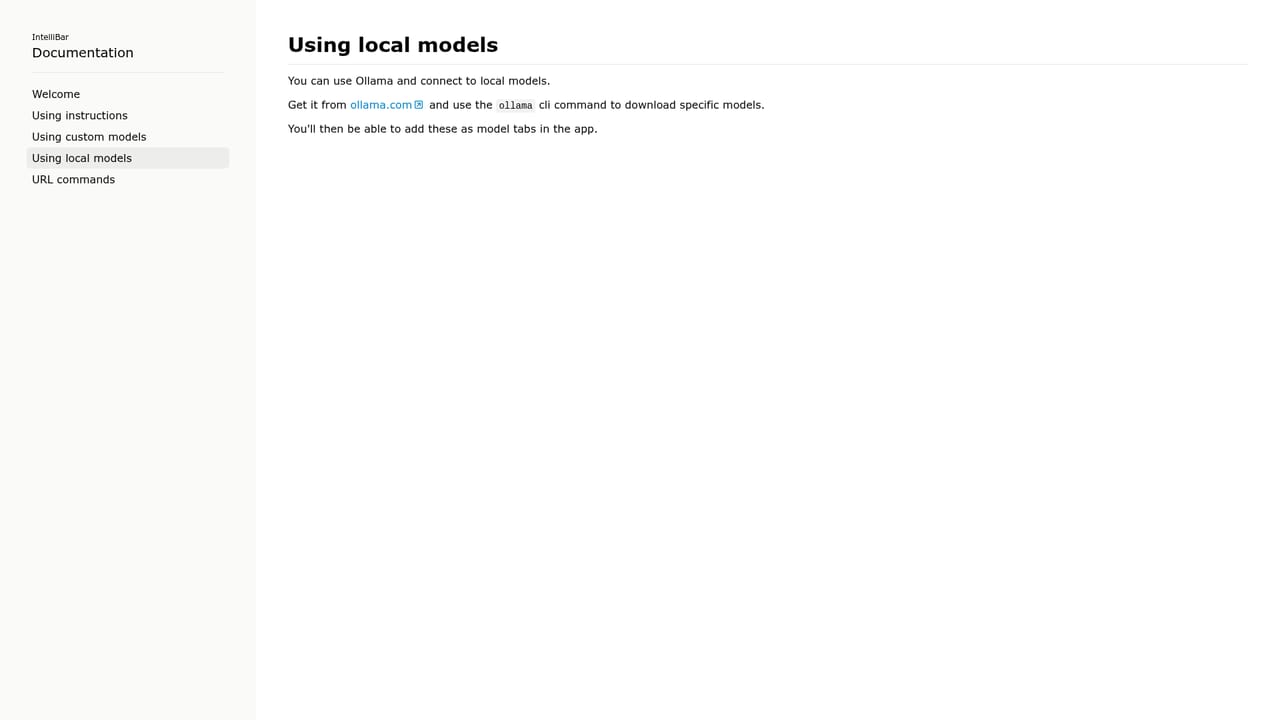
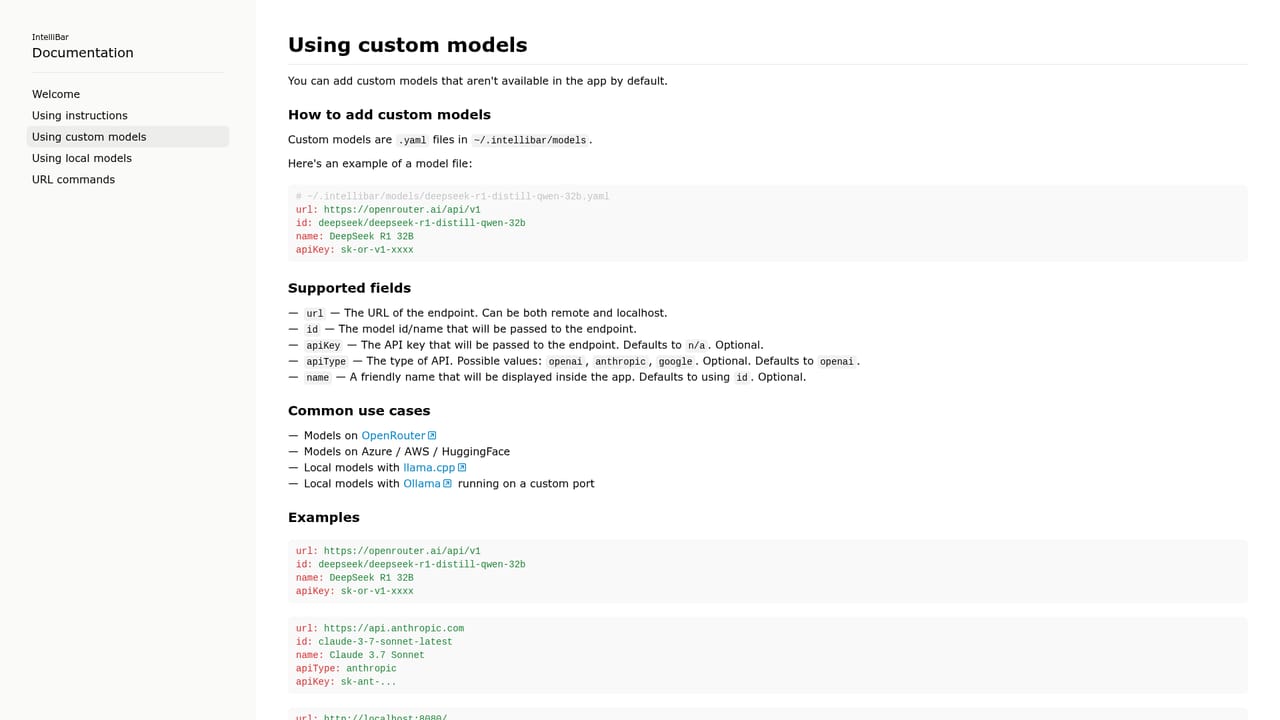
IntelliBar is a macOS chat client that puts ChatGPT, Claude, Gemini, Grok, Llama, DeepSeek, Qwen and Perplexity's sonar line behind a single fast interface. Rather than selling you a monthly seat, it lets you plug in API keys from the model providers you already use, so you pay those providers per token instead of paying a flat subscription for each assistant. The homepage frames this as the core value: three separate $20 subscriptions replaced by a single app and metered usage that can land in the low single dollars for occasional work. The app is built around workflow speed. A command menu on Cmd K reaches actions like reading a response aloud, asking by voice, editing the last prompt or finding text inside a chat, and Cmd O searches your conversation history. Any prompt can be dispatched to several models at once for side by side comparison, prompts auto complete as you type, and slash commands save recurring instructions (respond in Spanish, keep it brief, give five variants) for reuse. Privacy is handled differently from hosted chat services. Conversations are stored on your Mac rather than in a cloud account, and requests go directly to whichever provider you configured. For sensitive material you can run models locally through Ollama, or wire in any other model endpoint through custom model settings, so nothing leaves the machine. The tool suits Mac users who already juggle several AI assistants or who care about token costs and data handling: developers, researchers, writers and privacy conscious professionals. It is not a web app and it does not bundle its own model credits, so it competes less with a single ChatGPT subscription and more with the habit of keeping three browser tabs open. Anyone unwilling to manage API keys should look elsewhere.
The homepage offers a demo and a free evaluation of the app before you buy a license for continued use. No payment details for the trial are stated on the page.
Learn moreIntelliBar is sold as a license after a free evaluation period, with checkout handled through Lemon Squeezy. The app itself carries no subscription; you separately pay model providers per token for API usage, or nothing at all when running local models.
Learn moreBuilt in access covers the GPT, Claude, Gemini, Grok, Llama, DeepSeek and sonar model families, plus local models through Ollama and any other endpoint via custom model configuration.
Learn moreSide by side comparison sends one prompt to multiple models. Smart completions finish prompts as you type, a Cmd K command menu covers actions like voice input and read aloud, Cmd O searches chat history, and slash commands store reusable instructions. Chats are stored locally, requests go directly to providers, and local or custom models can be added.
 AI Angels400+ customizable AI girlfriends for NSFW chat, voice calls, and roleplay
 Candy AIExperience the future of companionship with AI friends who chat, role-play, and connect with you on a human level.
 ourdream.aiA vast AI roleplay platform with millions of characters for chat, images, video and voiceAI Angels400+ customizable AI girlfriends for NSFW chat, voice calls, and roleplayCandy AIExperience the future of companionship with AI friends who chat, role-play, and connect with you on a human level.ourdream.aiA vast AI roleplay platform with millions of characters for chat, images, video and voice


