Support
Support runs through contact channels for privacy requests and account help; a Trust and Security page and Privacy Policy document data handling, retention and the option to request access, correction or deletion.
Learn moreOne context file for resume checks, mock interviews and live cues.
Own InterviewCue AI? Verify ownership to get a dofollow link
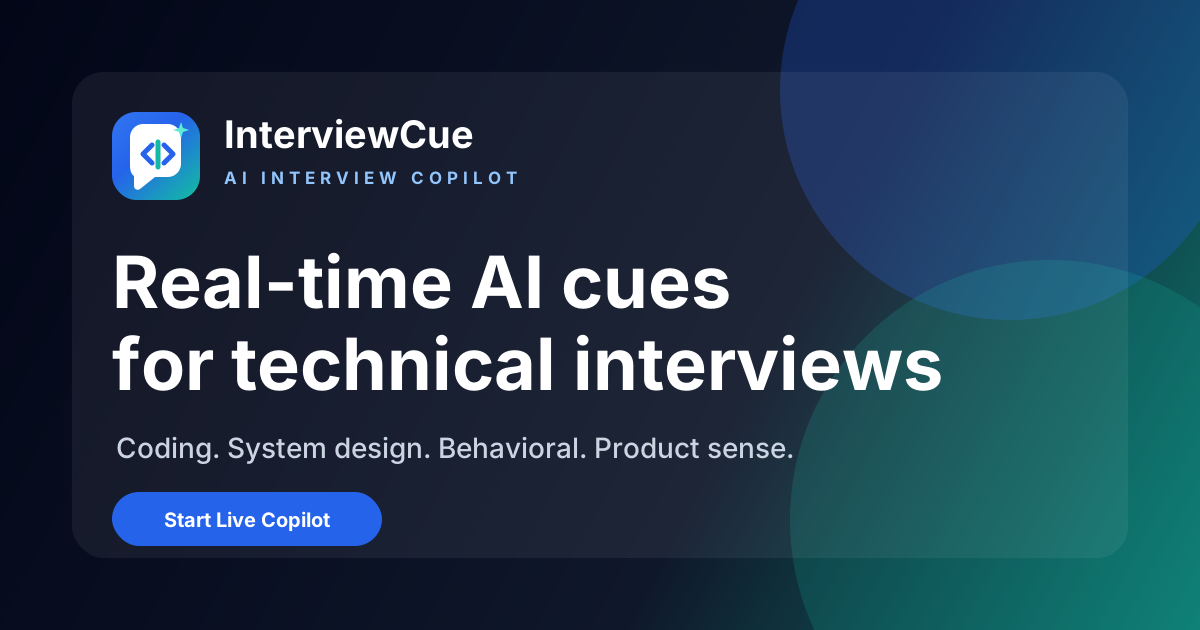
InterviewCue AI is a career tool. InterviewCue AI links resume analysis, adaptive mock interviews and a real-time interview copilot using one shared resume and job description. Built for software and internet industry roles, it produces an 11-dimension readiness report, scored practice feedback and live answer cues where permitted.
InterviewCue AI is an interview preparation workspace built around a single idea: the resume and target job description should follow the candidate through every stage of preparation. Instead of buying three separate tools for resume checking, practice and live support, users load their resume, job description and target role once, and the product reuses that context across three connected modules. It is positioned for technical and non-technical roles in the software and internet industry, with named coverage for engineering, product, data, machine learning, marketing, growth, operations, customer success, DevOps, infrastructure and QA/SDET. The first module is a resume and readiness report that compares the CV against the job description across 11 dimensions, including ATS alignment, role fit, strengths, current issues, risk points that invite follow-up questions, optimization priorities and high-frequency questions for the target role. The second module is a mock interview that generates questions and adaptive follow-ups from the resume, seniority level and interview format, then scores each answer on relevance, clarity, structure and depth. Recorded responses can be replayed to review delivery. The third module, Interview Copilot, works during a live interview and surfaces answer structures, talking points, resume examples and likely follow-up areas once a question is detected. In practice, the loop is analyze, practice, perform. Gaps found in the resume report feed the question set in the mock interview, and feedback from practice informs what the copilot emphasizes later. Supporting material includes an interview question bank organized by format (behavioral, system design, coding, product sense, case, strategy), a free STAR answer generator and a blog with role-specific prep guides. Against standalone resume scanners or generic AI interview coaches, the differentiator is the shared context and the explicit positioning around software-industry hiring. The copilot is the part to think about carefully: the vendor itself frames it as a way to organize your own experience and says it should be used only where the interviewer or employer permits it, so it is not a substitute for knowing your own stories.
Support runs through contact channels for privacy requests and account help; a Trust and Security page and Privacy Policy document data handling, retention and the option to request access, correction or deletion.
Learn moreThree connected modules: an 11-dimension ATS and interview readiness report, resume-based mock interviews with adaptive follow-ups, scoring and recorded answers, and a live Interview Copilot that surfaces answer structures and talking points. Supporting resources include a role-specific question bank, a free STAR answer generator and preparation guides.
Learn more AI Angels400+ customizable AI girlfriends for NSFW chat, voice calls, and roleplay
 Candy AIExperience the future of companionship with AI friends who chat, role-play, and connect with you on a human level.
 ourdream.aiA vast AI roleplay platform with millions of characters for chat, images, video and voiceAI Angels400+ customizable AI girlfriends for NSFW chat, voice calls, and roleplayCandy AIExperience the future of companionship with AI friends who chat, role-play, and connect with you on a human level.ourdream.aiA vast AI roleplay platform with millions of characters for chat, images, video and voice