Free trial
The homepage references a default free trial and canceling anytime, and offers a free start link, but the trial length is not stated.
Learn moreRehearse job interviews with a conversational AI interviewer that talks back.
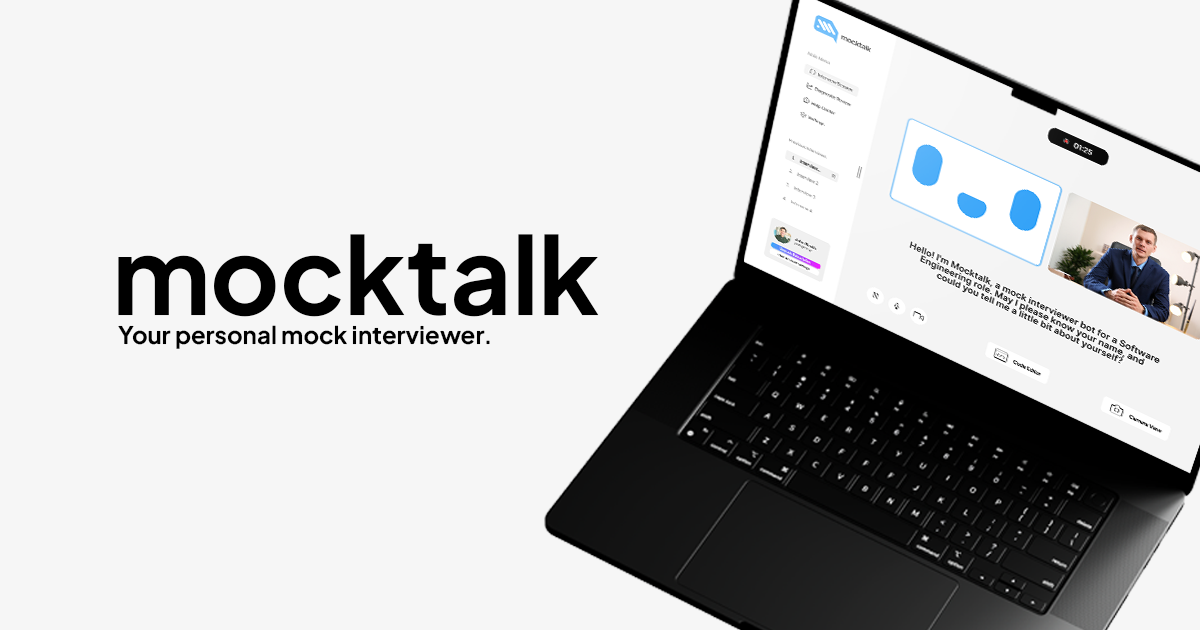
Mocktalk is a career tool. A conversational AI interviewer for job candidates. It generates role specific questions from a job title or description, runs live behavioral and technical mock interviews with follow-up questions, and reviews recordings with transcript and speech analysis.
Mocktalk is a conversational AI interviewer built for job interview rehearsal. Rather than serving static question lists, it holds a live back and forth: the tool asks, you answer out loud, and it responds in real time with follow-ups that push past surface answers. The setup is deliberately short. You describe the role by entering a job title and company or pasting a job description, and Mocktalk proposes a set of tailored questions you can edit before starting. The product splits practice into two tracks. Behavioral sessions cover the non-technical side, while technical sessions lean on interactive coding practice with a code compiler so software candidates can work through problems the way they would with a real interviewer. The number of stages allowed inside a single session depends on the plan you pick, so a prep routine that chains behavioral and technical rounds together sits behind the higher tiers. After a session ends, Mocktalk turns the recording into a review. A line by line transcript breakdown lets you see each answer word for word, and the analysis comments on both what you said and how you sounded. Video and audio playback make it possible to catch filler words and pacing, and on paid tiers recordings can be shared with a mentor or friend for outside feedback. It fits candidates preparing for a specific posting rather than people browsing generic interview trivia, and the free plan appears aimed at trying the format before committing. Compared with question banks or human mock interview services, Mocktalk trades the scheduling and cost of a live coach for on demand repetition with an AI that can be interviewed as often as your plan allows.
The homepage references a default free trial and canceling anytime, and offers a free start link, but the trial length is not stated.
Learn moreStarter is $9.99 per month with 5 interviews per week, one interview stage per session, standard feedback, and video and audio playback. Pro is $19.99 per month with 20 interviews per week, up to two stages, an unlimited question bank, detailed analytics, and recording sharing. Custom pricing adds unlimited interviews, customizable feedback, priority support, and human expert advice.
Learn moreSupport is included on paid plans, with 24/7 priority support reserved for the Custom tier. The homepage does not describe support channels.
No third party integrations are described. The only signup listed is a free newsletter for interview best practices and recruiting trends.
Tailored question sets built from a job title, company, or pasted description; a human-like interviewer with real-time responses and intelligent follow-up questions; behavioral and technical formats, the latter with a code compiler; post-interview analysis with a line by line transcript breakdown covering response content and speech; video and audio playback; and recording sharing for feedback on paid plans.
 AI Angels400+ customizable AI girlfriends for NSFW chat, voice calls, and roleplay
 Candy AIExperience the future of companionship with AI friends who chat, role-play, and connect with you on a human level.
 ourdream.aiA vast AI roleplay platform with millions of characters for chat, images, video and voiceAI Angels400+ customizable AI girlfriends for NSFW chat, voice calls, and roleplayCandy AIExperience the future of companionship with AI friends who chat, role-play, and connect with you on a human level.ourdream.aiA vast AI roleplay platform with millions of characters for chat, images, video and voice