Integrations
Intuit Assist is not a separate tool that connects to outside apps. It is built into Intuit's own products: TurboTax, QuickBooks, Credit Karma and Mailchimp.
Generative AI built into TurboTax, QuickBooks, Credit Karma and Mailchimp.
Own Intuit Assist? Verify ownership to get a dofollow link

Intuit Assist is Intuit's generative AI financial assistant, built into TurboTax, QuickBooks, Credit Karma and Mailchimp. It produces personalized recommendations and insights from a customer's own financial data inside each product, aimed at small businesses and individual taxpayers rather than sold as a standalone tool.
Intuit Assist is a generative AI layer that Intuit is building into its own consumer and small business products rather than selling as a standalone app. The premise is that the assistant already sits next to the data it needs: the ledger in QuickBooks, the return being prepared in TurboTax, the credit profile in Credit Karma, the campaign in Mailchimp. Because of that placement, its output is framed as personalized recommendations drawn from a customer's own financial records instead of generic answers from a blank chat box. What that looks like depends on the product. In TurboTax, Intuit positions Intuit Assist around filing taxes accurately and quickly. In QuickBooks, the emphasis is on surfacing relevant insights about the business and taking routine work off the owner's plate. Credit Karma is pitched as help with money decisions across a member's financial journey, and Mailchimp as a way to grow and engage customers with a button press. Small business owners appear as a cross-product audience that Intuit wants to serve end to end. The practical audience is therefore existing Intuit subscribers: a sole trader or bookkeeper inside QuickBooks, a taxpayer in TurboTax, a Credit Karma member, or a marketer in Mailchimp. Getting started means having an account in one of those products, since Intuit Assist is described as working inside each of them. Intuit has published product walkthrough videos for each surface and points readers to dedicated launch posts for the deeper detail. Where it fits among alternatives is narrower than general purpose chatbots and broader than a single feature. It is not a general financial advisor and it is not available to people outside the Intuit ecosystem. Anyone weighing it should treat the homepage as a product direction statement: Intuit explicitly calls out that forward-looking statements describe expected functionality, that there is no obligation to deliver future features, and that this should not be relied on for a purchasing decision. Despite the announcement framing, the value proposition is concrete: financial software that drafts, explains and recommends using the customer's own numbers.
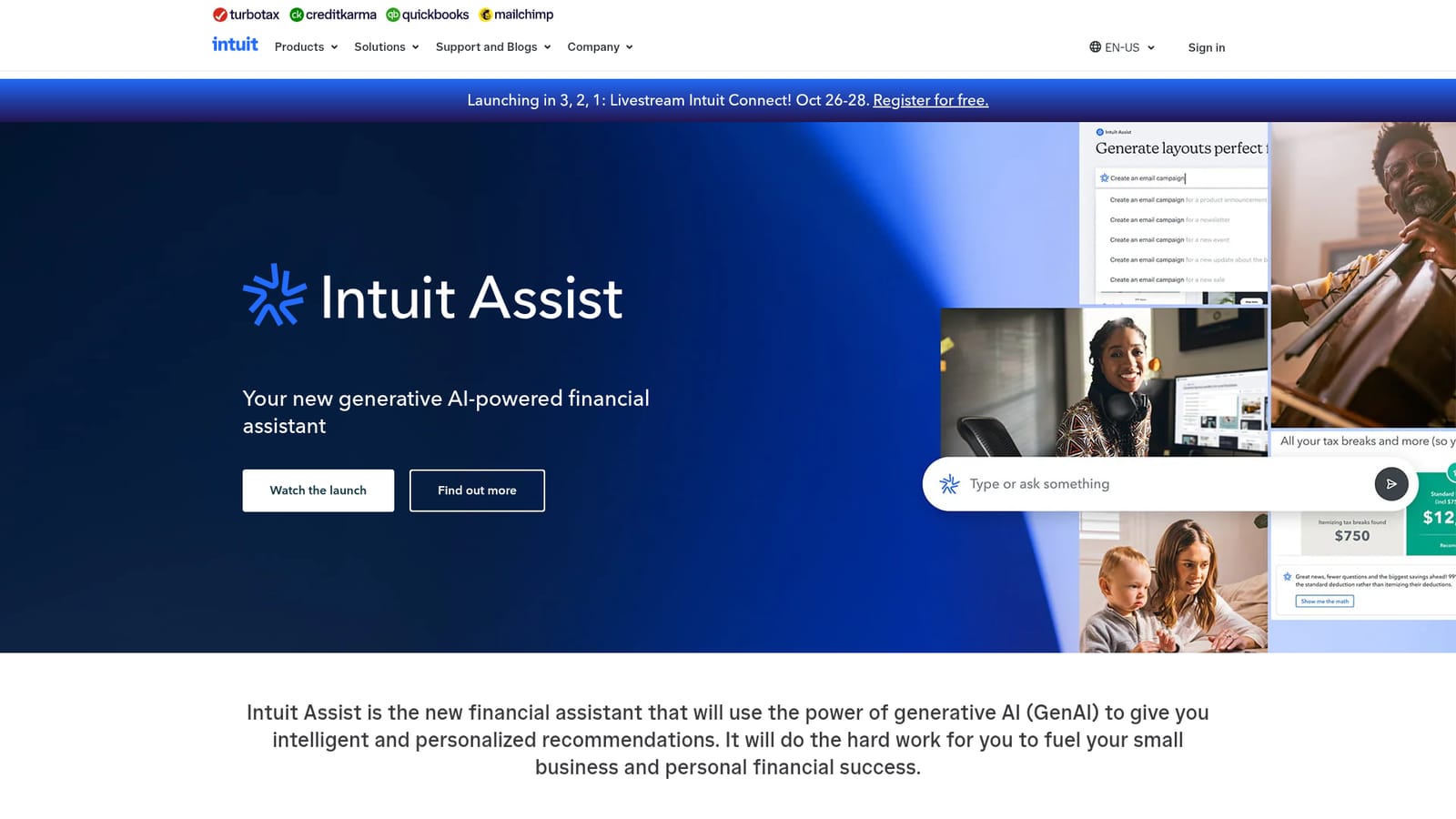
Intuit Assist is not a separate tool that connects to outside apps. It is built into Intuit's own products: TurboTax, QuickBooks, Credit Karma and Mailchimp.
Generative AI assistance embedded in Intuit products: tax filing help in TurboTax, business insights and task automation in QuickBooks, money decision support in Credit Karma, and customer growth help in Mailchimp. Each is presented as personalized output based on the customer's own financial data, with dedicated walkthrough videos for every product surface.
Learn more AI Angels400+ customizable AI girlfriends for NSFW chat, voice calls, and roleplay
 Candy AIExperience the future of companionship with AI friends who chat, role-play, and connect with you on a human level.
 ourdream.aiA vast AI roleplay platform with millions of characters for chat, images, video and voiceAI Angels400+ customizable AI girlfriends for NSFW chat, voice calls, and roleplayCandy AIExperience the future of companionship with AI friends who chat, role-play, and connect with you on a human level.ourdream.aiA vast AI roleplay platform with millions of characters for chat, images, video and voice


