Integrations
The homepage names Google Calendar, Microsoft Calendar and iCal for scheduling, plus email and messenger for reminders. Azure is the stated hosting platform. No wider integration catalogue is published.
An AI co-teacher that plans lessons, builds themes and keeps your calendar in sync.
Own IRL PLAYground? Verify ownership to get a dofollow link
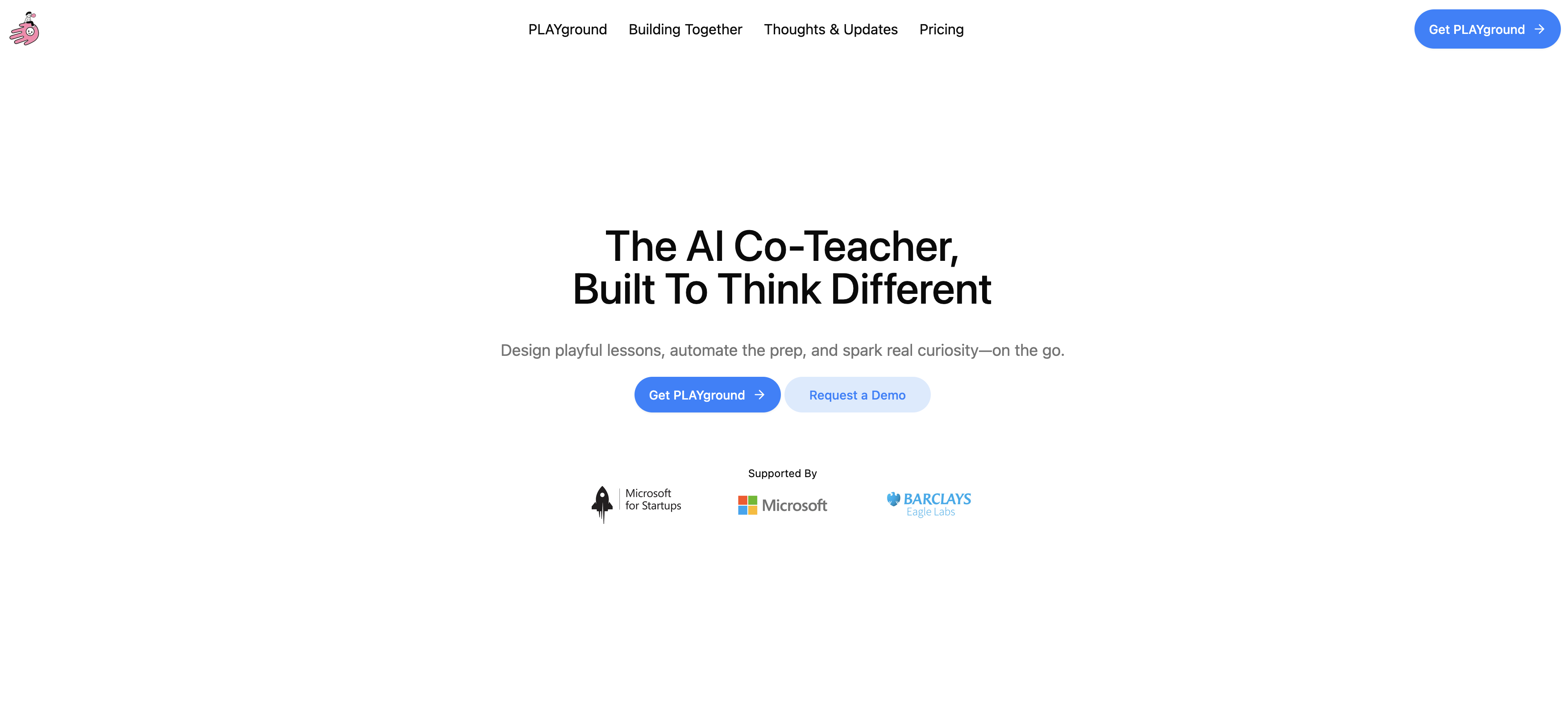
IRL PLAYground is an AI co-teacher built around a conversational assistant called Nalae. Teachers talk through a term or topic, and Nalae turns it into themed lessons, activity suggestions and book selections, then schedules them into Google, Microsoft or iCal calendars.
IRL PLAYground is a web based planning environment for teachers, positioned as an AI co-teacher rather than a generic chatbot. Its central character is Nalae, a conversational assistant that listens to what you are trying to teach and then helps shape it into themes, lessons and activities. The premise is that planning is the part of teaching that eats evenings and weekends, so the product tries to hold lesson plans, admin tasks and scheduling in one place instead of scattering them across documents and inboxes. In practice the workflow starts with a conversation. You tell Nalae about a term, a topic or a group of learners, and it proposes a theme with connected lessons. Themes act as containers: each one carries its own plan, a set of activities with real world connections, and a bookshelf of stories and picture books that support the teaching. You can upload your own materials and ask for a fresh angle on them, or start from a shared library of ready made themes that other educators have built and published. Anything you make can be exported and printed for lessons that happen away from a screen. The assistant is designed to keep the wider picture in view. It tracks seasonal changes and cultural dates so lessons can hook onto them, and the chat keeps a running comment trail tied to lessons so progress and reactions are recorded next to the plan. Calendars are the other half of the proposition: Google Calendar, Microsoft Calendar and iCal connections feed scheduled themes, lessons and resources straight into your existing diary, with in built to dos pushing reminders to email and messenger. The tool sits somewhere between a lesson planning platform and an AI writing assistant. It is closer to the former in structure and closer to the latter in how you drive it. Privacy is a stated priority: the site says teacher data is not used for training, nothing is retained by AI partners, storage sits in the EU, and the setup is described as aligned with GDPR, COPPA and FERPA, hosted on Azure. It suits early years and primary style teaching with its emphasis on play, routines and stories, and it speaks multiple languages.
The homepage names Google Calendar, Microsoft Calendar and iCal for scheduling, plus email and messenger for reminders. Azure is the stated hosting platform. No wider integration catalogue is published.
Conversational planning with Nalae, themes that group lessons and activities, per theme bookshelves of stories, activity and resource suggestions, upload of your own materials, a shared library of educator made themes, calendar scheduling with reminders, export and print, multilingual conversation, and a stated privacy model with no training on your data and EU storage.
 AI Angels400+ customizable AI girlfriends for NSFW chat, voice calls, and roleplay
 Candy AIExperience the future of companionship with AI friends who chat, role-play, and connect with you on a human level.
 ourdream.aiA vast AI roleplay platform with millions of characters for chat, images, video and voiceAI Angels400+ customizable AI girlfriends for NSFW chat, voice calls, and roleplayCandy AIExperience the future of companionship with AI friends who chat, role-play, and connect with you on a human level.ourdream.aiA vast AI roleplay platform with millions of characters for chat, images, video and voice