Free trial
No free trial of the paid application service is stated on the homepage. The job tracker and cover letter generator are free to use, and the site refers to its self-service tools as free.
Learn moreAuto-apply to jobs with a human checking every send

Jobr Pro is an auto-apply job search service that matches users to roles on company career pages, drafts tailored resumes and cover letters, and has a human reviewer check each application before submission. Free tools include a resume builder, cover letter generator, portfolio builder, and job tracker.
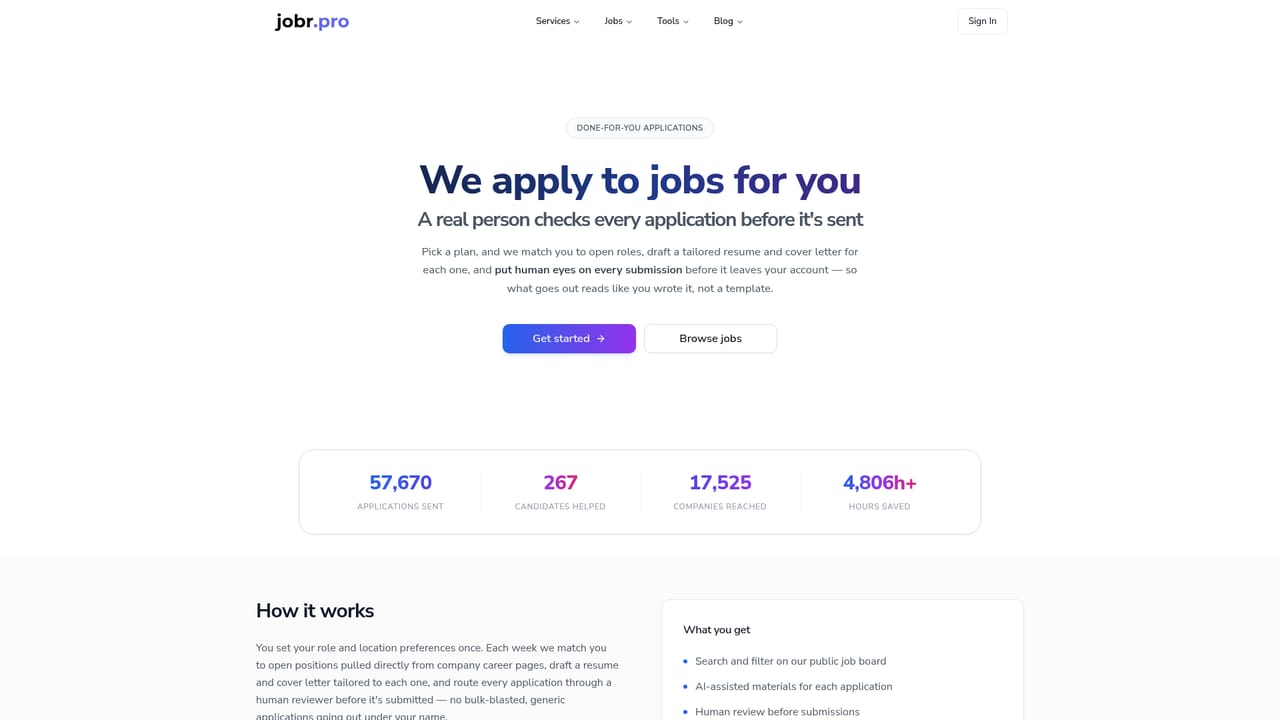
Jobr Pro is a done-for-you job application service. Instead of handing the whole process to a bot, it pairs AI matching and drafting with a human reviewer who inspects each submission before it leaves the platform. Users supply a resume, preferences, and any custom instructions once, and the service starts sending applications the same week. The workflow has four moving parts. First, onboarding collects target roles, seniority, locations, work setting (remote, hybrid, or on-site), and salary range, plus notes on cover letter tone. Second, the matching engine pulls openings from company career pages and ATS listings rather than relying only on LinkedIn Easy Apply, which the company argues means fewer candidates per role. Third, each application gets a resume rewritten around the job description's keywords, an AI-drafted cover letter that a person then edits, and a final quality pass that catches wrong seniority levels, expired postings, and formatting that would break in an applicant tracking system. Fourth, everything lands in a job tracker where the user can review what went out, adjust targeting, or pause the service. It suits active job seekers who want volume without the repetitive form filling, particularly people who dislike Workday-style account creation and multi-step career site forms. Users can also drop specific roles into a wishlist and let the team handle the full application, including complicated forms. Jobr Pro sits between free auto-apply browser extensions and fully automated submission bots. The human review step is the main differentiator, and it is aimed at applicants worried about sending obviously machine-generated material to employers. The supporting free tools (resume builder, cover letter generator, portfolio builder, Chrome extension, job tracker) let people test the product before paying for the application service. Coverage is limited to the United States, United Kingdom, Germany, the Netherlands, Canada, France, Ireland, and Australia.
No free trial of the paid application service is stated on the homepage. The job tracker and cover letter generator are free to use, and the site refers to its self-service tools as free.
Learn moreApply For Me starts at $19/week for 50 applications, $44/month for 120 applications, or $97 for 360 applications over three months. The job tracker, cover letter generator, resume builder, portfolio builder, and Chrome extension are free to use.
Learn moreA Chrome extension saves jobs from LinkedIn, Indeed, and Workable into Jobr. Portfolio creation can pull from GitHub repositories. No other integrations are described.
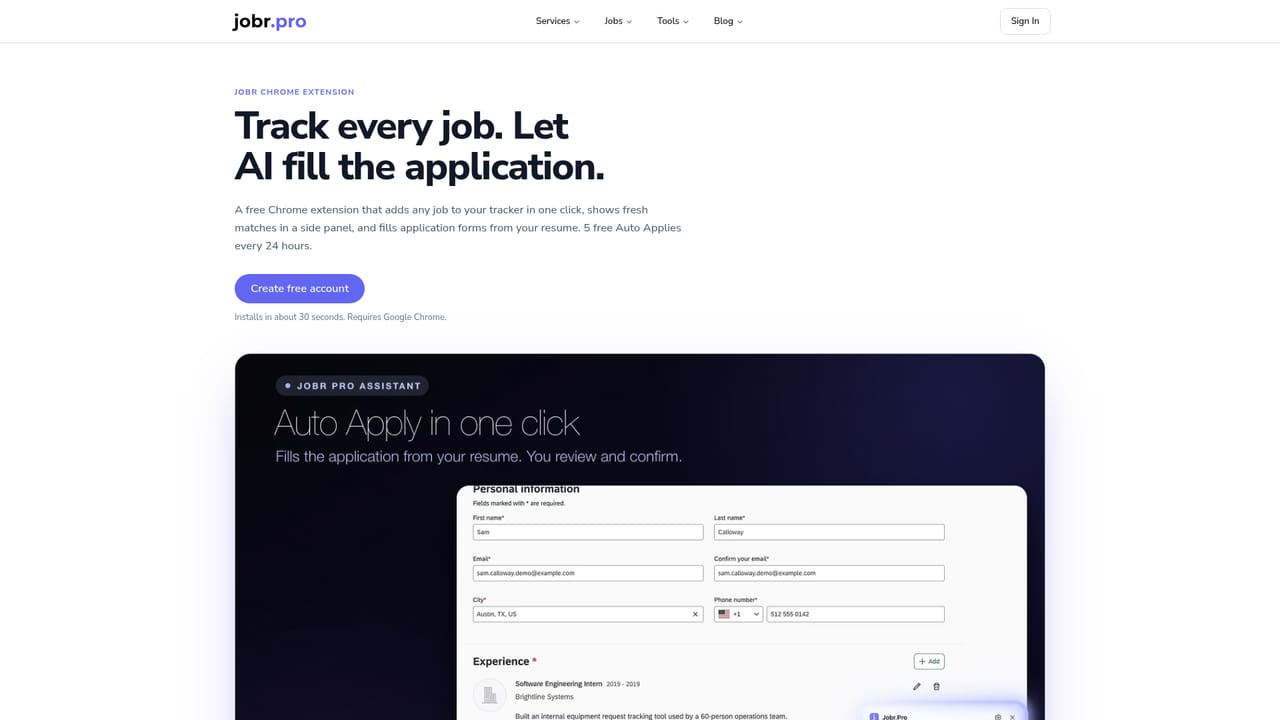
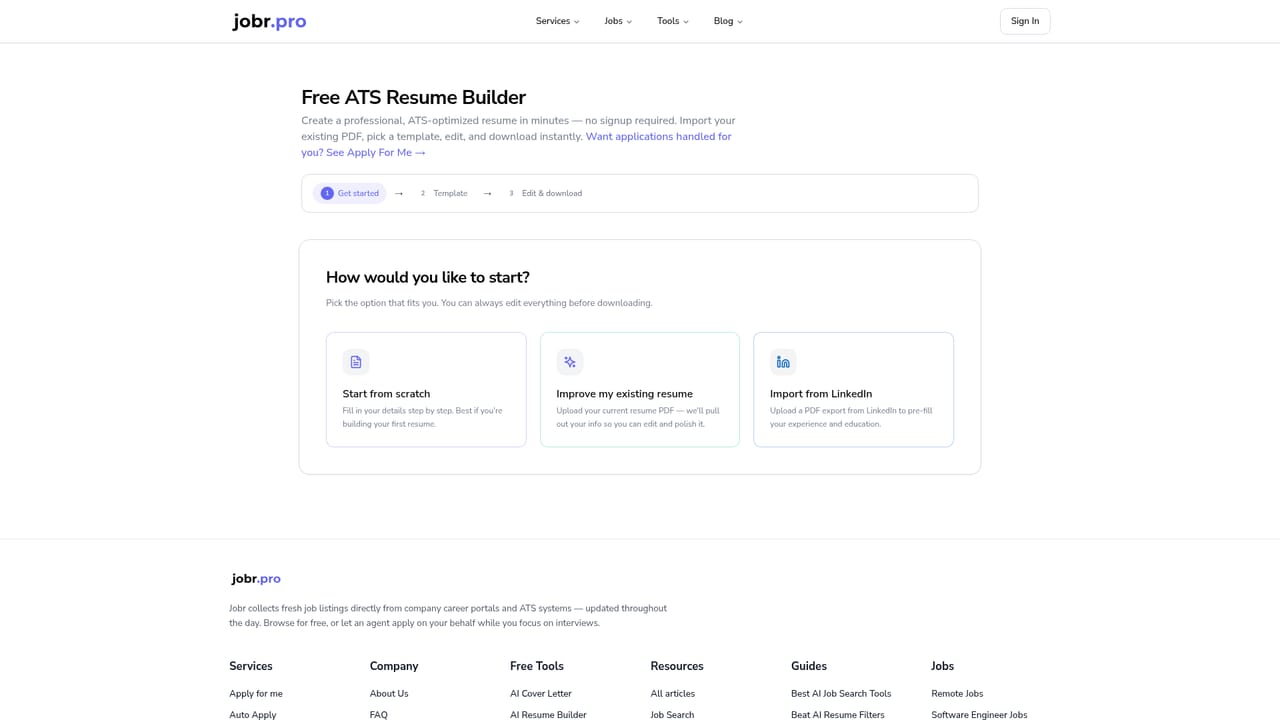
Learn moreCore features are AI role matching against company career pages and ATS listings, keyword-optimised resumes per posting, AI-written cover letters edited by a person, a human quality check before every submission, wishlist applications for roles found elsewhere, and a job tracker. Free standalone tools cover resume building, cover letter generation, portfolio creation from GitHub, and a Chrome extension for saving jobs from LinkedIn, Indeed, and Workable.
Learn more AI Angels400+ customizable AI girlfriends for NSFW chat, voice calls, and roleplay
 Candy AIExperience the future of companionship with AI friends who chat, role-play, and connect with you on a human level.
 ourdream.aiA vast AI roleplay platform with millions of characters for chat, images, video and voiceAI Angels400+ customizable AI girlfriends for NSFW chat, voice calls, and roleplayCandy AIExperience the future of companionship with AI friends who chat, role-play, and connect with you on a human level.ourdream.aiA vast AI roleplay platform with millions of characters for chat, images, video and voice


