Joobee

Job search workspace that pairs AI resume tailoring with application tracking

Beginner
Screenshot of Joobee, Job search workspace that pairs AI resume tailoring with application tracking

What is Joobee?

Joobee is a job search workspace that combines AI assisted resume tailoring with application tracking, aimed at early career candidates, students, and professionals who want their search organized as a pipeline rather than a pile of tabs. Its blog covers resume writing, ATS realities, and follow-up discipline.

Joobee is a job search workspace that combines resume building and AI tailoring with a pipeline for tracking applications. Its blog and product materials frame the problem the same way: most candidates lose control of their search across scattered browser tabs, dead links, email folders and spreadsheets, and most resumes are written for an imagined robot screener rather than a human reader. Joobee positions itself against both habits by keeping resume work and application tracking in one place, with AI assistance applied to tailoring rather than to guessing at a universal applicant tracking system score. The publishing side of the site is unusually specific about audience. Guides cover first-job and internship candidates (high school resumes, getting hired without formal experience), working professionals in defined fields such as teaching and computer programming, and anyone rebuilding a resume after weak bullets, vague summaries or formatting that hurts readability. A comparison of resume builders for high school students is written by the same team, which suggests the product aims at early career users as a deliberate segment rather than treating them as an afterthought. Each guide tends to show a weak example next to an improved one, which mirrors how the tailoring workflow is meant to function: start from what you already have, then sharpen the evidence. In practice the search is treated as a measurable pipeline. Roles get captured quickly when they are found, resumes are tailored per application with intent, and follow-ups are scheduled so interviews do not stall from silence. The ATS article on the site argues there is no single score to beat, but that recruiting software still affects whether a resume is parsed, found and prioritized, so formatting and keyword choices matter for practical reasons rather than superstition. Compared with general resume builders, Joobee's differentiator is the pairing of document work with tracking; compared with bare spreadsheets, it adds AI tailoring and structured capture. The site is content-led, so pricing, platform coverage and third-party integrations are not documented on the homepage and should be confirmed directly before committing.

How do you use Joobee?

  1. 1Read the guide that matches your situation
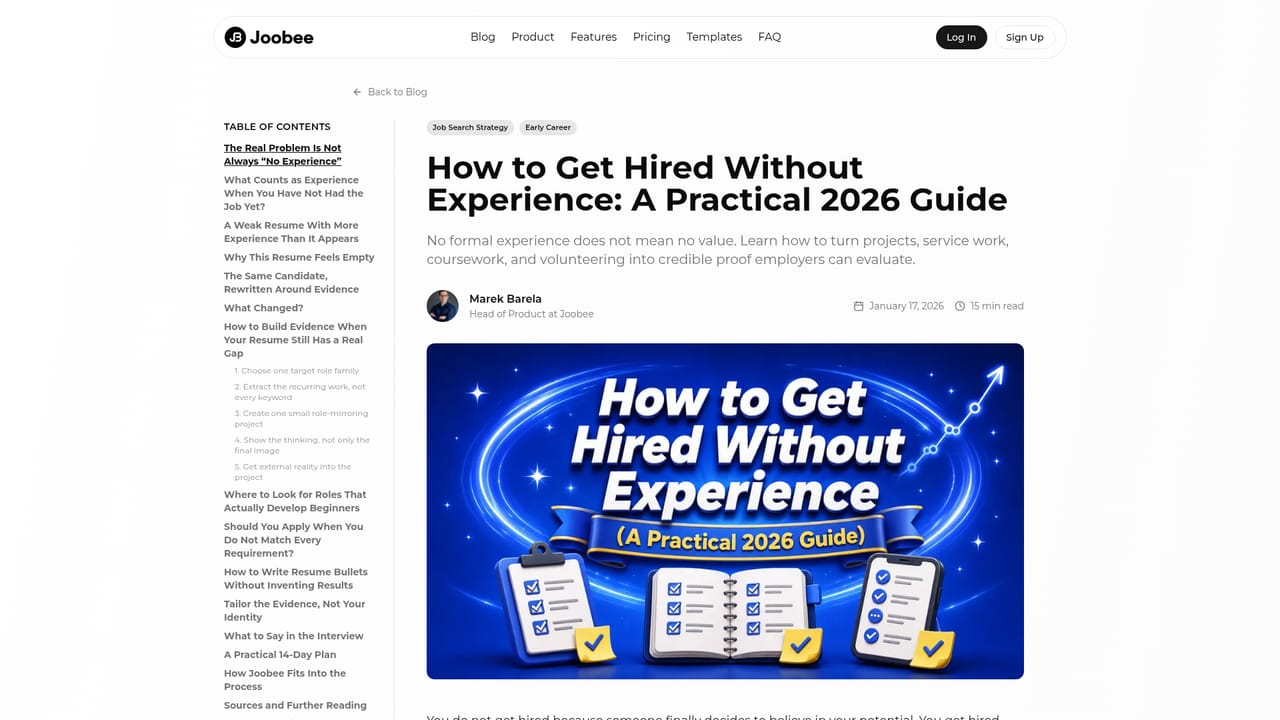
    Start with the article closest to your position, such as the high school resume walkthrough or the guide for candidates without formal experience. Note the before-and-after examples so you know what strong evidence looks like.
    Joobee — Read the guide that matches your situation
  2. 2Audit your current resume against common mistakes
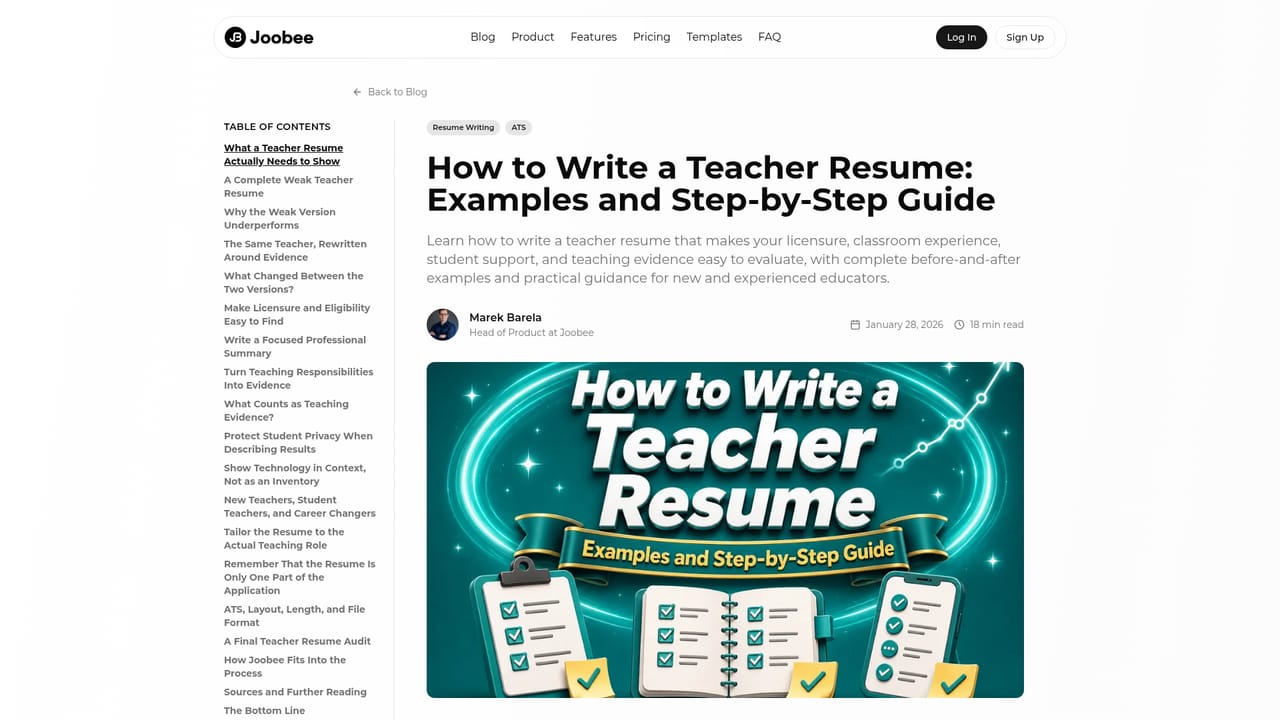
    Work through the bad resume examples and fix weak bullets, vague summaries and irrelevant content first. Clean input makes later AI tailoring far more useful.
    Joobee — Audit your current resume against common mistakes
  3. 3Set realistic expectations about screening software
    Read the ATS explainer so formatting and keyword decisions are based on how parsing actually works, not on chasing a score that does not exist.
    Joobee — Set realistic expectations about screening software
  4. 4Build the resume in the product
    Create your resume and fill in roles, projects and education. Tailor it per application once the base document reads cleanly and the evidence is specific.
  5. 5Capture and track every application
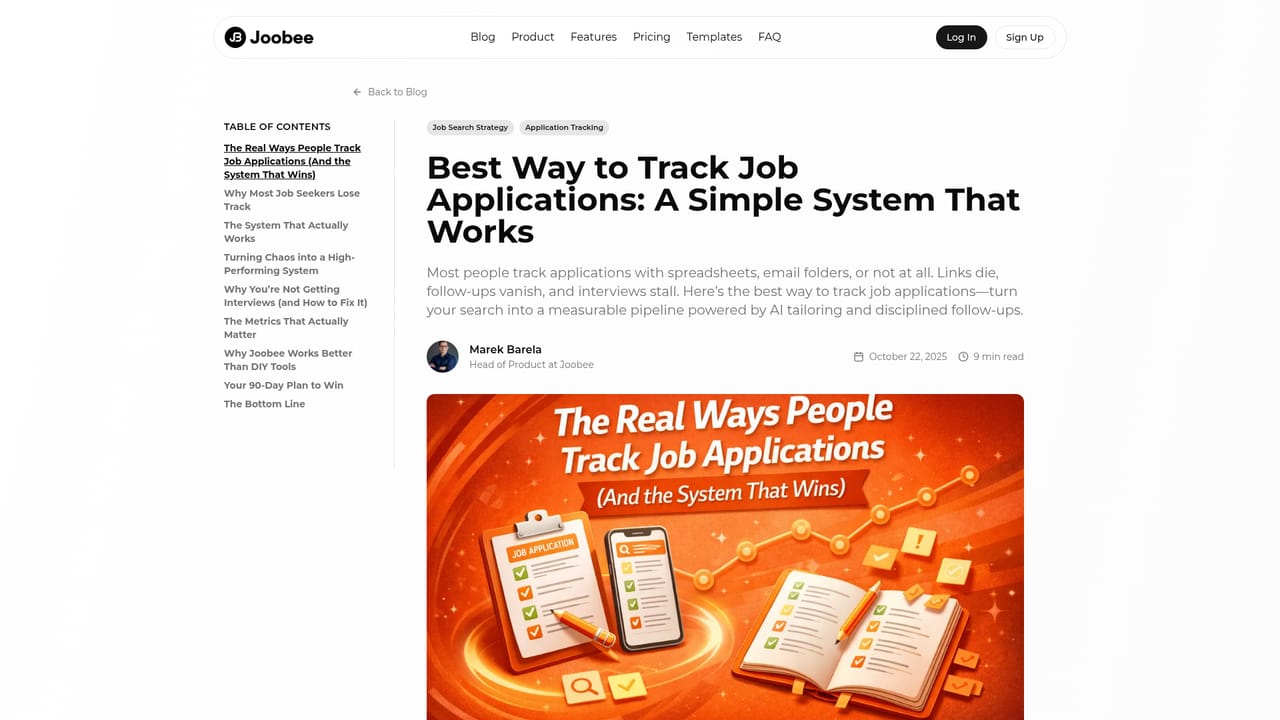
    Log each role as you apply, keep the link and status current, and schedule follow-ups. Use the tracking guide to decide what stages and reminders your pipeline needs.
    Joobee — Capture and track every application
  6. 6Review the system weekly
    Use the organizing guide to prune stale entries, spot stages where applications stall and adjust where you spend effort next.

Pros and cons

Pros

  • Keeps resume tailoring and application tracking in one workflow instead of splitting them across a document editor and a spreadsheetAI
  • Editorial guidance is concrete, with weak and improved resume examples rather than generic adviceAI
  • Case-specific guides cover high school students, teachers and programmers, so templates and examples map to real situationsAI
  • Takes a grounded stance on ATS: no mythical score to chase, but parsing and readability still matterAI
  • Follow-up tracking is treated as part of the system, which addresses the most common reason searches stallAI

Cons

  • The site is content-led: pricing tiers, plan limits and whether a free tier exists are not stated on the homepageAI
  • Platform coverage is undocumented, so mobile and desktop availability has to be checked before relying on itAI
  • No third-party integrations are listed, which matters if you already track candidates or contacts in another toolAI
  • AI tailoring quality is described qualitatively, with no published detail on models, limits or how much editing control you getAI
  • Thin coverage for experienced senior candidates: most guidance targets early career and defined roles like teachingAI

How much does Joobee cost?

Features

The product centers on AI assisted resume tailoring and application tracking, with an emphasis on capturing roles quickly, tailoring per application and keeping follow-ups visible. Editorial resources cover resume writing for early career candidates, teachers and programmers, ATS parsing realities, and systems for organizing a search as a measurable pipeline.

Frequently asked questions about Joobee

  • How do you use Joobee?
    The walkthrough on this page covers 6 steps: 1. Read the guide that matches your situation 2. Audit your current resume against common mistakes 3. Set realistic expectations about screening software 4. Build the resume in the product 5. Capture and track every application 6. Review the system weekly.
  • What platforms does Joobee support?
    Joobee is available on Web App.
  • What are the limitations of Joobee?
    The site is content-led: pricing tiers, plan limits and whether a free tier exists are not stated on the homepage. Platform coverage is undocumented, so mobile and desktop availability has to be checked before relying on it. No third-party integrations are listed, which matters if you already track candidates or contacts in another tool.

Status

StatusActive
Views0
Outbound clicks0
Added10/22/2026

Platforms

Web App

Pricing

Freemium