Pricing
One-time payment of $12.99 for the Premium tier, which includes unlimited jump measurements, unlimited athletes and team management. No recurring subscription is listed on the homepage.
Learn morePhone camera jump measurement and athlete tracking, powered by AI

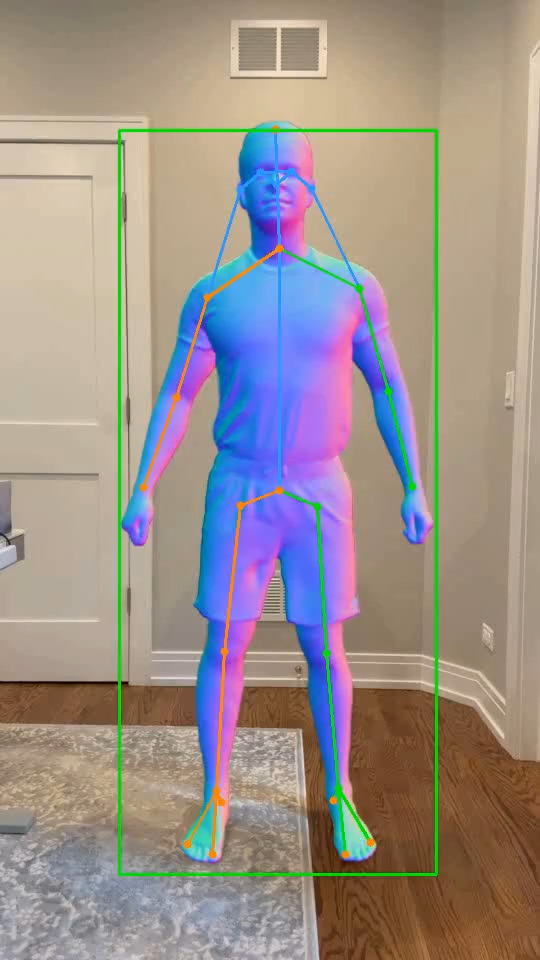
JumpBoost uses a phone camera and AI to measure vertical jump height plus flight time, knee and hip angles, and velocity, then files each result under an athlete profile. Coaches get roster management and data export, and the app stores measurements rather than video.
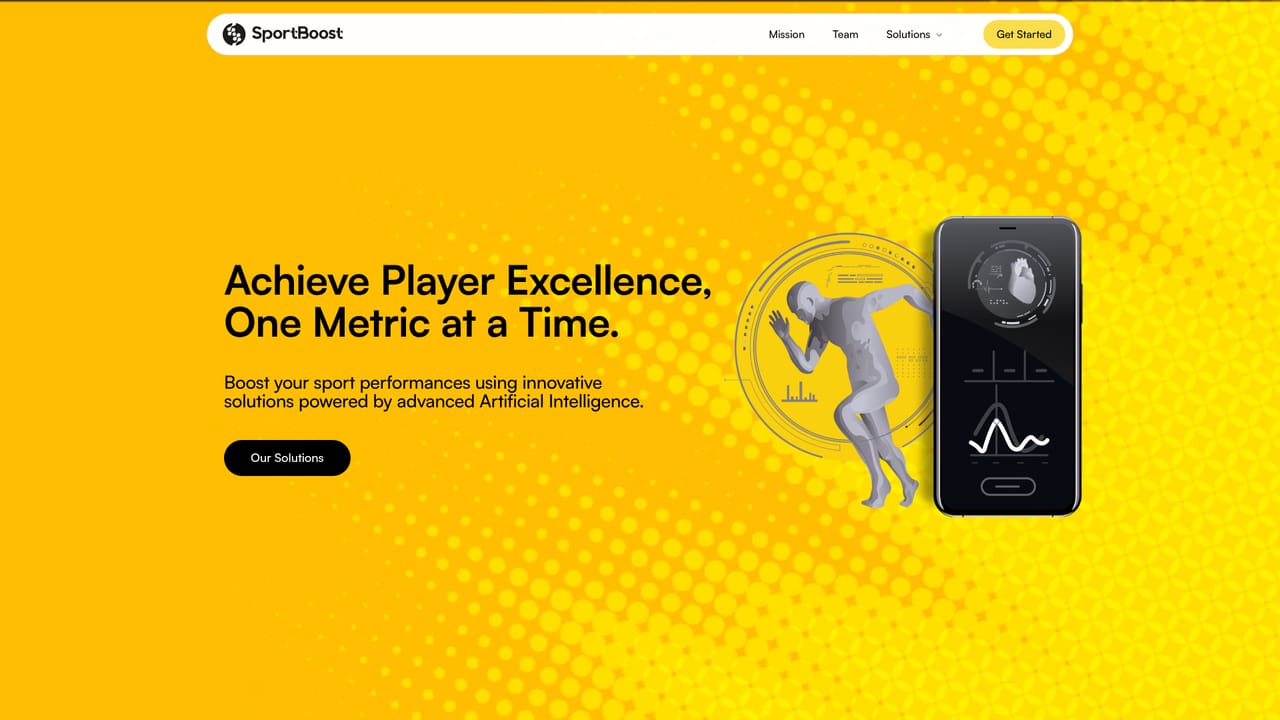
JumpBoost is a mobile application that turns an ordinary smartphone camera into a vertical jump measurement tool. The athlete jumps in front of the phone, the in-app camera records the attempt, and the AI returns the jump height within a few seconds along with supplementary metrics such as flight time, knee and hip angles, and velocity. No external sensor, no WiFi connection and no dedicated hardware are required, which separates it from force plate systems and wearable jump sensors that carry a much higher cost of entry. The app is built around athlete management rather than single measurements. Coaches and trainers can add athletes to a roster, attach each captured jump to the right person, modify or delete records, and review performance directly inside the app. Data can also be exported, so season-long tracking can move into a spreadsheet or a separate analysis workflow when the built-in views are not enough. That combination of capture plus roster management points it at team settings (basketball, volleyball, track and field, strength and conditioning) as much as at individual athletes testing themselves at home. Privacy is handled by keeping video out of the picture: the recording is processed for its measurements and the footage itself is not stored. Practically, that means there is no clip library to review later, only the numbers. Anyone who wants to revisit the technique in the footage should keep their own recording. JumpBoost sits in the measurement layer of performance tracking rather than the programming layer. It does not build training plans, and it does not attempt to replace lab-grade force plates. It competes with video analysis apps that require manual frame-by-frame marking, and its pitch is that the AI removes that manual step. A single one-time purchase unlocks unlimited measurements and unlimited athletes, which is unusual next to subscription-based fitness tools and makes the cost predictable for a coach testing a whole roster.
One-time payment of $12.99 for the Premium tier, which includes unlimited jump measurements, unlimited athletes and team management. No recurring subscription is listed on the homepage.
Learn moreContact address info@sportboost.ai is published on the site. No help centre, live chat or documentation portal is listed.
Learn moreAI jump measurement from a phone camera (height, flight time, knee and hip angles, velocity), athlete roster management with add and delete, in-app performance review, data export, and a privacy model where videos are not stored and only measurements are kept.
Learn more AI Angels400+ customizable AI girlfriends for NSFW chat, voice calls, and roleplay
 Candy AIExperience the future of companionship with AI friends who chat, role-play, and connect with you on a human level.
 ourdream.aiA vast AI roleplay platform with millions of characters for chat, images, video and voiceAI Angels400+ customizable AI girlfriends for NSFW chat, voice calls, and roleplayCandy AIExperience the future of companionship with AI friends who chat, role-play, and connect with you on a human level.ourdream.aiA vast AI roleplay platform with millions of characters for chat, images, video and voice