Free trial
The homepage advertises a free trial for both the standalone download and the plugins, with no credit card required. Its length and any feature limits are not stated.
Learn moreFind any shot or spoken line in your footage, entirely offline.

Jumper is an AI search tool that finds any shot or spoken line in your footage, entirely offline. Jumper is an offline, on-device AI search engine for video footage.
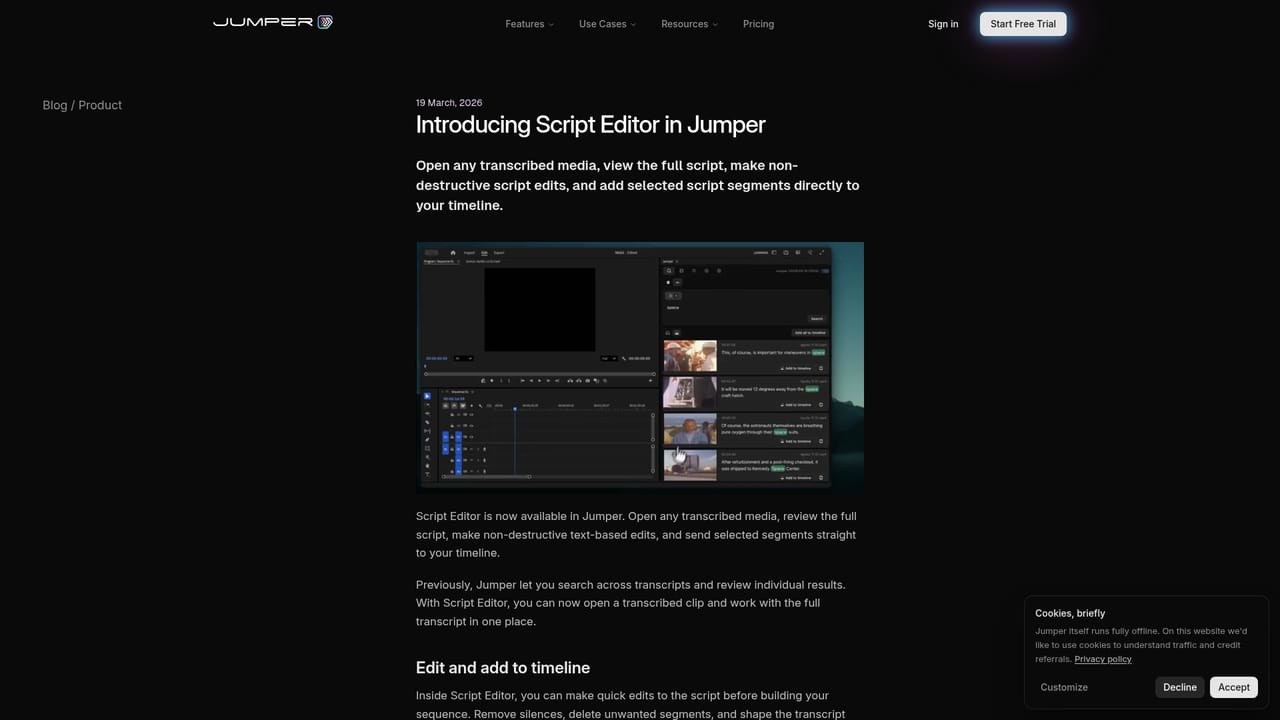
Jumper is a machine learning search engine for video footage that runs locally on the editor's machine. It indexes visual content and dialogue, then returns matching clips from a keyword query, so editors can locate a specific shot, scene, reaction or spoken phrase without scrubbing through bins or asking an assistant to log tapes. The engine sits either in a standalone Mac and Windows application or inside the editing software itself through plugins for Adobe Premiere Pro, Final Cut Pro, DaVinci Resolve and Avid Media Composer. The tool is built for working editors, documentary and series cutters, archivists and post-production teams handling large volumes of material. Its distinguishing feature is privacy: nothing is uploaded, no cloud round trip is required, and the vendor states that footage is never used for AI training. Setup involves an initial analysis pass, after which search runs offline. Speech search covers 111 languages, and results are retrieved by keyword rather than by manual tagging. Beyond text search, Jumper offers Match Similar for surfacing visually related moments, Match Source Monitor for finding clips that resemble a frame already parked on the source monitor, and a Script Editor that opens a full transcript as a workspace where segments are trimmed non-destructively and pushed to the timeline in one step. Face recognition, part of Jumper Pro, indexes every appearance of a person across hours of material. A newer agent feature lets external assistants such as Claude and ChatGPT query the local index in plain English. The natural comparison is with cloud based media asset managers and AI logging services, which trade local processing for shared libraries and browser access. Jumper leans the other way, favouring speed and confidentiality over collaboration infrastructure, though the Pro tier does advertise shared analysis across devices and an Enterprise tier adds seat level configuration and support. Editors who work alone or inside a secured facility will find the offline model a strong fit; teams that need remote review of the index itself will need to check the enterprise offering first.
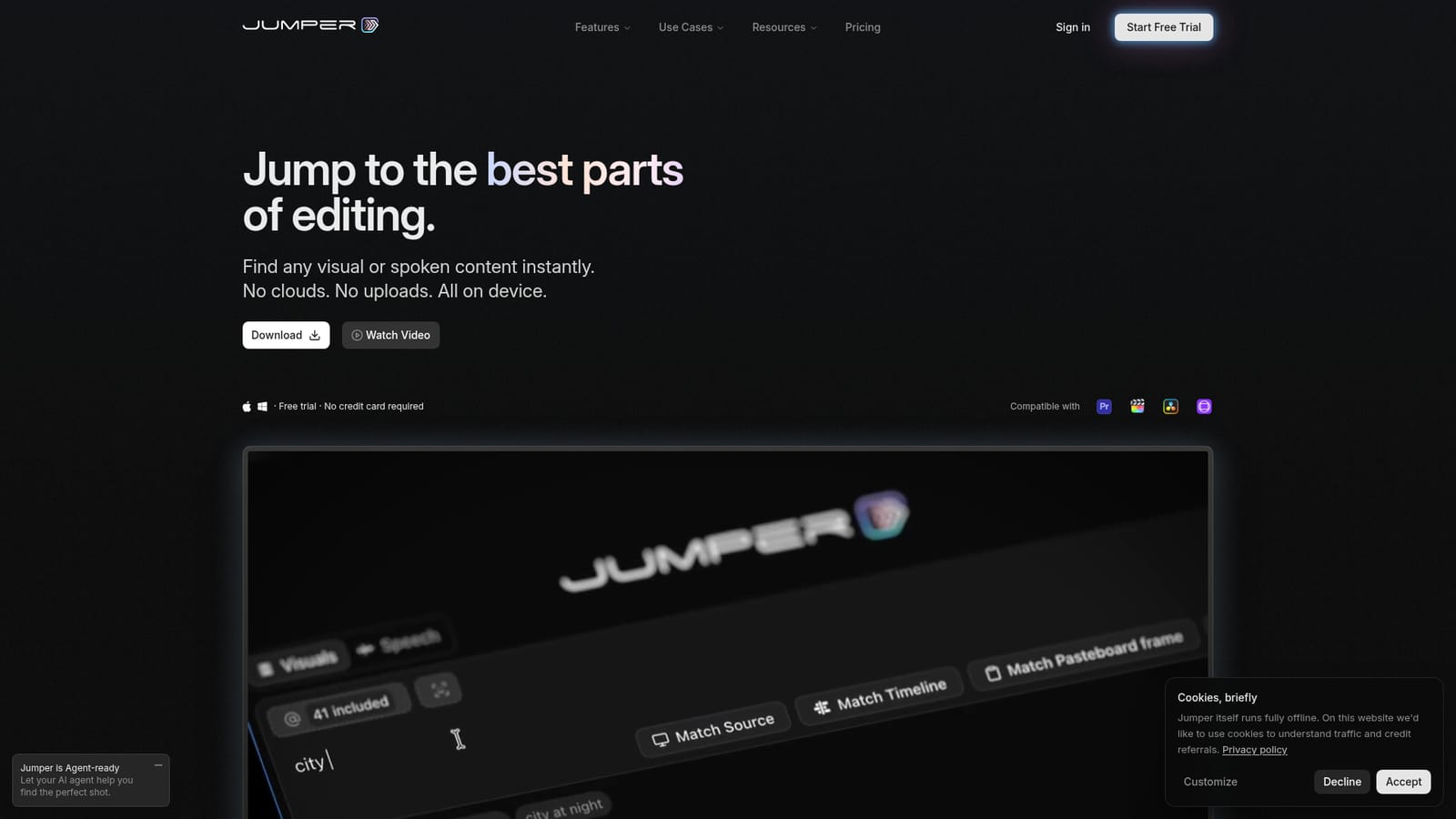
The homepage advertises a free trial for both the standalone download and the plugins, with no credit card required. Its length and any feature limits are not stated.
Learn moreA free trial is offered with no credit card required. Paid access is split into Jumper Pro, aimed at editors and post teams with face detection, agentic workflows and shared analysis across devices, and a Jumper Enterprise tier configured per seat. Exact prices are not listed on the homepage.
Learn moreDocumentation lives at docs.getjumper.io with release notes published per platform, a Discord community is linked from the site, and enterprise buyers can contact the team directly by email.
Learn morePlugins for Adobe Premiere Pro, Final Cut Pro, DaVinci Resolve and Avid Media Composer, a standalone Mac and Windows app, and agent access through Claude, ChatGPT, OpenAI Codex and other assistants on the Pro tier.
Learn moreVisual keyword search across footage with no tagging, Match Similar for visually related moments, Match Source Monitor for frame based matching, speech search in 111 languages, face recognition and agentic search on Pro, plus a Script Editor for transcript based first cuts. Everything is indexed and queried locally and works offline after setup.
Learn more AI Angels400+ customizable AI girlfriends for NSFW chat, voice calls, and roleplay
 Candy AIExperience the future of companionship with AI friends who chat, role-play, and connect with you on a human level.
 ourdream.aiA vast AI roleplay platform with millions of characters for chat, images, video and voiceAI Angels400+ customizable AI girlfriends for NSFW chat, voice calls, and roleplayCandy AIExperience the future of companionship with AI friends who chat, role-play, and connect with you on a human level.ourdream.aiA vast AI roleplay platform with millions of characters for chat, images, video and voice