Kerlig

AI writing app for Mac that works inside every app you already use

Beginner
Screenshot of Kerlig, AI writing app for Mac that works inside every app you already use

What is Kerlig?

Kerlig is a native Mac writing assistant that fixes, rewrites and summarizes text inside any app via a global hotkey. It supports 350+ models through your own API keys or local models, adds chat with documents, and includes Agentic Mode with MCP servers.

Kerlig is a native macOS writing assistant that sits above the apps you already work in rather than replacing them. Instead of opening a browser tab to a chatbot, you select text in Mail, Slack, Jira, Notion or any other field, trigger a global hotkey, and pick an action such as fixing spelling, improving phrasing, shortening a draft or summarizing a thread. The rewritten text goes back into the original app, so the round trip to a chat window disappears. The app is built around actions, and those actions are editable. Kerlig ships with a library of built-in ones and includes an editor for creating your own presets, which is where tone of voice customization lives: replies can be tuned per situation rather than producing one generic register. Attachments, vision and a chat interface extend it beyond single paragraphs, letting you summarize documents, query ebooks or webpages, and hold a conversation with the material. Reasoning models can be used for multi-step research with citations that open in your browser. Agentic Mode, introduced in version 2.8, is the more ambitious layer. It lets the assistant read what is on your screen and operate connected apps through MCP servers, with Notion, Linear, Slack, GitHub, Figma, Stripe, Sentry and Metabase named as examples. That moves Kerlig from text correction toward task execution, though it also means granting the app meaningful reach into your workspace, which deserves a careful look before enabling. The practical audience is Mac-based knowledge workers who write constantly and dislike context switching: product managers filing tickets, designers answering client email, engineers drafting replies. Kerlig is not a hosted service with a bundled model. It is a paid Mac app that connects to providers through your own API keys, with over 350 models supported across OpenAI, Anthropic, Google, Groq, OpenRouter, Mistral, Amazon Bedrock, Perplexity and xAI, plus local options through Apple Foundation Models, Ollama and LM Studio. Teams of ten can be deployed remotely via CLI, so it scales past individual use, but anyone unwilling to manage API credentials will find the setup more involved than a plain subscription chatbot.

How do you use Kerlig?

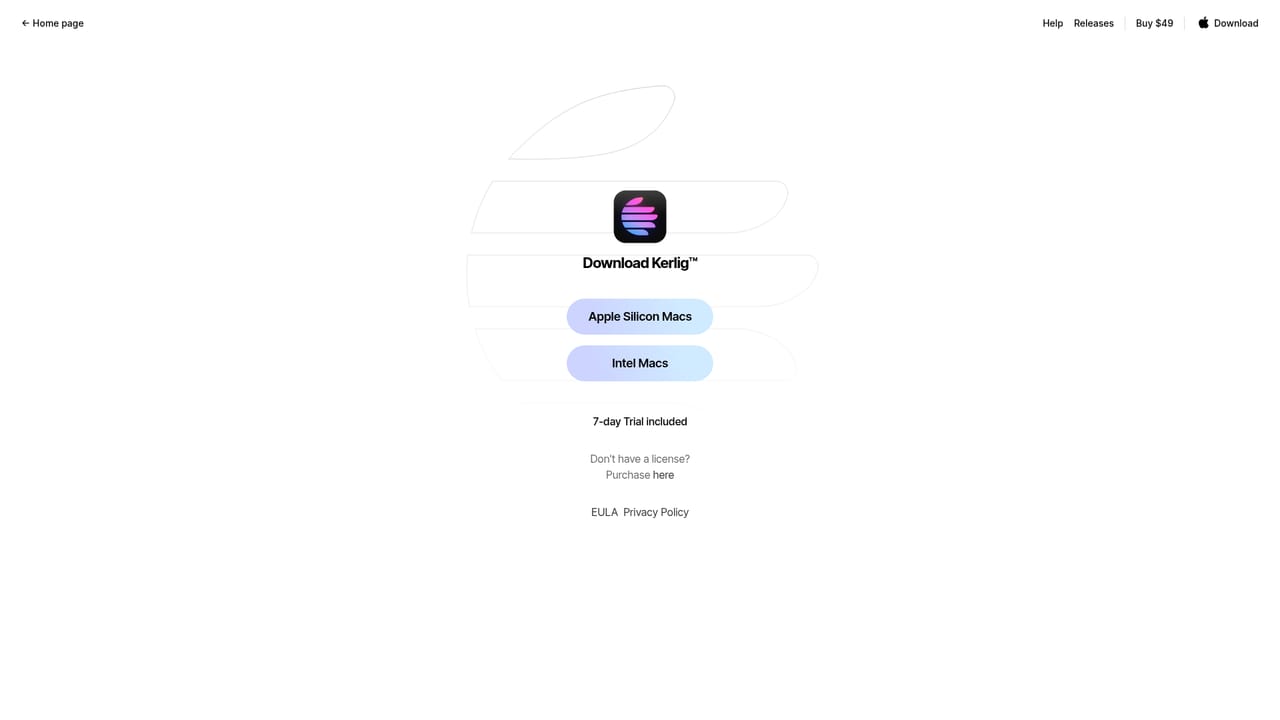
  1. 1Download and install the macOS app
    Kerlig runs on Apple Silicon and Intel Macs with macOS 12 or later. Download the build from the site and install it like any other Mac application.
    Kerlig — Download and install the macOS app
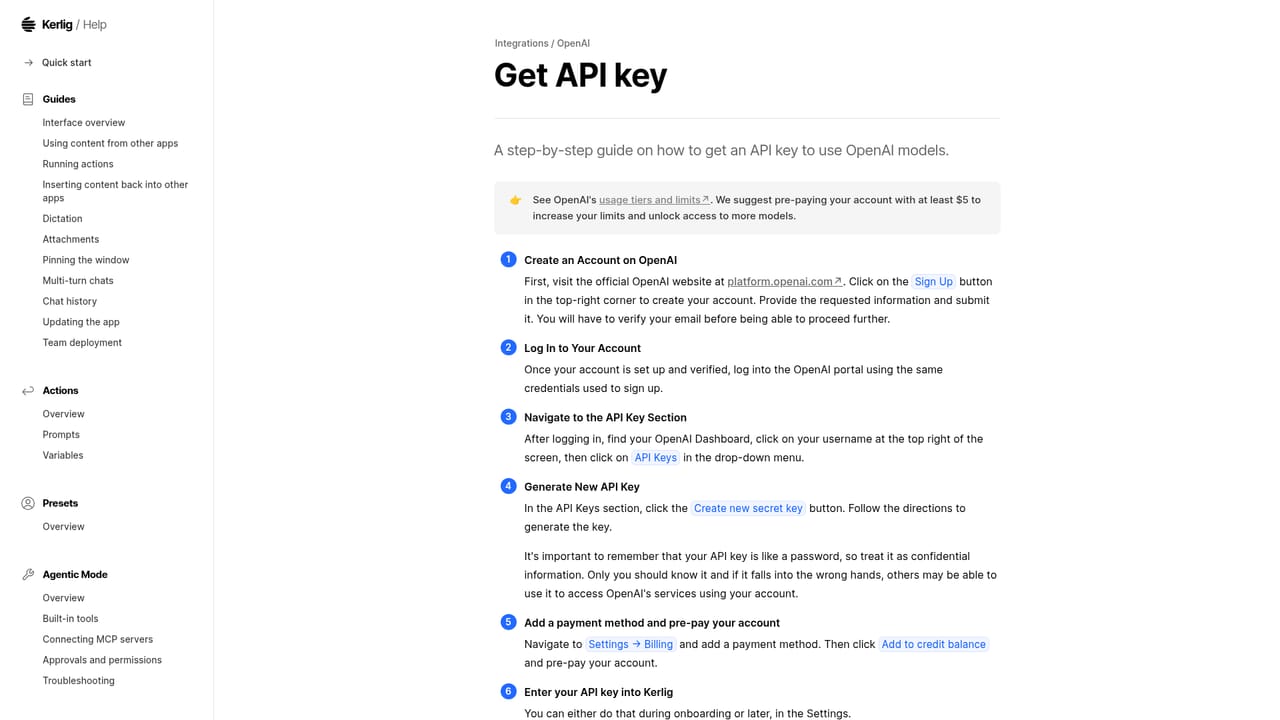
  2. 2Connect an AI provider with an API key
    The app needs at least one model source. Follow the provider guide to create a key, for example from OpenAI or Anthropic, and paste it into Kerlig's settings.
    Kerlig — Connect an AI provider with an API key
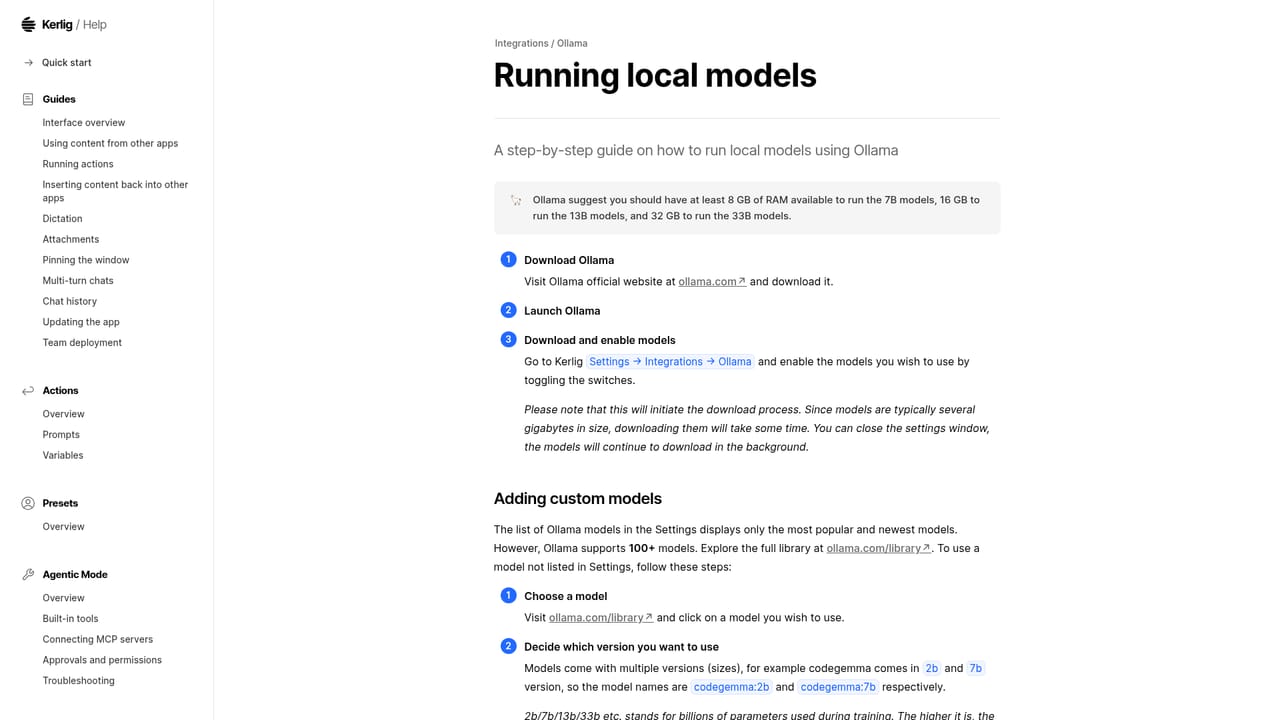
  3. 3Add a local model instead, if you prefer
    Skipping cloud providers is possible: use the on-device Apple Foundation Model, or run models locally through Ollama or LM Studio and point Kerlig at them.
    Kerlig — Add a local model instead, if you prefer
  4. 4Set your hotkey and select text from any app
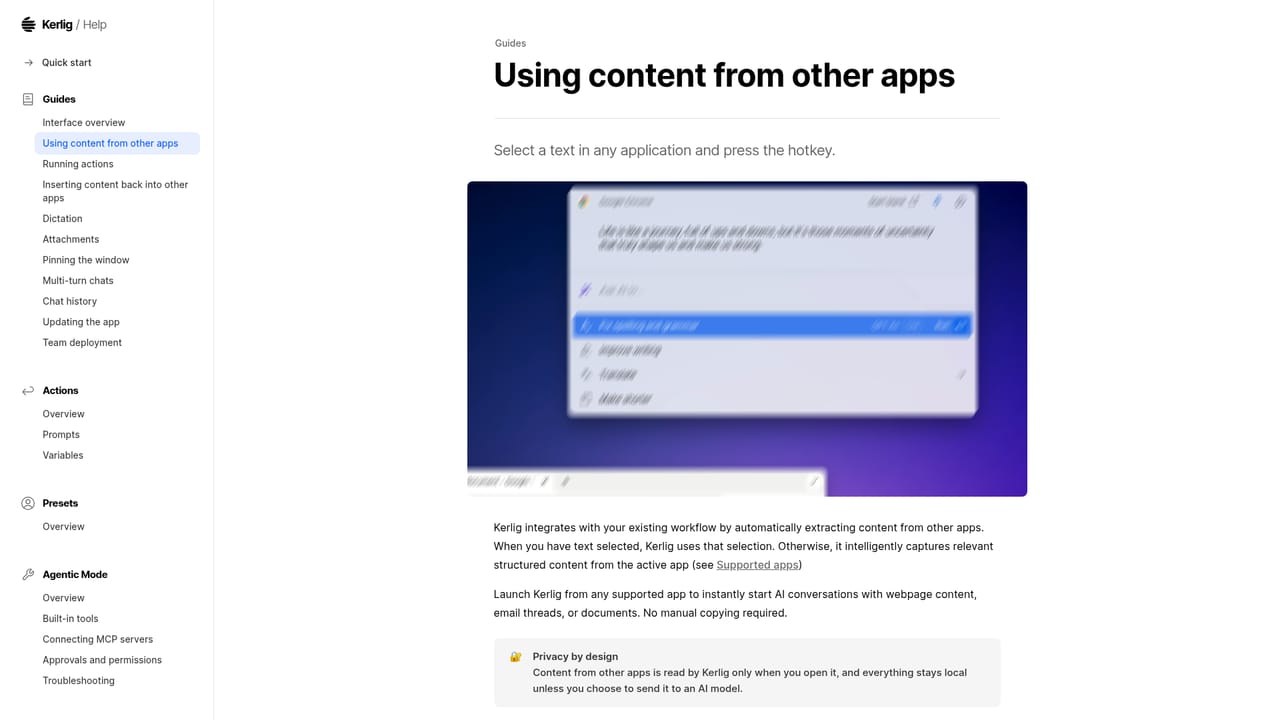
    Define a global shortcut during setup. Then highlight text in Mail, Slack, a browser or any other app and press the hotkey to bring Kerlig up with that content loaded.
    Kerlig — Set your hotkey and select text from any app
  5. 5Choose an action or a custom preset
    Pick a built-in action such as Fix spelling or Summarize, or run one of your own presets. You can compare how different models respond and regenerate the output.
  6. 6Send the result back into the original app
    Once the output reads correctly, insert it into the app you started from. Kerlig places the revised text back where the original selection was.

Pros and cons

Pros

  • Works inside Mail, Slack, Jira and other apps, so there is no tab switching or copy and paste detourAI
  • One-time license with lifetime app updates instead of a recurring subscriptionAI
  • Over 350 models across major providers, switchable per action, plus local model supportAI
  • Custom action editor and tone of voice presets let you standardize output across a teamAI
  • Agentic Mode with MCP servers extends it from text editing to acting on connected toolsAI

Cons

  • Requires your own API keys from providers, so token costs sit outside the license priceAI
  • Mac only: no Windows, web or mobile version for mixed-OS teamsAI
  • Agentic Mode reads your screen and drives connected apps, a real privacy and permissions tradeoffAI
  • Setup involves hotkeys, provider keys and action configuration, which is more work than a hosted chatbotAI
  • No free tier listed; the 14-day money back guarantee is the only way to test it without payingAI

How much does Kerlig cost?

Pricing

One-time licenses: Basic at $49 for one Mac, Pro at $79 for two Macs, and Team at $297 for ten Macs with remote CLI deployment and priority support. All tiers include lifetime app updates. Model usage is billed separately by your chosen AI provider. A 14-day money back guarantee applies, and prices are in USD with VAT possibly added.

Learn more

Support

Email support is included with every license, with a 48-hour response target on Basic, 24 hours on Pro and priority email plus Zoom on Team. A 14-day money back guarantee covers purchases.

Integrations

Provider integrations run on your own API keys: OpenAI, Anthropic, Google Gemini, Groq, OpenRouter, Perplexity, Mistral, Amazon Bedrock and xAI. Local options include Apple Foundation Models, Ollama and LM Studio. MCP servers connect Notion, Linear, Slack, GitHub and more.

Learn more

Features

Built-in and custom actions for proofreading, rewriting, shortening and summarizing; tone of voice presets; chat with documents, webpages, ebooks and images via attachments and vision; Agentic Mode with MCP servers; deep research with reasoning models and citations; global hotkeys; chat history and message editing; headless background actions; support for over 350 models including local ones.

Frequently asked questions about Kerlig

  • How much does Kerlig cost?
    One-time licenses: Basic at $49 for one Mac, Pro at $79 for two Macs, and Team at $297 for ten Macs with remote CLI deployment and priority support. All tiers include lifetime app updates. Model usage is billed separately by your chosen AI provider. A 14-day money back guarantee applies, and prices are in USD with VAT possibly added.
  • How do you use Kerlig?
    The walkthrough on this page covers 6 steps: 1. Download and install the macOS app 2. Connect an AI provider with an API key 3. Add a local model instead, if you prefer 4. Set your hotkey and select text from any app 5. Choose an action or a custom preset 6. Send the result back into the original app.
  • What platforms does Kerlig support?
    Kerlig is available on MacOS.
  • What does Kerlig integrate with?
    Provider integrations run on your own API keys: OpenAI, Anthropic, Google Gemini, Groq, OpenRouter, Perplexity, Mistral, Amazon Bedrock and xAI. Local options include Apple Foundation Models, Ollama and LM Studio. MCP servers connect Notion, Linear, Slack, GitHub and more.
  • What are the limitations of Kerlig?
    Requires your own API keys from providers, so token costs sit outside the license price. Mac only: no Windows, web or mobile version for mixed-OS teams. Agentic Mode reads your screen and drives connected apps, a real privacy and permissions tradeoff.

Status

StatusActive
Views0
Outbound clicks0
Added10/21/2026

Platforms

MacOS

Pricing

Paid