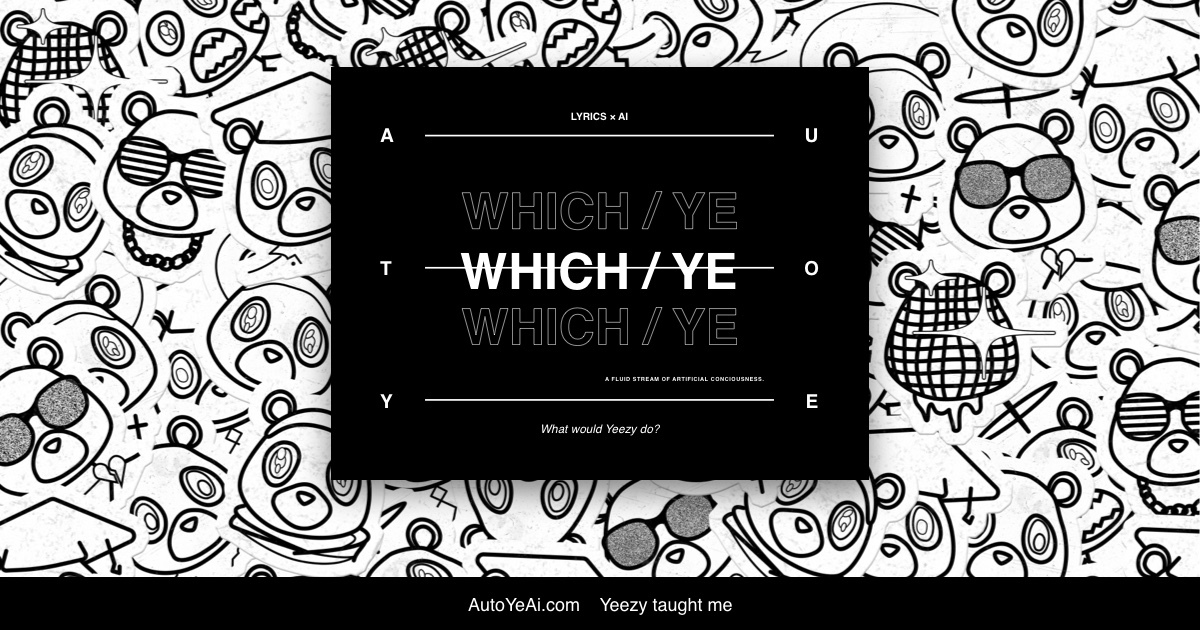
Auto Ye AI

Click anywhere and get fresh Kanye style bars from an AI lyric engine

Beginner
Screenshot of Auto Ye AI, Click anywhere and get fresh Kanye style bars from an AI lyric engine

What is Auto Ye AI?

Auto Ye AI is a lyrics extractor tool. A no frills web generator that produces rap lyrics styled after Kanye West. One click, a Calm Ye Mode toggle and era themed visual skins (Graduation, Yeezus, Dark Fantasy and others). Built for novelty and sharing rather than serious songwriting.

Auto Ye AI is a single purpose browser toy that writes rap lyrics in the style of Kanye West. The premise is spelled out on the landing page: Yeezy taught the model, and the model now produces what the site calls a fluid stream of artificial consciousness. There is no prompt box, no artist picker and no settings panel to learn. The page loads, you look at it, you click. The interaction model is deliberately thin. A large call to action invites you to click anywhere to generate lyrics, and the resulting bars appear in a panel above a Generate button. A toggle labelled Calm Ye Mode can be switched on or off before generating, which suggests the output shifts between a milder register and whatever the default mode produces. The site also shows a row of theme previews: All Ye, Graduation, Dark Fantasy, Yeezus and Saint Ye, each paired with an era styled image. These read as the visual personalities the generator can draw on, mapping output to different phases of the artist's catalogue rather than to different writing tasks. In practice the tool behaves like a novelty generator rather than a songwriting workstation. Nothing on the homepage indicates saved history, editing tools, export, rhyme control, syllable counts, BPM matching or a way to feed in your own subject matter. You click, you read, you click again. That makes it best suited to fans, meme makers and social posters who want a quick pastiche, and less useful for anyone hoping to draft a real verse they can shape. As a comparison point, general purpose lyric and text generators accept a brief and let you steer the output; Auto Ye AI offers only a click and a mode switch. The scope is narrow by design, and the homepage sells that narrowness as the product. There is no account screen described, no stated pricing, no mobile app listing and no mention of an API. Treat it as a lightweight web curiosity: fun for a minute, honest about being a joke about one artist, and not a substitute for a writing tool you can direct.

How do you use Auto Ye AI?

  1. 1Open the Auto Ye AI homepage
    Load the site in any modern browser. The landing page presents the generator immediately, with no account creation or setup step described.
  2. 2Choose a mode
    Find the Calm Ye Mode switch and set it to On or Off depending on whether you want the milder register. The setting is applied when you generate.
  3. 3Generate your first set of bars
    Click anywhere on the page as instructed, or press the Generate button, and read the lyrics that appear in the output panel.
  4. 4Reroll for different results
    Press Generate again for a new set. Each click produces a fresh batch, so run it a few times to find a set worth keeping.
  5. 5Copy and share what you like
    Select the text with your cursor, copy it, and paste it wherever you plan to post it. The homepage lists no built in save or export feature.

Pros and cons

Pros

  • Zero learning curve: the page says click anywhere to generate lyrics and that is the whole workflowAI
  • Calm Ye Mode gives at least one lever over the tone of the outputAI
  • Era themed previews (Graduation, Dark Fantasy, Yeezus, Saint Ye) tie results to recognisable periods of the catalogueAI
  • Runs in the browser with no sign up described on the homepageAI
  • Clear, honest framing as a fan project rather than an overpromised writing suiteAI

Cons

  • No prompt field, so you cannot specify a topic, mood or structure for the verseAI
  • Homepage shows no editing, saving or export options, meaning output is read and discardedAI
  • Single artist focus limits it to novelty use; there is little reason to return for real workAI
  • No pricing, account or support information is stated anywhere on the pageAI
  • Output quality and variability are undocumented, so expectations are hard to set before tryingAI

How much does Auto Ye AI cost?

Features

The core feature is click to generate Kanye style lyrics in a single panel. A Calm Ye Mode toggle changes the register of the output. Era themed previews (All Ye, Graduation, Dark Fantasy, Yeezus, Saint Ye) illustrate the visual styles attached to generations. Generation is repeatable with one button, and the page requires no described sign up. No prompt input, history, editing or export tools are mentioned on the homepage.

Frequently asked questions about Auto Ye AI

  • How do you use Auto Ye AI?
    The walkthrough on this page covers 5 steps: 1. Open the Auto Ye AI homepage 2. Choose a mode 3. Generate your first set of bars 4. Reroll for different results 5. Copy and share what you like.
  • What platforms does Auto Ye AI support?
    Auto Ye AI is available on Web App.
  • What are the limitations of Auto Ye AI?
    No prompt field, so you cannot specify a topic, mood or structure for the verse. Homepage shows no editing, saving or export options, meaning output is read and discarded. Single artist focus limits it to novelty use; there is little reason to return for real work.

Status

StatusActive
Views0
Outbound clicks0
Added10/21/2026

Platforms

Web App

Pricing

Free