Free trial
A free trial is offered, but the site gives two durations: the homepage and signup buttons say 5 days, while the FAQ states 14 days with full feature access and no credit card required.
Learn morePinterest keyword research and pin scheduling in one toolkit.

KeywordToPin is a social media finder tool. KeywordToPin combines Pinterest keyword research, competitor analysis and pin scheduling in a single web app, aimed at bloggers, creators and e-commerce sellers who want to grow Pinterest traffic without juggling separate tools.
KeywordToPin is a web-based Pinterest marketing platform that brings keyword research, competitor analysis, pin scheduling and performance analytics into one workspace. It is built for bloggers, content creators, e-commerce sellers, social media managers and agencies who treat Pinterest as a traffic source rather than an afterthought. The product targets people who want to find what Pinterest users actually search for, then publish pins against those terms on a consistent schedule without handling the process manually. The keyword side of the tool covers trending terms, search volumes, hidden keywords that competitors overlook and per-country filtering. A live trending list shows terms such as seasonal nail and outfit searches with relative percentage scores, which gives a quick read on what the platform is surfacing at a given moment. Competitor intelligence sits alongside this: profiles can be analysed, competitor keywords extracted and performance tracked, so the research phase ends with a picture of what is already working in a niche rather than a raw keyword dump. Publishing is handled by a scheduler that supports bulk uploads, auto-scheduling and automated posting at what the system considers optimal times. Plans differ mainly on account count and daily pin volume: the entry tier covers one account and 30 pins a day, the middle tier expands to 10 accounts and 300 pins a day, and the top tier removes both caps. Analytics close the loop with traffic, pin performance and growth tracking, and the upper plans add saved and exportable keyword and competition reports. KeywordToPin sits in the same territory as dedicated Pinterest schedulers and standalone keyword tools, but it bundles both jobs. That makes it a sensible fit for small teams that do not want two subscriptions, while very large operations may still prefer a general social scheduler for multi-network publishing or a deeper SEO suite for broad search research. The interface is deliberately plain, and the vendor reports a 4.9 average user rating and more than 1,500 users.
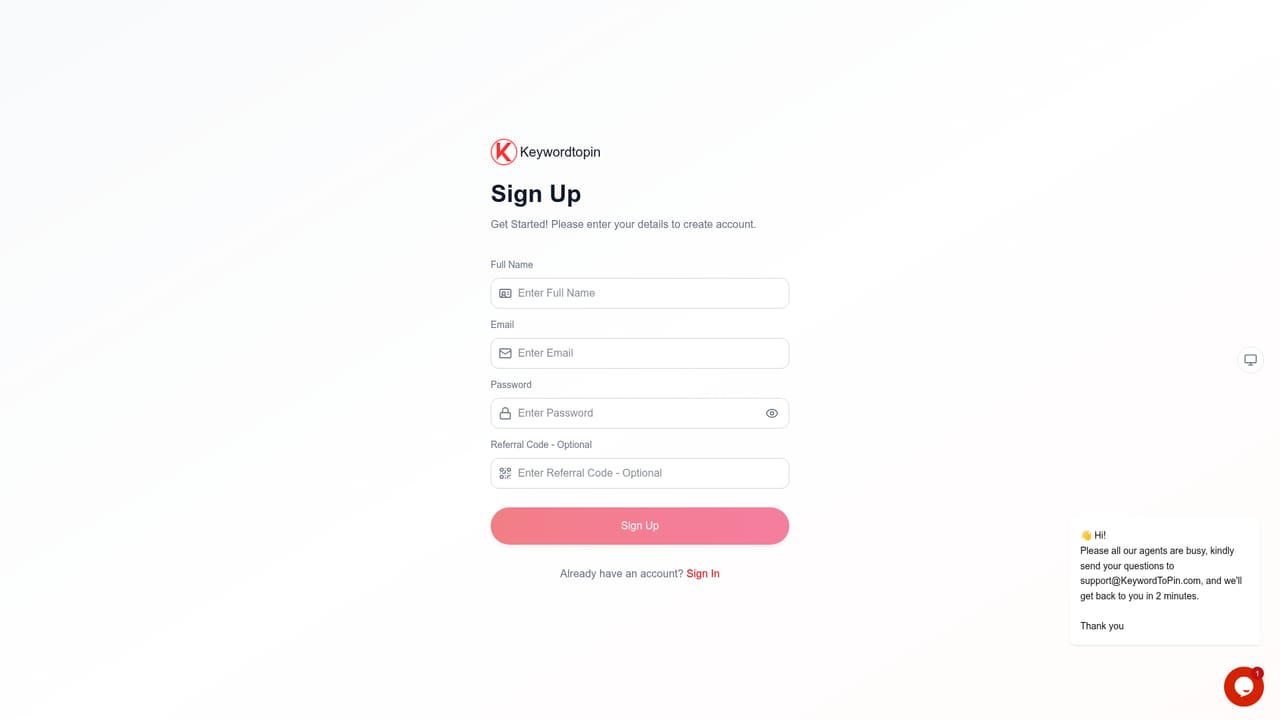
A free trial is offered, but the site gives two durations: the homepage and signup buttons say 5 days, while the FAQ states 14 days with full feature access and no credit card required.
Learn moreThree monthly plans: Starter at $15 (1 Pinterest account, 30 pins per day), Professional at $25 (10 accounts, 300 pins per day, saved and exportable reports) and Expert at $35 (unlimited accounts and pins, competition report exports and higher referral earnings). Yearly billing saves 20%, with no setup fees, cancellation anytime and a 30-day money back policy.
Learn moreSupport includes documentation, video tutorials, email (support@KeywordToPin.com), live chat, onboarding help for new users and regular webinars. A contact page is available for sales and support enquiries.
Learn moreConnects with Pinterest Business accounts, Google Analytics and unspecified content management systems, with API access mentioned for advanced users and agencies.
Keyword research with search volumes and trending terms, hidden keyword discovery, competitor profile and keyword analysis, smart pin scheduling with bulk uploads and auto-posting, pin creation, and analytics for traffic, pin performance and growth.
 AI Angels400+ customizable AI girlfriends for NSFW chat, voice calls, and roleplay
 Candy AIExperience the future of companionship with AI friends who chat, role-play, and connect with you on a human level.
 ourdream.aiA vast AI roleplay platform with millions of characters for chat, images, video and voiceAI Angels400+ customizable AI girlfriends for NSFW chat, voice calls, and roleplayCandy AIExperience the future of companionship with AI friends who chat, role-play, and connect with you on a human level.ourdream.aiA vast AI roleplay platform with millions of characters for chat, images, video and voice


