Integrations
Kiro connects through MCP servers and supports editor extensions via a registry, with documented ACP support and a migration path for VS Code users.
Learn moreAgentic engineering that starts with executable specs, not loose prompts

Kiro is an agentic engineering environment from AWS that converts prompts into executable specs, validates code against correctness properties, and runs parallel agents locally or in the cloud, with a matching CLI for terminal workflows.
Kiro is an AI development environment built around a simple premise: prompts alone are a weak foundation for serious software work. Instead of dropping a request into a chat box and hoping the output holds up, Kiro turns prompts into executable specs, structured documents that describe the feature, its correctness requirements and the tasks needed to ship it. The agent then works against those specs inside a codebase, and the resulting code can be validated against defined properties so that bugs which ordinary unit tests walk past become visible. The tool spans two surfaces. Kiro Crew is a workspace where multiple agent sessions can run in parallel, each working on its own task and feeding what it learns back into later sessions. Kiro CLI brings the same model to a terminal, with a V3 client that adds specs, expanded hooks and a reworked trust model, plus a lighter /lite mode for people who want the same features in a simpler shell. Sessions can run locally or in a cloud workspace, and cloud sessions keep running after you disconnect, so you can pick the thread back up later from the session list. In practice a typical run looks like this: describe the feature, let the agent draft the spec and a task list, approve or steer it while it works, then let correctness checks and hooks catch problems before review. Subagents, skills, MCP servers and a registry of editor extensions extend the base environment, and import guides exist for teams moving over from VS Code. Enterprise controls cover identity provider configuration and governance. Kiro is aimed at professional developers and engineering teams who already use AI coding assistants but want more structure and verification around the output. It sits closer to a spec driven development platform than to a pure autocomplete tool, so the value shows up most on larger codebases and multi step features rather than one line fixes.
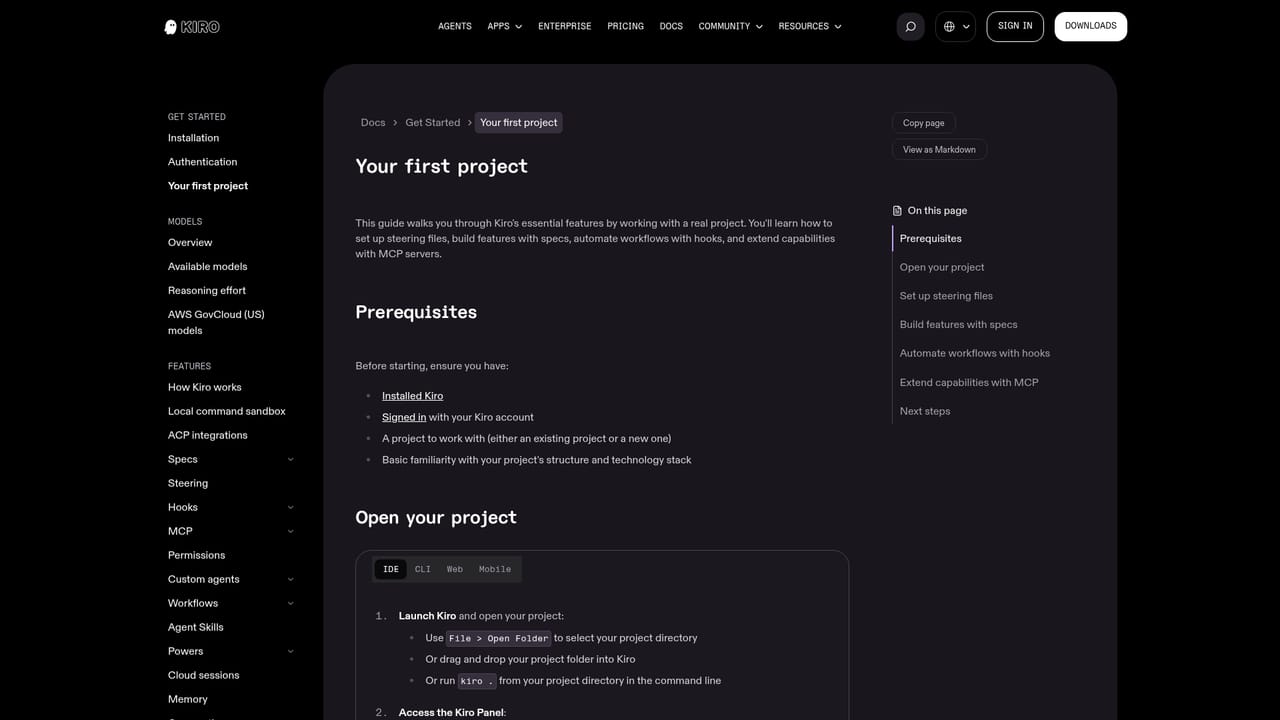
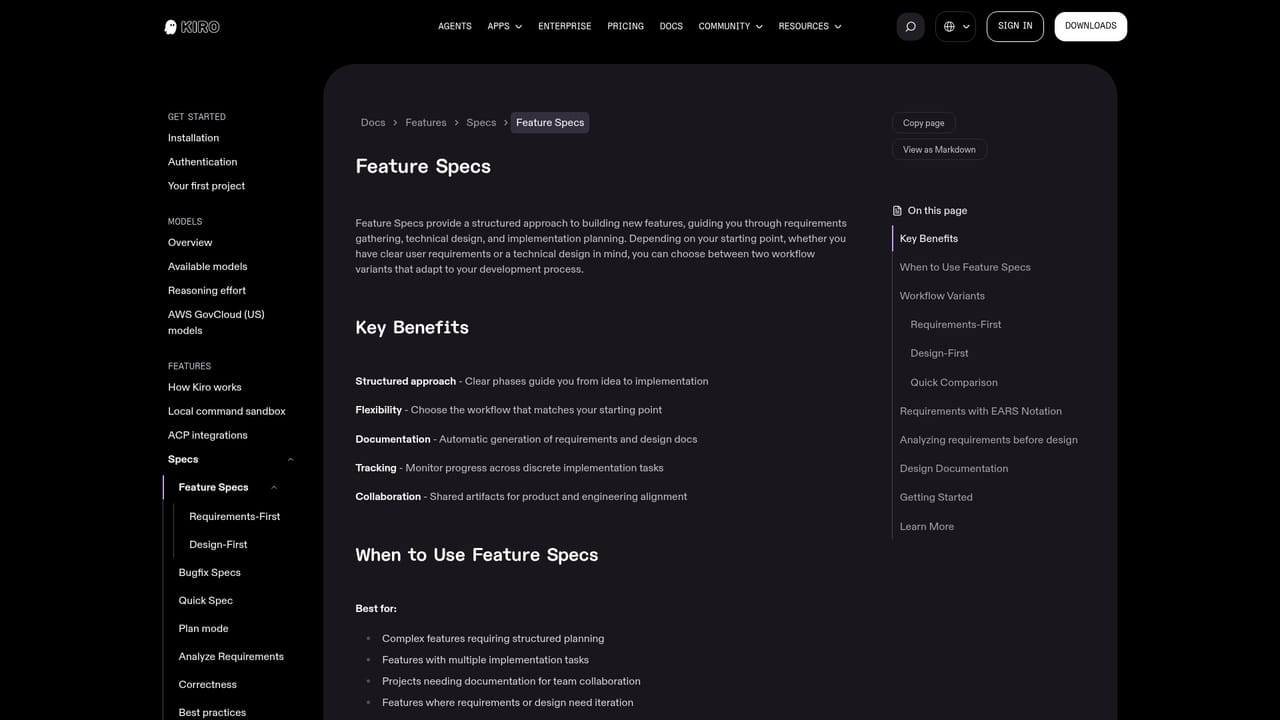
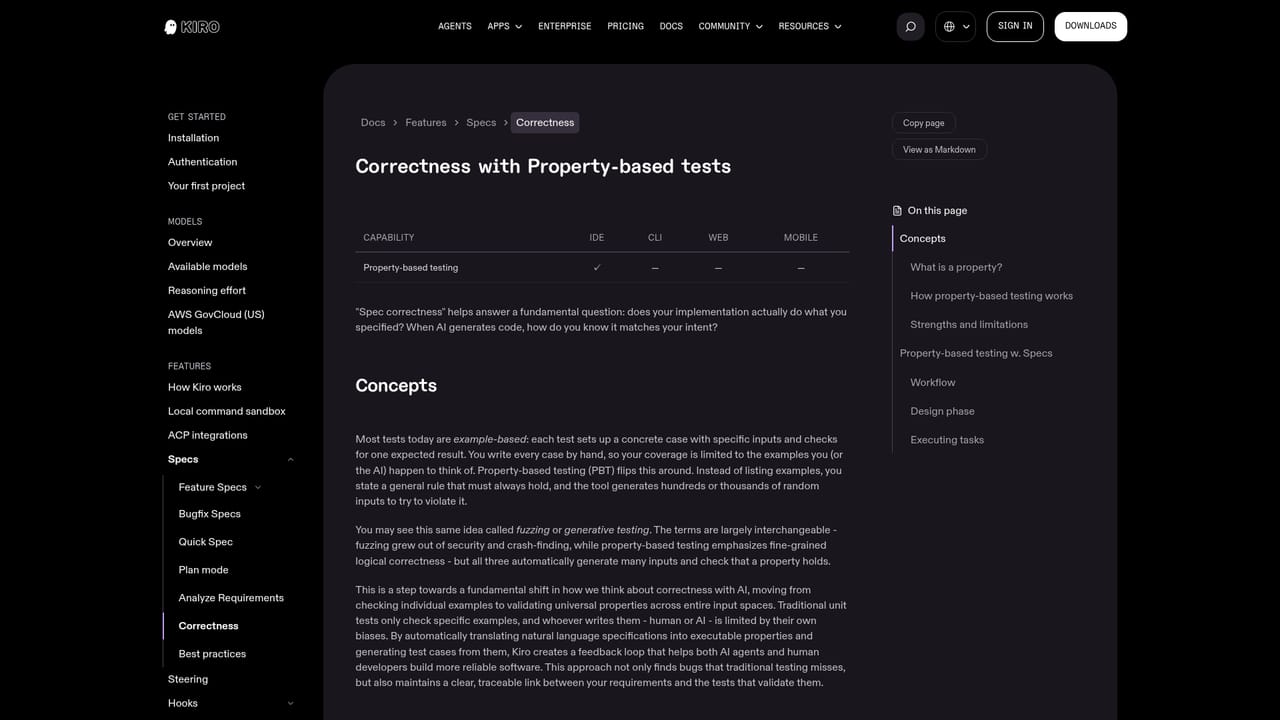
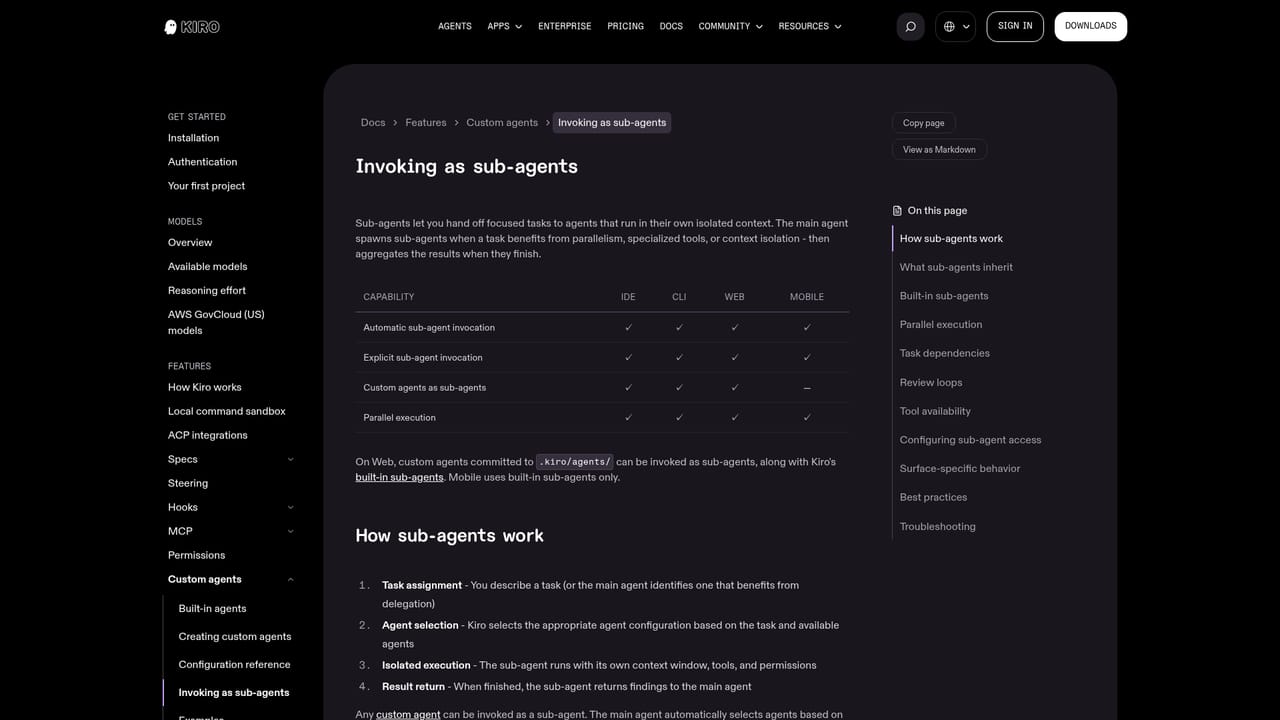
Kiro connects through MCP servers and supports editor extensions via a registry, with documented ACP support and a migration path for VS Code users.
Learn moreExecutable feature specs, correctness validation, parallel agent sessions in a shared workspace, subagents, skills, MCP support, an editor extension registry, a terminal CLI with cloud sessions and hooks, and enterprise identity and governance controls.
Learn more AI Angels400+ customizable AI girlfriends for NSFW chat, voice calls, and roleplay
 Candy AIExperience the future of companionship with AI friends who chat, role-play, and connect with you on a human level.
 ourdream.aiA vast AI roleplay platform with millions of characters for chat, images, video and voiceAI Angels400+ customizable AI girlfriends for NSFW chat, voice calls, and roleplayCandy AIExperience the future of companionship with AI friends who chat, role-play, and connect with you on a human level.ourdream.aiA vast AI roleplay platform with millions of characters for chat, images, video and voice


