Integrations
WhatsApp is the only channel described: the assistant operates as a message thread on the user's existing number. No other integrations are mentioned.
Message-based AI that lives in your WhatsApp inbox

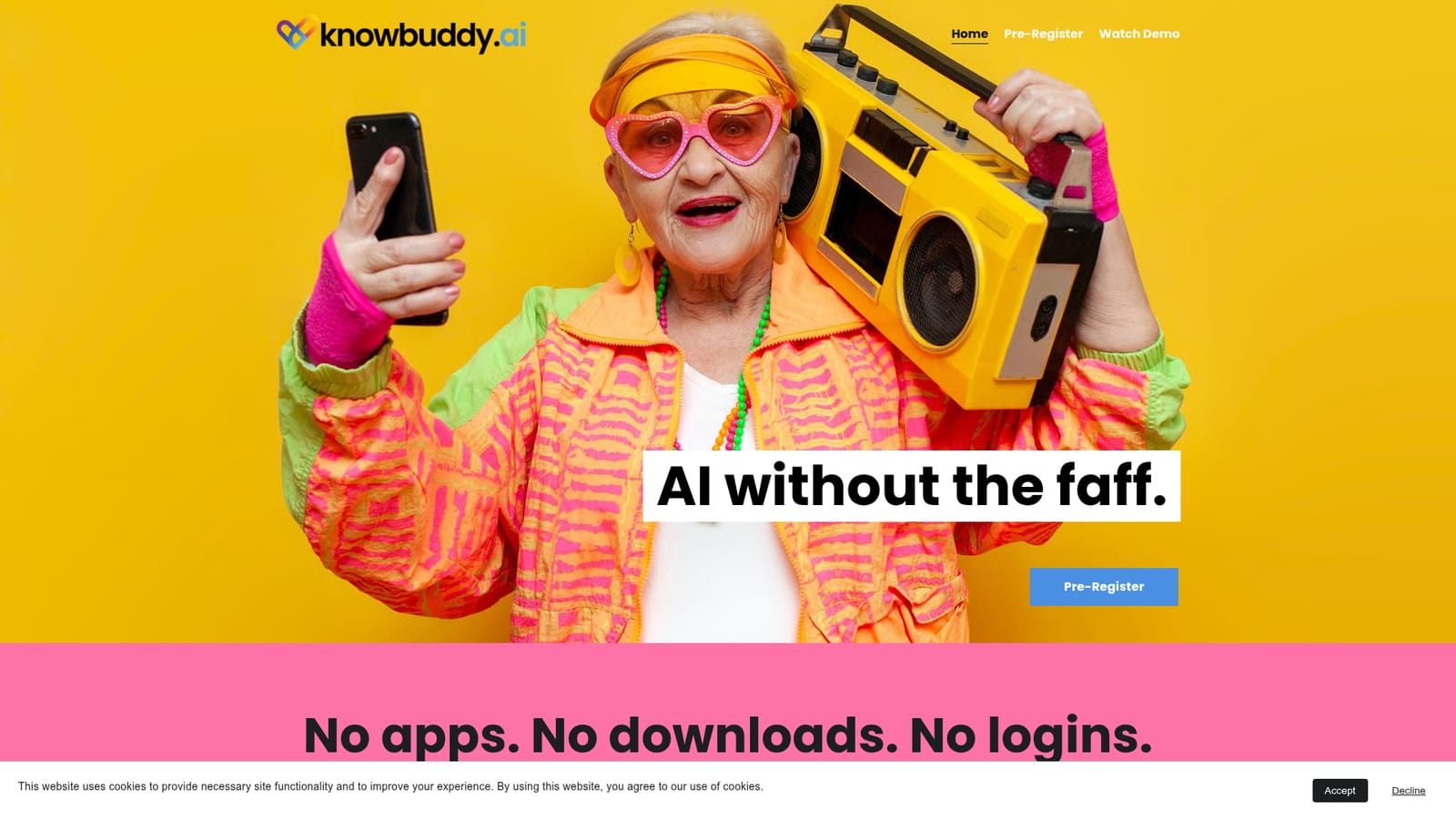
KnowBuddy is a pre-launch AI assistant that runs entirely inside WhatsApp: register a phone number, reply to the welcome message, and ask questions or send photos with no app, download or password.
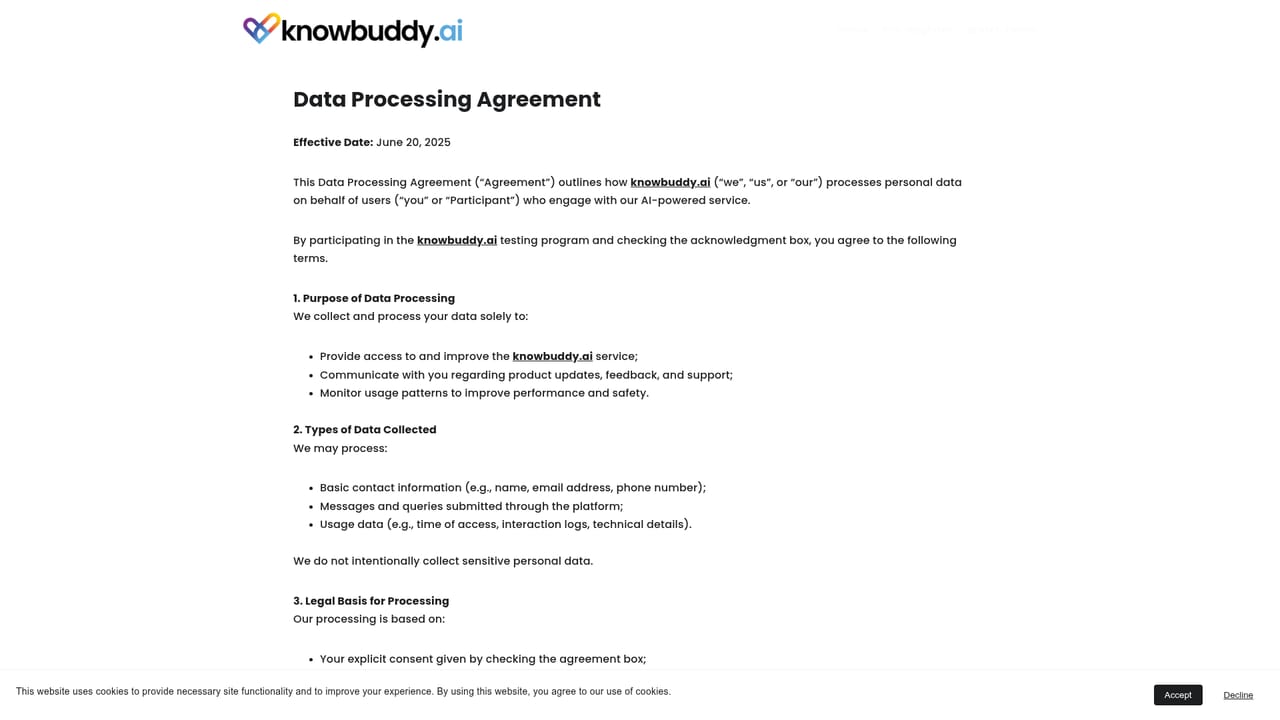
KnowBuddy is an AI assistant delivered entirely through WhatsApp. There is no app to install, no account dashboard and no password to keep track of. A user registers once with a phone number, receives a greeting message from the assistant, and from that point on simply replies to the thread to ask questions or send a photo for context. The pitch is aimed squarely at people who find conventional AI chat products fiddly: if you already know how to message a friend, the company argues, you already know how to use this. The product leans hard on memory and personality rather than raw model access. KnowBuddy says it stores the details a person shares (dietary needs, hobbies, routines) and folds them into later replies, so answers feel personal without the user restating context each time. It also inverts the usual prompt-and-response pattern: the assistant is described as proactive, reaching out on its own to check in or raise something relevant, alongside the expected reactive question answering. Local know-how is another stated focus, with the company promising recommendations tied to a registered city, from farmers markets to seasonal events. The intended audience is broad and deliberately non-technical: older relatives, casual users who have never opened a chatbot interface, and anyone who wants quick answers without managing another login. Image input via a snapped photo is covered, which helps with questions that are easier to show than to type. KnowBuddy is not yet generally available. The site currently runs a pre-registration list and frames itself as a testing-stage product, collecting first name, email, phone number, city and country, with acceptance of a data processing agreement required before submission. That places it alongside messaging-first assistants rather than full chat workbenches: it competes on simplicity and continuity, not on file handling, model choice or workspace tooling.
WhatsApp is the only channel described: the assistant operates as a message thread on the user's existing number. No other integrations are mentioned.
KnowBuddy delivers AI chat through WhatsApp with no app, download or login. It remembers personal details shared in conversation, asks questions about the user, sends proactive check-ins as well as answering on demand, handles photo input, and gives recommendations tied to the registered city.
 AI Angels400+ customizable AI girlfriends for NSFW chat, voice calls, and roleplay
 Candy AIExperience the future of companionship with AI friends who chat, role-play, and connect with you on a human level.
 ourdream.aiA vast AI roleplay platform with millions of characters for chat, images, video and voiceAI Angels400+ customizable AI girlfriends for NSFW chat, voice calls, and roleplayCandy AIExperience the future of companionship with AI friends who chat, role-play, and connect with you on a human level.ourdream.aiA vast AI roleplay platform with millions of characters for chat, images, video and voice