Support
A contact page is linked from the main navigation, and a separate help site documents features such as the Leitner review system.
Learn moreEnglish practice built around vocabulary, grammar and spaced review

LanGeek is an English learning platform covering vocabulary, idioms, reading, pronunciation and grammar, with spaced repetition review, flashcards, quizzes, a picture dictionary and a mobile app.
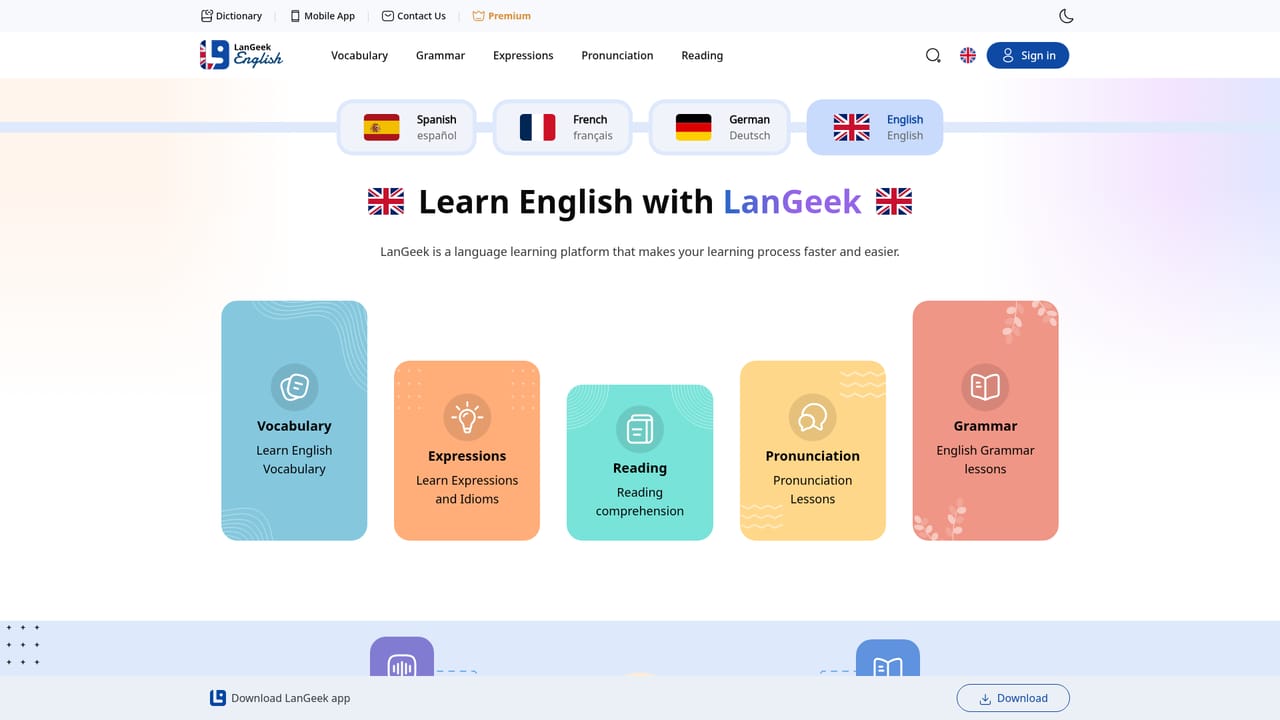
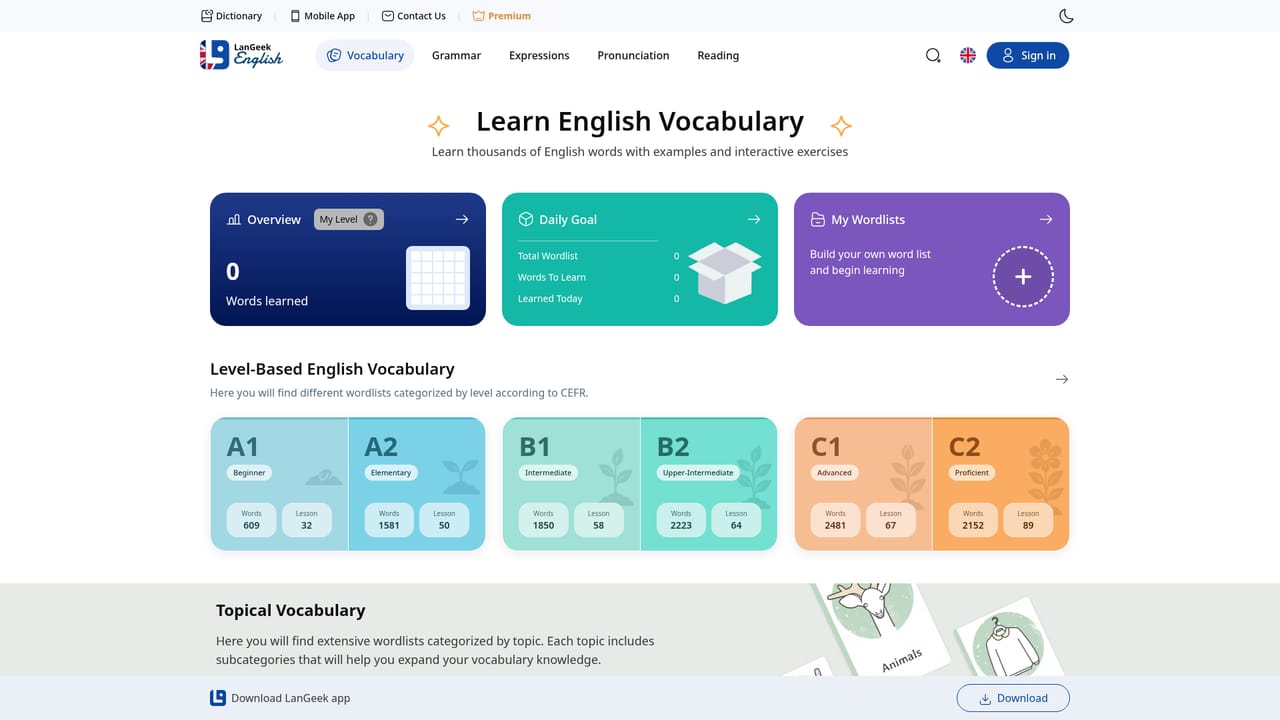
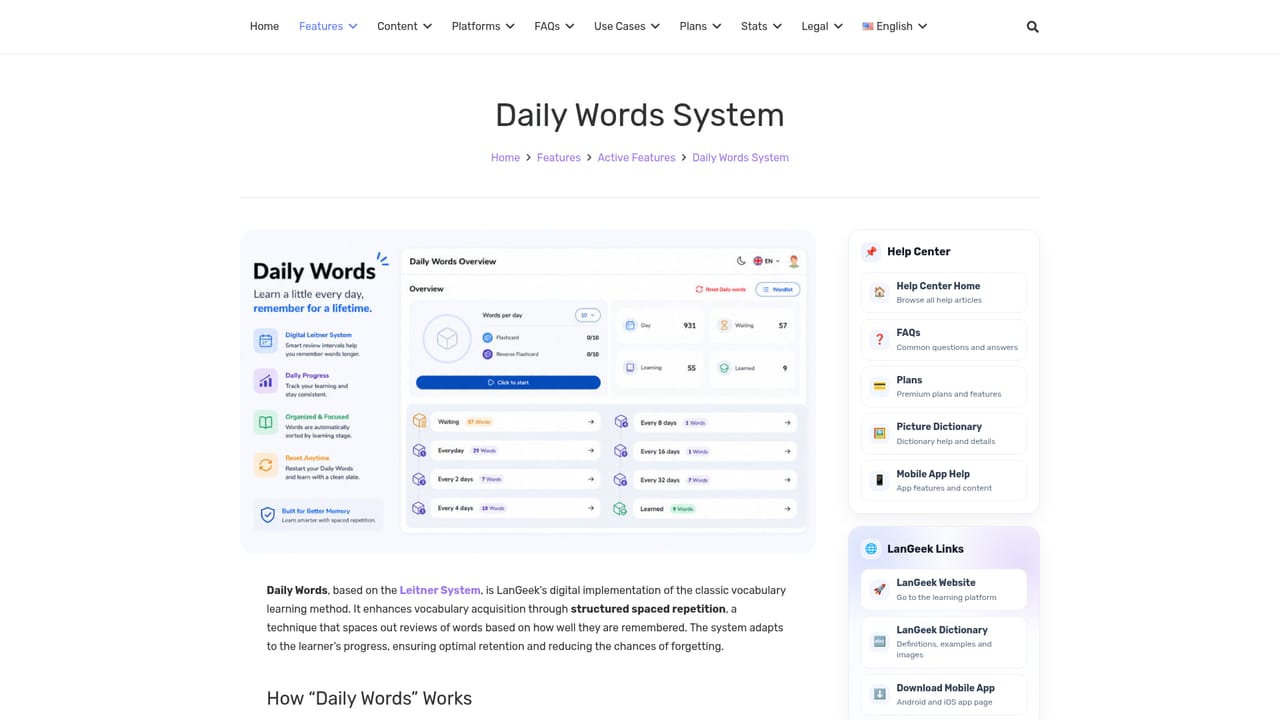
LanGeek is an English learning platform that organizes study into five tracks: vocabulary, expressions and idioms, reading comprehension, pronunciation, and grammar. Each track has its own section on the site, so a learner can move between a grammar lesson and a reading exercise without leaving the same account. The stated goal is a faster, easier learning process, and the product leans on short, repeatable practice rather than long form courses. The vocabulary side carries most of the tooling. Daily Words is a digital take on the Leitner System, a spaced repetition method that moves words between boxes as you recall them correctly, so weaker items come back sooner. Around that sit Word Review, Spelling drills, Flashcards, a Quiz mode, a wordlist, per user statistics, and an Analyzer. A separate Syntax-Sense feature is described as a smart and accessible language teacher available at any time, and there is a free online picture dictionary with a searchable word reference at dictionary.langeek.co. A leaderboard and night mode round out the study interface. The platform suits self directed learners who already read some English and want structured repetition, plus teachers or students who need a free reference dictionary alongside practice. It is not a conversation partner or a tutor marketplace: the focus is written and listened vocabulary, grammar rules and comprehension, with pronunciation covered through lessons. For speaking practice with feedback, dedicated tutoring or chat based tools are a better fit; LanGeek sits closer to a study companion and reference shelf in one place. A mobile app extends the site to phones, and a community space lets learners compare progress and share tips. The interface is available in English, with Spanish, French and German learner versions of the site. Premium sits on top of the free tier for learners who want the smarter study features.
A contact page is linked from the main navigation, and a separate help site documents features such as the Leitner review system.
Learn moreVocabulary practice with Daily Words (a Leitner System review), Word Review, Spelling, Flashcards, Quiz, a personal wordlist, user statistics and an Analyzer. Learning tracks cover expressions and idioms, reading comprehension, pronunciation and grammar. Also includes a leaderboard, night mode, a free picture dictionary, a community space and a mobile app.
Learn more AI Angels400+ customizable AI girlfriends for NSFW chat, voice calls, and roleplay
 Candy AIExperience the future of companionship with AI friends who chat, role-play, and connect with you on a human level.
 ourdream.aiA vast AI roleplay platform with millions of characters for chat, images, video and voiceAI Angels400+ customizable AI girlfriends for NSFW chat, voice calls, and roleplayCandy AIExperience the future of companionship with AI friends who chat, role-play, and connect with you on a human level.ourdream.aiA vast AI roleplay platform with millions of characters for chat, images, video and voice


