Support
Support is handled by email at support@witspeak.ai, including account and data deletion requests. Subscription cancellation and refunds run through Apple or Google depending on where the purchase was made.
An AI speaking coach that makes you talk, then shows you how to say it better.

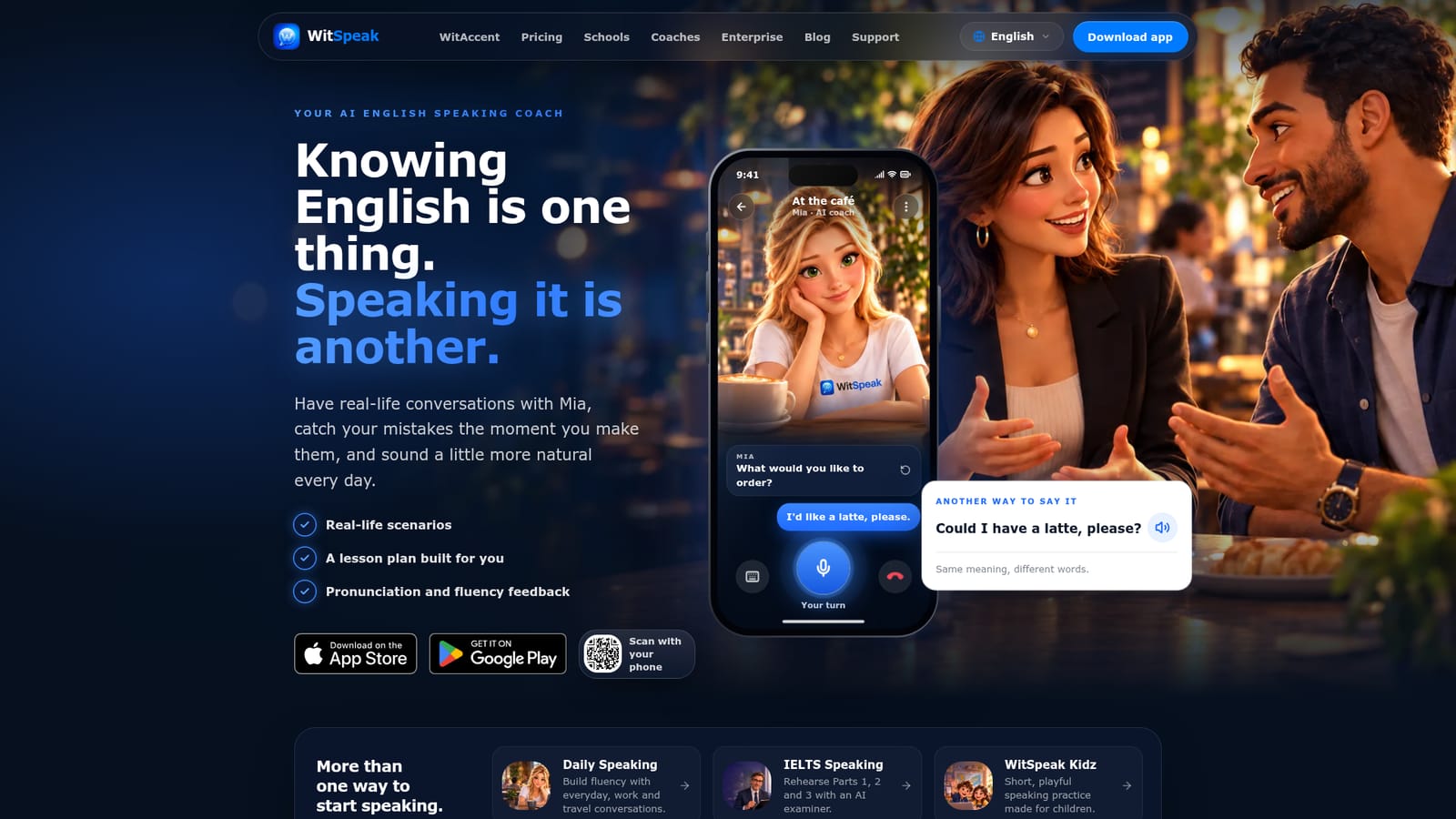
WitSpeak is a mobile AI English speaking coach. You talk out loud with an AI partner named Mia across roleplays, free talk, IELTS-style sessions and kid-friendly practice, then get feedback on fluency, grammar, vocabulary and pronunciation plus a lesson plan that adapts to your level. iPhone and Android only.
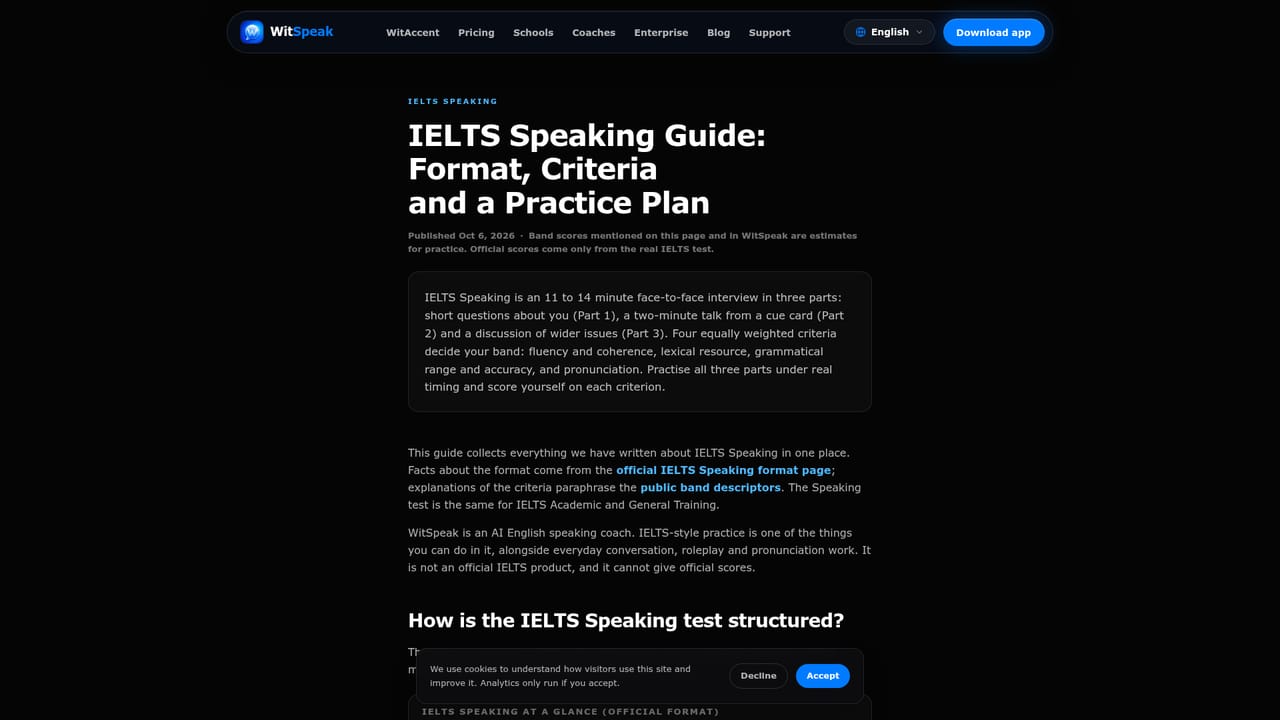
WitSpeak is an AI English speaking coach built around Mia, a conversational partner who talks with you out loud and corrects you in the moment. The premise is simple: most learners can read and understand English long before they can produce it comfortably, so the app pushes production first. You pick a mode, speak into your phone, and get notes on fluency, vocabulary, grammar and pronunciation, then retry the same answer with the correction in hand. Practice comes in several shapes. Roleplay drops you into scenarios such as ordering at a cafe, a job interview or a meeting, with ready-made and custom options. Free Talk and Rapid Fire handle unstructured conversation and quick responses. Flow targets connected speech, Shadowing and pronunciation drills focus on rhythm and individual sounds, and a beginner mode lowers the entry bar. IELTS-style sessions run Parts 1, 2 and 3 with an AI examiner and return an estimated band score, though the site is explicit that these are educational estimates and the product is not affiliated with IELTS, Cambridge, IDP or the British Council. WitSpeak Kidz packages short, playful practice for children. The app leans on structure rather than novelty. Each conversation feeds a lesson plan of short units matched to your level and goal, so there is always a next step. A progress view collects completed lessons, streaks, saved words and per-skill movement. The site claims more than 80 roleplay scenarios and daily conversation topics, feedback across four speaking skills, and guidance in 44 app languages. That puts WitSpeak in the conversation-practice camp rather than the pronunciation-drill camp. Its own comparison with ELSA Speak frames the split: sound-by-sound drilling versus coaching full spoken answers. Learners whose bottleneck is forming sentences under pressure will get more from this format, while those chasing a specific accent target may want a dedicated pronunciation tool alongside it. The app is available for iPhone and Android only, and subscriptions are managed through the App Store or Google Play.
Support is handled by email at support@witspeak.ai, including account and data deletion requests. Subscription cancellation and refunds run through Apple or Google depending on where the purchase was made.
Roleplay with ready-made and custom scenarios, Free Talk, Rapid Fire, Flow, Shadowing and pronunciation practice, beginner mode, and IELTS-style Parts 1, 2 and 3 with an AI examiner and educational band estimates. Feedback covers fluency, vocabulary, grammar, pronunciation and structure, followed by retries, a personalized lesson plan, streaks, saved words and progress tracking. WitSpeak Kidz adds short practice for children.
 AI Angels400+ customizable AI girlfriends for NSFW chat, voice calls, and roleplay
 Candy AIExperience the future of companionship with AI friends who chat, role-play, and connect with you on a human level.
 ourdream.aiA vast AI roleplay platform with millions of characters for chat, images, video and voiceAI Angels400+ customizable AI girlfriends for NSFW chat, voice calls, and roleplayCandy AIExperience the future of companionship with AI friends who chat, role-play, and connect with you on a human level.ourdream.aiA vast AI roleplay platform with millions of characters for chat, images, video and voice


