Larry the Elf

A conversational gift-finding assistant for kids, friends, and spouses.

Beginner
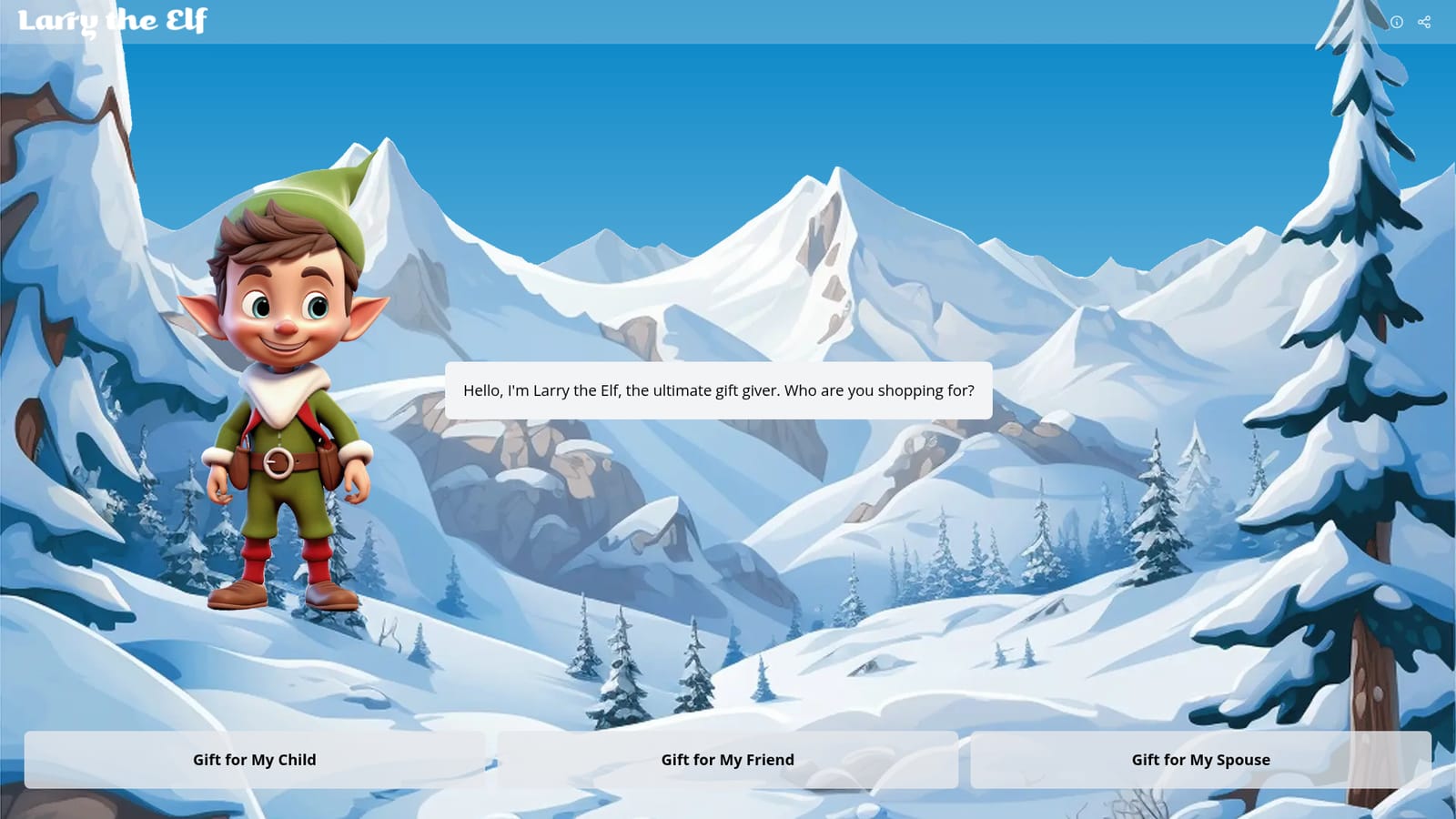
Screenshot of Larry the Elf, A conversational gift-finding assistant for kids, friends, and spouses

What is Larry the Elf?

Larry the Elf is a conversational gift idea assistant. Shoppers start by naming the recipient (child, friend, or spouse) and let the character guide them toward present suggestions, a friendlier entry point than prompting a general chatbot.

Larry the Elf is a web-based gift recommendation assistant that opens with a single question: who are you shopping for? The homepage presents three recipient buckets (child, friend, spouse) and casts the experience around a mascot character who calls himself the ultimate gift giver. Rather than browsing endless category pages, a shopper starts from the relationship and lets the assistant narrow the field. The tool is aimed at people who know the person but not the present: parents staring down a birthday, friends in a secret santa pool, partners who want a gift that lands without asking a dozen probing questions. It suits last-minute shoppers and anyone who finds conventional wishlists too vague or too on the nose. Because the entry point is a relationship rather than a product category, the framing stays personal from the first click. In practice the flow is conversational and short. You pick the recipient type on the homepage, and Larry leads the exchange from there. The site is deliberately minimal: no dense dashboard, no catalog sprawl in the landing view, just the character and the three choices. That keeps the first step to seconds, though it also means the landing page alone does not reveal how deep the recommendation logic goes or what product data sits behind it. Among gift idea tools, Larry the Elf competes less with giant shopping marketplaces and more with generic AI chat assistants that can brainstorm presents on request. Its differentiator is the narrow, guided framing and the named character, which make the task feel approachable for users who would not think to prompt a chatbot for gift ideas. Buyers should treat it as a starting point for inspiration and cross-check specific products and prices elsewhere before purchasing.

How do you use Larry the Elf?

  1. 1Open the homepage
    Go to giftgiving.ai in a browser. Larry the Elf greets you and asks who you are shopping for.
    Larry the Elf — Open the homepage
  2. 2Choose the recipient
    Pick one of the three options: gift for my child, gift for my friend, or gift for my spouse. This sets the context for the conversation.
  3. 3Answer Larry's follow-up questions
    Continue the conversation after the recipient is selected. Supply whatever details about the person the assistant asks for so suggestions stay relevant.
  4. 4Review the suggested gift ideas
    Work through the ideas Larry returns. Shortlist the ones that fit your budget and the recipient's tastes.
  5. 5Verify products before buying
    Check specific products, availability, and prices with a retailer, since the homepage does not state any shopping or catalog integration.

Pros and cons

Pros

  • Single clear starting question removes the blank-page problem for gift shoppersAI
  • Relationship-based framing (child, friend, spouse) keeps suggestions personalAI
  • Minimal, character-led interface is easy for non-technical users to pick upAI
  • Faster first step than browsing marketplace category pagesAI

Cons

  • Homepage exposes only three recipient types, so other relationships are unaddressedAI
  • No pricing, catalog depth, or product sourcing details are stated on the siteAI
  • Recommendation quality cannot be judged without signing in and completing a sessionAI
  • Little visible differentiation from a general AI chatbot asked for gift ideasAI
  • No stated integrations, support channels, or mobile apps on the homepageAI

How much does Larry the Elf cost?

Features

Larry the Elf runs a short conversational flow for gift discovery. The homepage offers three recipient types (child, friend, spouse), a named mascot character, and a question-first interface that starts from the relationship instead of a product category. No further features, catalog details, or account options are described on the homepage.

Frequently asked questions about Larry the Elf

  • How do you use Larry the Elf?
    The walkthrough on this page covers 5 steps: 1. Open the homepage 2. Choose the recipient 3. Answer Larry's follow-up questions 4. Review the suggested gift ideas 5. Verify products before buying.
  • What platforms does Larry the Elf support?
    Larry the Elf is available on Web App.
  • What are the limitations of Larry the Elf?
    Homepage exposes only three recipient types, so other relationships are unaddressed. No pricing, catalog depth, or product sourcing details are stated on the site. Recommendation quality cannot be judged without signing in and completing a session.

Status

StatusActive
Views0
Outbound clicks0
Added10/22/2026

Platforms

Web App

Pricing

Free