Leadeon

AI writes your X and LinkedIn posts, schedules them, and finds scored leads on X.

Beginner API
Screenshot of Leadeon, AI writes your X and LinkedIn posts, schedules them, and finds scored leads on X

What is Leadeon?

Leadeon is a marketing tool. Leadeon drafts posts in your voice, schedules them at your best times across X and LinkedIn, and surfaces scored lead opportunities on X, all from one workspace with analytics and an AI assistant.

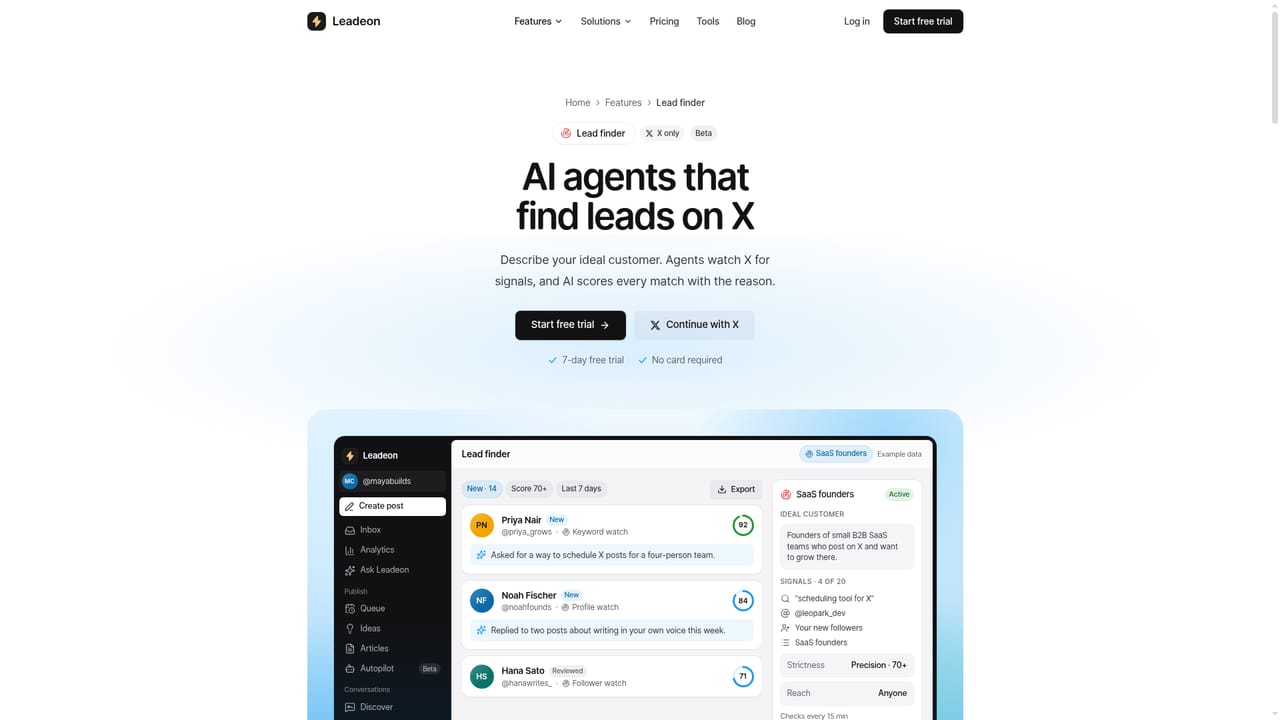
Leadeon is a social growth tool built around X and, soon, LinkedIn, aimed at creators, founders and sales teams who need to publish consistently without sounding like a bot. It studies a user's best performing posts to build a style guide, then drafts new posts, replies and threads that follow that voice, flagging anything that reads as obviously AI generated before it goes out. The product centers on a single queue and calendar where drafts for X and LinkedIn are scheduled into time slots calculated from the account's own historical engagement data. On X specifically, Leadeon adds a Discover feed and unified inbox for finding and replying to relevant conversations, and a Lead finder that watches keywords, profiles and new followers, scoring each person from 0 to 100 with a stated reason and feeding qualified contacts into a lightweight CRM for outreach. Analytics track followers, impressions, engagement rate and top posts, with a weekly AI summary and CSV export. An Ask Leadeon agent answers questions about account performance and can propose and schedule posts for approval, while Autopilot generates draft posts on a recurring schedule; nothing publishes without explicit approval. Because LinkedIn's API restricts third party access to feeds, DMs and lead discovery, those capabilities (Discover, Inbox, Lead finder, People, Outreach and the Chrome extension) remain X only, with LinkedIn currently limited to writing, scheduling and publishing stats. This makes Leadeon best suited to teams and individuals whose primary growth channel is X, using LinkedIn as a secondary, lighter touch outlet. It sits alongside generic social schedulers and separate lead generation tools, differentiated by combining voice matched writing, scheduling and X specific lead scoring in one workspace rather than requiring multiple point solutions.
How do you use Leadeon?

  1. 1Create an account and start the trial
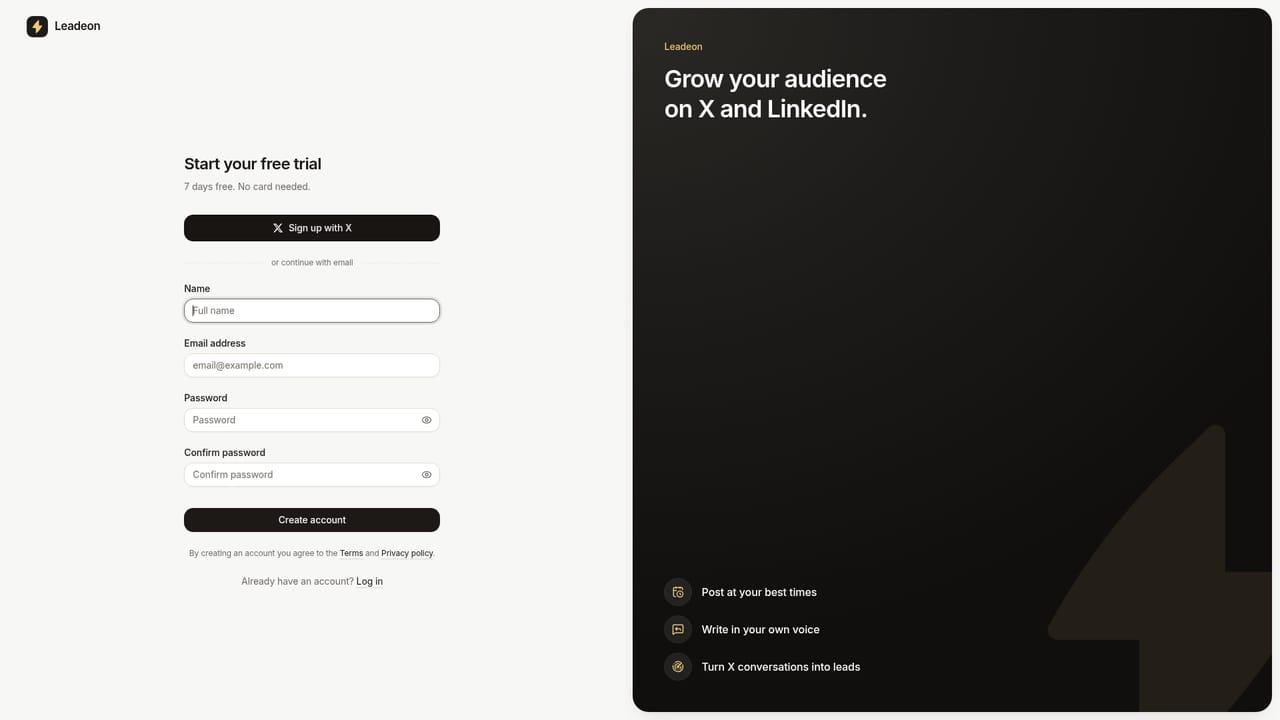
    Sign up with an X account or email to begin the seven day free trial; no payment card is required to start.
    Leadeon — Create an account and start the trial
  2. 2Connect your X account
    Authorize Leadeon through the official X login to allow publishing, scheduling and lead finding on the account.
  3. 3Let Leadeon learn your voice
    Leadeon reviews past posts to build a style guide; add topics, products and custom rules so new drafts match how the account normally writes.
  4. 4Fill the queue and schedule posts
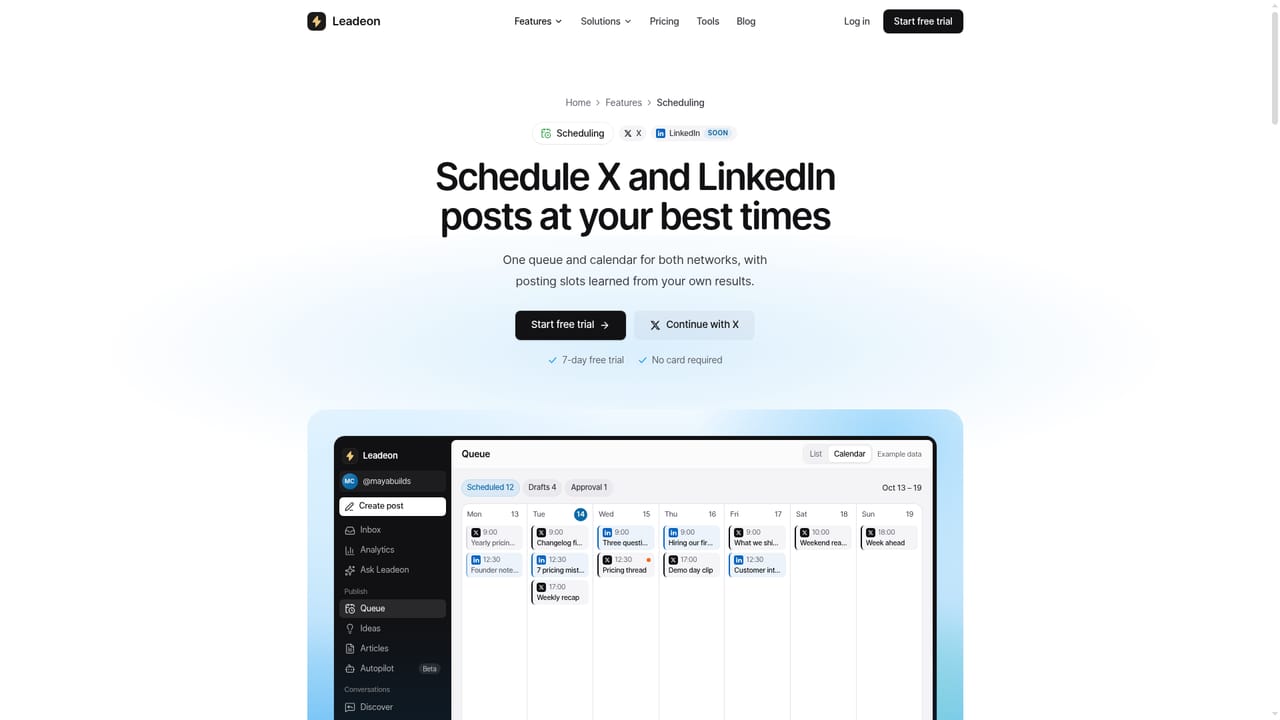
    Generate drafts from suggested hooks, send them for approval if needed, then drop them into the calendar at the account's calculated best times.
    Leadeon — Fill the queue and schedule posts
  5. 5Turn on Lead finder agents
    Set up keyword, profile or follower watch agents on X so Leadeon scores new leads and adds qualified contacts to the People list for outreach.
    Leadeon — Turn on Lead finder agents
  6. 6Review performance in analytics
    Check follower growth, impressions, engagement rate and top posts, and use the weekly AI summary to decide what to post next.

Pros and cons

Pros

  • Learns a user's writing style and checks every draft for obvious AI patterns before schedulingAI
  • Calculates best posting times from the account's own engagement history rather than generic defaultsAI
  • Lead finder scores X prospects from 0 to 100 with a stated reason, feeding a built in lightweight CRMAI
  • Transparent per action credit system shows AI costs upfront and refunds failed generationsAI
  • Seven day free trial with no credit card required before choosing a planAI

Cons

  • Most differentiating features (Discover, Inbox, Lead finder, People, Outreach, extension) work on X only, not LinkedInAI
  • LinkedIn support is currently limited to writing, scheduling, publishing and stats for posts sent through LeadeonAI
  • Threads are unsupported on LinkedIn and PDF carousels are unsupported on X, so formats differ by networkAI
  • AI usage is metered through a separate credit allowance on top of the monthly subscription feeAI
  • No permanent free tier; paid plans start at $39 per month after the trial endsAI

How much does Leadeon cost?

Free trial

A seven day free trial requires no credit card and starts immediately after connecting an X or LinkedIn account.

Learn more

Pricing

Plans start at $39 per month (Pro) and rise to $79 (Advanced) and from $179 (Ultra), each adding more connected X accounts, scheduled posts, AI credits and teammates; yearly billing includes two months free.

Learn more

Support

Support is handled by email at support@leadeon.io, with an FAQ on the homepage covering trial terms, platform differences and account safety.

Integrations

Publishes through the official X and LinkedIn APIs, can cross post X content to Bluesky, and offers a REST API plus an MCP server for Claude and other AI clients.

Learn more

Features

Voice matched AI writing with AI tell detection, a shared X and LinkedIn queue scheduled at best performing times, an Engage inbox and Discover feed, a scored Lead finder with CRM, analytics with weekly summaries, an Ask Leadeon agent and Autopilot drafting.

Learn more

Frequently asked questions about Leadeon

  • How much does Leadeon cost?
    Plans start at $39 per month (Pro) and rise to $79 (Advanced) and from $179 (Ultra), each adding more connected X accounts, scheduled posts, AI credits and teammates; yearly billing includes two months free.
  • Does Leadeon offer a free trial?
    A seven day free trial requires no credit card and starts immediately after connecting an X or LinkedIn account.
  • Does Leadeon have an API?
    Yes, Leadeon offers an API.
  • How do you use Leadeon?
    The walkthrough on this page covers 6 steps: 1. Create an account and start the trial 2. Connect your X account 3. Let Leadeon learn your voice 4. Fill the queue and schedule posts 5. Turn on Lead finder agents 6. Review performance in analytics.
  • What platforms does Leadeon support?
    Leadeon is available on Web App and Browser extension.
  • What does Leadeon integrate with?
    Publishes through the official X and LinkedIn APIs, can cross post X content to Bluesky, and offers a REST API plus an MCP server for Claude and other AI clients.

Status

StatusActive
Views0
Outbound clicks0
Added10/17/2026

Platforms

Web AppBrowser extension

Pricing

SubscriptionFree TrialPaid

Creator

@SheehabMuhammad

Twitter / X