Free trial
A free trial is offered with no credit card required, and the site invites users to try the tool before using it in a real interview. No trial length is stated on the homepage.
Learn moreInvisible AI copilot that feeds solutions during live coding interviews
Own Leetcode Wizard? Verify ownership to get a dofollow link

Leetcode Wizard is an exam preparation tool. An invisible desktop assistant that reads live coding interview problems, ranks possible algorithms and returns working code with tests and complexity analysis, controlled by undetectable hotkeys and hidden from screen capture.
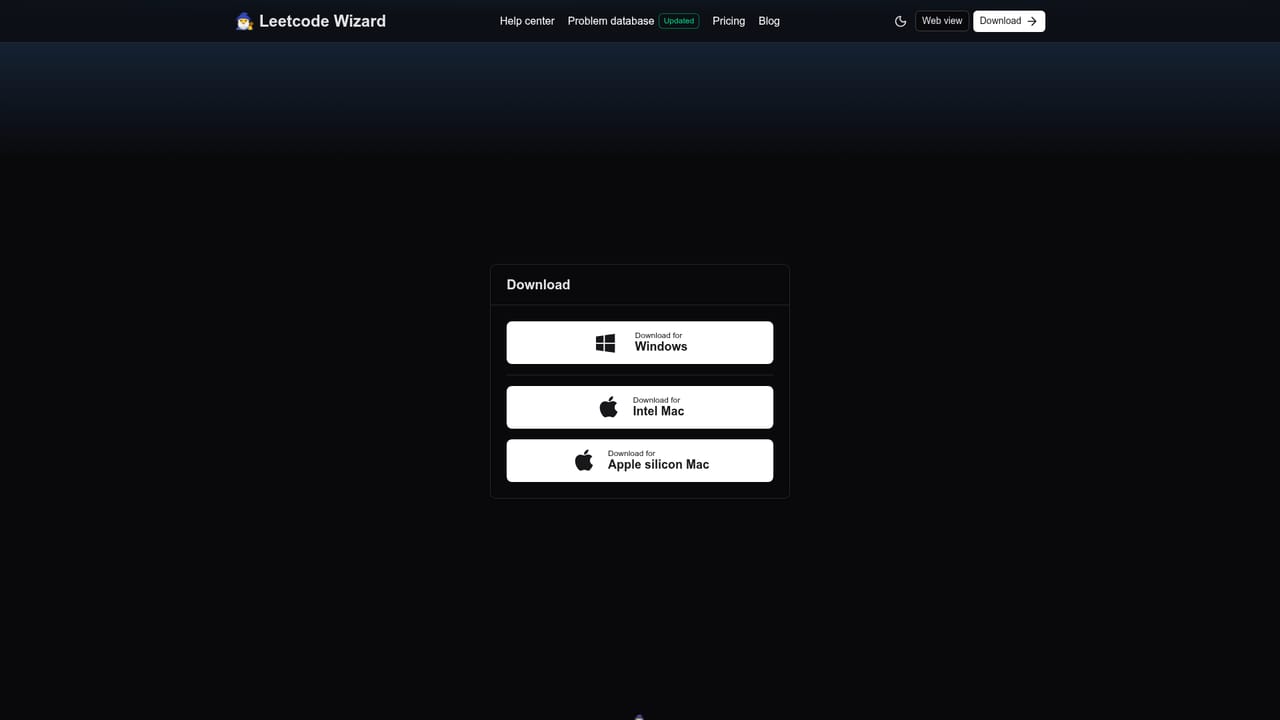
Leetcode Wizard is a desktop application built around a single, deliberately controversial premise: the leetcode-style technical interview does not measure real engineering ability, so candidates should not have to face it unaided. The app watches a coding problem as it appears, works out which algorithms could solve it, and returns finished code in the language the user selected. Output includes tests that demonstrate edge case handling plus a complexity analysis, so the answer arrives in the shape an interviewer expects to hear it. The workflow runs in three stages. After signing in, the user picks a programming language and an input source, then triggers a solve. The AI reads the problem and returns a ranked list of candidate algorithms, ordered from worst to best time complexity. Choosing one produces the code, the tests and the analysis. The company says its custom trained models handle unfamiliar questions as well as well known ones, and that every output passes through a humanizer step intended to defeat AI detection. Stealth is the core selling point. The window cannot be captured by screen sharing software and does not appear in screenshots, and control happens through global hotkeys that run at a privileged level so no other application registers them. A separate web view can be opened from the desktop app and loaded on a phone, tablet or second laptop, which is the configuration the company recommends when an interview is proctored. That positioning matters: the tool is sold to students, junior engineers and experienced staff engineers alike. Alternatives fall into two camps. Conventional prep tools (NeetCode, interview courses, mock platforms) try to build genuine skill over weeks. Leetcode Wizard instead compresses the work into a live assist, with the company citing 93 percent success across its own real interview tests as of October 2026. Buyers should weigh that against the obvious risks: detection policies, offer revocation and the fact that no amount of hotkey masking teaches you the underlying algorithm.
A free trial is offered with no credit card required, and the site invites users to try the tool before using it in a real interview. No trial length is stated on the homepage.
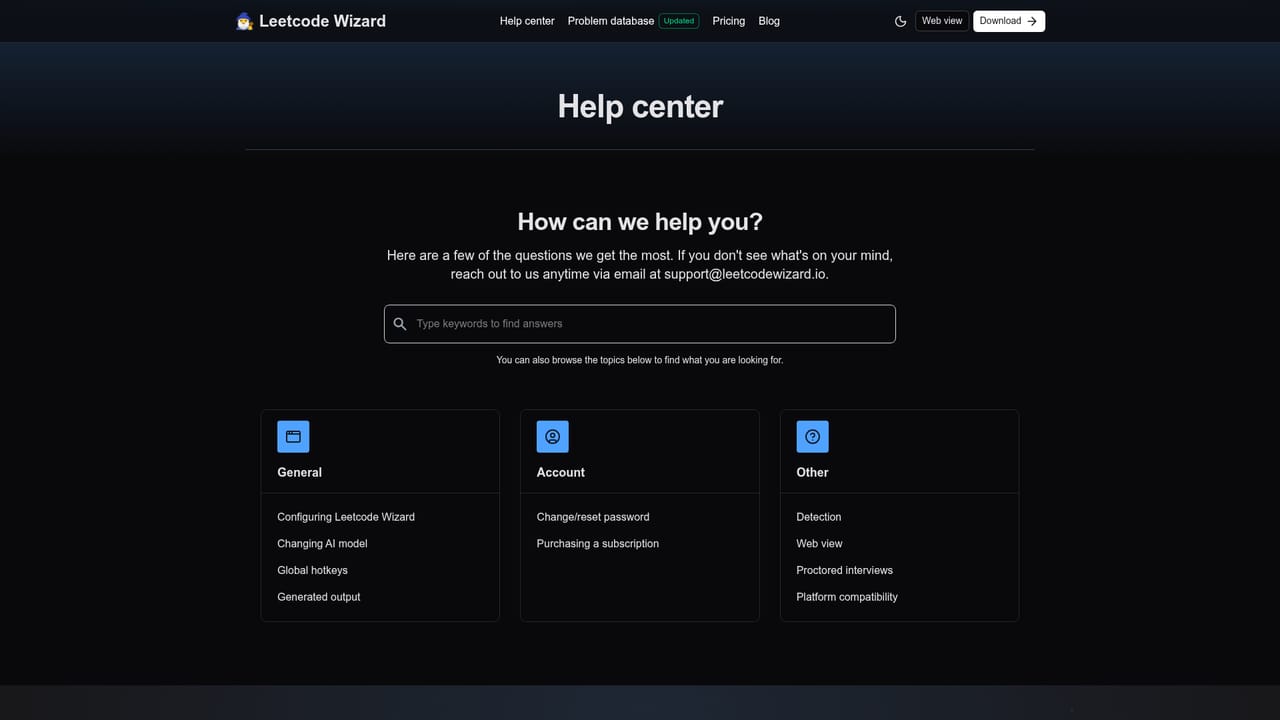
Learn moreSupport runs by email at support@leetcodewizard.io, backed by a self-serve help centre covering detection, proctoring setups, supported platforms and pricing.
Learn moreReads a live coding problem and returns a ranked list of algorithms sorted by time complexity, then generates code in the chosen language with edge case tests and a complexity analysis. Output is humanized to evade AI detection. The desktop app is invisible to screen sharing and screenshots and is driven by privileged global hotkeys, with a companion web view for a second device.
 AI Angels400+ customizable AI girlfriends for NSFW chat, voice calls, and roleplay
 Candy AIExperience the future of companionship with AI friends who chat, role-play, and connect with you on a human level.
 ourdream.aiA vast AI roleplay platform with millions of characters for chat, images, video and voiceAI Angels400+ customizable AI girlfriends for NSFW chat, voice calls, and roleplayCandy AIExperience the future of companionship with AI friends who chat, role-play, and connect with you on a human level.ourdream.aiA vast AI roleplay platform with millions of characters for chat, images, video and voice