Free trial
No formal trial is described. The free tier covers one web scan daily and unlimited scanning in the iOS and Android apps.
Learn moreTurn a photo into a name, a price clue or a translation

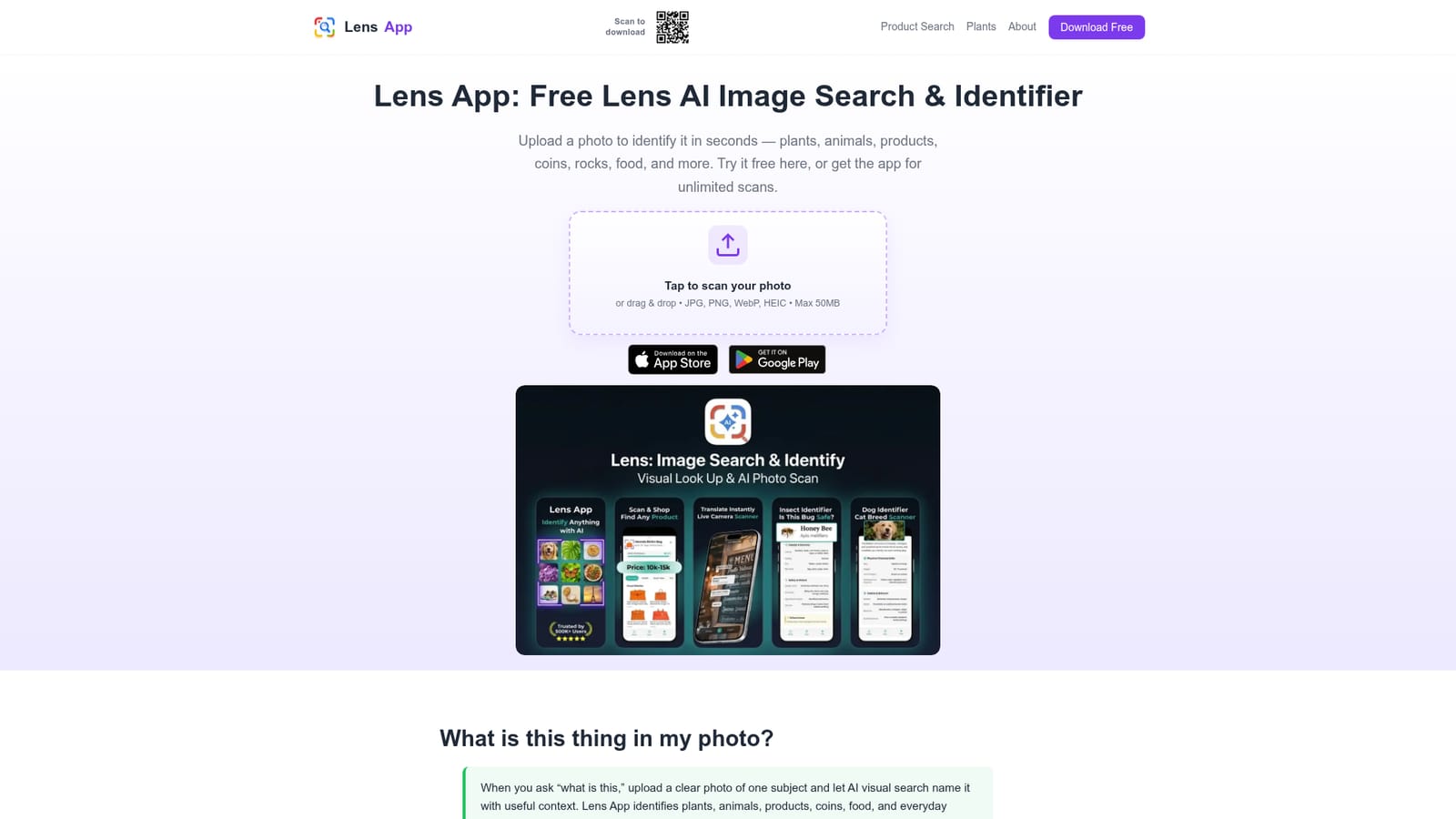
Lens AI is an image analysis tool that turns a photo into a name, a price clue or a translation. A free photo identifier for iPhone, Android and the web that names plants, animals, insects, products, coins, food and landmarks from a single image, with category context, price clues and camera translation layered on top.
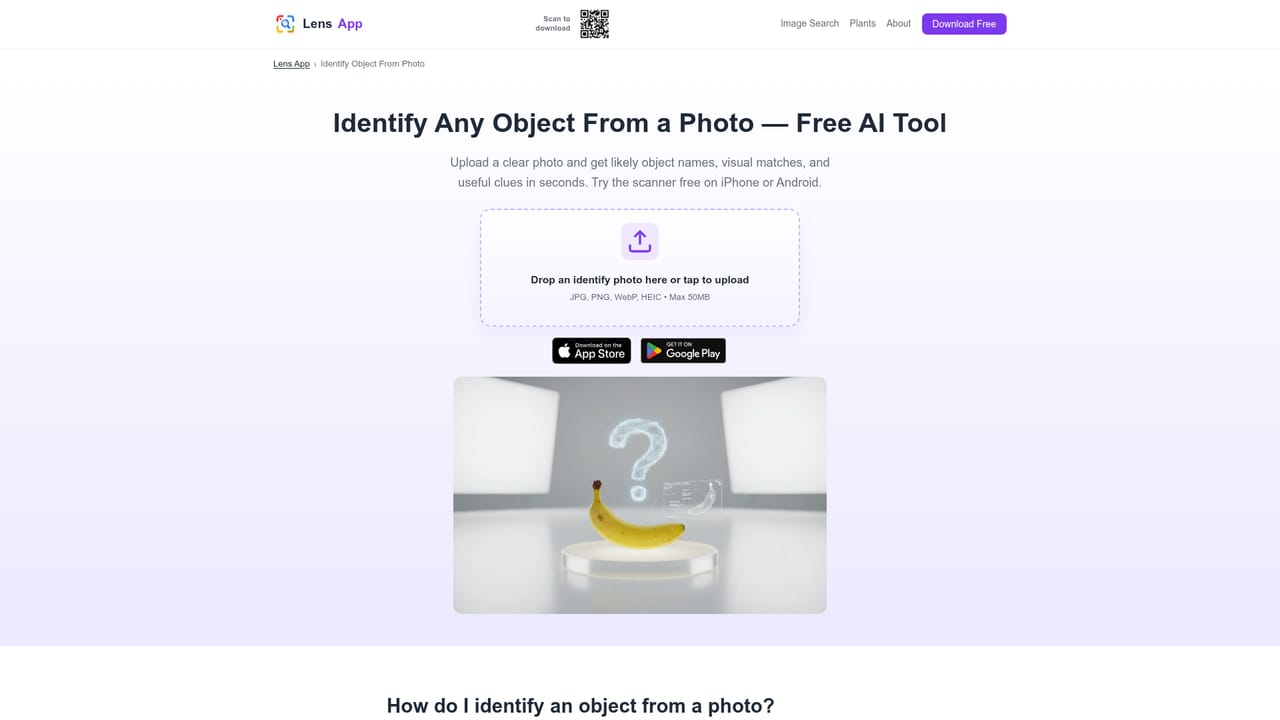
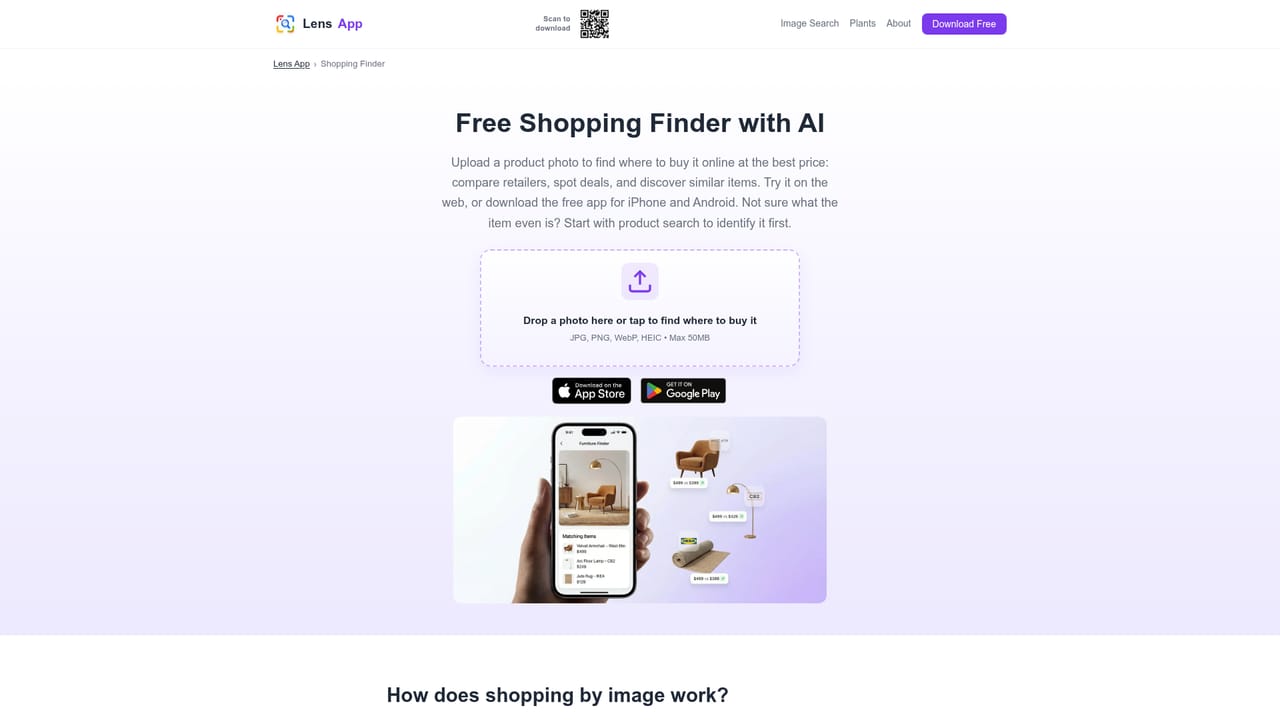
Lens App is a photo-first identification tool for people who cannot name what they are looking at. Instead of typing a description, you upload or shoot an image and the computer vision engine returns a ranked guess at what the subject is, along with context that depends on the category: care notes for a houseplant, distinguishing traits for a dog breed, mint marks for a coin, nutrition figures for a meal, or visually similar listings for a pair of shoes. The photo itself becomes the search query. The scope is broad rather than deep. The same scan flow covers plants, flowers, trees and leaves, insects, spiders and snakes, dogs, cats, birds, fish and other animals, rocks, crystals, minerals and gemstones, coins, banknotes, stamps, trading cards, antiques and jewelry, plus products, logos, sneakers, cars and landmarks. A separate set of features handles reading rather than recognition: pointing the camera at a sign, label or restaurant menu and getting the text translated through OCR. Reverse image search, face search and deep search round out the lookup side, helping trace where an image or a face appears publicly. In practice, results are only as good as the input. The team is explicit that sharp, well-lit, centred shots with the subject filling most of the frame produce the strongest matches, and that clutter, glare and heavy filters degrade them. Every output is presented as a probabilistic suggestion rather than proof, which matters most for mushroom edibility, poisonous plants, valuations and anything safety related. Against Google Lens and Apple Visual Intelligence, Lens App leans toward direct named identification and category detail instead of web links or system shortcuts. It also appears in browser form, where a single free scan per day is offered, while the iPhone and Android apps carry unlimited scanning. That split makes the web version a way to test the engine before installing anything.
No formal trial is described. The free tier covers one web scan daily and unlimited scanning in the iOS and Android apps.
Learn moreFree to use, with one web scan per day and unlimited scans inside the mobile app. Optional in-app upgrades are mentioned, but the homepage does not publish prices or subscription tiers.
Learn moreObject, plant, animal, insect, bird and fish identification, plus breed, rock, crystal, coin, banknote, stamp, card, antique and jewelry recognition. Also includes product and sneaker search with price comparison, landmark and logo lookup, reverse image search, face search, deep search, camera translation, menu translation and homework help from a photo.
Learn more AI Angels400+ customizable AI girlfriends for NSFW chat, voice calls, and roleplay
 Candy AIExperience the future of companionship with AI friends who chat, role-play, and connect with you on a human level.
 ourdream.aiA vast AI roleplay platform with millions of characters for chat, images, video and voiceAI Angels400+ customizable AI girlfriends for NSFW chat, voice calls, and roleplayCandy AIExperience the future of companionship with AI friends who chat, role-play, and connect with you on a human level.ourdream.aiA vast AI roleplay platform with millions of characters for chat, images, video and voice