Support
The homepage advertises 24/7 white glove customer support aimed at resolving issues quickly. A community forum also lets engineers ask questions, get answers from the Leo team and request features.
Learn moreAn engineering copilot that answers from your PLM data, not the open web.

Leo.AI is a conversational copilot for mechanical engineers. It answers technical questions with cited sources, runs engineering calculations, retrieves parts from your PLM and a large vendor catalog, and generates concept images and 3D models. It connects to common CAD, PDM and PLM systems and is priced for teams.
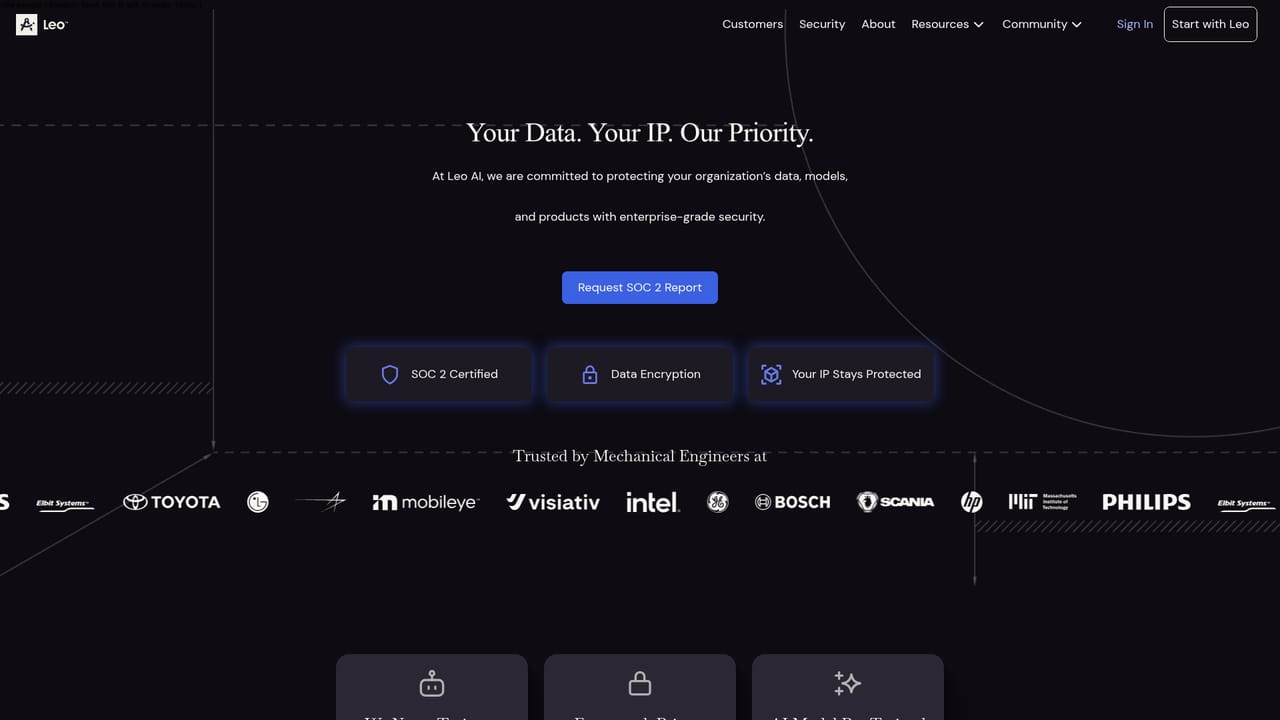
Leo.AI is an AI assistant built specifically for mechanical engineering work, positioned as the first model designed by and for mechanical engineers. The product is aimed at design and engineering teams that build physical products and want a single place to source formulas, run calculations, locate parts and pull answers out of their own engineering records. The company describes a patented model trained on engineering material and backed by more than one million trusted technical sources, with the explicit promise that responses are grounded in your organization's data rather than random internet content. The core workflow is conversational. Engineers ask a question and receive an answer that cites its source, which matters when a stress figure or material choice needs to survive design review. Leo also handles part retrieval, searching both your PLM system and a catalog of over 120 million vendor parts so teams can reuse what already exists instead of designing from scratch. Calculation support covers areas such as stress analysis and material selection, with Leo identifying the relevant formula, running the numbers and pointing back to the reference. Concept images and 3D models round out the creative side, and the vendor claims these tools feed into complete assembly work rather than isolated sketches. It fits best inside established engineering organizations, particularly teams already running SOLIDWORKS, Autodesk Inventor, Fusion, NX, Teamcenter or SAP PLM, since those connections are what turn generic answers into company-specific ones. The pitch leans on measurable outcomes: fewer design mistakes, higher part reuse and hours returned each week. Security is addressed with SOC 2 certification, GDPR compliance and a commitment not to train on customer data, which is the question most engineering leadership asks first. Alternatives fall into two camps. General chat assistants are cheaper and broader but cannot read your PLM or cite engineering sources reliably. Traditional CAD and simulation suites are authoritative but do not converse. Leo sits between them as a domain layer, and its value depends heavily on how much institutional knowledge and part data your organization can connect to it.
The homepage advertises 24/7 white glove customer support aimed at resolving issues quickly. A community forum also lets engineers ask questions, get answers from the Leo team and request features.
Learn moreConnectors are listed for SOLIDWORKS, SOLIDWORKS PDM, Autodesk Inventor, Autodesk Fusion, NX, Teamcenter and SAP PLM, covering CAD, PDM, PLM and ERP systems, with organizational systems included in the general promise.
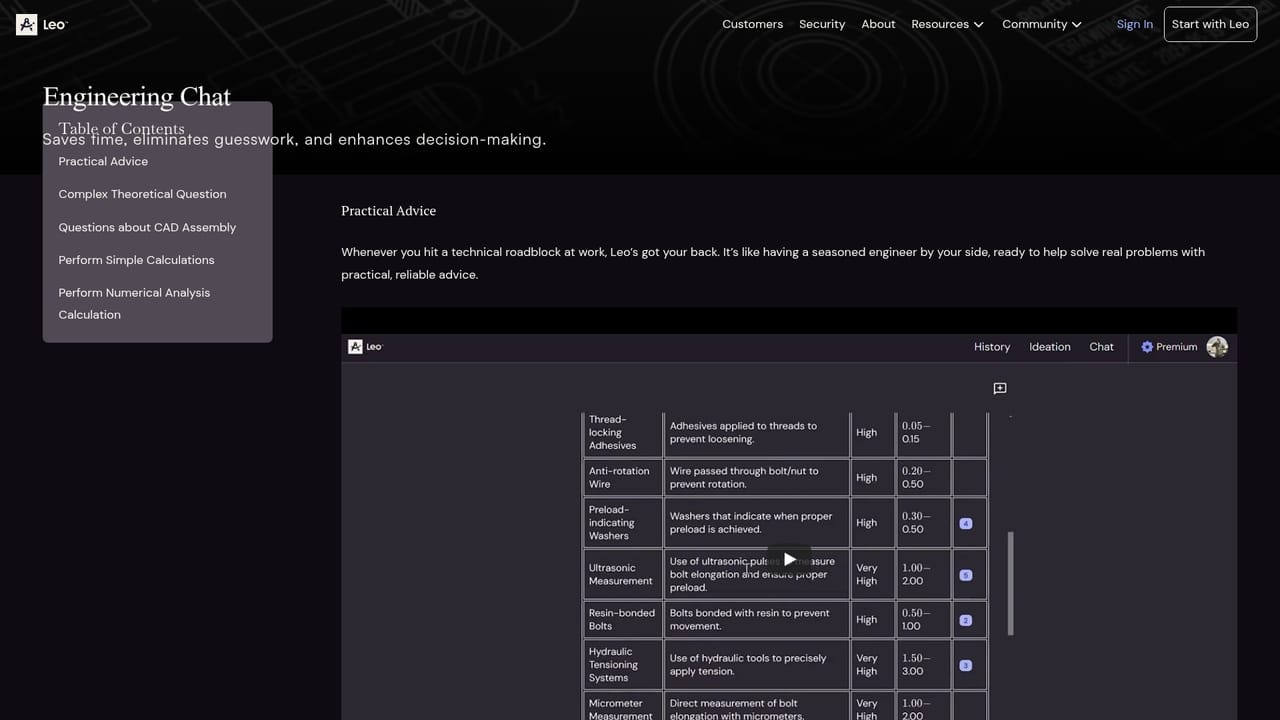
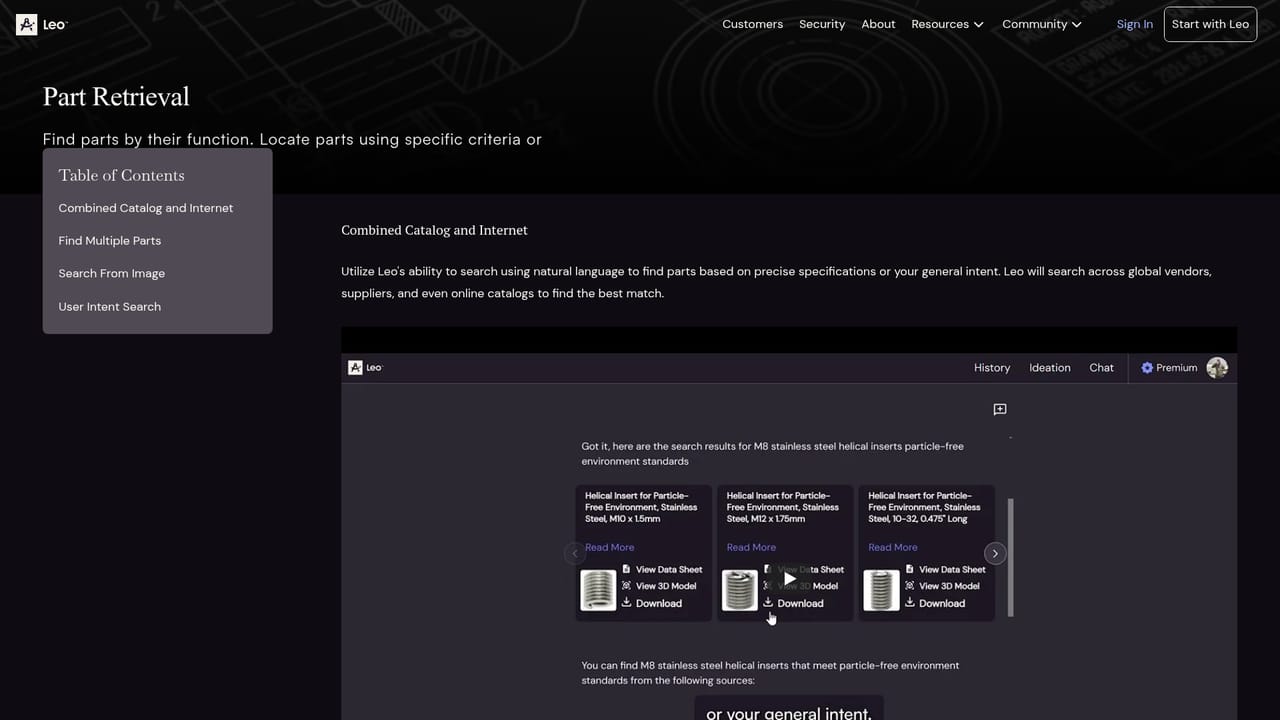
Leo Chat answers engineering questions with citations drawn from your PLM data and more than one million trusted sources. Part retrieval searches internal parts plus 120 million vendor components. Calculation support covers stress analysis, material selection and unit conversions with cited formulas. Concept images and 3D models are generated for design work, and assemblies can be built from high-level design down to detailed geometry.
Learn more AI Angels400+ customizable AI girlfriends for NSFW chat, voice calls, and roleplay
 Candy AIExperience the future of companionship with AI friends who chat, role-play, and connect with you on a human level.
 ourdream.aiA vast AI roleplay platform with millions of characters for chat, images, video and voiceAI Angels400+ customizable AI girlfriends for NSFW chat, voice calls, and roleplayCandy AIExperience the future of companionship with AI friends who chat, role-play, and connect with you on a human level.ourdream.aiA vast AI roleplay platform with millions of characters for chat, images, video and voice





