Support
The homepage does not describe a help centre, contact channel or support policy.
Your AI English coach for confident work meetings

Leya AI is an iOS English learning app that acts as a personal coach for workplace communication, building short personalized lessons around your job and upcoming calendar meetings so you can practice before the conversations that matter.
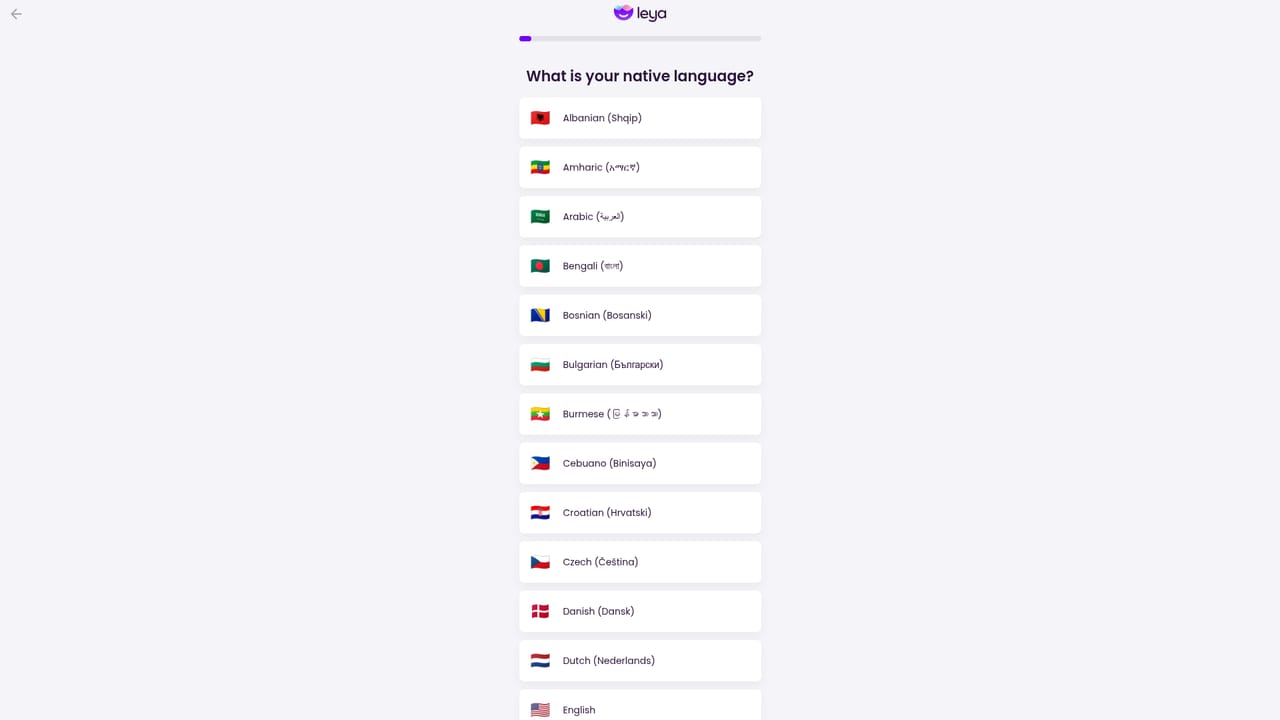
Leya AI is an English learning app built around one specific problem: speaking English with confidence at work. Rather than offering a generic language course, it positions itself as a personal AI coach that adapts to your job, your industry and the meetings already on your calendar. The pitch is modest in scope by design, with the site suggesting ten minutes a day is enough to make progress. The core of the product is a personalized learning plan. Lessons are matched to your role and to the situations you actually face, so the vocabulary and phrasing you practice map onto real conversations rather than textbook exercises. Calendar sync is the feature that stands out: the app looks at upcoming meetings and helps you prepare for them, which turns practice into something timely instead of abstract. Short games and tasks carry the drills, and the app gives immediate feedback so mistakes get corrected while the context is still fresh. Notifications are there to keep a daily habit from slipping. The audience is working professionals who already have some English but freeze in calls, stand-ups and client conversations. It also suits people preparing for a specific event, such as an interview or a presentation delivered in English, who want targeted rehearsal rather than a semester-long course. Learners starting from zero will likely find the workplace framing too narrow. Against alternatives, Leya AI sits between general language apps and human tutors. It avoids the scheduling overhead of one-on-one lessons and the generic curriculum of consumer language apps, but it does not replace a tutor who can correct pronunciation in real time or explain grammar in depth. Privacy is presented as a selling point, with the site stating that data stays under user control. Distribution is through the iOS App Store, and onboarding runs through a web quiz that sets up the learning path.
The homepage does not describe a help centre, contact channel or support policy.
Calendar sync is described on the homepage as a way to plan lessons around your important meetings. No other integrations are named.
Personalized lessons matched to your job and industry, a plan built from your weaknesses, calendar sync for practicing ahead of specific meetings, short games and tasks, immediate feedback on answers, lesson reminders, and an AI model that adapts to your role.
 AI Angels400+ customizable AI girlfriends for NSFW chat, voice calls, and roleplay
 Candy AIExperience the future of companionship with AI friends who chat, role-play, and connect with you on a human level.
 ourdream.aiA vast AI roleplay platform with millions of characters for chat, images, video and voiceAI Angels400+ customizable AI girlfriends for NSFW chat, voice calls, and roleplayCandy AIExperience the future of companionship with AI friends who chat, role-play, and connect with you on a human level.ourdream.aiA vast AI roleplay platform with millions of characters for chat, images, video and voice


