LibroMatch

Type a favourite book and get similar titles to read next.

Beginner
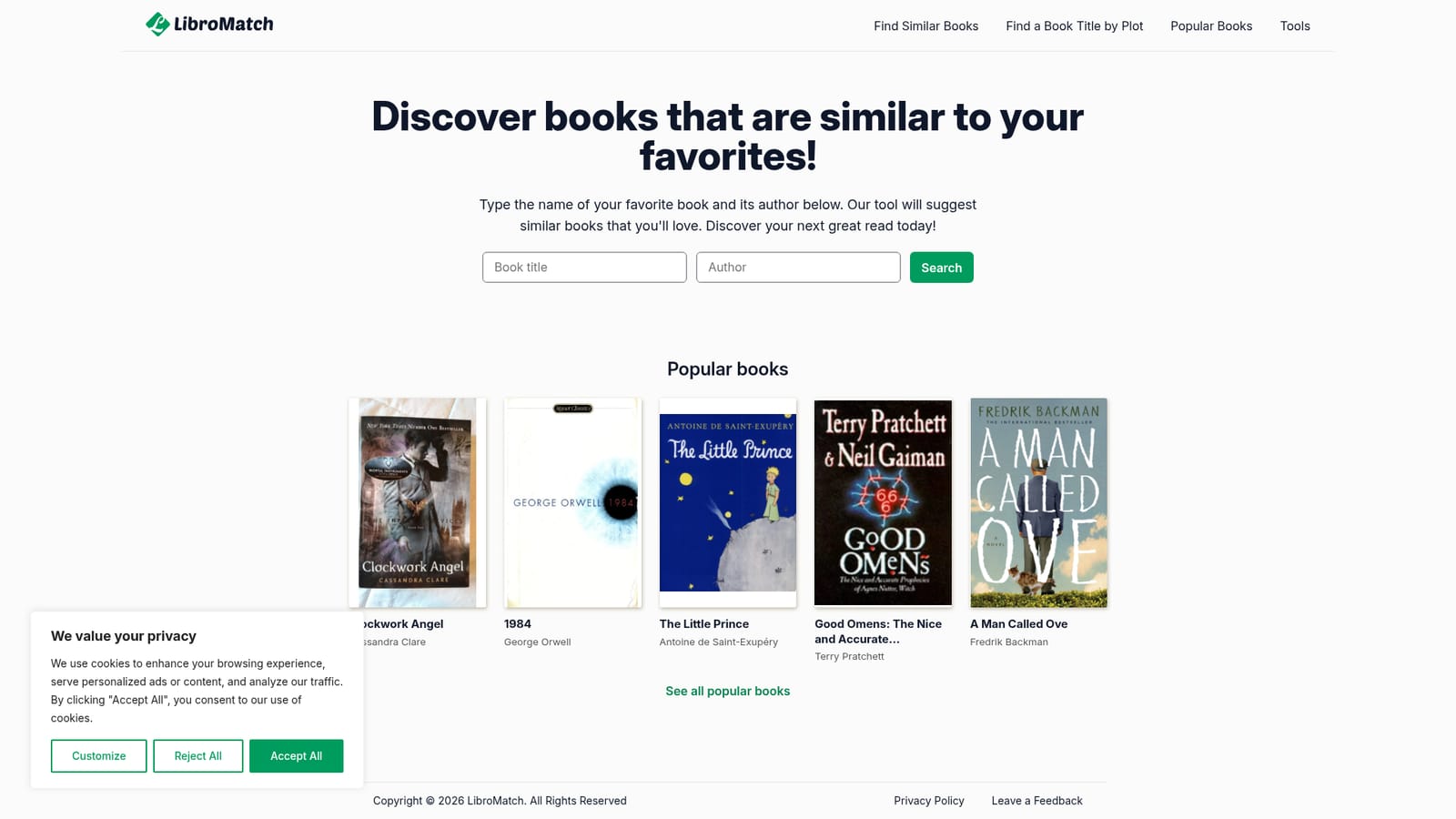
Screenshot of LibroMatch, Type a favourite book and get similar titles to read next

What is LibroMatch?

LibroMatch takes a book title and author and suggests similar books to read next. No account or reading profile is needed, and a popular books section offers ready made starting points for readers who want ideas fast.

LibroMatch is a single purpose recommendation tool for readers who have finished a book and want the next one to feel familiar. The homepage presents one input: the name of a book and its author. Submitting that pair runs a search and returns titles the tool considers similar to the one entered. There is no account, no reading history to import and no questionnaire about mood, pace or genre. The model is straightforward: one known good book in, a set of comparable books out. That keeps the barrier to entry close to zero, which suits casual readers more than anyone building a curated shelf. The site also publishes a popular books section, where titles such as City of Bones by Cassandra Clare, Where the Crawdads Sing by Delia Owens, Charlotte's Web by E.B. White, Twilight by Stephenie Meyer and Ugly Love by Colleen Hoover each have a dedicated page. Those pages give visitors a starting point without having to type anything, and they double as examples of the kind of mainstream commercial fiction the catalogue leans toward. Each book page carries the title, the author and cover imagery where available, and the site flags some covers as missing, which hints at how the underlying data is assembled. In practice the workflow is short. A reader searches, scans the suggestions, and either picks something or refines the query with a different title. Because recommendations derive from a single book rather than a profile, results reflect that one choice; a reader who wants variety needs to run several searches. The tool does not display reviews, ratings, prices or library availability, so it works best as an idea generator before a reader moves to a bookstore, library catalogue or review site. Among alternatives, LibroMatch sits furthest toward simplicity. Community catalogues and algorithmic readers' networks offer richer profiles and social signals but demand setup, while this tool asks for nothing beyond a title. Its trade offs are depth and reliability: the site warns that heavy traffic can put the service temporarily offline, so it is a convenience layer for discovery rather than a dependable research instrument.

How do you use LibroMatch?

  1. 1Open the LibroMatch homepage
    Go to libromatch.com. The page centres on a single search field for a book title and author, so no navigation is required to begin.
    LibroMatch — Open the LibroMatch homepage
  2. 2Enter a book you already know
    Type the name of a book you liked along with its author. Supplying both fields helps the tool match the right title rather than a namesake.
  3. 3Review the suggested titles
    Submit the search and read through the similar books the tool returns. The results appear in place on the homepage after the short searching message.
  4. 4Try a popular book page instead
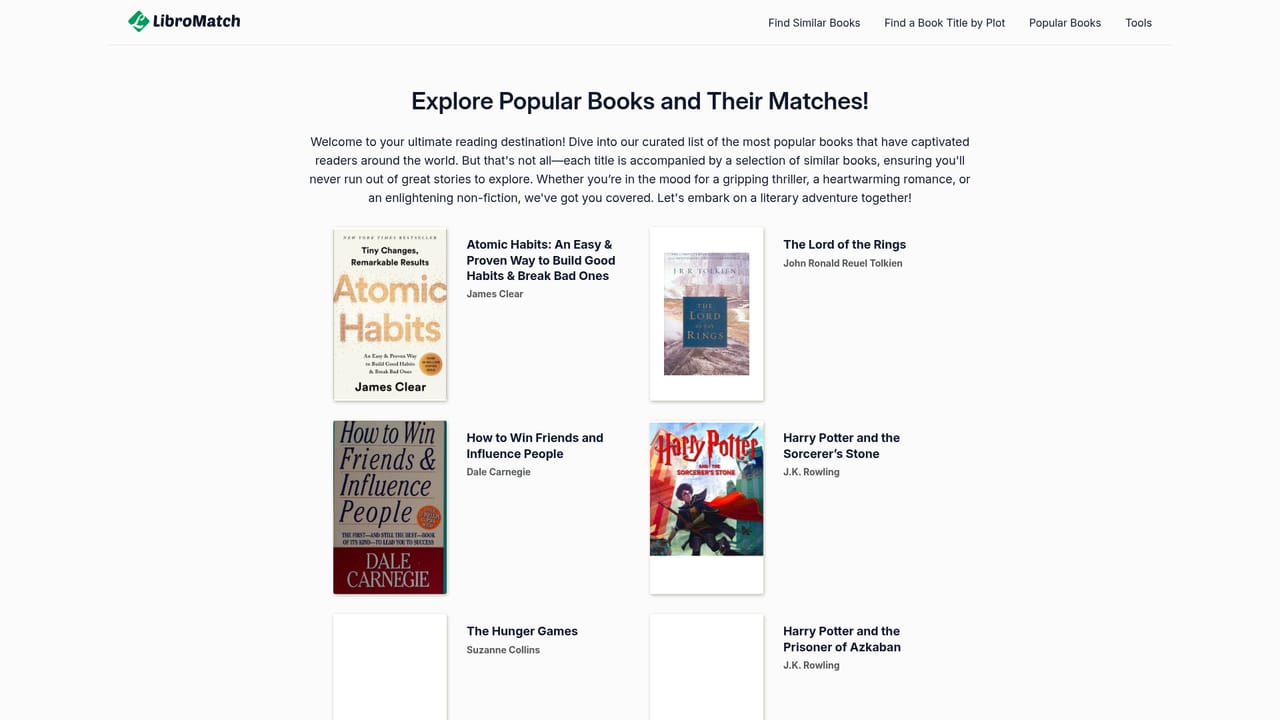
    Browse the popular books section and open a title such as Where the Crawdads Sing or City of Bones to see how individual book pages are laid out before searching yourself.
    LibroMatch — Try a popular book page instead
  5. 5Run another search to widen the field
    Since each search is based on one book, enter a different favourite to get a fresh set of suggestions and build a shortlist.

Pros and cons

Pros

  • No sign up or profile setup, just a title and authorAI
  • Popular books section gives instant starting points for browsingAI
  • Single purpose interface that is easy to understand on first visitAI
  • Book pages combine title, author and cover imagery where availableAI
  • Useful for readers who finish a book and want a quick next pickAI

Cons

  • Recommendations hinge on one book, so results can feel narrow without repeated searchesAI
  • No ratings, reviews or genre filters to help judge the suggestionsAI
  • No stated price or plan information anywhere on the homepageAI
  • Service can return a temporary unavailable message during high trafficAI
  • No accounts, so searches and any reading lists cannot be savedAI

How much does LibroMatch cost?

Features

Core feature is a search box that accepts a book title and author and returns similar books. The site also maintains a popular books area with individual pages for titles including City of Bones, Where the Crawdads Sing, Charlotte's Web, Twilight and Ugly Love, each showing title, author and cover imagery where available.

Frequently asked questions about LibroMatch

  • How do you use LibroMatch?
    The walkthrough on this page covers 5 steps: 1. Open the LibroMatch homepage 2. Enter a book you already know 3. Review the suggested titles 4. Try a popular book page instead 5. Run another search to widen the field.
  • What platforms does LibroMatch support?
    LibroMatch is available on Web App.
  • What are the limitations of LibroMatch?
    Recommendations hinge on one book, so results can feel narrow without repeated searches. No ratings, reviews or genre filters to help judge the suggestions. No stated price or plan information anywhere on the homepage.

Status

StatusActive
Views0
Outbound clicks0
Added10/21/2026

Platforms

Web App

Pricing

Free