Free trial
The tool is free to use, so no separate trial is needed. The homepage states free to use with cloud sync and mobile apps.
Learn moreBuild English vocabulary from YouTube videos with one-click saving.

LinkerTube is a language learning tool that builds English vocabulary from YouTube videos with one-click saving. LinkerTube is a free tool that adds a sidebar to YouTube videos for saving words and sentences with one click. It syncs saved items to iOS and Android apps and uses spaced repetition to schedule reviews.
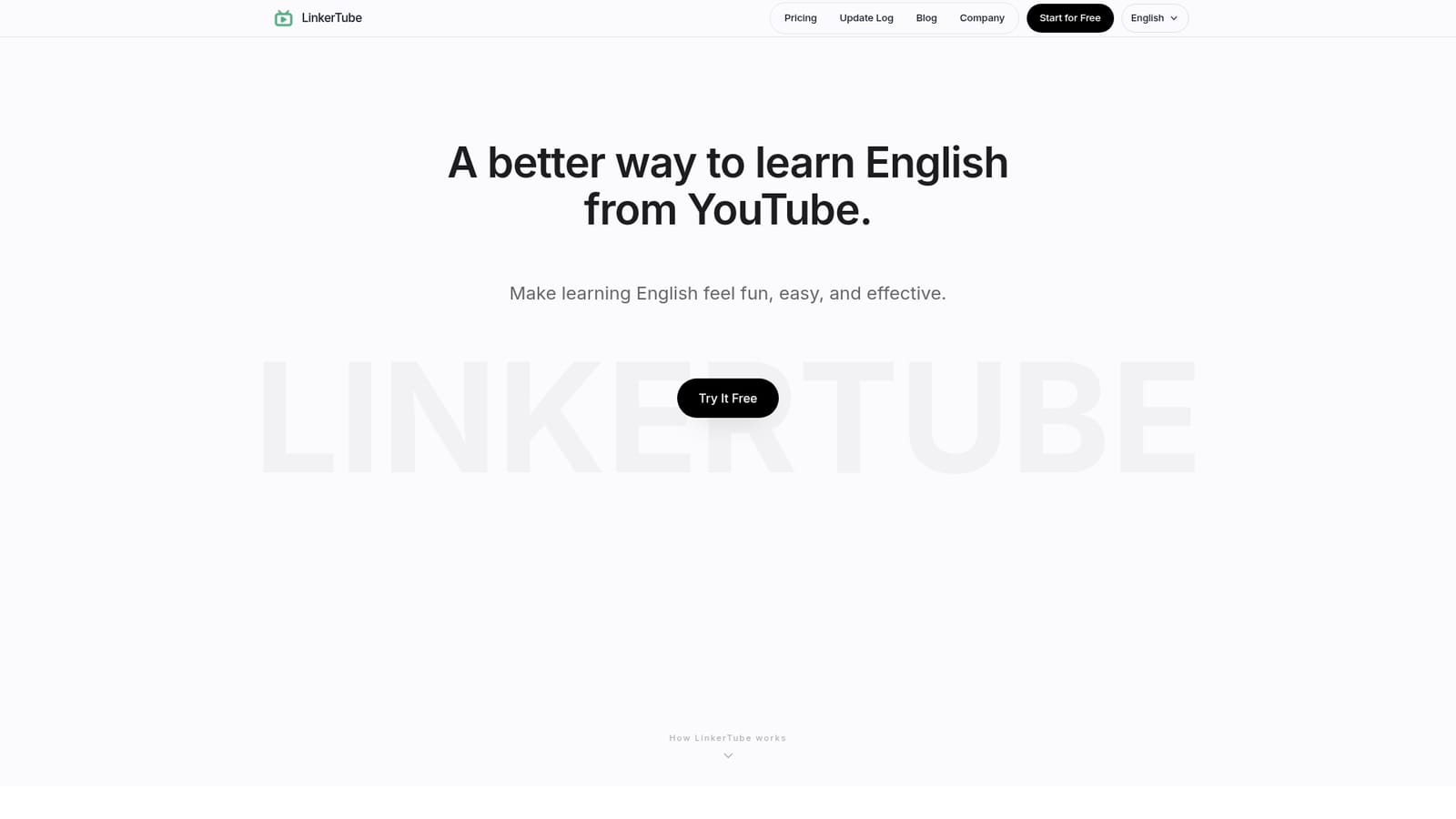
LinkerTube is a vocabulary learning tool that turns YouTube into a personal English classroom. It adds a sidebar to YouTube videos that displays subtitles and translations alongside the player. When you encounter an unfamiliar word or phrase, a single click saves it. Each saved item includes a timestamp that links back to the exact moment in the video where it appeared, so you can revisit the original context with sound and visual cues. The method leans on context and repetition rather than isolated word lists. All saved words and sentences sync to the cloud and are accessible through a dedicated mobile app for iOS and Android. The app uses a spaced repetition system (SRS) to schedule reviews. The algorithm tracks how well you remember each item and prompts you to review it just before you would likely forget. This approach is designed to make study sessions shorter and more effective by focusing on items that need reinforcement. The tool is aimed at English learners who already spend time watching YouTube content and want to convert that passive viewing into active vocabulary building. It suits intermediate learners who can follow subtitles but need to expand their range, as well as beginners who rely on translations. Because it works directly on YouTube, it integrates into an existing habit rather than requiring a separate study platform. Compared with flashcard apps that require manual entry or pre-made decks, LinkerTube automates the capture process and preserves the source video link. Compared with browser extensions that only provide translations, it adds a full review system and mobile access. The focus is narrow (English vocabulary from YouTube) but deep, covering capture, context, scheduling, and cross-device sync. LinkerTube is free to use according to its homepage, with cloud sync and mobile apps included. It is a practical choice for learners who want to learn from real content without building decks by hand.
The tool is free to use, so no separate trial is needed. The homepage states free to use with cloud sync and mobile apps.
Learn moreLinkerTube is free to use according to its homepage. No paid tiers or subscription details are listed.
Learn moreIntegrates with YouTube via a browser sidebar. Syncs with iOS and Android mobile apps. No other integrations are mentioned.
LinkerTube provides a YouTube sidebar with subtitles and translations, one-click saving of words and sentences, timestamped links back to the video moment, cloud sync, iOS and Android apps, and a spaced repetition system that schedules reviews based on memory strength.
 AI Angels400+ customizable AI girlfriends for NSFW chat, voice calls, and roleplay
 Candy AIExperience the future of companionship with AI friends who chat, role-play, and connect with you on a human level.
 ourdream.aiA vast AI roleplay platform with millions of characters for chat, images, video and voiceAI Angels400+ customizable AI girlfriends for NSFW chat, voice calls, and roleplayCandy AIExperience the future of companionship with AI friends who chat, role-play, and connect with you on a human level.ourdream.aiA vast AI roleplay platform with millions of characters for chat, images, video and voice