Lion Browser

A native iOS browser built to keep kids safer online

Beginner
Screenshot of Lion Browser, A native iOS browser built to keep kids safer online

What is Lion Browser?

Lion Browser is a native iOS browser from the Lion Family suite, built by a parent who develops parental-control software. It aims at safer everyday browsing for kids, with sibling apps for family monitoring, filtered YouTube and a kid-safe AI assistant, plus plain-English setup guides and in-person setup in the Phoenix area.

Lion Browser is one of four native iOS applications from Lion Family, a small suite built by a parent who develops parental-control software for a living. The browser is the entry point of the suite: a Safari-style iOS browser that keeps families on a safer footing while children explore the web. It sits alongside Lion Family (family monitoring), Lion for YouTube (filtered video) and Lion AI (a kid-safe chat assistant aimed at ages 6 to 14), and each app works on its own or in combination with the others. The product is aimed at parents rather than at IT administrators. The site pitches clean, Apple-style interfaces, no separate accounts to juggle across services, and no monitoring dashboard buried behind a web login. Instead of simply blocking everything, the stated approach is to encourage responsible habits and support honest conversations between parents and children. The company also publishes plain-English handbooks for iOS, Roblox, Fortnite and Steam, and offers in-person setup visits in the Phoenix area for families who would rather hand the job to someone else. In practice, a family installs the iOS app and uses it as the everyday browser on a child's iPhone or iPad, with the wider suite available for filtering YouTube and reviewing activity. Lion positions itself as an alternative to accountability services such as Covenant Eyes, X3Watch, Accountable2You and Bark, leaning on browser-level visibility rather than indirect monitoring. Reviewers on the App Store repeatedly describe it as simple to set up, fast and closer to Safari in everyday use than the older accountability tools they replaced. The main caveats are scope and platform. Everything is iOS-native, so Android, Windows, macOS and Linux households get nothing from the app lineup, and the guides plus Phoenix visits are separate purchases. Pricing for the apps is not stated on the homepage, so buyers should check the pricing page before committing.

How do you use Lion Browser?

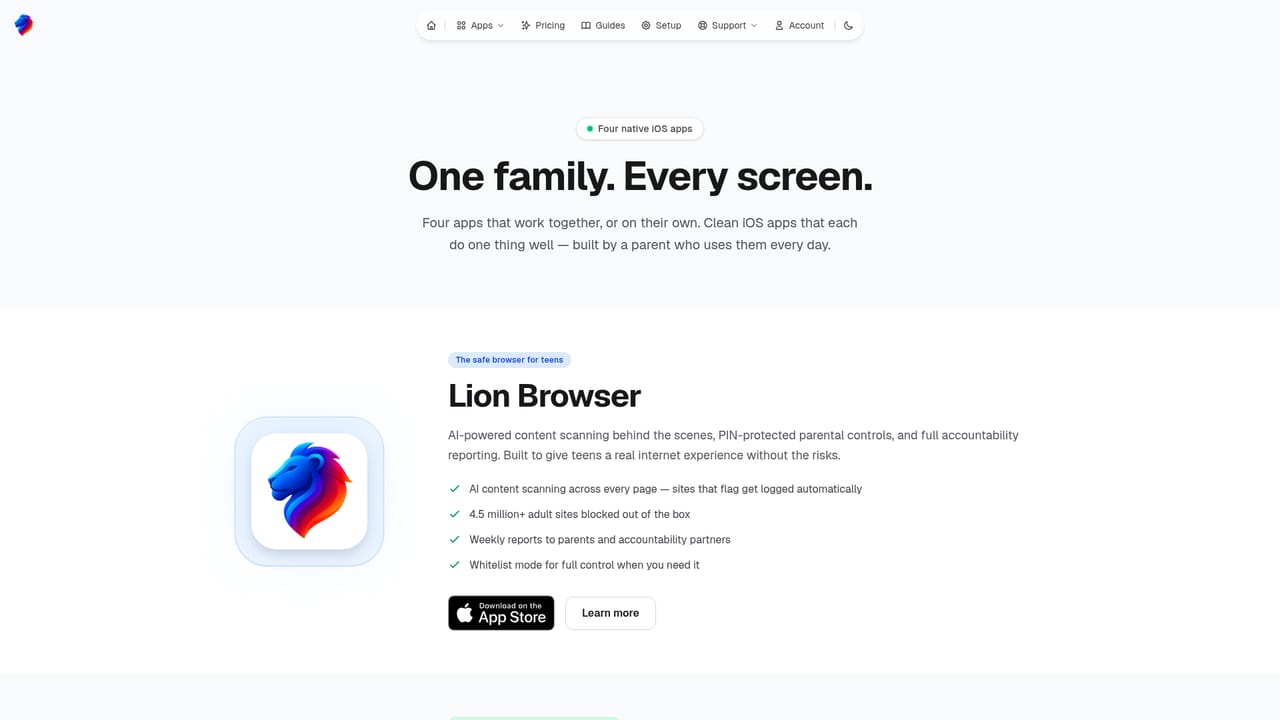
  1. 1See how the four apps fit together
    Start on the app lineup page to understand what Lion Browser does on its own and how it pairs with Lion Family, Lion for YouTube and Lion AI. Decide whether you need the browser alone or the wider suite.
    Lion Browser — See how the four apps fit together
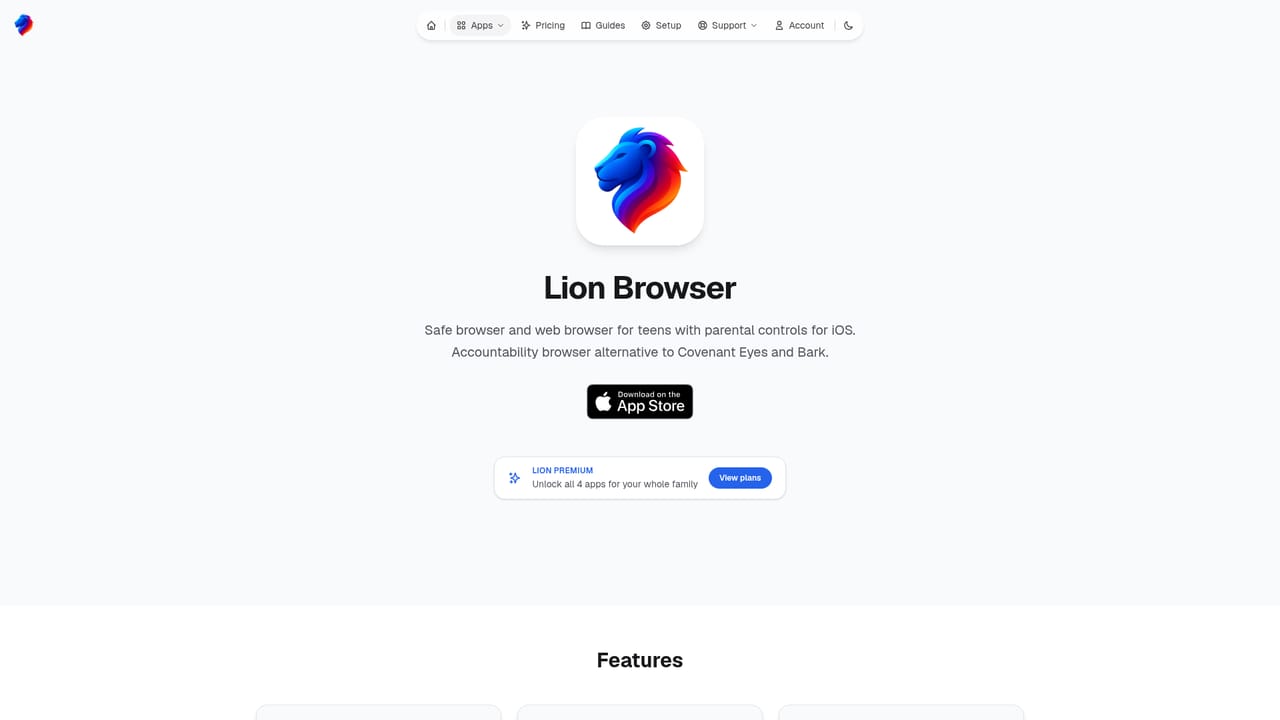
  2. 2Read the Lion Browser page
    The dedicated browser page explains what the app does and what it does not do. Read it before installing so you know which behaviour it covers on a child's device.
    Lion Browser — Read the Lion Browser page
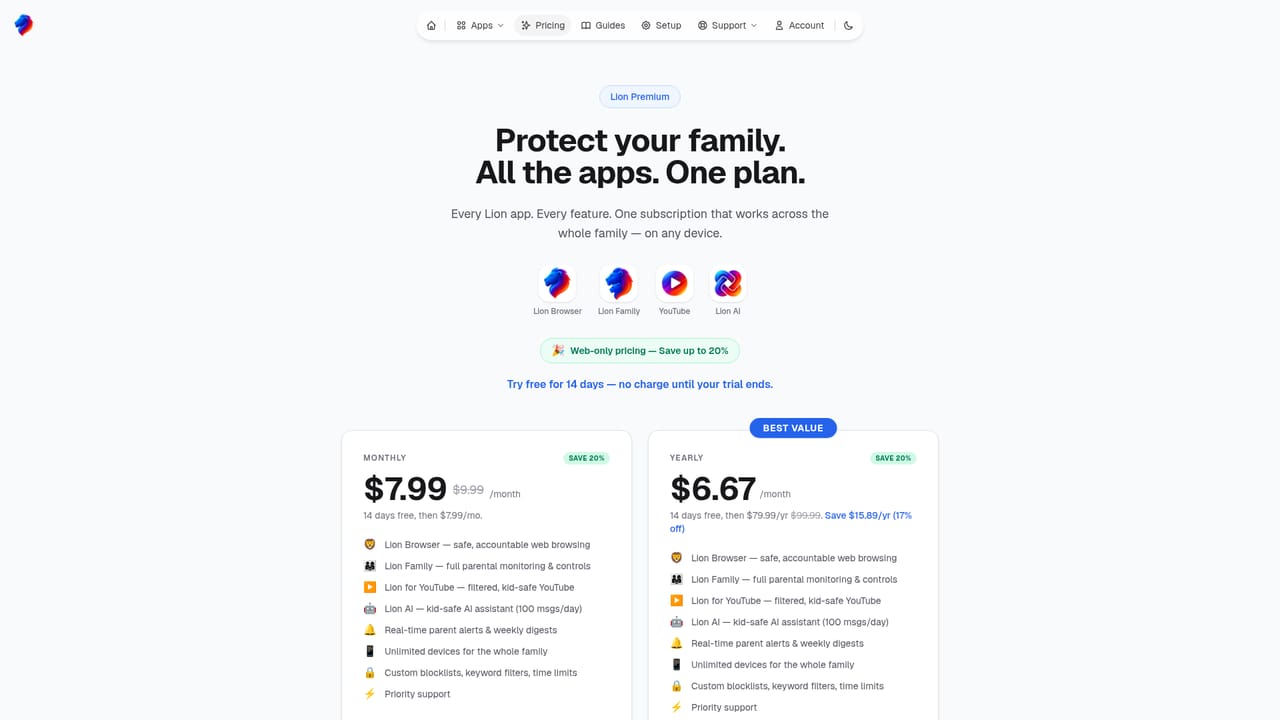
  3. 3Check pricing for the apps
    The homepage does not list app prices, so visit the pricing page to see current plans. Compare that against the guides and setup visits if you want the whole package.
    Lion Browser — Check pricing for the apps
  4. 4Install on your child's iPhone or iPad
    Download Lion Browser from the App Store on the device you want covered. Setup happens inside the app, so no public page covers this step.
  5. 5Work through the iOS handbook if you want the wider setup
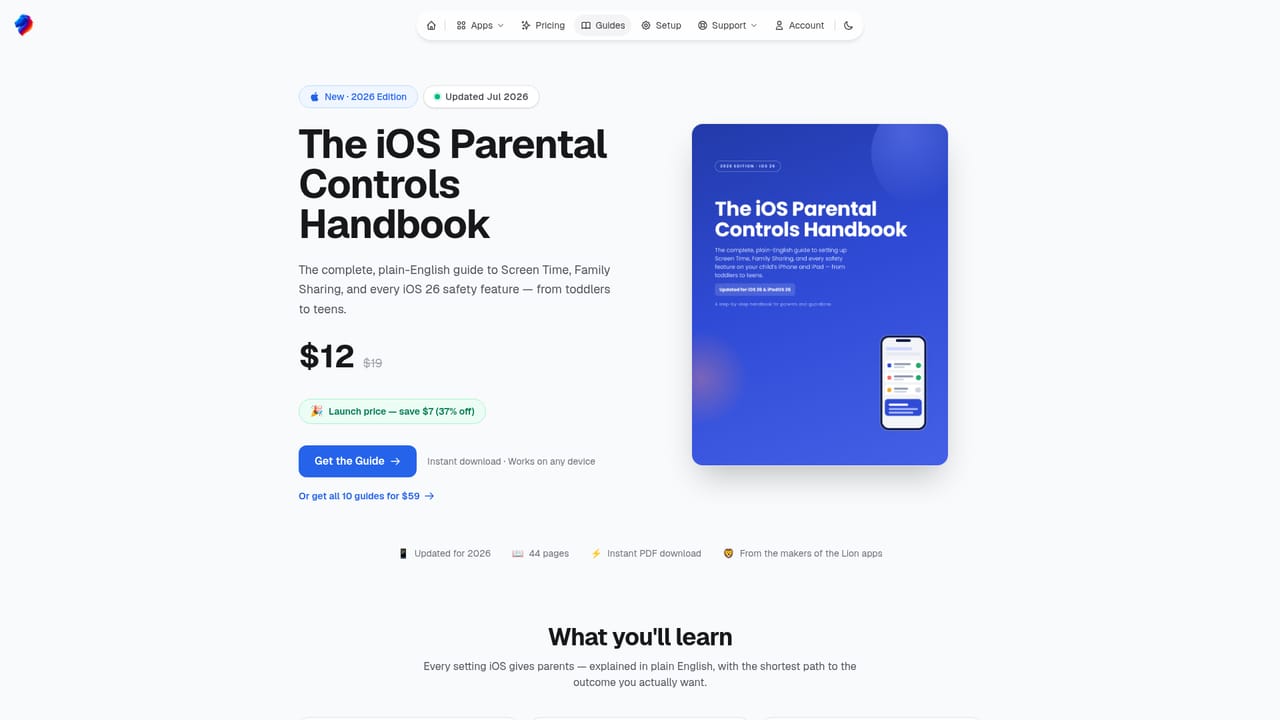
    The iOS parental controls guide walks through Screen Time, Family Sharing and the iOS 26 safety features in plain English. It is useful if you want device-level controls alongside the browser.
    Lion Browser — Work through the iOS handbook if you want the wider setup
  6. 6Book in-person setup if you are local to Phoenix
    Families in the Phoenix area can book a visit where every device is configured and the changes are explained. Starter, Family and Concierge tiers are listed on the site.

Pros and cons

Pros

  • Native iOS app with a clean interface that reviewers compare favourably to SafariAI
  • Part of a four-app suite covering browsing, monitoring, YouTube and kid-safe AIAI
  • Explicit privacy stance: no invasive tracking and no selling of family dataAI
  • Well documented, with a blog and separate platform handbooks for iOS, Roblox, Fortnite and SteamAI
  • Frequently cited by users as a faster, cheaper alternative to Covenant Eyes and similar servicesAI

Cons

  • iOS only: no Android, Windows, macOS, Linux or browser extension versionAI
  • App pricing is not published on the homepage, so costs need checking before adoptingAI
  • No public API or developer integrations are describedAI
  • The guides and in-person setup visits are separate paid items, which adds to the real costAI
  • Effectiveness depends on the child using the Lion browser rather than Safari or another appAI

How much does Lion Browser cost?

Pricing

App subscription prices are not stated on the homepage; a pricing page exists for the apps. Separate paid items are listed: platform handbooks at $12 (down from $19), and Phoenix-area setup visits at $99 (Starter, up to 2 devices), $179 (Family, up to 5 devices, 60-day support) and $299 (Concierge, quarterly tune-ups).

Learn more

Support

Support options are not detailed on the homepage. Phoenix-area setup visits include a walkthrough of what changed, and the Family tier adds 60-day support; a blog and written guides provide self-service help.

Learn more

Integrations

No third-party integrations are described. The apps are designed to work together as a suite or independently, without extra accounts across services.

Features

Lion Browser covers safer everyday web browsing on iOS, with a Safari-like interface. The suite adds family monitoring (Lion Family), filtered YouTube (Lion for YouTube) and a kid-safe AI chat assistant for ages 6 to 14 (Lion AI). The stated design goals are privacy, no invasive tracking, simple parental tools and support for conversations rather than blanket blocking.

Learn more

Frequently asked questions about Lion Browser

  • How much does Lion Browser cost?
    App subscription prices are not stated on the homepage; a pricing page exists for the apps. Separate paid items are listed: platform handbooks at $12 (down from $19), and Phoenix-area setup visits at $99 (Starter, up to 2 devices), $179 (Family, up to 5 devices, 60-day support) and $299 (Concierge, quarterly tune-ups).
  • How do you use Lion Browser?
    The walkthrough on this page covers 6 steps: 1. See how the four apps fit together 2. Read the Lion Browser page 3. Check pricing for the apps 4. Install on your child's iPhone or iPad 5. Work through the iOS handbook if you want the wider setup 6. Book in-person setup if you are local to Phoenix.
  • What platforms does Lion Browser support?
    Lion Browser is available on iOS.
  • What does Lion Browser integrate with?
    No third-party integrations are described. The apps are designed to work together as a suite or independently, without extra accounts across services.
  • What are the limitations of Lion Browser?
    iOS only: no Android, Windows, macOS, Linux or browser extension version. App pricing is not published on the homepage, so costs need checking before adopting. No public API or developer integrations are described.

Status

StatusActive
Views0
Outbound clicks0
Added10/21/2026

Platforms

iOS

Pricing

PaidFree Trial