Free trial
The homepage offers a free generation path (the podcast panel shows a Generate free option), but no trial length, credit cap or full plan detail is published there.
Learn moreTurn any topic, link or file into audio, images, slides and video

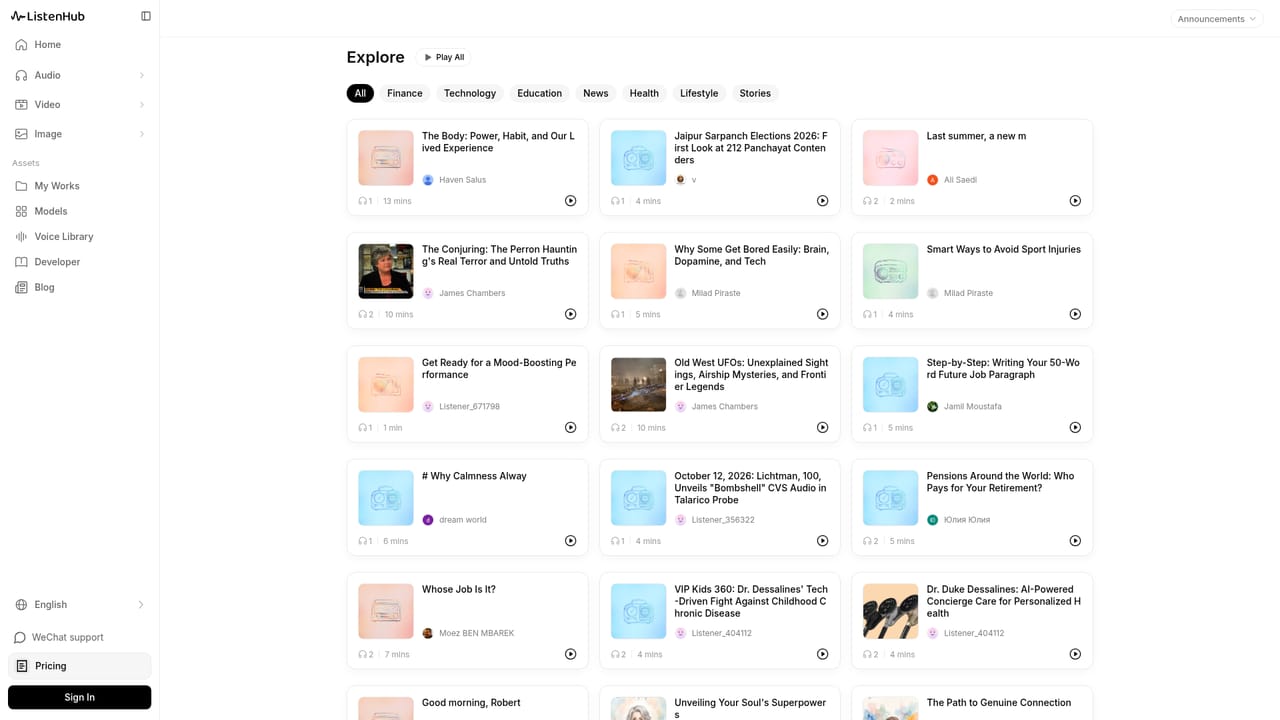
ListenHub is a content tool that turns any topic, link or file into audio, images, slides and video. A multi-format AI studio that converts a topic, link, document or reference image into podcasts, voiceovers, images, slides, explainer videos and short video clips, with several third-party image and video models selectable inside one workspace.
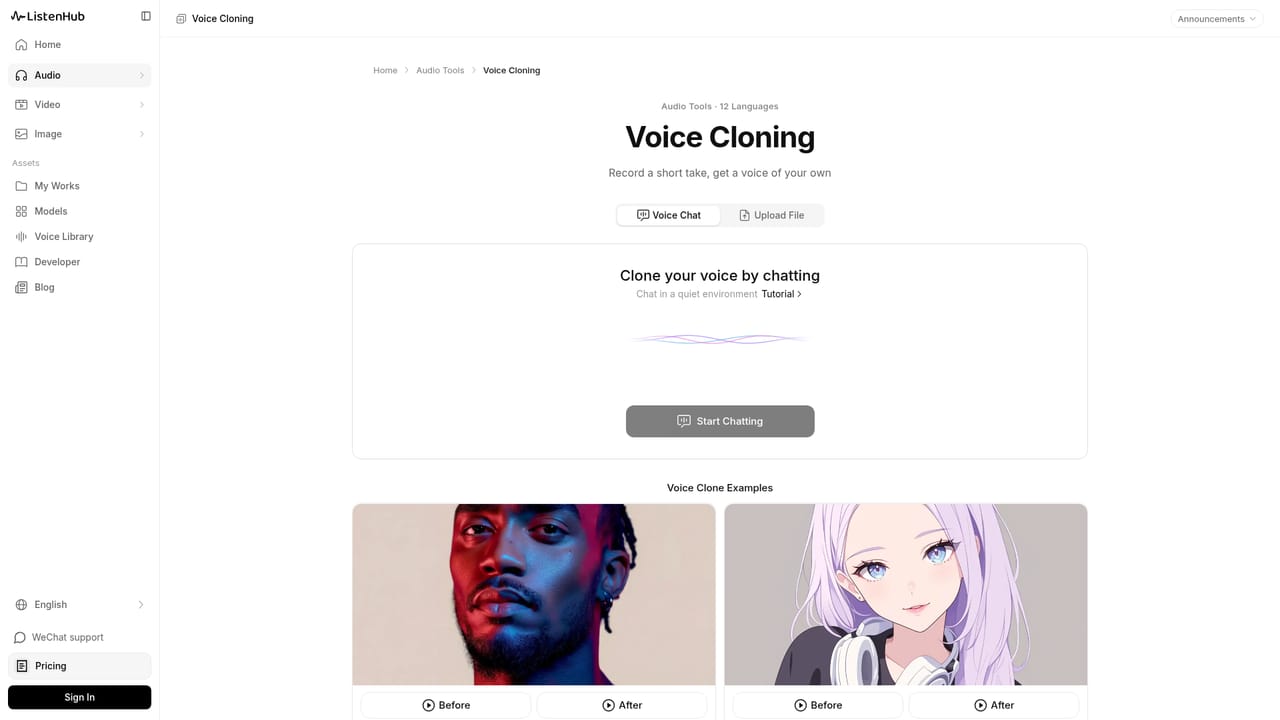
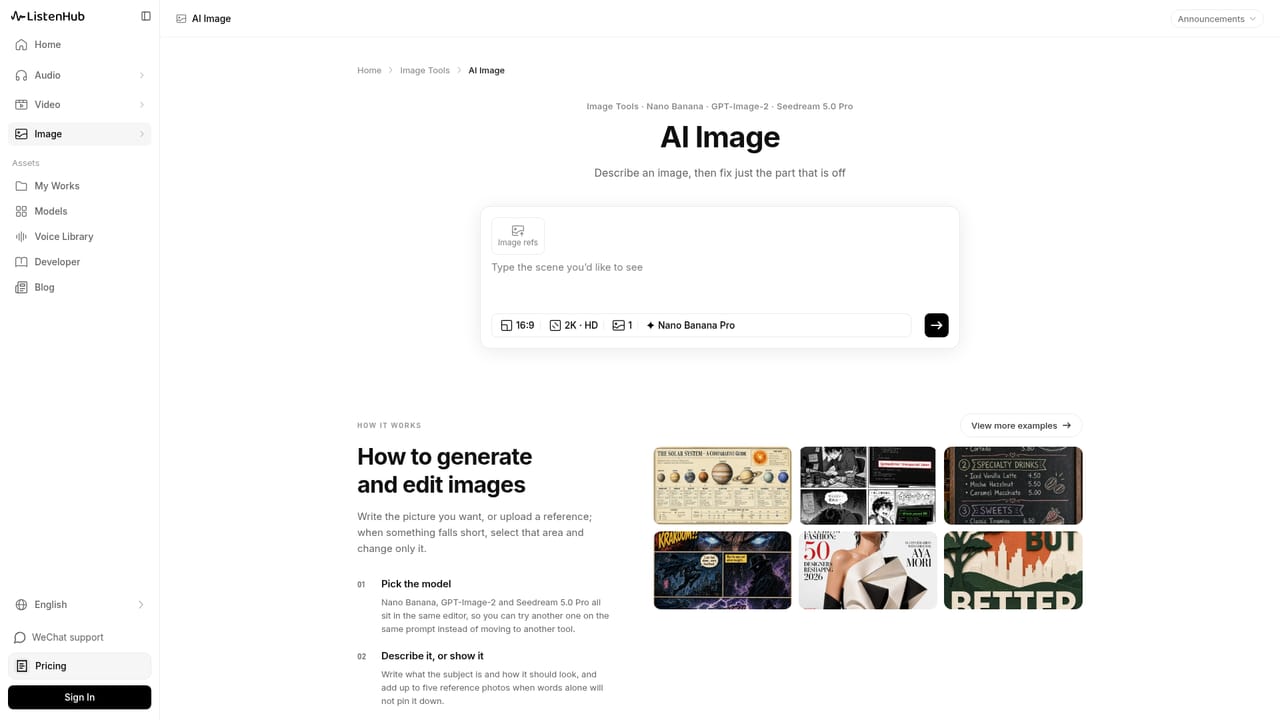
ListenHub is a single workspace for turning source material into publishable media. A topic, a URL, a document or a reference image becomes the starting point, and the platform carries the idea through to audio, still images, slides, explainer videos or short clips. Rather than one generator with add-ons bolted on, it is organised around output type: the podcast, text to speech, image, video, slides and explainer tabs each have their own controls, but they share the same inputs and the same library of finished work. The audio side is the deepest. The AI Podcast tool writes a script, casts hosts from a voice library (or from a voice you cloned) and records the result in one pass. Episodes can run with one host or two and take the shape of a quick digest, a deep dive or a debate. Separate tools cover plain text to speech, multi-speaker voiceover, audio to text and voice cloning, so a finished voice track can be reused outside the podcast format. Images and video lean on model choice. Image generation draws on Gemini and Nano Banana variants, ByteDance Seedream and several OpenAI GPT-Image builds; video draws on ByteDance Seedance Pro and Fast, Alibaba Wan 3.0 and MiniMax H3. The same brief can be run through more than one model and the take you prefer kept. Image edits repaint only the selected area, and each generation is stored as its own version you can compare or roll back to. For presentation work, the Slides tool builds a deck with a through-line, a visual style and speaker notes, with page count and look under your control and export to PPTX, video or audio. Explainer video adds script, visuals, voiceover and subtitles in one run, in knowledge mode (points in sequence) or story mode (scenes). It suits creators, marketers, educators and small teams that need several media formats from the same research without juggling four subscriptions.
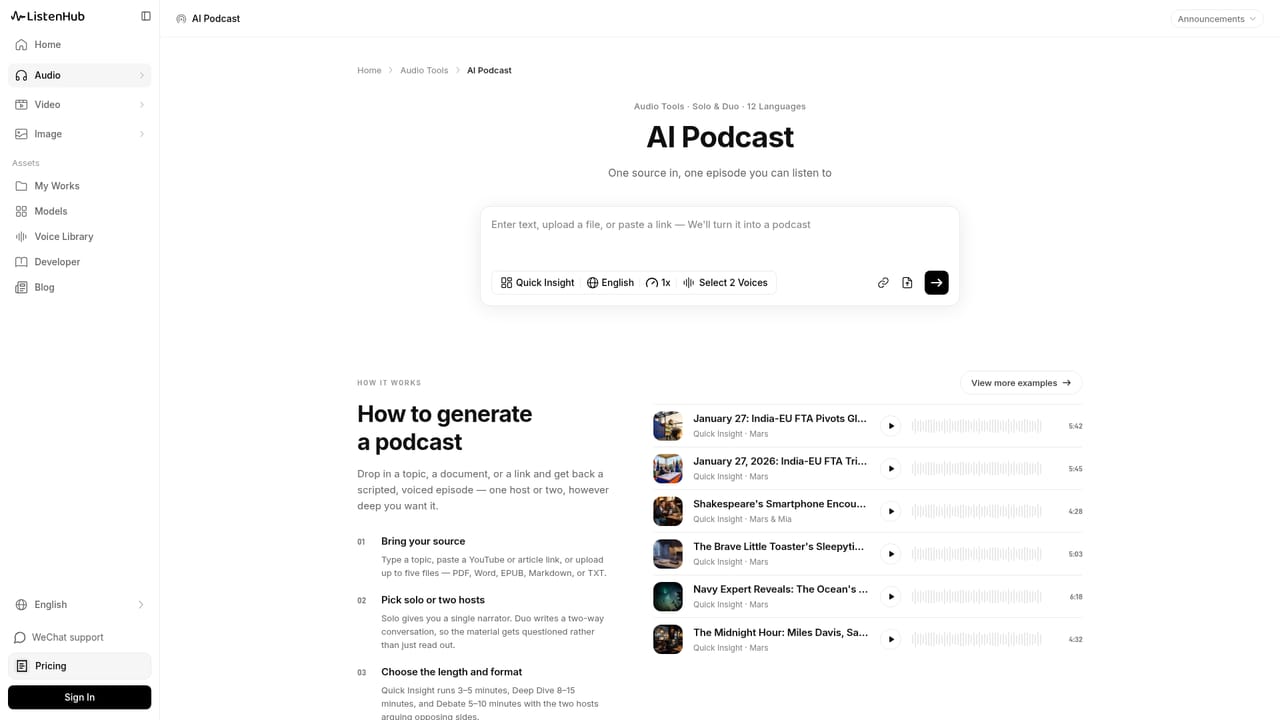
The homepage offers a free generation path (the podcast panel shows a Generate free option), but no trial length, credit cap or full plan detail is published there.
Learn moreAI podcast with script, host casting and voiceover; text to speech, multi-speaker voiceover, audio to text and voice cloning; AI image generation and selective-area editing across Gemini, Nano Banana, Seedream and GPT-Image models; AI video via Seedance, Wan 3.0 and MiniMax H3; slide decks with speaker notes exporting to PPTX, video and audio; explainer videos in knowledge or story mode with subtitles.
Learn more AI Angels400+ customizable AI girlfriends for NSFW chat, voice calls, and roleplay
 Candy AIExperience the future of companionship with AI friends who chat, role-play, and connect with you on a human level.
 ourdream.aiA vast AI roleplay platform with millions of characters for chat, images, video and voiceAI Angels400+ customizable AI girlfriends for NSFW chat, voice calls, and roleplayCandy AIExperience the future of companionship with AI friends who chat, role-play, and connect with you on a human level.ourdream.aiA vast AI roleplay platform with millions of characters for chat, images, video and voice


