Free trial
A free tier is available without a credit card, with limited daily AI output but unlimited source finding and citation formatting.
Learn moreEthical AI writing partner with built-in source finding and citation.
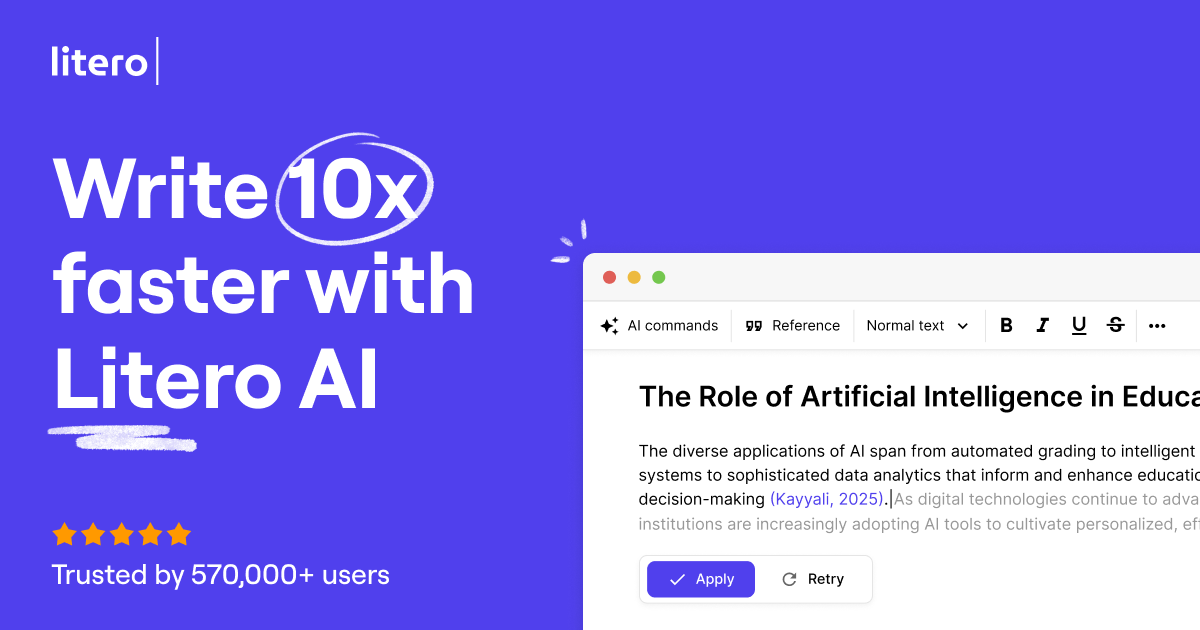
Litero is an academic-leaning AI writing partner that combines outline building, source search across 100M+ library records, citation formatting in APA, MLA and Harvard, an AI detector, a plagiarism checker and an AI companion inside one editor. It targets students, researchers and teachers who need traceable sources rather than raw generated text.
Litero is a writing environment built around source-based drafting rather than one-shot text generation. Its core pitch is a partner model: the tool helps you research, structure and cite, but the argument and the final wording stay with you. The homepage frames this as ethical AI, aimed at people who need to show their work rather than hide it. The feature set reflects that academic slant. A citation tool searches a reported library of more than 100 million sources, including JSTOR, Google Scholar and DOI records, and formats references in APA, MLA, Harvard and other styles. An outline builder proposes a structure you can edit, AI autosuggest offers next-sentence ideas when you stall, and an AI detector highlights passages that may read as machine generated so you can revise them in your own voice. An AI companion gives feedback on the draft, a plagiarism checker flags accidental copying, and documents export to common formats or copy out directly. In practice the workflow is sequential: build an outline, pull sources into it, write section by section with suggestions on tap, then run the quality checks before export. That makes it a reasonable fit for students, graduate researchers and teachers who want to verify authorship as well as produce text, and for professional writers who want references woven into routine work. Against general assistants such as ChatGPT, Litero leans on its integrated source database, built-in detection and guided scaffolding; the trade-off is that these advantages are specific to source-heavy writing, and the homepage does not detail pricing beyond a free tier and a paid plan starting at $7.9 per month when billed annually.
A free tier is available without a credit card, with limited daily AI output but unlimited source finding and citation formatting.
Learn moreFree tier includes AI commands, limited daily AI output, unlimited source finder, citation tool and formatting, AI companion and AI detector. Paid plan starts at $7.9 per month when billed annually (save 60%) and adds unlimited AI outline and drafting, unlimited AI output, text humanizer, plagiarism checker and unlimited built-in ChatGPT. No credit card required to start.
Learn moreOutline builder, AI autosuggest, citation tool with 100M+ sources (JSTOR, Google Scholar, DOI) and APA, MLA, Harvard formatting, AI detector, AI companion feedback, plagiarism checker, easy export, and a built-in ChatGPT on the paid plan.
 AI Angels400+ customizable AI girlfriends for NSFW chat, voice calls, and roleplay
 Candy AIExperience the future of companionship with AI friends who chat, role-play, and connect with you on a human level.
 ourdream.aiA vast AI roleplay platform with millions of characters for chat, images, video and voiceAI Angels400+ customizable AI girlfriends for NSFW chat, voice calls, and roleplayCandy AIExperience the future of companionship with AI friends who chat, role-play, and connect with you on a human level.ourdream.aiA vast AI roleplay platform with millions of characters for chat, images, video and voice