Support
A feedback page is linked from the site footer for comments and issues. No help centre, documentation or email support channel is described on the homepage.
Learn morePick five ingredients, get an AI written recipe named after you.

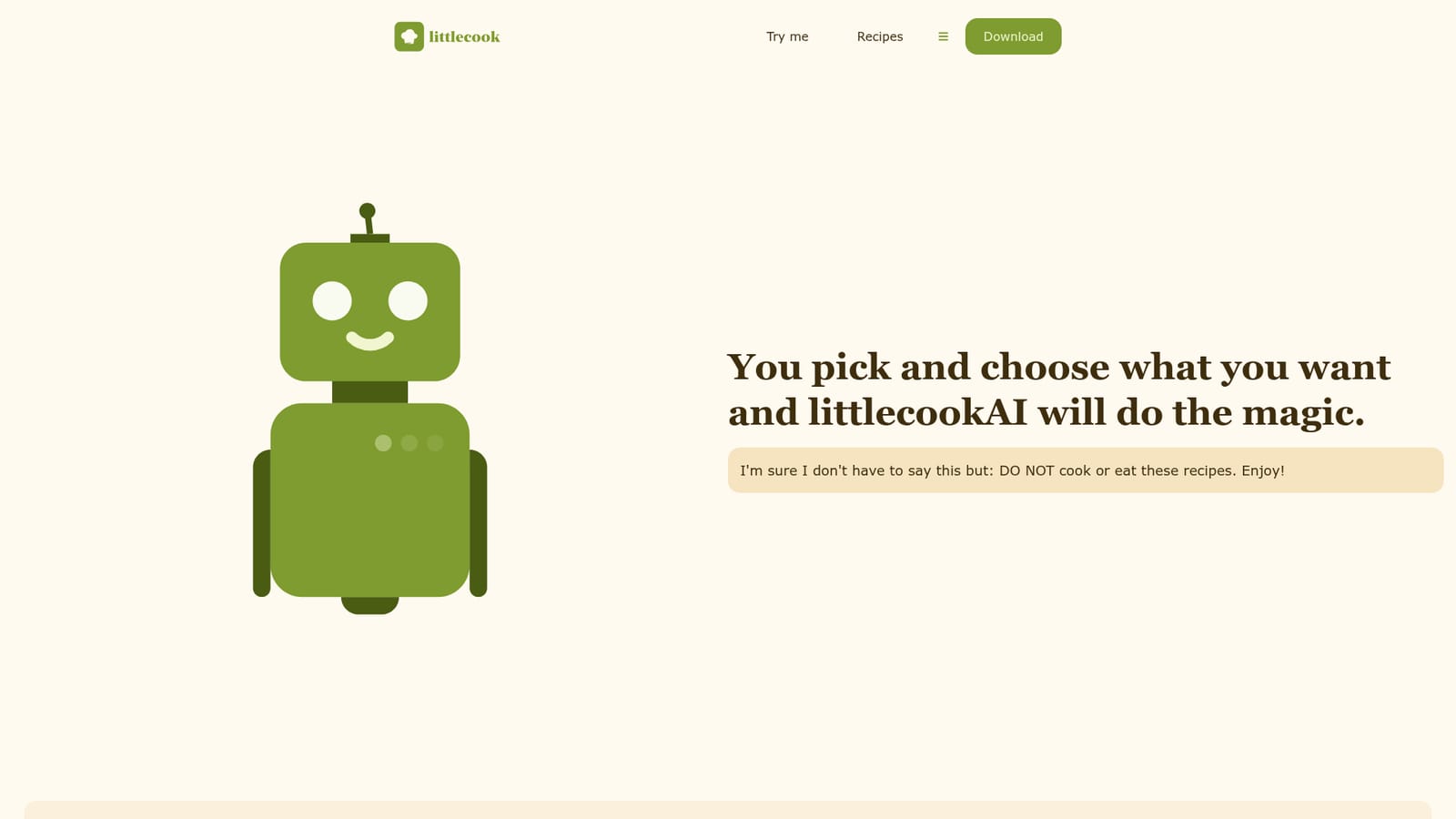
Littlecook is a content tool. A playful web tool from the littlecook recipe app: choose five ingredients from an image grid, add your name, and littlecookAI writes a personalised recipe. The site warns the results are for entertainment and should not be cooked or eaten.
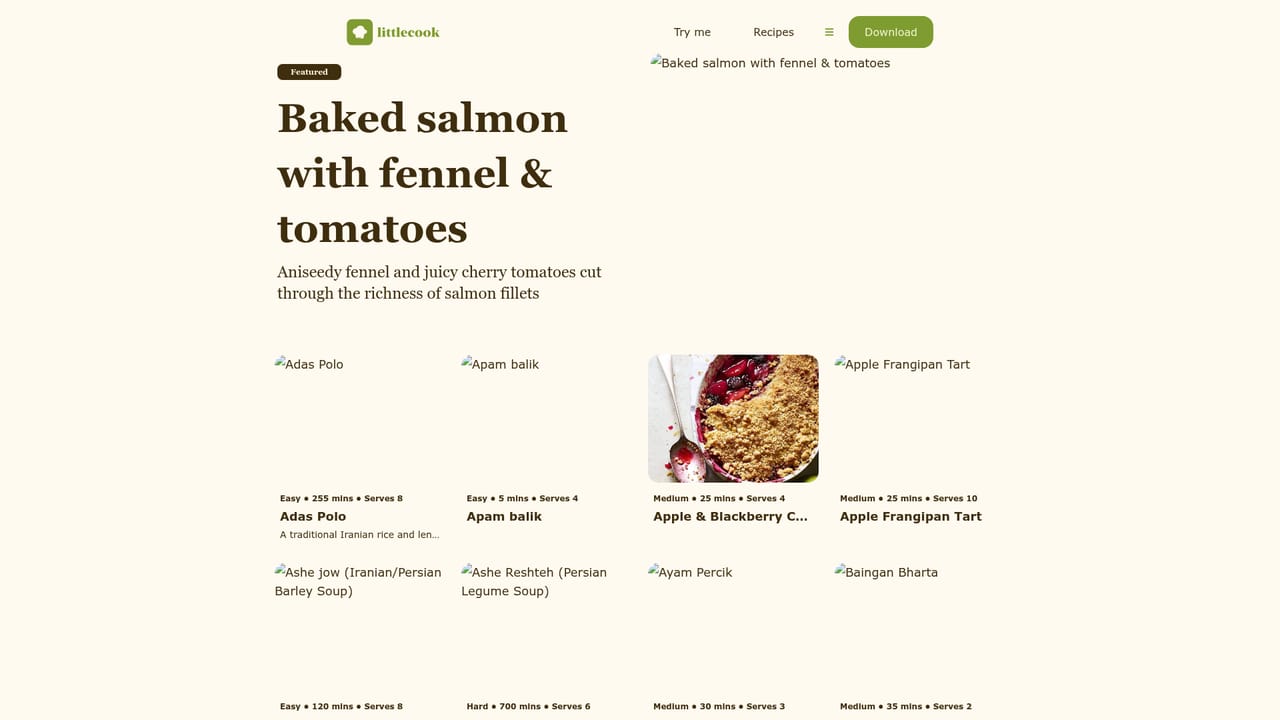
Littlecook's AI experiment turns a handful of random ingredients into a complete, written recipe. The interface asks for five items from a browsable image grid that spans ordinary staples (whole milk, flour, butter, rice, oats, tomato) alongside oddities such as Legos, custard and gochujang. Once the selection is locked in, littlecookAI generates the method, and the site is candid that the output is a creative exercise rather than dinner advice: the page explicitly says not to cook or eat the results. A second screen collects your details. The name you enter is folded into the recipe title, so the finished piece reads as a personal artifact rather than a generic template. The whole flow takes a couple of minutes and requires no account setup on the web page, which keeps the barrier low for someone who just wants to see what the model does with an absurd combination. The tool sits inside littlecook, a recipe app for iPhone that is the more practical product. The AI page works as a playful companion to that app: the app handles the cooking, while this generator handles the jokes. People who collect strange ingredient pairings, food bloggers looking for a filler post, or anyone testing how a language model handles constraint-based writing will find it more interesting than a standard recipe generator that only accepts sensible inputs. Expect surreal results. The ingredient list is deliberately unserious, and the site leans into that tone, so the recipes read as comedy rather than instruction. There is no nutritional analysis, no scaling, no shopping list export and no way to save a generated recipe to a collection from what the page describes. Treat it as a quick creative toy with a memorable hook, and use the main littlecook app when you actually need to cook something.
A feedback page is linked from the site footer for comments and issues. No help centre, documentation or email support channel is described on the homepage.
Learn moreThe core feature is a five ingredient selector drawn from a large image grid of real foods and joke items, paired with a short details form that puts your name into the recipe title. littlecookAI then writes a full recipe from those constraints. The site frames the output as entertainment and advises against cooking or eating it, so there are no nutrition, scaling or shopping list tools attached.
 AI Angels400+ customizable AI girlfriends for NSFW chat, voice calls, and roleplay
 Candy AIExperience the future of companionship with AI friends who chat, role-play, and connect with you on a human level.
 ourdream.aiA vast AI roleplay platform with millions of characters for chat, images, video and voiceAI Angels400+ customizable AI girlfriends for NSFW chat, voice calls, and roleplayCandy AIExperience the future of companionship with AI friends who chat, role-play, and connect with you on a human level.ourdream.aiA vast AI roleplay platform with millions of characters for chat, images, video and voice


