Free trial
A seven day free trial is available and no credit card is required. The homepage does not state what limits apply during the trial or what happens when it ends.
Learn moreAI-assisted social media planning, creation and analytics in one calendar.

Loomly is a content tool. Loomly combines an AI brand assistant with a multi-channel social calendar for planning, generating posts, approving content, handling comments and measuring performance.
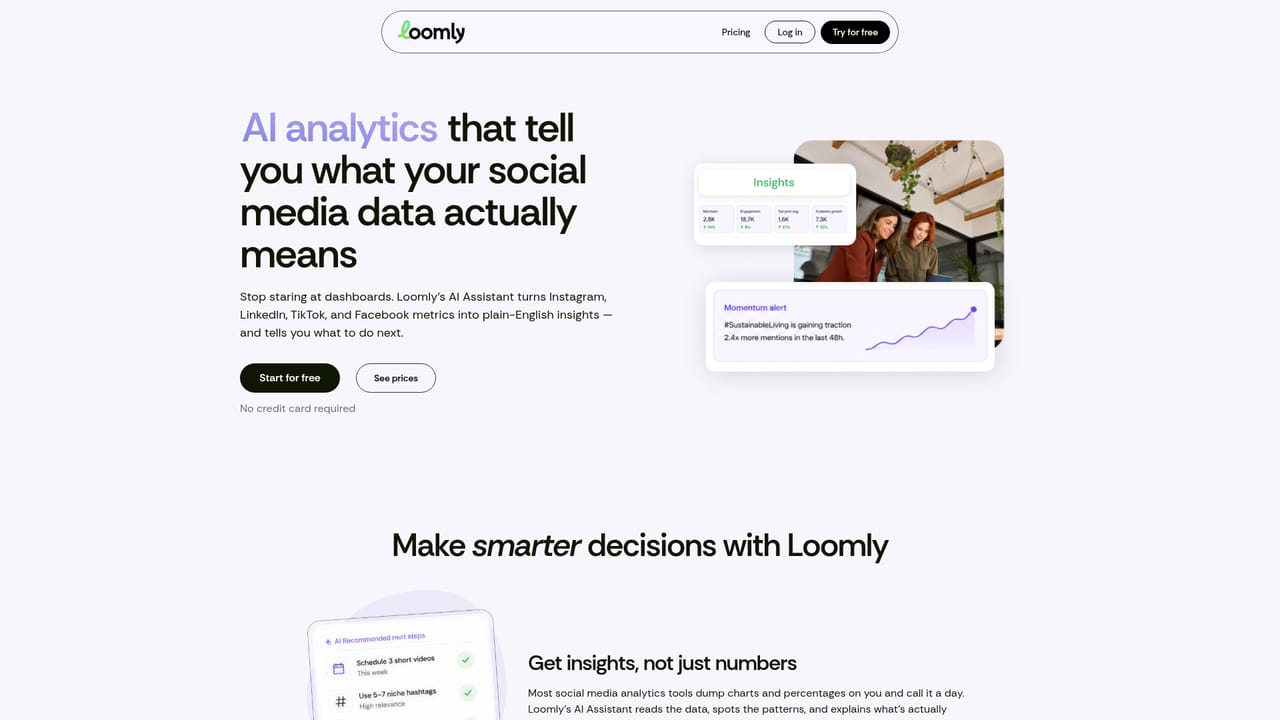
Loomly is a social media management platform built around an AI assistant that learns a brand's voice and past performance, then helps marketing teams produce and schedule content across multiple channels. Rather than bolting AI onto a single feature, Loomly threads it through the whole workflow: post ideas, caption and visual generation, calendar planning, comment and DM replies, social listening and performance analysis. A connected calendar sits at the centre, so a team can see all channels in one view instead of hopping between native apps. The brand intelligence layer is the part that distinguishes Loomly from generic AI writers. Once channels are connected and brand details supplied, the assistant detects voice, positioning and key messages, and it keeps learning from what has already been posted and how it performed. Suggestions are supposed to sharpen over time rather than reset with every prompt. For content generation, captions, visuals and variations are produced per platform and can move straight into scheduling without export steps. Collaboration is treated as a first-class concern. Roles can be assigned, posts reviewed, and approvals routed among team members and outside stakeholders, which matters for agencies and in-house teams where a social manager does not have final sign-off. On the engagement side, the AI drafts replies to comments and direct messages, flags messages worth attention, and monitoring surfaces mentions, sentiment, competitor activity and trending topics. Loomly fits teams that want one system for planning, publishing, engagement and reporting, and that are willing to invest setup time teaching the assistant about their brand. It is less suitable for solo operators who only need a simple scheduler, or for teams that require deep channel-specific publishing controls beyond what a cross-channel calendar offers. The homepage positions it against general-purpose schedulers by leaning on AI analytics and brand memory, though buyers should check that every channel they depend on is actually covered before committing.
A seven day free trial is available and no credit card is required. The homepage does not state what limits apply during the trial or what happens when it ends.
Learn moreAI content generation for captions and visuals, a multi-channel content calendar, brand voice learning from past performance, approval workflows, AI-assisted comment and DM replies, social listening for mentions, sentiment, competitors and trends, plus AI performance analytics.
 AI Angels400+ customizable AI girlfriends for NSFW chat, voice calls, and roleplay
 Candy AIExperience the future of companionship with AI friends who chat, role-play, and connect with you on a human level.
 ourdream.aiA vast AI roleplay platform with millions of characters for chat, images, video and voiceAI Angels400+ customizable AI girlfriends for NSFW chat, voice calls, and roleplayCandy AIExperience the future of companionship with AI friends who chat, role-play, and connect with you on a human level.ourdream.aiA vast AI roleplay platform with millions of characters for chat, images, video and voice


