Free trial
A free sign up is offered on the homepage. The page does not state trial length or which features the free tier includes.
Learn moreTurn blogs and documents into on-brand videos in minutes.

Lumen5 is a bulk video generator tool that turns blogs and documents into on-brand videos in minutes. Lumen5 converts blogs, articles, PDFs and bullet points into branded videos through a drag and drop editor, aimed at marketing, communications and education teams that need volume rather than cinematic production.
Lumen5 is an AI video creation platform built for business communication rather than cinematic production. It takes existing text, whether a blog post, an article, a PDF or a rough set of bullet points, and converts it into a watchable video by pairing the copy with stock visuals, captions and music. The company has been running since 2017 and positions the product around repurposing content that already exists, so marketing, communications and education teams can scale video output without hiring editors or learning a timeline-based tool. The editing model is closer to slide building than filmmaking. A user drops in source text and the platform breaks it into scenes, suggesting background imagery and arrangement. From there the work is drag and drop: swap visuals, adjust pacing, trim the script. The pitch is that no scriptwriting background is required and the learning curve stays low, which makes it plausible for a comms generalist or a teacher to publish something on the same afternoon they start. For teams, the differentiators are control and support rather than raw generation. Lumen5 advertises built-in brand controls so that many videos can be produced without drifting off brand, along with AI automation and dedicated Customer Success and Creative Services. An enterprise track exists for larger organizations, and the site publishes case studies with Siemens, Cisco, Mitsubishi, DNV, Emerson, Swiss Re and CMS, which suggests the buyer is typically a mid-size or large organization with a recurring content calendar. Where it fits: Lumen5 is a content repurposing engine, not a generative video model. It competes with tools that assemble text, stock footage and templates quickly, and it is a poor choice if the goal is original footage, character animation or fine-grained motion design. The value is throughput and consistency for social posts, explainers and internal updates, measured against the cost of editing time. Teams that only need one hero video a quarter will likely find the time saved does not offset another subscription, while teams publishing weekly will feel the difference.

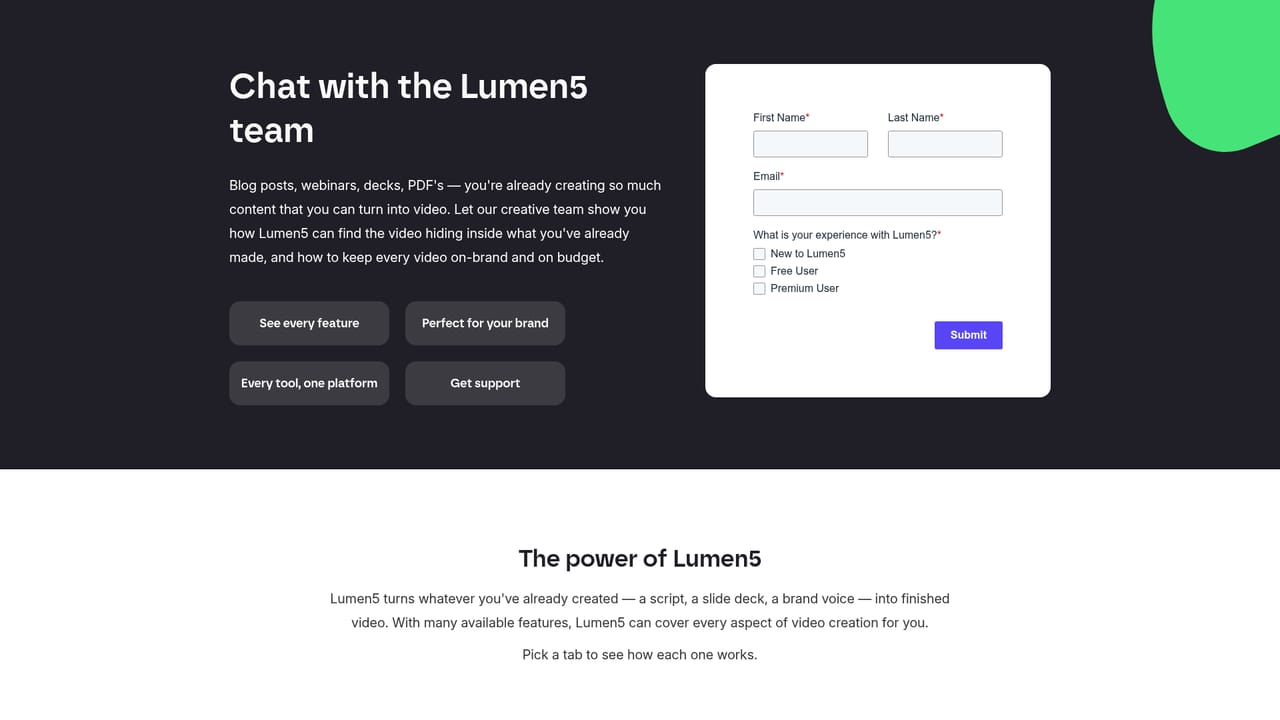
A free sign up is offered on the homepage. The page does not state trial length or which features the free tier includes.
Learn moreEnterprise customers are supported through dedicated Customer Success and Creative Services, per the homepage. Self-serve support channels are not detailed there.
Learn moreConverts blogs, articles, PDFs and bullet points into video, with AI-assisted scene suggestions, a drag and drop editor, stock visuals and music, and brand controls for teams. Enterprise options add smart automation plus Customer Success and Creative Services.
 AI Angels400+ customizable AI girlfriends for NSFW chat, voice calls, and roleplay
 Candy AIExperience the future of companionship with AI friends who chat, role-play, and connect with you on a human level.
 ourdream.aiA vast AI roleplay platform with millions of characters for chat, images, video and voiceAI Angels400+ customizable AI girlfriends for NSFW chat, voice calls, and roleplayCandy AIExperience the future of companionship with AI friends who chat, role-play, and connect with you on a human level.ourdream.aiA vast AI roleplay platform with millions of characters for chat, images, video and voice


