Free trial
The site invites visitors to start for free, but the homepage does not define what the free allowance includes or how long it lasts.
Learn moreGenerate full songs from a prompt, then edit, master and share them

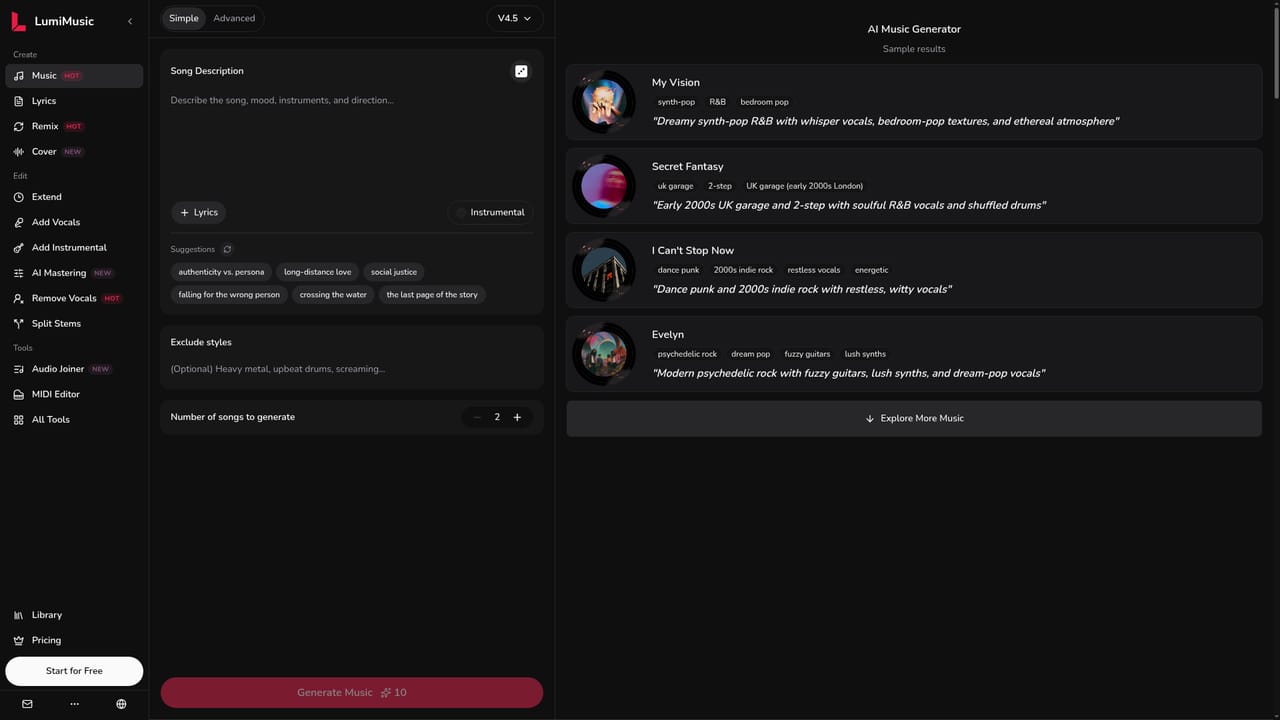
LumiMusic is an audio editing tool that generates full songs from a prompt, then edit, master and share them. LumiMusic is an all-in-one AI music platform: generate full songs from prompts or lyrics, then remix, extend, master, split stems, remove vocals and edit MIDI in one connected workspace.
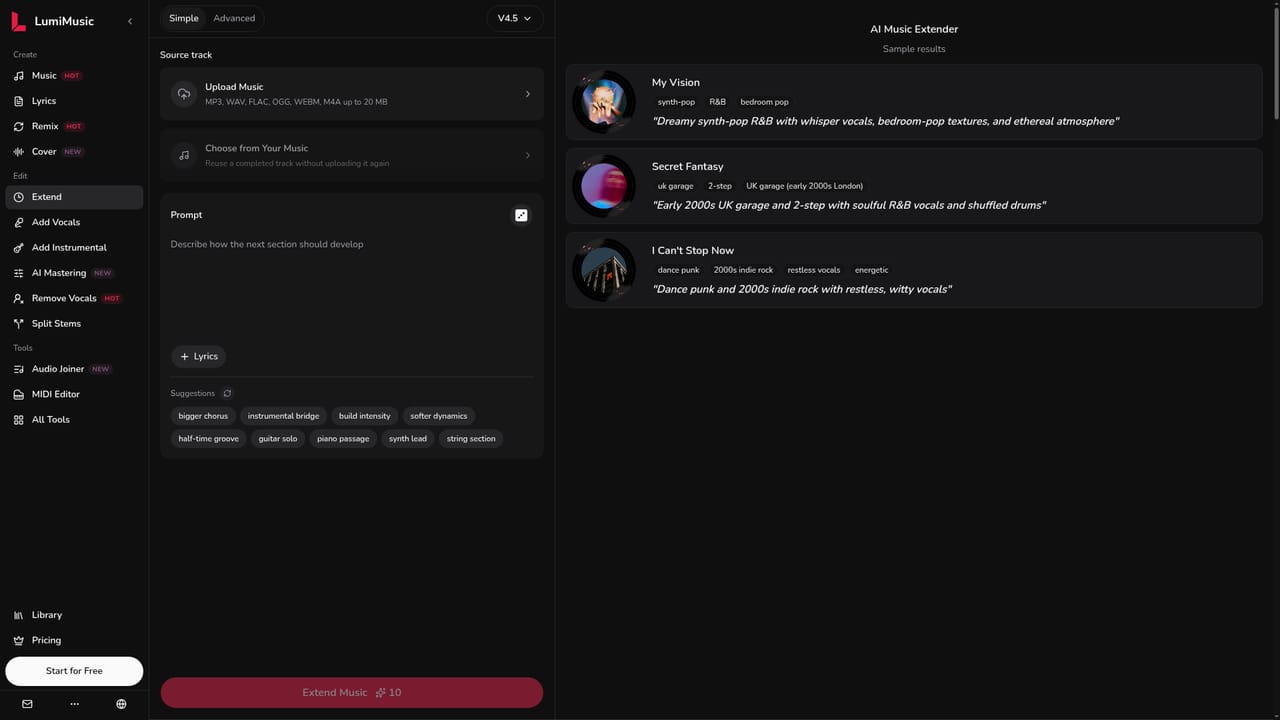
LumiMusic is a browser based music creation platform that starts with song generation and continues through editing, analysis and release. A text prompt or a set of your own lyrics becomes a complete vocal or instrumental track, and the result is not a dead end file: every song can be pulled back into connected tools for remixing, extending, vocal removal, stem splitting, mastering and MIDI work. The intent is a single workspace where an idea moves from first draft to finished listen without exporting between separate apps. The toolset is split into three groups. Create covers the generator itself plus a lyrics writer, a remixer that reworks a song's style and arrangement, and a cover feature that reworks a track with a curated AI voice. Edit handles continuation of an existing track, adding vocals to an instrumental, building an arrangement around a vocal, mastering with a style or reference, vocal isolation and stem separation. Tools covers utility work: an audio joiner with crossfade, audio to MIDI conversion, a browser piano roll, a key and BPM finder, and a music analyzer that reports tempo, key, structure and style. It suits songwriters and producers who want fast demos, content creators who need background or original music with clear licence terms, and beginners who have never opened a DAW. The learning curve is deliberately shallow: a description is enough to produce a first track, and deeper controls stay optional. Finished songs live in a Library with playback pages that can be shared, and commercial usage rights are offered on eligible plans. Against single purpose AI song generators, the differentiator is the surrounding workflow rather than raw generation alone. Anyone who only wants a quick jingle may find the breadth unnecessary, and users who already work in a full DAW will treat LumiMusic as a sketchpad and sample source rather than a replacement for a production suite.


The site invites visitors to start for free, but the homepage does not define what the free allowance includes or how long it lasts.
Learn moreA pricing page exists, but the homepage does not publish plan names, credit amounts or rates. It states that commercial usage rights are available on eligible plans, so the specific tier that grants them has to be checked on the pricing page.
Learn moreSupport is handled by email at support@lumimusic.ai. The homepage also carries a FAQ covering what the platform does, uploads, experience requirements and where results are saved.
Create tools cover song generation, lyrics, remixing and AI covers. Edit tools cover extending tracks, adding vocals or instrumentals, mastering, vocal removal and stem splitting. Utility tools include an audio joiner with crossfade, audio to MIDI, a browser MIDI editor, a key and BPM finder with Camelot codes, and a music analyzer for tempo, key, structure and style.
Learn more AI Angels400+ customizable AI girlfriends for NSFW chat, voice calls, and roleplay
 Candy AIExperience the future of companionship with AI friends who chat, role-play, and connect with you on a human level.
 ourdream.aiA vast AI roleplay platform with millions of characters for chat, images, video and voiceAI Angels400+ customizable AI girlfriends for NSFW chat, voice calls, and roleplayCandy AIExperience the future of companionship with AI friends who chat, role-play, and connect with you on a human level.ourdream.aiA vast AI roleplay platform with millions of characters for chat, images, video and voice




