Free trial
No time limited trial is described. Instead, teachers can sign up for a free account, while districts go through a quote request.
Learn moreAn AI teaching platform built for classrooms and school districts

MagicSchool is an AI platform for teachers and school districts, with tools for lesson plans, rubrics, quizzes, worksheets and classroom presentations, plus district level policy, training and certification support.
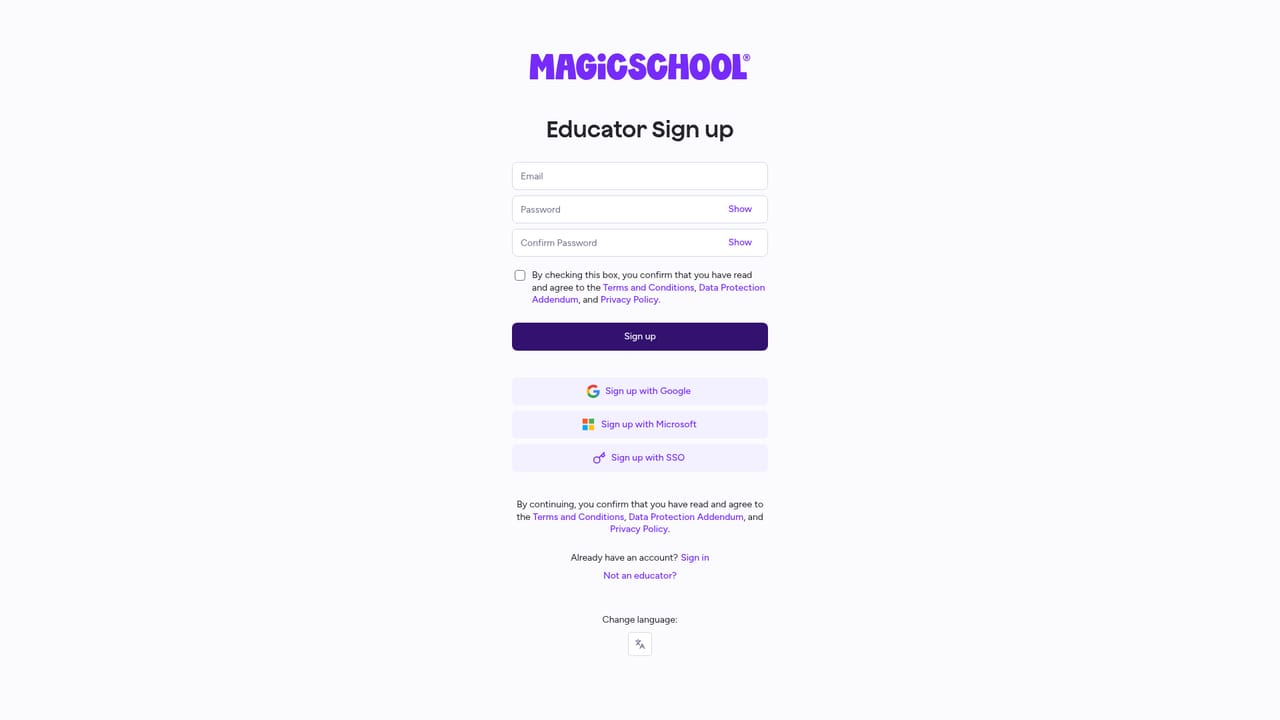
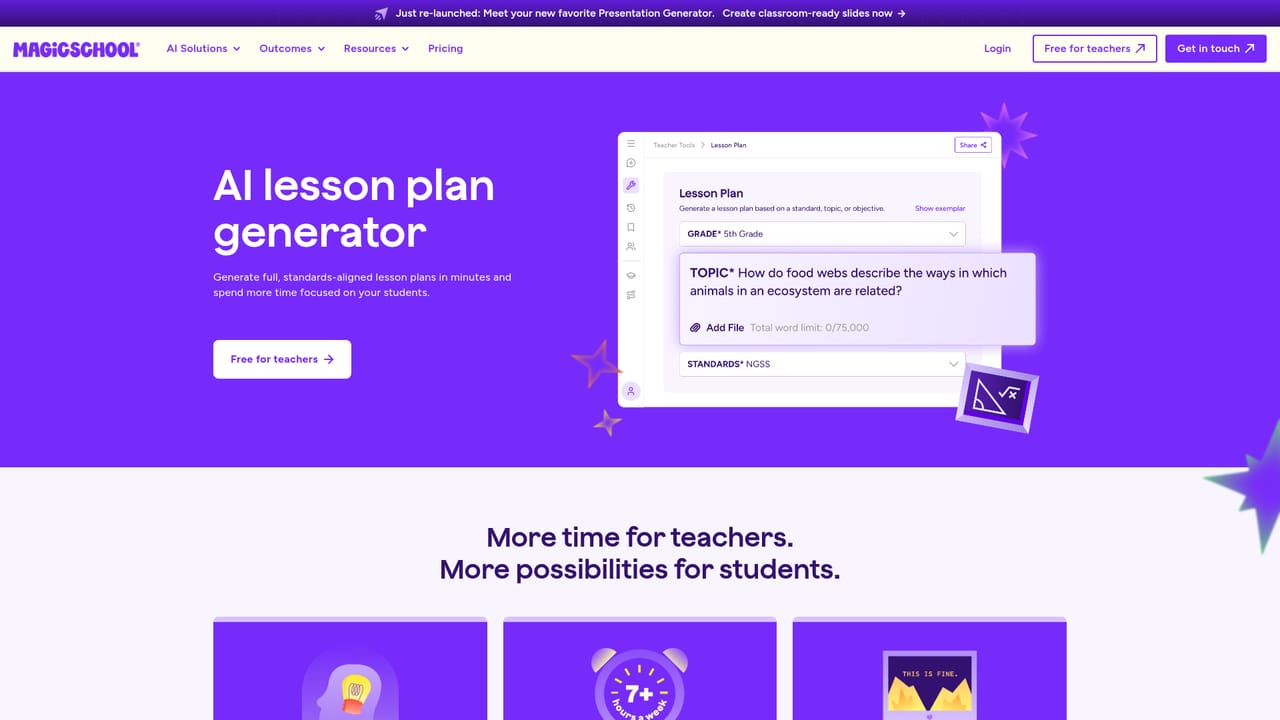
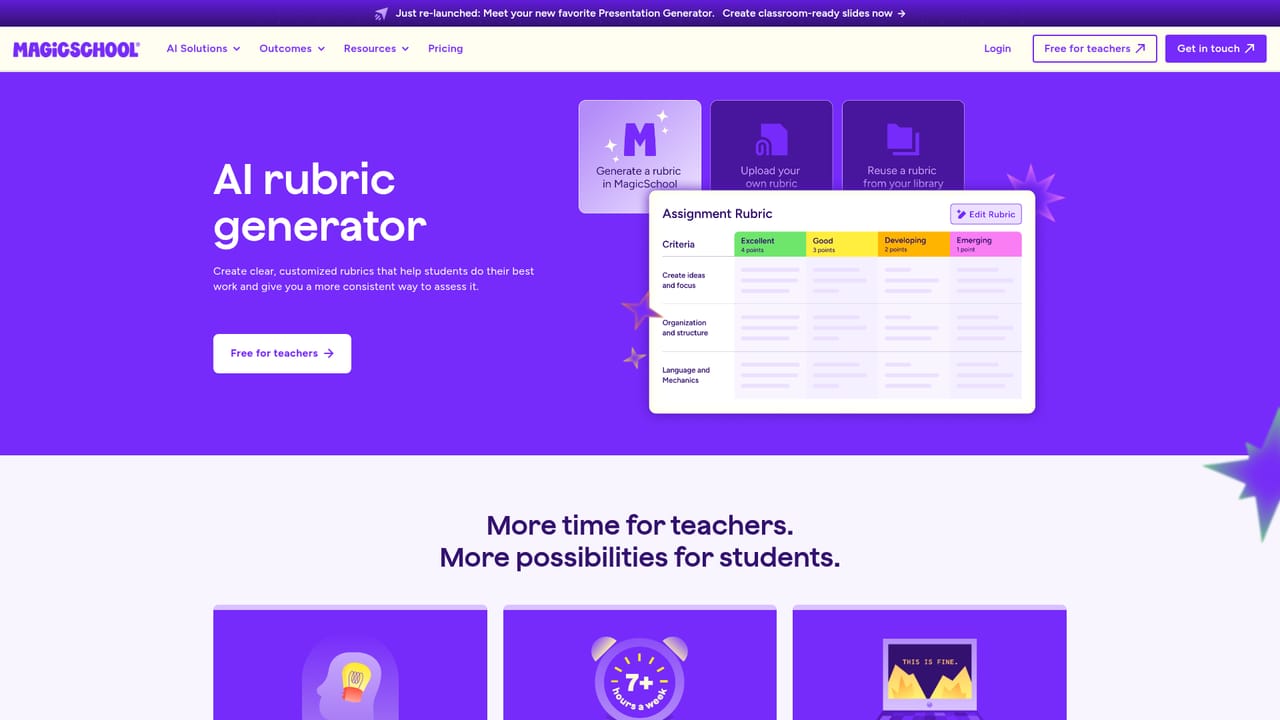
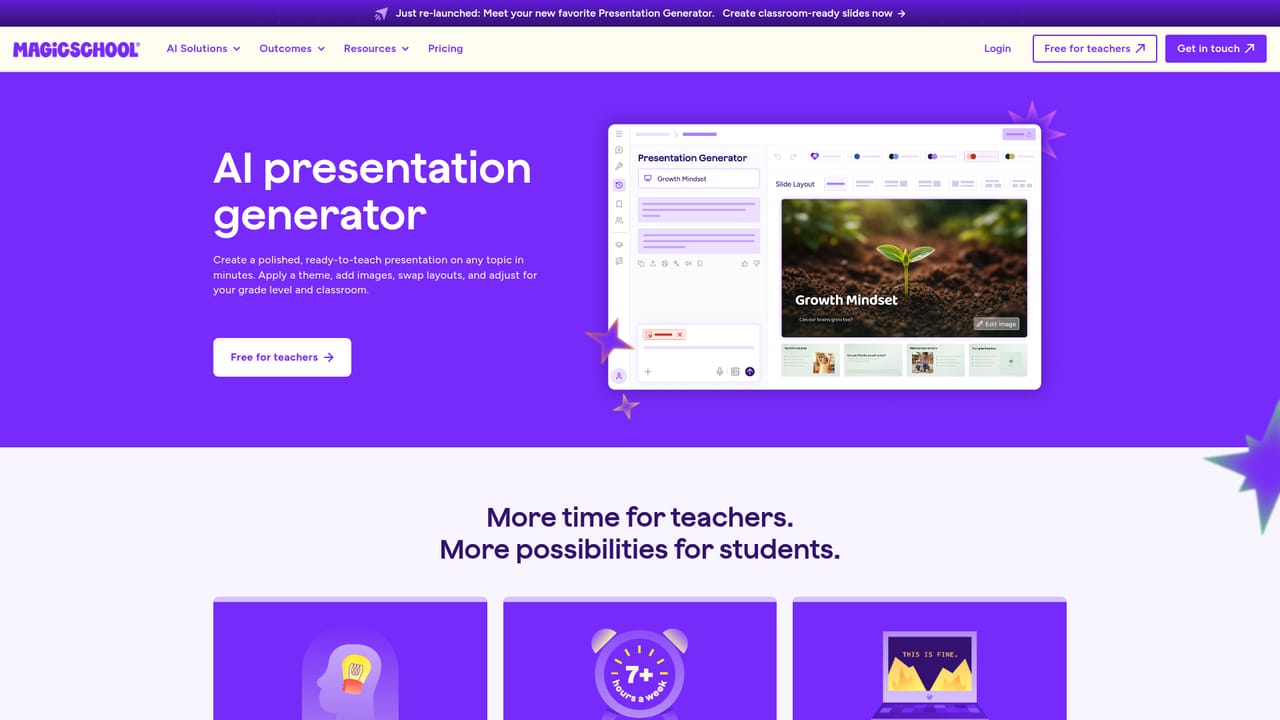
MagicSchool is an AI platform aimed at educators, school leaders and district administrators rather than general consumers. Its core promise is time saved on preparation: lesson plans, rubrics, multiple choice quizzes, worksheets and classroom presentations can be drafted from a short prompt, then adjusted by the teacher before anything reaches students. Presentation Generator is one of the most visible tools, and it is positioned as producing classroom ready slides rather than generic decks. The product is organized around individual tools instead of one open chat box. A teacher picks the task (for example building a lesson plan, generating a rubric, or assembling a multiple choice assessment), supplies the subject, grade level and objective, and reviews the generated draft. That structure keeps output closer to curriculum language and reduces the blank page problem, though it also means the workflow is opinionated and best suited to standard classroom artifacts. Beyond teacher tooling, MagicSchool sells an institutional layer. Districts get onboarding, AI literacy and policy resources, professional development, certification courses and administrator tracks for superintendents, chief academic officers, chief technology officers and principals. A separate MagicStudent offering covers the learner side. The pitch to leadership is consistency and safety: one platform with shared guidance rather than staff quietly using whatever chatbot they like. MagicSchool sits in the same conversation as general purpose assistants used in education, but differentiates on scope of district controls and its library of ready made teaching resources. The account entry point is free for teachers, with district level agreements handled through a quote request. Buyers should treat generated materials as drafts, since accuracy, grade appropriateness and accessibility still depend on teacher review before the classroom.
No time limited trial is described. Instead, teachers can sign up for a free account, while districts go through a quote request.
Learn moreThe homepage states that MagicSchool is free for teachers and directs schools and districts to a quote request for institutional pricing. No subscription tiers or per seat figures are published on the homepage.
Learn moreSupport resources include a help centre, a status page, an FAQ, case studies, on demand webinars and a blog. The homepage does not specify chat or phone support hours.
Learn moreA dedicated integrations page exists on the site, but the homepage does not name specific connectors or partner platforms.
Learn moreTool level generators cover lesson plans, rubrics, multiple choice quizzes and assessments, worksheets and classroom presentations. District features include AI literacy and AI policy resources, professional development, certification courses, administrator tracks and ready made resources.
Learn more AI Angels400+ customizable AI girlfriends for NSFW chat, voice calls, and roleplay
 Candy AIExperience the future of companionship with AI friends who chat, role-play, and connect with you on a human level.
 ourdream.aiA vast AI roleplay platform with millions of characters for chat, images, video and voiceAI Angels400+ customizable AI girlfriends for NSFW chat, voice calls, and roleplayCandy AIExperience the future of companionship with AI friends who chat, role-play, and connect with you on a human level.ourdream.aiA vast AI roleplay platform with millions of characters for chat, images, video and voice


