Support
A contact form on the site handles questions, feedback and scan issues, with a stated response time of about one business day. No phone or live chat channel is listed.
Turn physical objects into 3D models with a phone camera

Magiscan is an MRI interpretation tool that turns physical objects into 3D models with a phone camera. AI powered mobile 3D scanner that turns real objects into 3D models, with exports into Unity, Blender and major 3D printing slicers, plus a text-to-3D generator and vertical apps for medical, logistics and AR commerce.
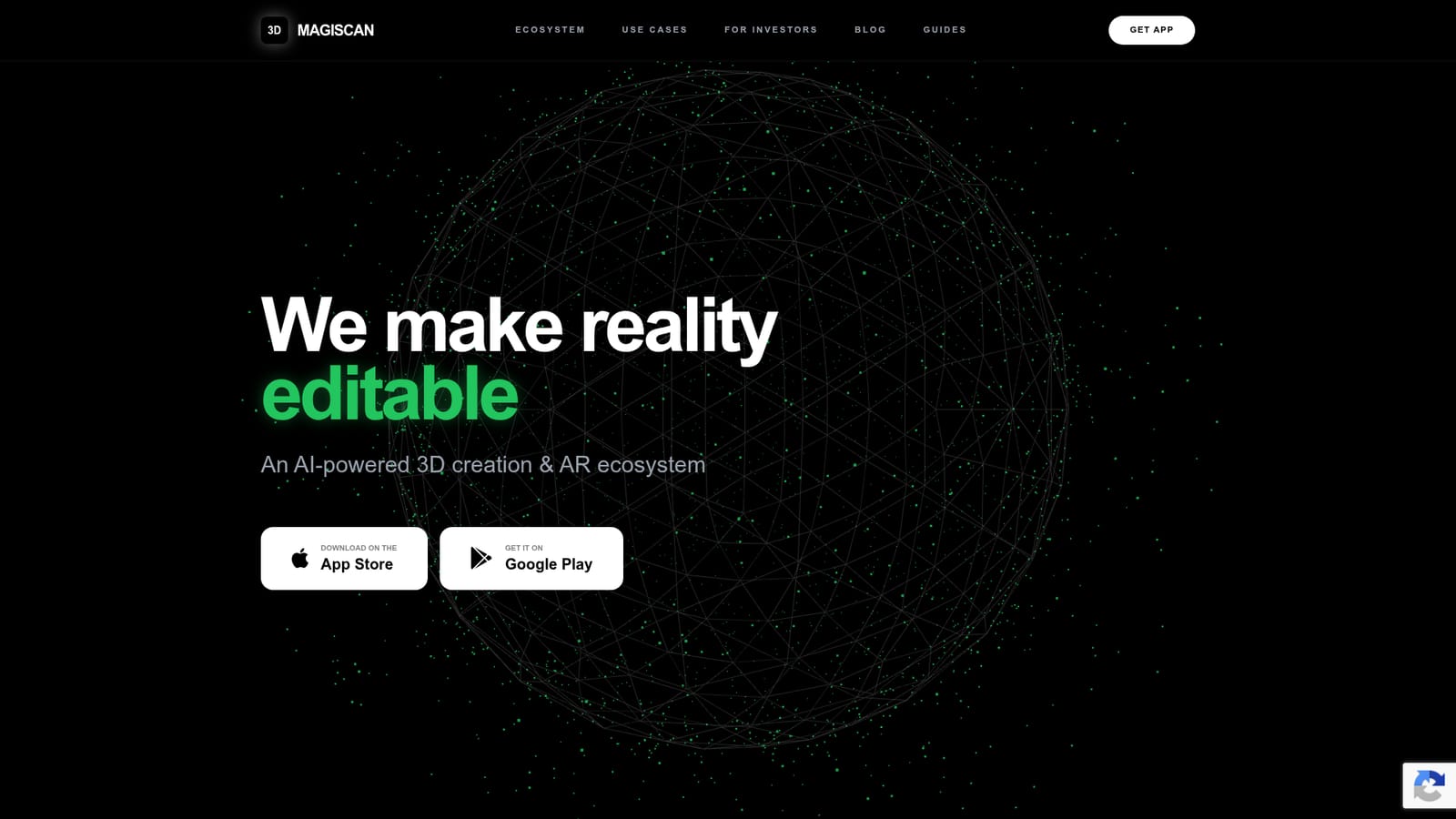
MagiScan is a mobile 3D scanning app that converts real world objects into digital 3D models using a phone camera and an AI driven reconstruction engine. The company reports more than 4 million installs and over 16 million models created, and the app holds top ranked positions for 3D apps on the App Store and Google Play. Scanning is the entry point, but the product is positioned as a wider ecosystem: the same engine powers a text-to-3D generator that builds assets from text prompts or images, plus vertical spinoffs for medical scanning (AVA), cargo measurement (FreightSizer), custom orthotics (Orthio) and AR commerce (ARize). In practice the workflow is capture, process, then export. A user walks around an object with the phone, the app reconstructs the geometry and texture, and the finished model can be pushed into downstream tools. MagiScan publishes guides for moving scans into Unity for interactive and AR work, into Blender for editing, and into slicers such as Cura, PrusaSlicer, OrcaSlicer and Bambu Lab for 3D printing. That printing bridge is one of the more concrete uses: scan a broken part or an object, refine it, and send it to a printer. Who it suits: hobbyist makers and 3D printing users who want quick digitization without a dedicated scanner rig, creative studios building AR or interior design assets, and industrial or medical teams that need object capture as part of a larger pipeline. The homepage use cases lean heavily in that direction, with examples like parts restoration, craniofacial planning, custom orthotics, footwear virtual try-on and online museum exhibits. Where it fits: MagiScan competes with photogrammetry and mobile scanning apps rather than desktop 3D suites. Its differentiator, as presented, is a proprietary engine and a family of industry specific apps built on top of it, so a buyer can start with general scanning and later move toward a vertical product. Pricing tiers are not published on the homepage, so cost needs to be checked in the app stores before committing.
A contact form on the site handles questions, feedback and scan issues, with a stated response time of about one business day. No phone or live chat channel is listed.
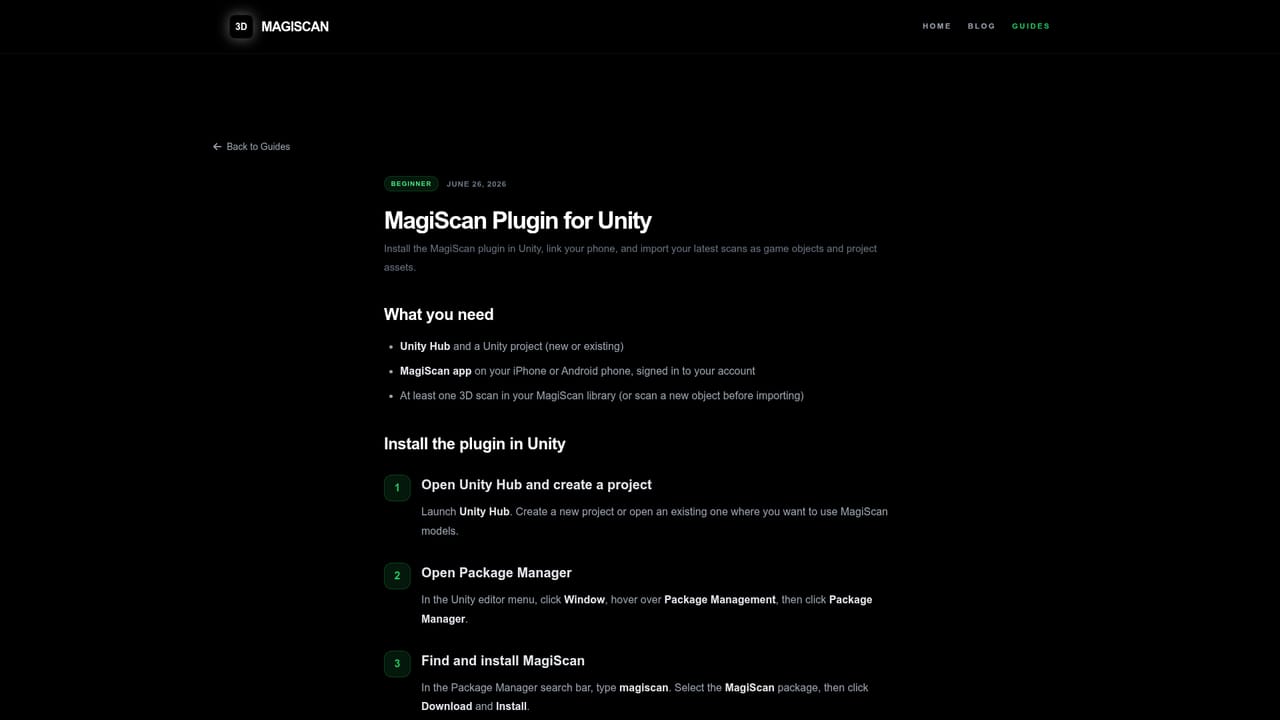
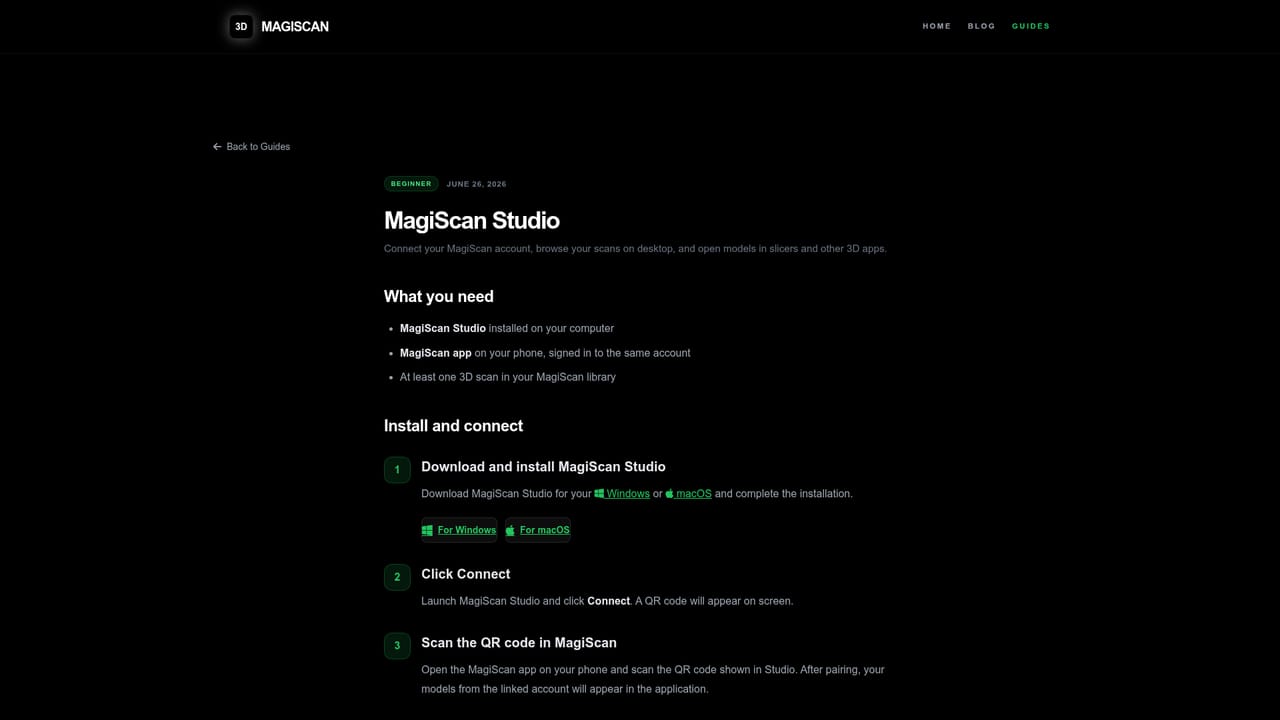
Published integrations cover Unity for interactive and AR use, Blender for editing, and Cura, PrusaSlicer, OrcaSlicer and Bambu Lab for 3D printing, each with its own setup guide.
Learn morePhone based 3D scanning with AI reconstruction, text-to-3D asset generation from prompts or images, and export paths into Unity, Blender and common printing slicers. The ecosystem also includes vertical apps: AVA for aesthetic medicine and surgery, FreightSizer for cargo volumetrics, Orthio for orthotics and prosthetics, and ARize for AR commerce.
 AI Angels400+ customizable AI girlfriends for NSFW chat, voice calls, and roleplay
 Candy AIExperience the future of companionship with AI friends who chat, role-play, and connect with you on a human level.
 ourdream.aiA vast AI roleplay platform with millions of characters for chat, images, video and voiceAI Angels400+ customizable AI girlfriends for NSFW chat, voice calls, and roleplayCandy AIExperience the future of companionship with AI friends who chat, role-play, and connect with you on a human level.ourdream.aiA vast AI roleplay platform with millions of characters for chat, images, video and voice