Free trial
A free start is offered through the sign-in page, but the homepage does not state what the free tier includes or how long it lasts.
Learn moreTurn dense PDFs, videos and webpages into structured mind maps.
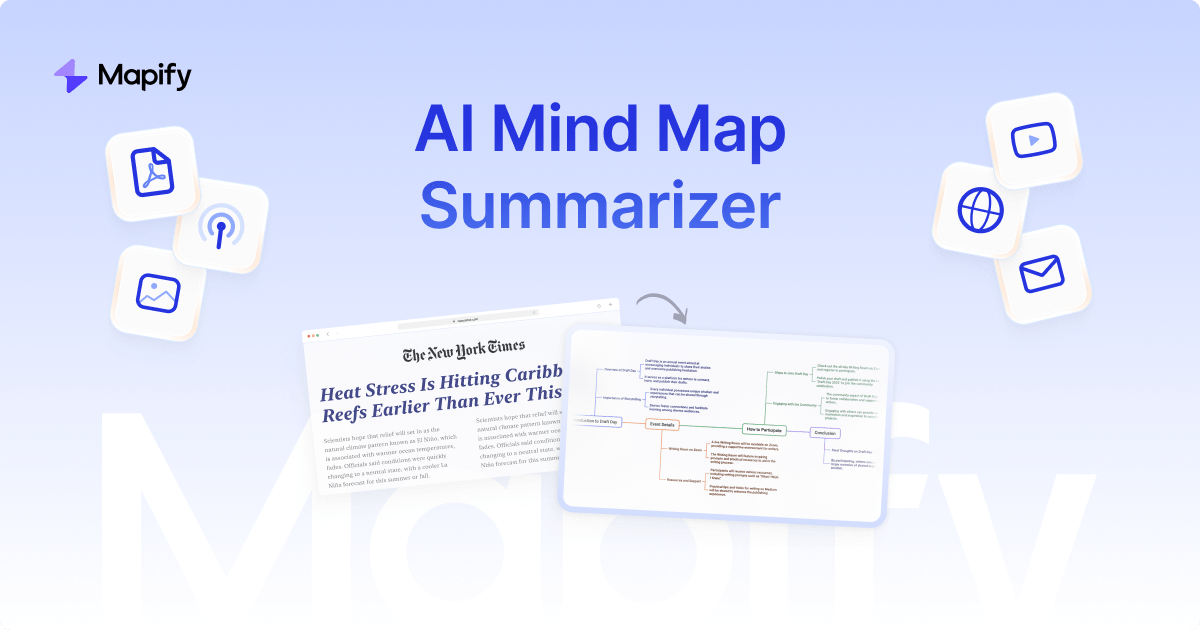
Mapify is an AI summarizer tool that turns dense PDFs, videos and webpages into structured mind maps. Mapify converts YouTube videos, PDFs, documents, webpages, podcasts and meeting recordings into interactive mind maps using GPT, Gemini or other leading LLMs.
Mapify is an AI summarizer built around a single idea: reading and listening produce better understanding when the output is a visual structure rather than a wall of text. Feed it a YouTube video, a PDF or document, a URL, a podcast episode or a meeting recording, and it condenses the material into an interactive mind map with a branching hierarchy of themes and sub-points. The homepage positions the tool as a summarizer first and a map generator second, which is the right order: the map is the delivery format, the summarization is the work. The engine is model-agnostic. Mapify states that it runs on GPT, Gemini or other leading LLMs, so the summarization quality tracks whichever model is selected rather than a single proprietary pipeline. In daily use this means a student can drop a lecture recording or research paper into the tool and get a topic tree back in seconds, a knowledge worker can turn a long report or a meeting transcript into something scannable, and a content researcher can map a video's argument before deciding whether to watch it in full. Once generated, the map is interactive, so branches can be explored, expanded and reorganized instead of read linearly. Distribution is one of its stronger practical points. Mapify runs as a web app and as native iOS and Android apps, with a Chrome extension for capturing pages directly from the browser. That combination pushes it toward people who read across devices: students reviewing between classes, analysts skimming on a phone, researchers clipping sources while browsing. The homepage cites over five million users and logos from Airbus, Amazon, Microsoft, Samsung, MIT and Oxford, plus a 4.8/5 App Store rating and a number three Product Hunt launch. The competitive position is crowded. General chat assistants will summarize a document, and dedicated note tools now generate outlines too. Mapify's case rests on the mind map being the primary output rather than an add-on, and on the range of input types (video, podcast, meeting audio, PDF, URL) handled in one place. Buyers should check current plan limits before committing, because the homepage does not disclose pricing tiers or per-input quotas.
A free start is offered through the sign-in page, but the homepage does not state what the free tier includes or how long it lasts.
Learn moreA Chrome extension captures webpages directly from the browser, and the iOS and Android apps extend the web product to mobile. The homepage names no third-party tool integrations beyond the LLM choices.
Summarizes YouTube videos, PDFs and documents, webpages, podcasts and meeting recordings into interactive mind maps. Generation is powered by GPT, Gemini or other leading LLMs, and the output is an explorable, editable branch structure. Available across web, iOS, Android and a Chrome extension.
 AI Angels400+ customizable AI girlfriends for NSFW chat, voice calls, and roleplay
 Candy AIExperience the future of companionship with AI friends who chat, role-play, and connect with you on a human level.
 ourdream.aiA vast AI roleplay platform with millions of characters for chat, images, video and voiceAI Angels400+ customizable AI girlfriends for NSFW chat, voice calls, and roleplayCandy AIExperience the future of companionship with AI friends who chat, role-play, and connect with you on a human level.ourdream.aiA vast AI roleplay platform with millions of characters for chat, images, video and voice





