Free trial
Two-week free trial; start without a credit card.
Learn moreAI social media manager that creates, schedules, and publishes brand-ready posts.

Marky is an AI social media management tool that generates brand-voice posts, designs them with templates, and schedules across seven platforms. It suits small businesses and agencies wanting speed and consistency.
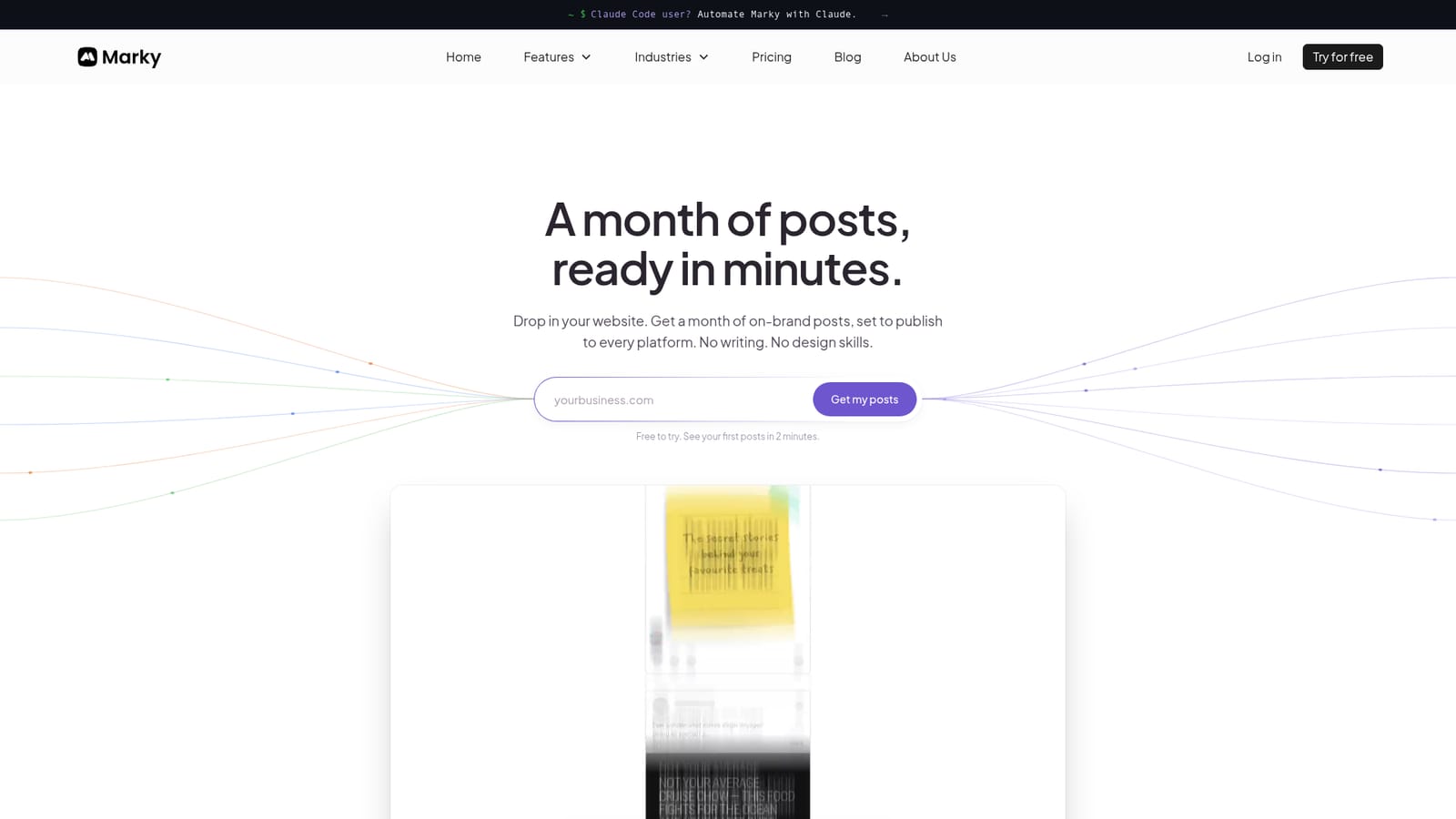
Marky is an AI social media management platform that generates on-brand text and image posts, designs them with professional templates, and schedules them across up to seven platforms from a single dashboard. It is built for small businesses, local service providers, professional services firms, and agencies that need to maintain a consistent social presence without a dedicated content team. The core promise is speed: enter your website URL and Marky learns your voice, style, and audience, then produces a month of posts in minutes. From there, you can edit copy, swap AI-generated images, adjust layouts, and approve everything before it goes live. The tool combines three functions that are usually separate: AI content generation (like ChatGPT), a template-based design editor (like Canva), and a multi-platform scheduler. Posts can be tailored for Facebook, LinkedIn, Instagram, X, Google Business Profile, TikTok, and Pinterest, with a visual calendar that supports drag-and-drop scheduling. Marky also offers carousels, promotional videos from animated templates, and the ability to attach your own media. For agencies, there is a white-labeled client portal and bulk generation across multiple brands. In practice, Marky is designed to replace the back-and-forth of prompting a general AI for each post and then manually designing and scheduling it. The workflow is linear: connect a social account, build a brand kit from your website, generate drafts, edit and approve, then publish. The platform reports that businesses see 3x more views on average and save 5 or more hours per week, though those figures come from the vendor. It is best suited to teams that value speed and consistency over fine-grained creative control, and it is less appropriate for publishers or brands that need highly custom, non-templated visuals.
Two-week free trial; start without a credit card.
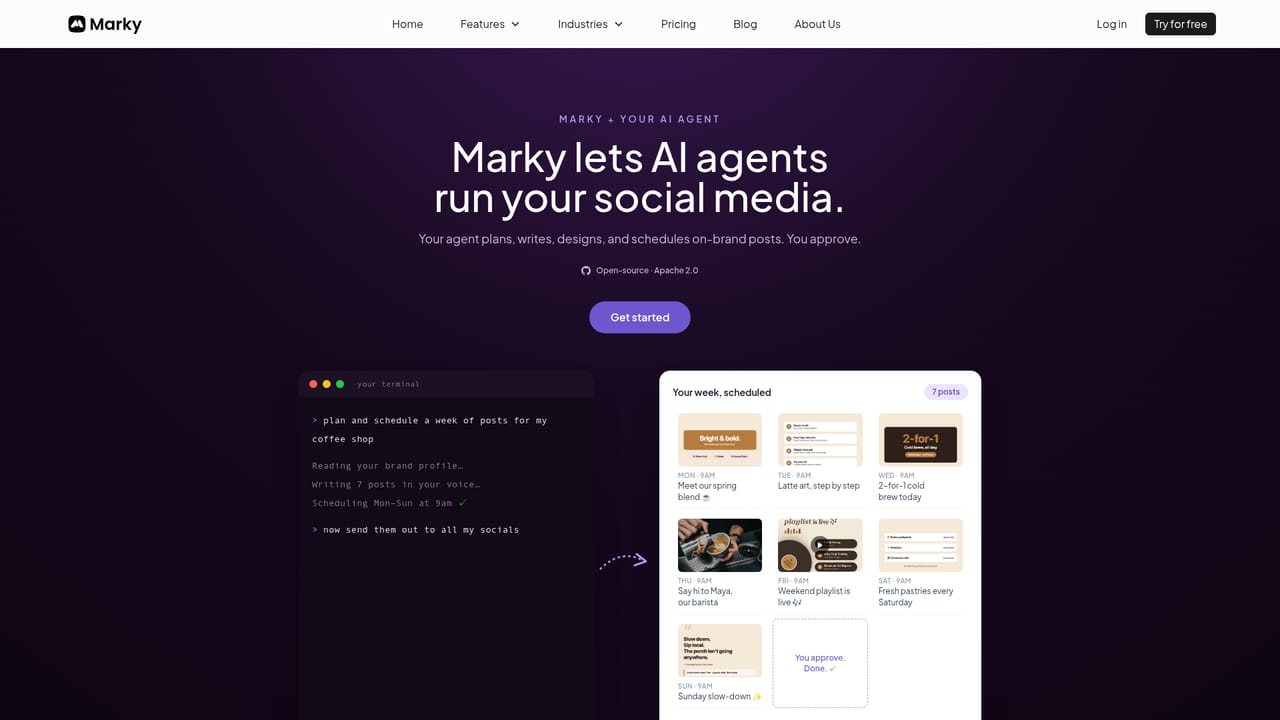
Learn moreConnects to Facebook, LinkedIn, Instagram, X, Google Business Profile, TikTok, and Pinterest for publishing. AI agent skills are available for Claude Code and other agents.
AI post generation in your brand voice from your website, designer templates with AI-generated images, carousels, and video animations, auto-scheduling across seven platforms, and a visual calendar with drag-and-drop. Agency features include white-label portals and bulk generation.
Learn more AI Angels400+ customizable AI girlfriends for NSFW chat, voice calls, and roleplay
 Candy AIExperience the future of companionship with AI friends who chat, role-play, and connect with you on a human level.
 ourdream.aiA vast AI roleplay platform with millions of characters for chat, images, video and voiceAI Angels400+ customizable AI girlfriends for NSFW chat, voice calls, and roleplayCandy AIExperience the future of companionship with AI friends who chat, role-play, and connect with you on a human level.ourdream.aiA vast AI roleplay platform with millions of characters for chat, images, video and voice


