Free trial
The homepage offers a free entry point through the Get Matilda Free button, which leads to the app signup. No trial length or plan limits are stated.
Learn moreA customer-aware AI workspace that unifies CRM, projects, docs and agents
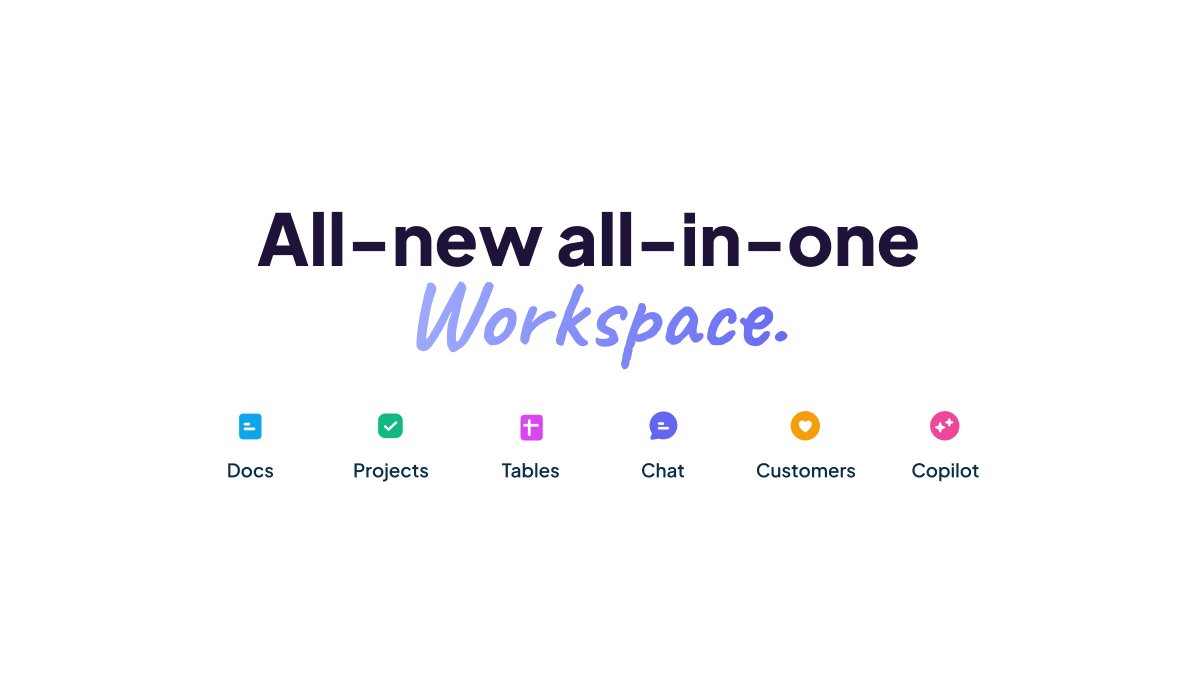
Matilda is an AI-native workspace for B2B SaaS teams that combines CRM, projects, docs, tables, boards, chat and automation. Prebuilt agents handle lead qualification, outreach drafting, PRDs, release notes and ticket triage, with human review gates and a shared, permission-aware knowledge graph.
Matilda is a workspace for B2B SaaS teams that merges customer relationship management with the everyday tools a team uses to get work done. Instead of stitching a CRM to separate project, document and chat apps, Matilda bundles customers, projects, docs, tables, boards, chat and automation into one environment. A shared AI knowledge graph sits underneath, so context follows a customer across every record and every conversation. The product leans on agents that run inside the workspace. Teams can start from prebuilt flows for sales, marketing, success, product, operations, support, HR and founders, then let those agents enrich leads, score accounts, draft outreach, generate PRDs, write release notes or triage tickets. Most flows place a human review gate before anything is sent or published, which keeps a person in charge of final approval. Customer Memory goes further by retaining preferences and history so the AI does not need the same context explained twice, and permission-aware answers return cited results that respect roles, team spaces and client access. It is aimed at revenue and delivery teams inside software companies: sales reps working pipelines, marketers running multi-channel launches, product managers moving ideas to backlog, and support teams handling first responses. The appeal is consolidation. A team that would otherwise license a CRM, a project tracker, a docs tool and an automation platform can run those workflows in one place, with code repositories linked so pull requests and commits attach to epics and stories automatically. Matilda competes less with pure project tools and more with the CRM plus productivity suite combination. Its differentiators are the customer-aware AI layer, agents that write outputs back into docs, tasks, tables, boards and CRM records, and live collaboration across the suite. Buyers who want a single, AI-native home for customer work will find the scope compelling; teams that need very deep, specialised CRM configuration or a standalone project tool should weigh the breadth against the depth.
The homepage offers a free entry point through the Get Matilda Free button, which leads to the app signup. No trial length or plan limits are stated.
Learn moreThe homepage names OpenAI, AWS, Twilio, Neo4j, Stripe, Serverless and Anthropic as underlying technology, and Git repository linking for projects. No third-party app marketplace is listed.
Unified CRM plus projects, docs, tables, boards and chat, with Customer Memory, permission-aware cited answers, always-on agents, AI summaries for accounts and deals, email sequences, Git-linked projects, playbooks, custom objects, live collaboration, reporting and automation with human-in-the-loop review.
 AI Angels400+ customizable AI girlfriends for NSFW chat, voice calls, and roleplay
 Candy AIExperience the future of companionship with AI friends who chat, role-play, and connect with you on a human level.
 ourdream.aiA vast AI roleplay platform with millions of characters for chat, images, video and voiceAI Angels400+ customizable AI girlfriends for NSFW chat, voice calls, and roleplayCandy AIExperience the future of companionship with AI friends who chat, role-play, and connect with you on a human level.ourdream.aiA vast AI roleplay platform with millions of characters for chat, images, video and voice