Free trial
A three-day free trial is offered at $0 today, but a card is required and you must cancel before renewal to avoid charges.
Learn moreA private cloud computer where AI agents build and run your apps

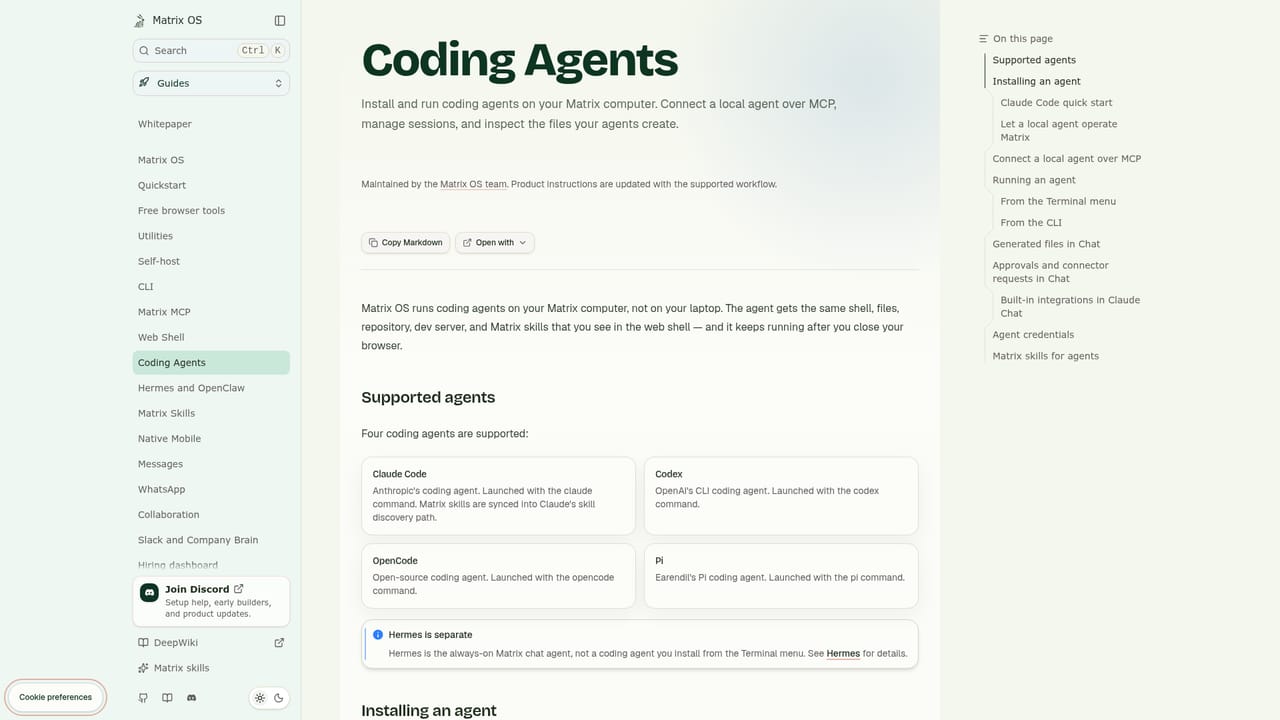
Matrix OS is a private cloud computer where AI coding agents build small apps, run tasks and share one workspace with your files and connected tools. It supports Claude Code, Codex, Cursor, Gemini CLI and others, but model access is billed by your provider, not included in the plan.
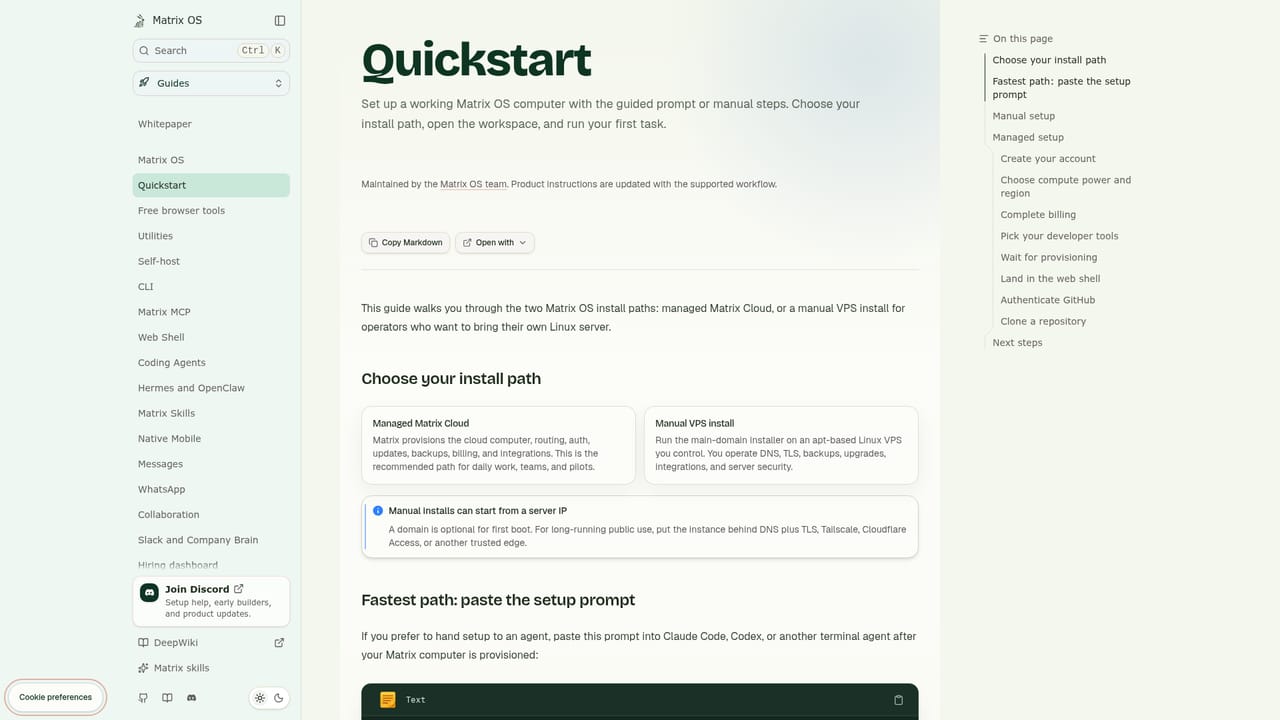
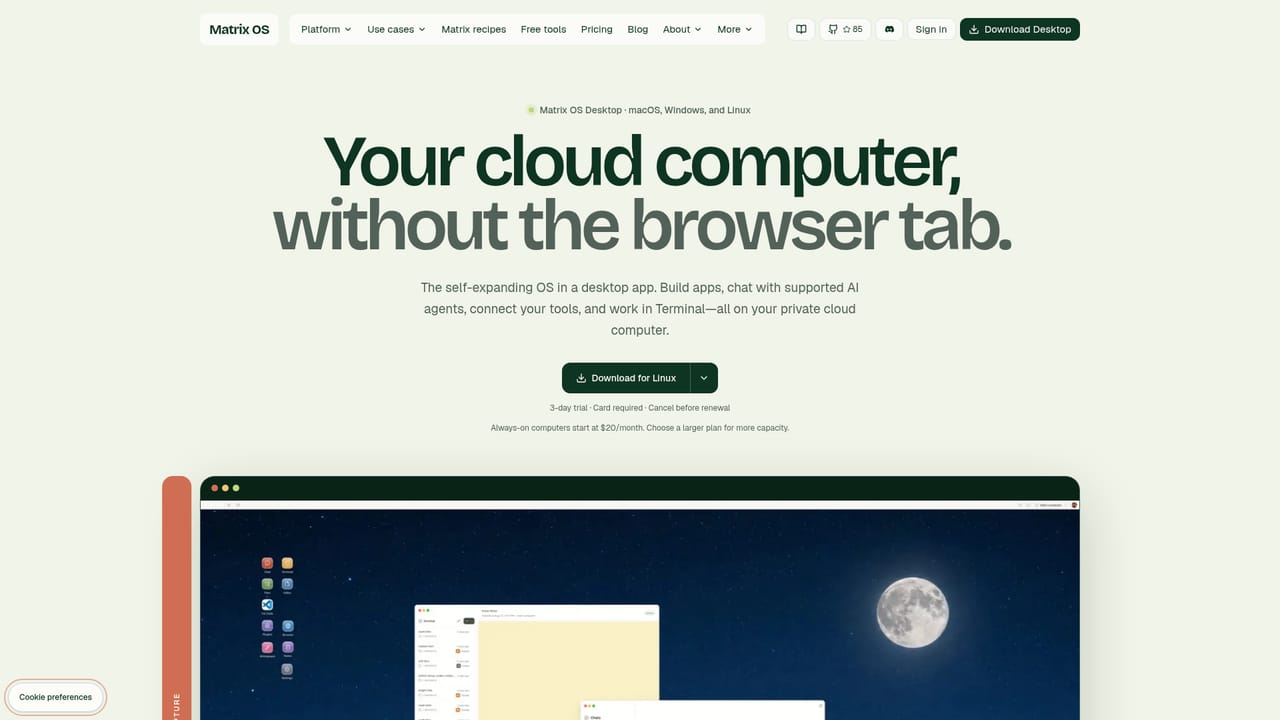
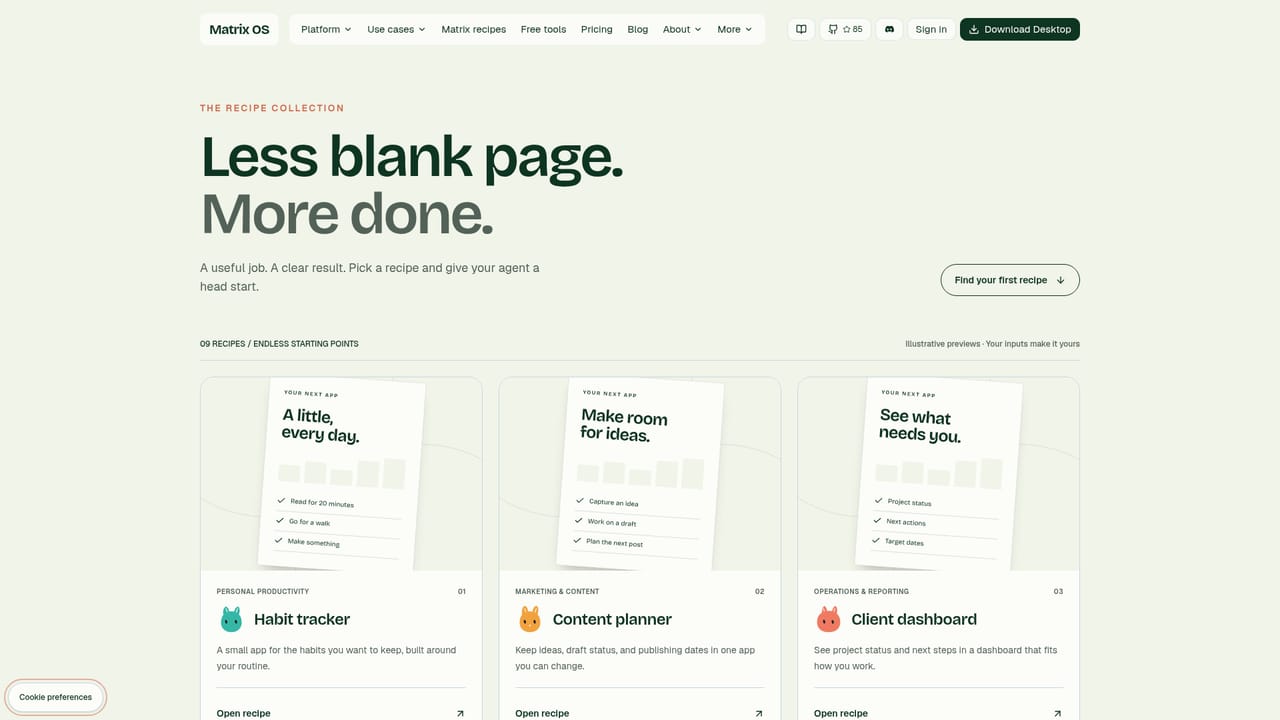
Matrix OS is a hosted cloud computer built around the idea that your apps, files, terminals and AI agents should share one workspace instead of being scattered across tools. You describe a tracker, planner or dashboard in plain language, hand the brief to a coding agent, and the agent builds a small app directly on your private machine. From there you open it, use it, and ask for changes whenever the shape of the work shifts. The operating system is described as self-expanding: each app you add stays in place and becomes something to build on. The product assumes you already have an agent. Claude Code, Codex, Cursor, OpenCode, Pi and Gemini CLI are all supported, and Matrix does not bundle model access. You sign in through each agent's own login flow and pay the provider separately for subscriptions or API usage. The Matrix plan covers the machine: an always-on cloud computer with a browser, chat, terminal, files and database in one place. Connected services such as GitHub, Google Drive, Gmail, Calendar and Slack can be linked with your permission so an agent has the context and actions a task needs. In practice the workspace is reached three ways. Matrix Desktop is the dedicated app for macOS, Windows and Linux, the browser interface opens an existing workspace, and the CLI connects from your terminal. Two supporting products extend the model: Symphony coordinates several coding agents at once with separate branches and human review, while Hermes targets everyday connected workflows. Reusable recipes supply task briefs with inputs, instructions and review boundaries. Matrix OS fits people who want agent-driven software without managing infrastructure, and who are comfortable paying two parties: Matrix for compute, a provider for inference. The runtime is open source under AGPL-3.0-or-later with a manual self-hosting path, which makes it a reasonable alternative to stitching together a VPS, a git workflow and a chat client by hand. Buyers who want a single bundled AI subscription should look elsewhere. Room for background work scales with the plan, and additional computers repeat the same plan and checkout flow.
A three-day free trial is offered at $0 today, but a card is required and you must cancel before renewal to avoid charges.
Learn moreMonthly plans: Starter at $20 with one agent at a time and standard startup, Builder at $100 with an always running computer, three parallel agents, scheduled tasks and seven-day snapshots, Max at $200 with six to eight agents, multiple workspaces and thirty-day snapshots. Enterprise is custom. AI subscriptions and usage are billed by your provider.
Learn morePriority support and capacity are listed on the Max plan, and an enterprise contact route exists for teams with custom rollout requirements. The homepage does not describe general support channels.
Supported connections include GitHub, Google Drive, Gmail, Google Calendar and Slack, linked with your permission so agents can read context and take actions.
Learn moreA private always-on cloud computer with chat, terminal, browser, files and a database in one workspace. Describe an app and an agent builds it, then you keep improving it. Supported agents include Claude Code, Codex, Cursor, OpenCode, Pi and Gemini CLI. Symphony coordinates parallel coding agents with branches and human review, Hermes handles everyday connected workflows, and recipes package repeatable task briefs.
Learn more AI Angels400+ customizable AI girlfriends for NSFW chat, voice calls, and roleplay
 Candy AIExperience the future of companionship with AI friends who chat, role-play, and connect with you on a human level.
 ourdream.aiA vast AI roleplay platform with millions of characters for chat, images, video and voiceAI Angels400+ customizable AI girlfriends for NSFW chat, voice calls, and roleplayCandy AIExperience the future of companionship with AI friends who chat, role-play, and connect with you on a human level.ourdream.aiA vast AI roleplay platform with millions of characters for chat, images, video and voice


