Free trial
A 30-day free trial is offered through the sign-up page, and the homepage states that no payment is required to start it.
Learn moreScheduling tool that keeps a reusable library of evergreen social posts

MeetEdgar is a social media scheduling tool with a reusable content library that reposts evergreen material on a set schedule. It supports 10 networks, up to 25 connected accounts with no extra fees, and an AI caption assistant called Inky.
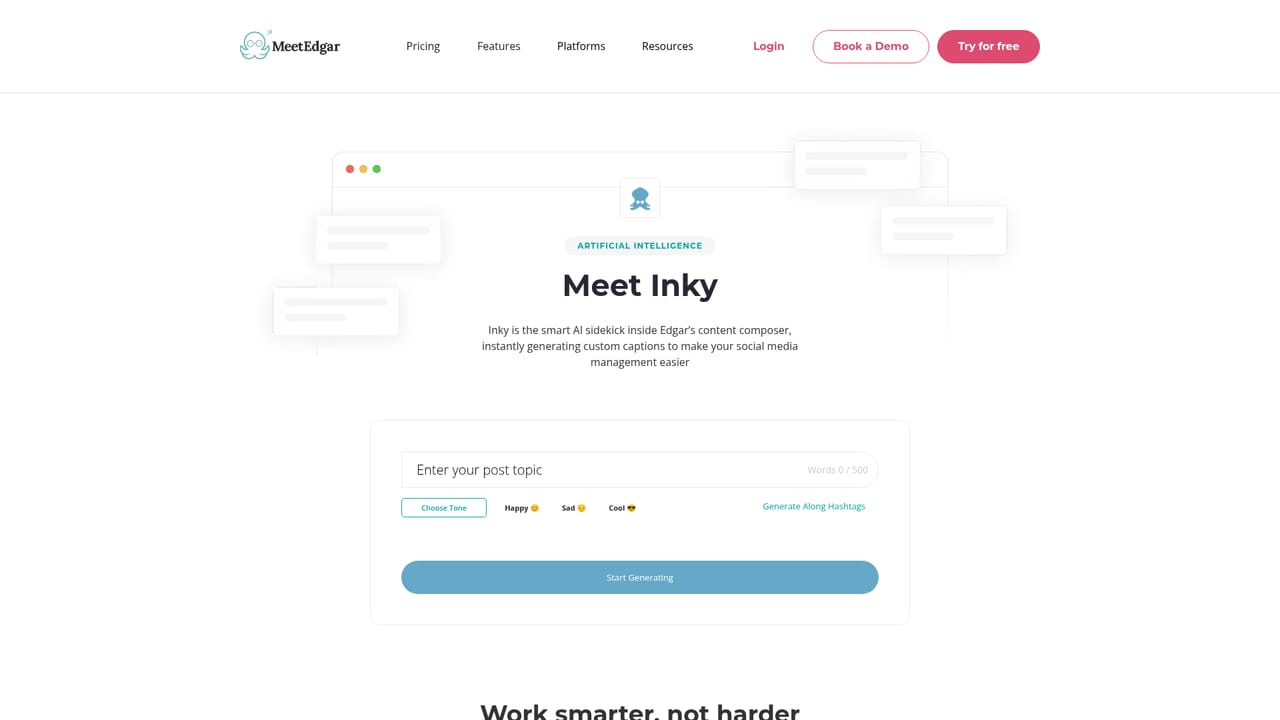
MeetEdgar is a social media scheduling and publishing tool built around a simple idea: posts should not disappear once they go live. Where most schedulers clear a post after it publishes, Edgar stores everything in a persistent library and draws from it again later. That library-based approach is the product's defining feature, and it shapes the whole workflow. The tool covers the main networks: TikTok, Facebook, Instagram, LinkedIn, Pinterest, Google Business Profile, X, Threads, YouTube Shorts and Bluesky. A single dashboard handles content creation, scheduling and analytics, and users can connect up to 25 social accounts without paying extra. An AI assistant called Inky generates captions, hashtags and post ideas for anyone stuck on a blank page, with output tailored to the platform being targeted. In practice, the workflow favors batch work. A user loads a set of evergreen posts into the library, sets up time slots, and Edgar fills those slots from the queue on an ongoing basis, which means social activity continues during weeks when nothing new is written. Scheduled one-off posts can run alongside the recycling queue. The vendor positions this for entrepreneurs, freelancers, small teams and content creators, and it publishes dedicated pages for marketers, coaches, real estate agents, fitness coaches, nonprofits and small businesses. Against alternatives, Edgar competes on simplicity and price rather than breadth. The company publishes head-to-head comparison pages against Hootsuite, Buffer, Loomly and SocialBee, so it clearly sees itself in the same buying conversation. Teams that need deep approval workflows or enterprise reporting are likely looking elsewhere; solo operators and small teams that want steady posting without constant planning are the core fit.
A 30-day free trial is offered through the sign-up page, and the homepage states that no payment is required to start it.
Learn moreThe homepage highlights excellent customer support as a reason customers choose the product and points to a help centre, but does not describe channels or response times.
Learn moreThe site references connecting other apps and tools to streamline scheduling and maintains a dedicated apps and integrations page, but the homepage does not list specific integration partners.
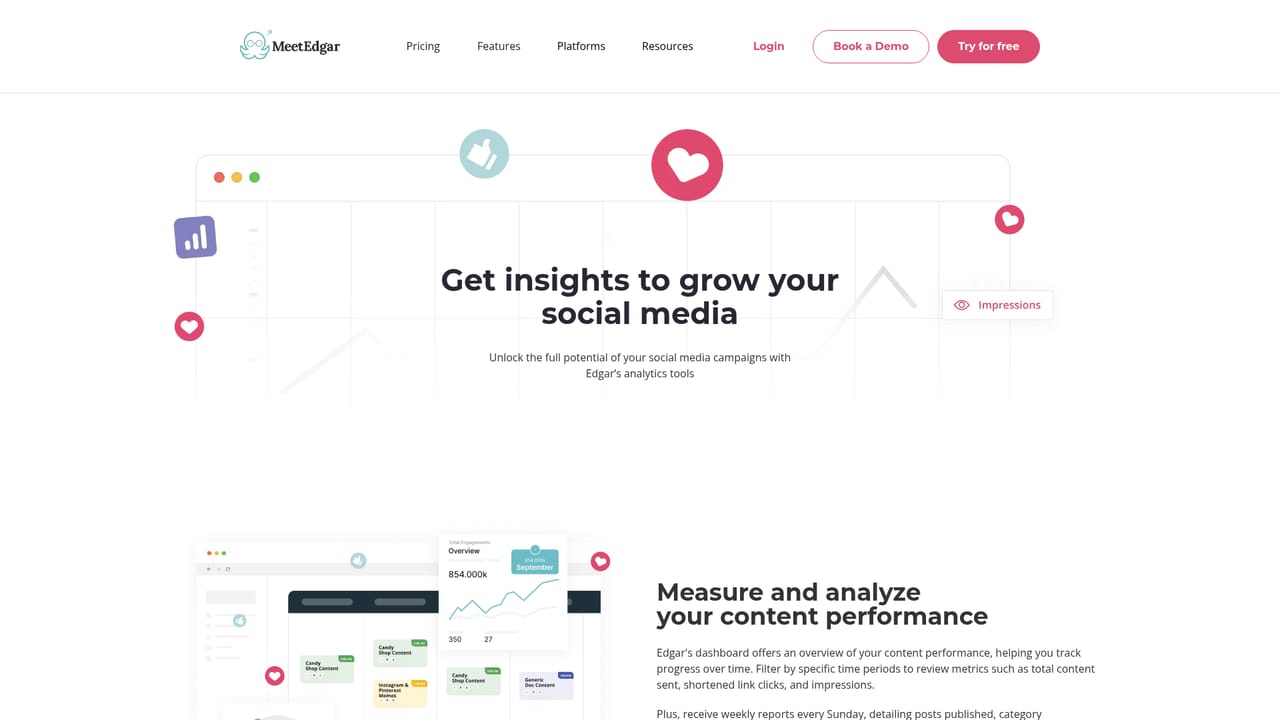
Learn moreContent library that retains posts after publishing and supports resharing, scheduling across 10 networks, a unified dashboard for publishing and analytics, up to 25 connected accounts at no extra cost, and Inky, an AI assistant that generates captions and hashtags tailored to each platform.
Learn more AI Angels400+ customizable AI girlfriends for NSFW chat, voice calls, and roleplay
 Candy AIExperience the future of companionship with AI friends who chat, role-play, and connect with you on a human level.
 ourdream.aiA vast AI roleplay platform with millions of characters for chat, images, video and voiceAI Angels400+ customizable AI girlfriends for NSFW chat, voice calls, and roleplayCandy AIExperience the future of companionship with AI friends who chat, role-play, and connect with you on a human level.ourdream.aiA vast AI roleplay platform with millions of characters for chat, images, video and voice


