Free trial
There is no separate trial: the builder is free to sign up and start using, with charges applying to phone numbers, usage and additional services.
Learn moreAn AI agent builder that answers calls, texts and web chats without code

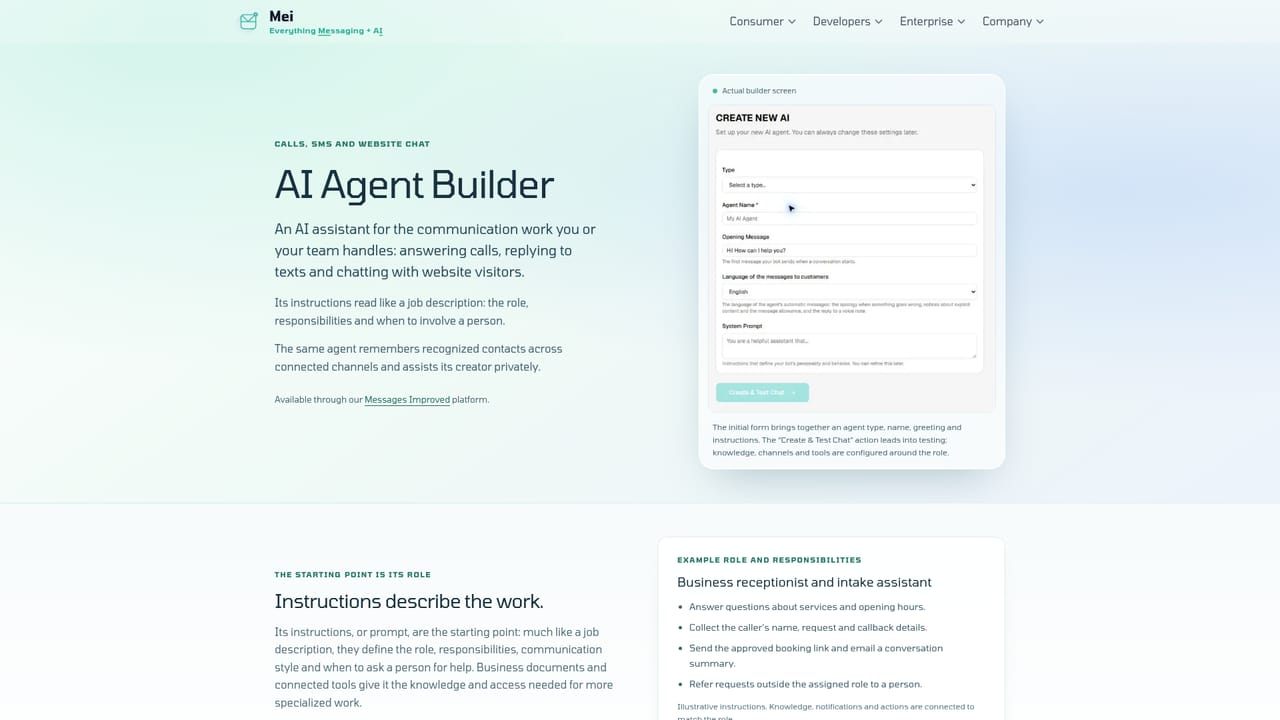
Mei is an AI product lab running an AI Agent Builder, a no-code tool for creating assistants that handle phone calls, SMS and website chat. It also operates consumer apps for messaging, voice agents and translation, with enterprise and telecom deployment options.
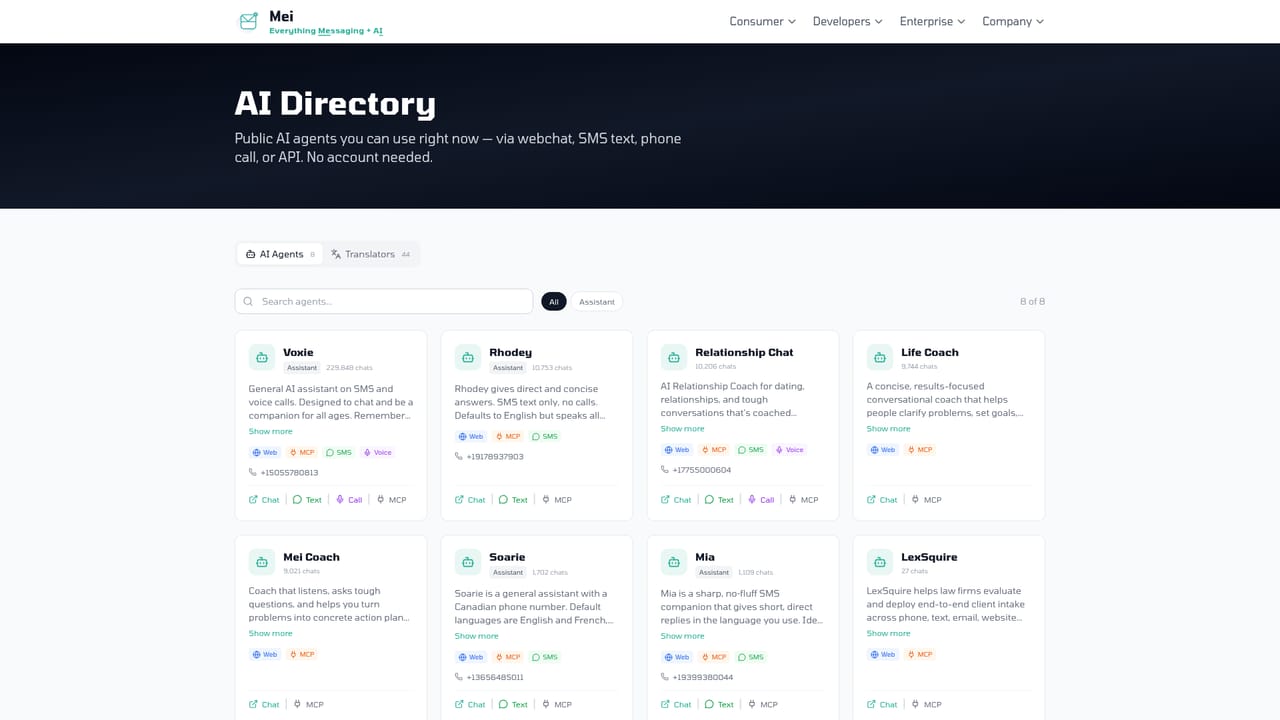
Mei is the umbrella brand for an AI product lab that has been building messaging and communication software since 2016. Its core product is the AI Agent Builder, a self-service tool for assembling a custom assistant without writing code. The agent is defined by a role and a set of instructions, the equivalent of a job description that spells out what it handles, what it should know, and when a human needs to be pulled in. From there, the agent is attached to a communication channel and starts picking up conversations. The builder is the centerpiece, but Mei ships a wider catalogue of consumer tools alongside it. The AI Directory lists coaches, companions and translators that run on the web and often over phone calls or SMS as well. Voxie puts AI personalities on ordinary phone numbers. The Android messaging app adds an optional assistant for drafting replies and reading conversation context. A voice recorder turns Android audio into transcripts, and a separate image tool handles text extraction and photo restoration. Businesses can ask Mei to adapt any of this into a branded service or an internal workflow. The practical appeal is familiarity. Rather than forcing users into a new interface, the agents work through channels people already open every day: SMS, voice calls, email, website widgets and messaging apps. The same agent keeps context for recognized contacts across sessions and across channels, so a caller who follows up by text does not have to repeat the conversation. Access is governed by identity and permissions, which lets one agent act outwardly as a representative while also serving the owner privately. Mei fits best for solo operators, small businesses and telecom partners that need a functioning conversational agent quickly and cheaply, rather than for teams wanting deep model control or a sprawling integration library. Signing up is free, while phone numbers, usage and additional services are billed separately. Buyers comparing dedicated chatbot platforms should note that Mei's strength is breadth of channels and product range, not the quantity of published third party connectors.
There is no separate trial: the builder is free to sign up and start using, with charges applying to phone numbers, usage and additional services.
Learn moreThe site states that signing up for the AI Agent Builder is free, and that phone numbers, usage and additional services each carry their own pricing. No rates or plan tiers are published on the homepage, and enterprise and telecom engagements are quoted after a conversation with the team.
Learn moreThe homepage offers a contact route for businesses, telecom operators and anyone planning a custom build. It does not describe self-service support channels, documentation levels or response times.
Learn moreAgents connect to phone calls, SMS texts, email, website chat and messaging apps. Named third party software integrations are not listed on the homepage.
The builder creates a custom agent from a role, instructions, knowledge and a connected channel, and can answer calls, reply to texts and chat with website visitors. Recognized contacts are remembered across sessions and channels, and access is scoped by identity and permissions. Around it sit an AI Directory of public agents, the Voxie phone agents, a translator range, the Mei Android messaging app, a voice recorder with transcription, and APIs.
Learn more AI Angels400+ customizable AI girlfriends for NSFW chat, voice calls, and roleplay
 Candy AIExperience the future of companionship with AI friends who chat, role-play, and connect with you on a human level.
 ourdream.aiA vast AI roleplay platform with millions of characters for chat, images, video and voiceAI Angels400+ customizable AI girlfriends for NSFW chat, voice calls, and roleplayCandy AIExperience the future of companionship with AI friends who chat, role-play, and connect with you on a human level.ourdream.aiA vast AI roleplay platform with millions of characters for chat, images, video and voice
.png)