Support
A documentation and help page, MemFree User Guide, is linked from the site navigation and covers how to use the product.
Learn moreHybrid AI search that merges your knowledge base with live web results

MemFree is an AI search tool. A hybrid AI search workspace that combines a user's knowledge base with live web results, supporting PDF, web page and image questions inside project-based chat threads, plus a separate AI image generator.
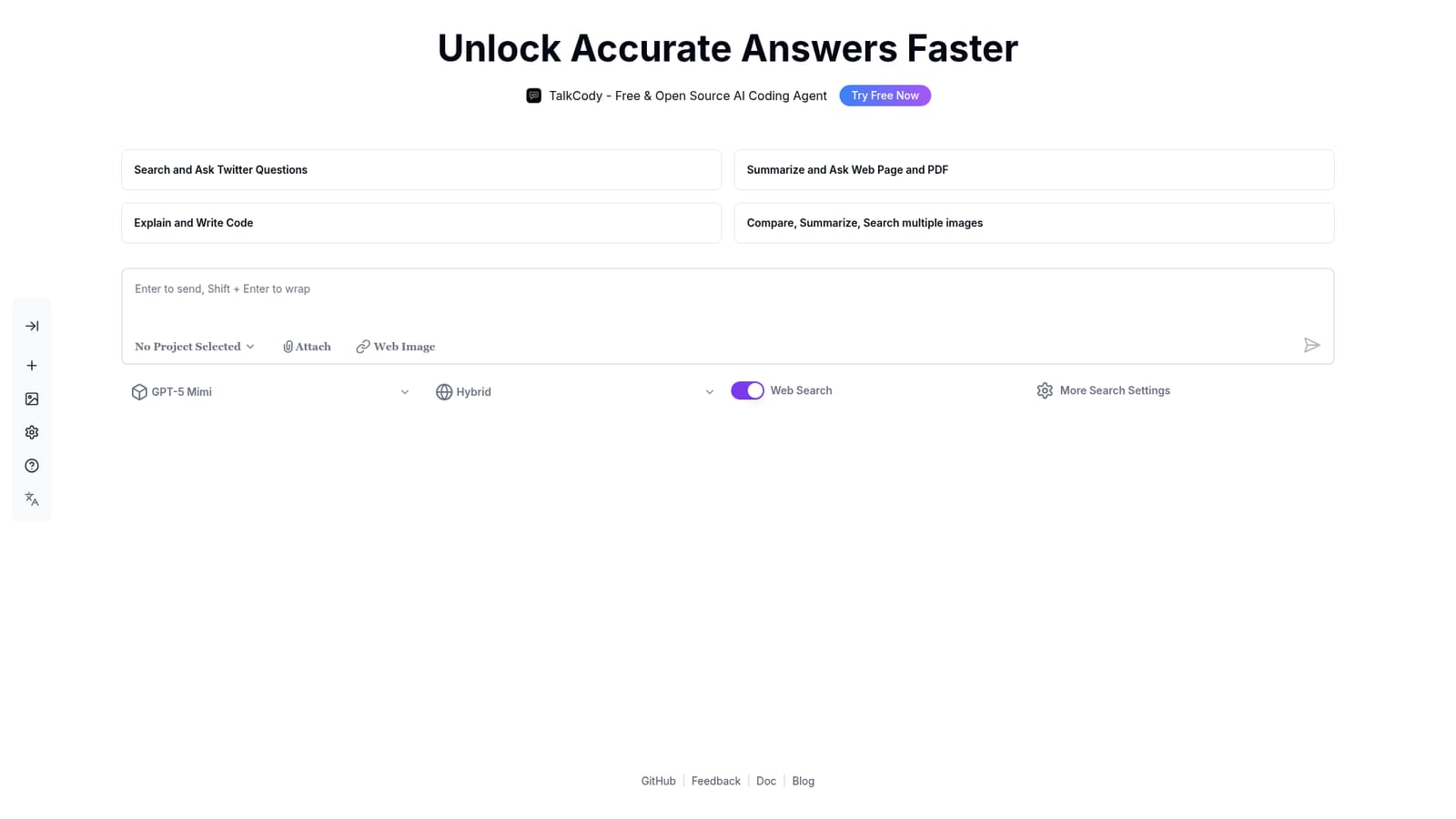
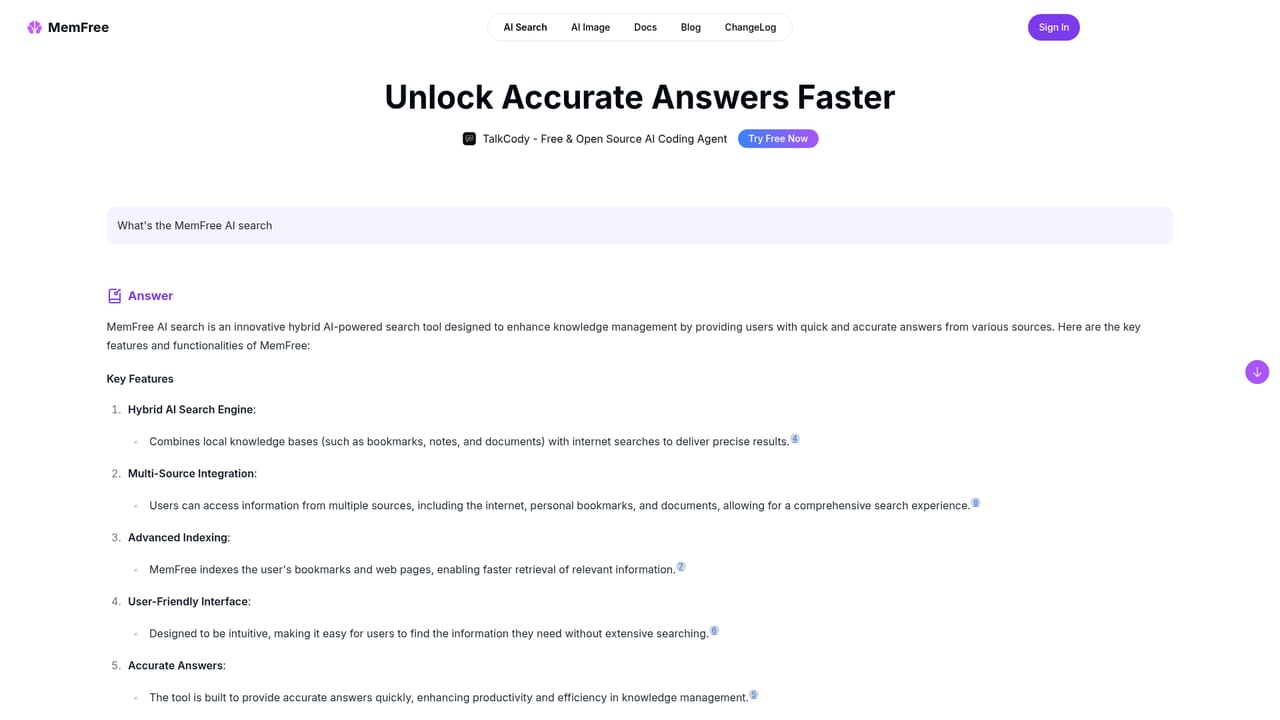
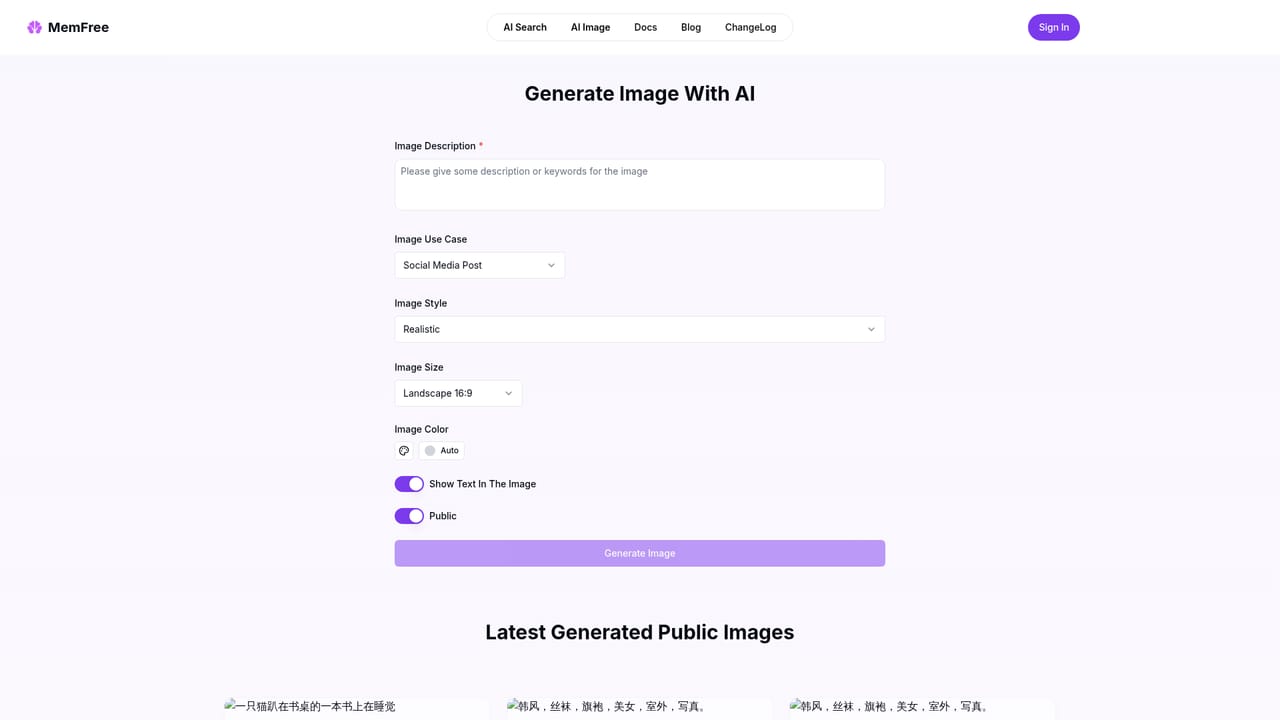
MemFree is a search tool built around a hybrid retrieval model: it answers a question by drawing on both general web results and the knowledge base a user brings to the session, rather than choosing one source over the other. The homepage frames the product around one promise, accurate answers faster, and the interface shows a model selector (the sample reads GPT-5 Mimi) plus a Hybrid toggle and a Web Search option that can be refined through additional search settings. The workspace is organised around projects and chat threads. A left rail holds search history and a project selector, while the main pane is a conversational prompt box that accepts attachments, including web images. That layout suits people who run repeated research queries and want the thread history to persist between sessions, and it also handles multimodal input: one of the featured examples shows a workflow for comparing and summarising several images in a single exchange. Other published examples cover summarising and interrogating a web page or PDF, and asking questions against Twitter content, which suggests the tool is aimed at analysts, students, journalists and anyone who regularly reads long documents and wants a short, sourced answer instead of a pile of tabs. A separate AI image generator sits alongside search for users who need visuals rather than text. The practical flow is straightforward: sign in, pick or create a project, choose whether the answer should lean on hybrid retrieval or pure web search, attach a file or image if relevant, then ask. Answers arrive inside the same thread, and threads can be shared publicly through the site's share links. A settings page covers account and search preferences, and a user guide documents the core behaviour. The fit among alternatives is as a lightweight hybrid research assistant rather than a full enterprise knowledge platform. It is closer to a search-first chat tool than to a document store, so teams with large private corpora should check how much context the knowledge base layer actually accepts before committing.
A documentation and help page, MemFree User Guide, is linked from the site navigation and covers how to use the product.
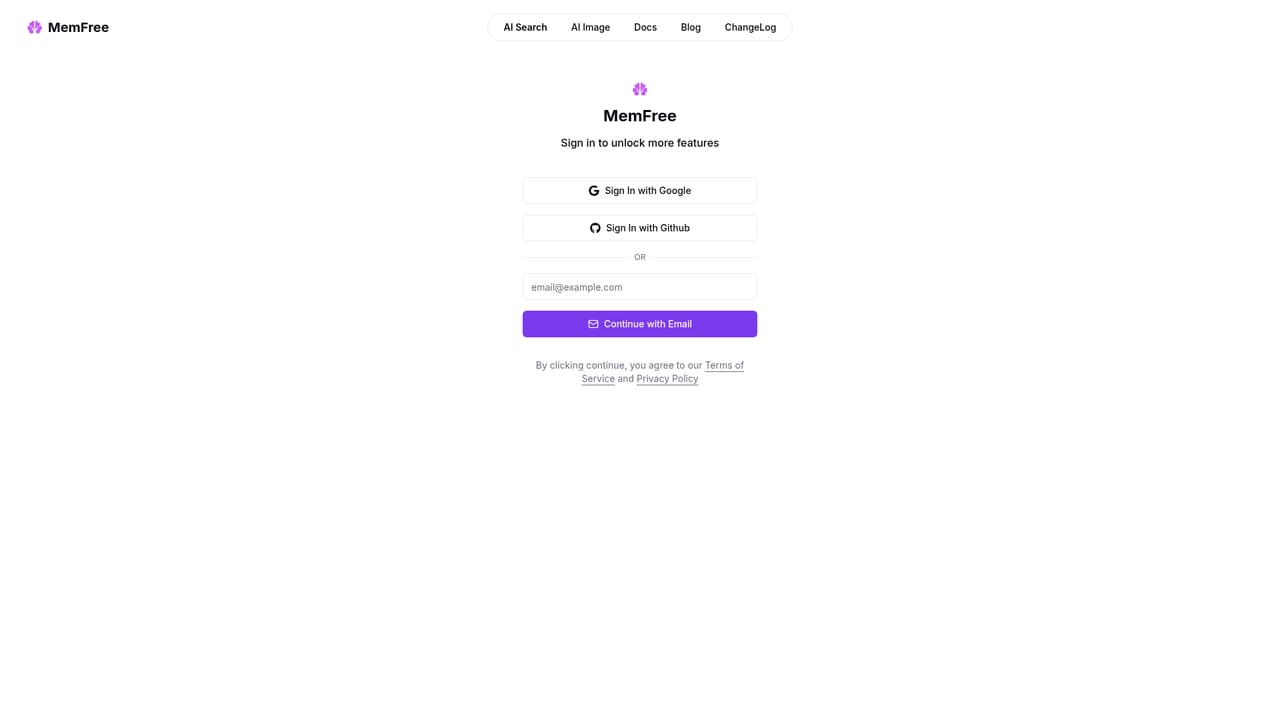
Learn moreHybrid AI search that combines a knowledge base with internet results, a model selector and web search toggle, project-based threads with persistent history, attachments for web pages, PDFs and images, public share links for threads, an AI image generator, a settings page and a written user guide.
 AI Angels400+ customizable AI girlfriends for NSFW chat, voice calls, and roleplay
 Candy AIExperience the future of companionship with AI friends who chat, role-play, and connect with you on a human level.
 ourdream.aiA vast AI roleplay platform with millions of characters for chat, images, video and voiceAI Angels400+ customizable AI girlfriends for NSFW chat, voice calls, and roleplayCandy AIExperience the future of companionship with AI friends who chat, role-play, and connect with you on a human level.ourdream.aiA vast AI roleplay platform with millions of characters for chat, images, video and voice


