Support
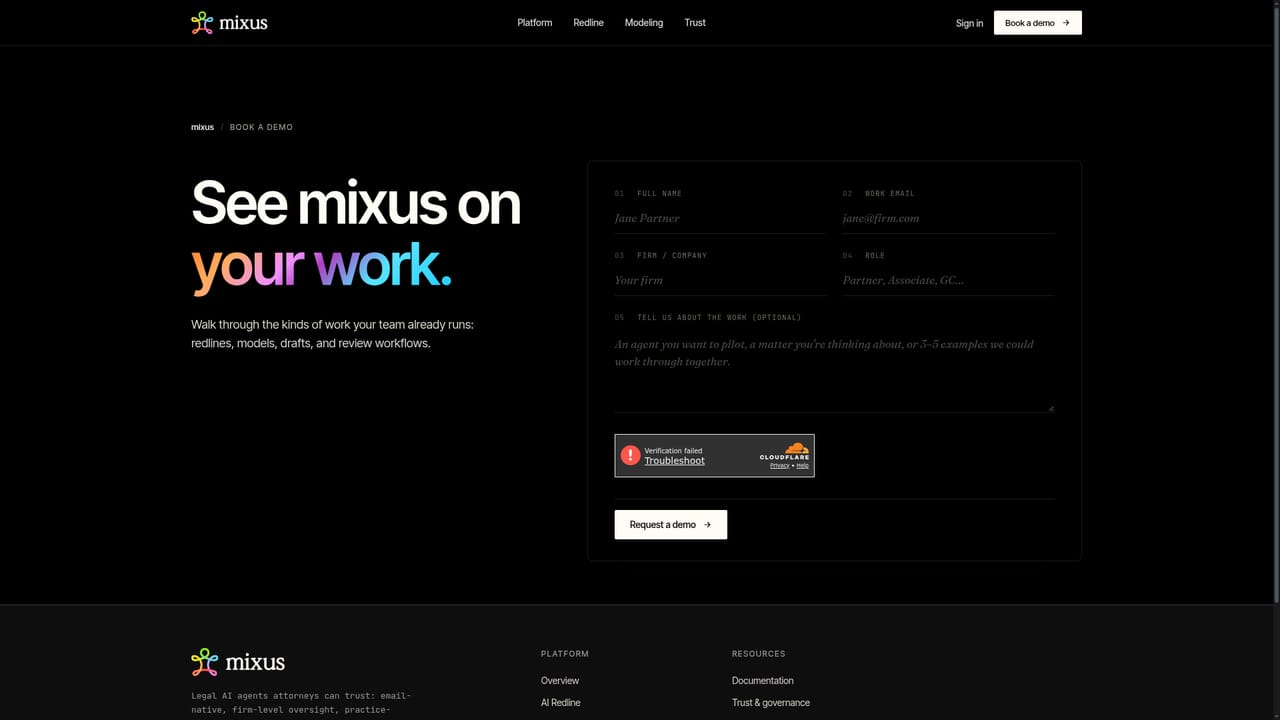
Onboarding runs through a demo request and a single-workflow pilot. Security and compliance questions are answered in the trust centre. No support tiers or SLAs are published.
Learn moreAI legal agents that work by email and inside Word

Mixus is an AI spreadsheet generator tool. Email-based AI agents for legal work. Forward a matter, copy reviewers, and get redlines, drafts, analysis and Excel models back with track changes, cited reasons and an issues list. Playbooks learn from prior deals and reviewer decisions, with a Word add-in for in-place approval.
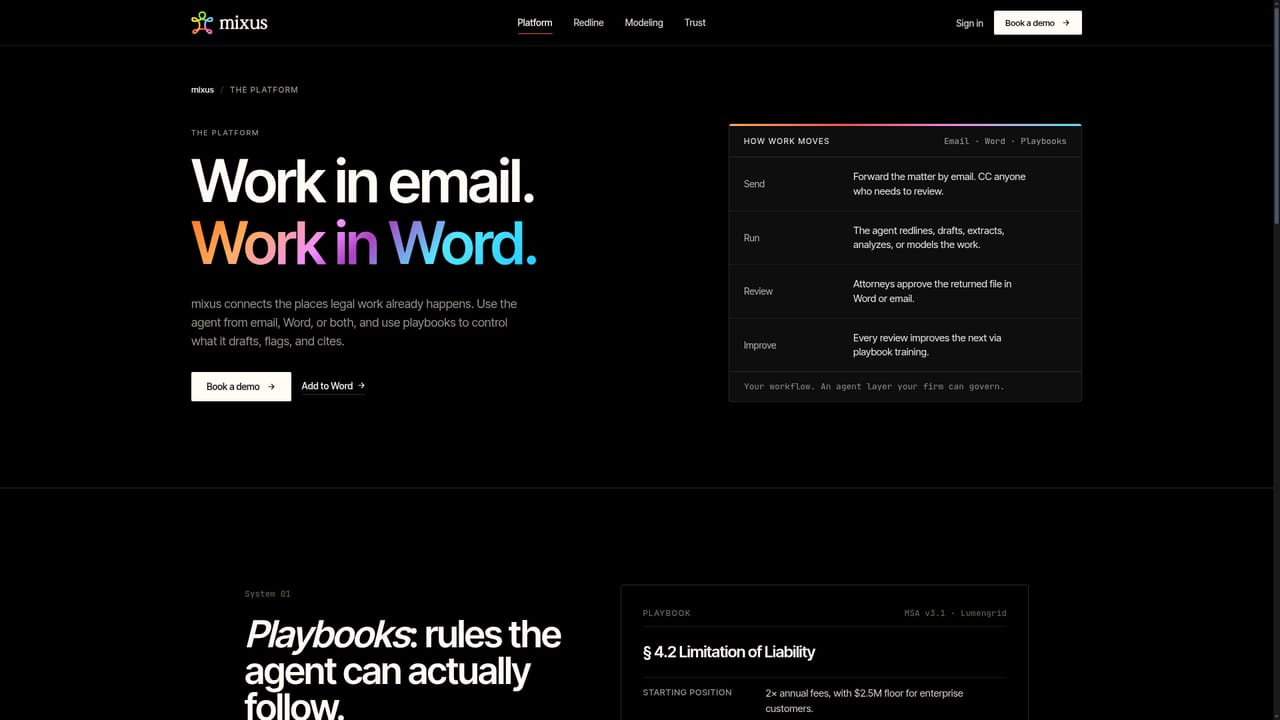
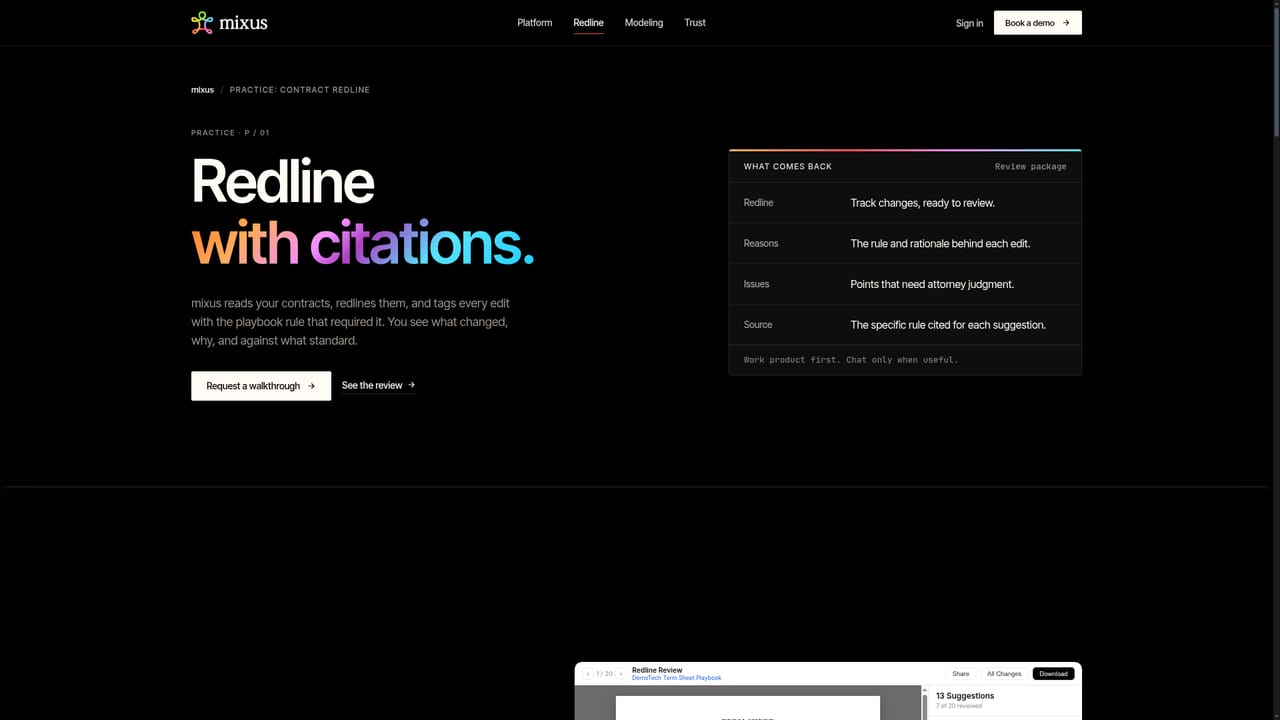
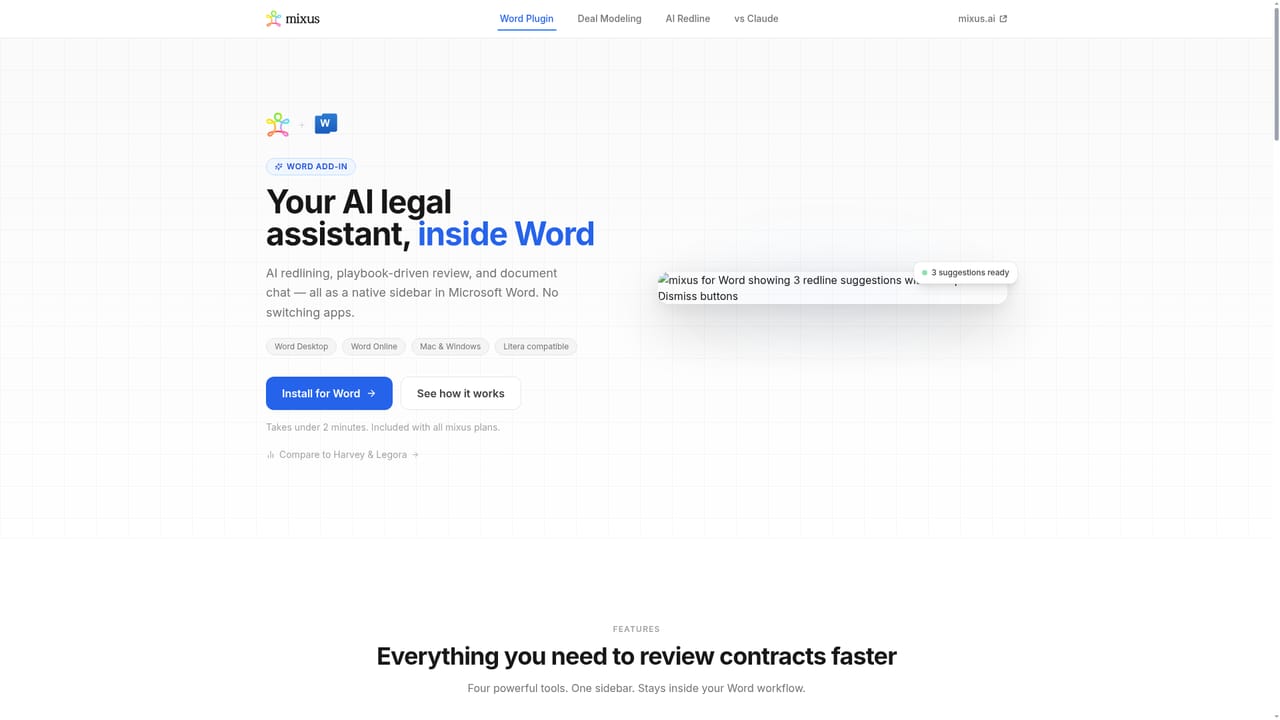
Mixus is an agent platform built around the places attorneys already work: email and Microsoft Word. Rather than asking lawyers to learn a new drafting surface, it lets them forward a matter to an agent by email, copy in anyone who needs to review, and receive work product back in the same thread. Output arrives as reviewable files, including redlines with track changes, drafts, analysis and spreadsheets, so the reviewer's job becomes approval rather than assembly. The mechanism behind that output is a playbook. Mixus builds a starting rule set from a firm's past agreements, approved language and prior review decisions, and then refines it as attorneys accept, edit or dismiss suggestions. A rule such as a liability cap position can carry a proposed starting figure, a fallback and an unacceptable threshold, each approved by a named reviewer before it governs future runs. That closed loop is the product's real differentiator: the agent does the work, attorneys approve it, and the approvals feed the next run. The practice pages show three concrete surfaces. Contract markups return with track changes, a cited reason for every change and a full issues list. Deal models (cap tables, M&A waterfalls, down rounds, bespoke structures) return as .xlsx files with live formulas, positioned as ready in under 15 minutes and informed by prior models. A Microsoft Word add-in lets reviewers accept, edit or dismiss suggestions in place without switching tools. Mixus is aimed at law firms and in-house legal teams handling repeatable, document-heavy work: redlines, diligence, deal modeling and data extraction. The vendor cites Am Law 10 firms as users and publishes its security posture separately, including SOC 2 Type II, ISO 27001:2022, GDPR and HIPAA coverage, TLS 1.3 in transit with AES-256 at rest, customer-managed keys and zero data retention by model providers. Against generic chat assistants, the pitch is oversight and playbook memory rather than raw generation. Pricing is not published; the site routes interested teams to a demo request.
Onboarding runs through a demo request and a single-workflow pilot. Security and compliance questions are answered in the trust centre. No support tiers or SLAs are published.
Learn moreWork arrives through standard email threads and a Microsoft Word add-in. No other third-party integrations are described on the homepage.
Learn moreEmail-thread agents that return redlines with track changes, a cited reason for each change and an issues list; drafts and analysis; Excel deal models with live formulas; playbooks built from prior agreements and reviewer decisions; and a Microsoft Word add-in for in-place accept, edit or dismiss review.
Learn more AI Angels400+ customizable AI girlfriends for NSFW chat, voice calls, and roleplay
 Candy AIExperience the future of companionship with AI friends who chat, role-play, and connect with you on a human level.
 ourdream.aiA vast AI roleplay platform with millions of characters for chat, images, video and voiceAI Angels400+ customizable AI girlfriends for NSFW chat, voice calls, and roleplayCandy AIExperience the future of companionship with AI friends who chat, role-play, and connect with you on a human level.ourdream.aiA vast AI roleplay platform with millions of characters for chat, images, video and voice