Free trial
A free plan is available to start; no credit card details are mentioned on the homepage.
Learn moreAI powered wireframing for web, apps, and dashboards.
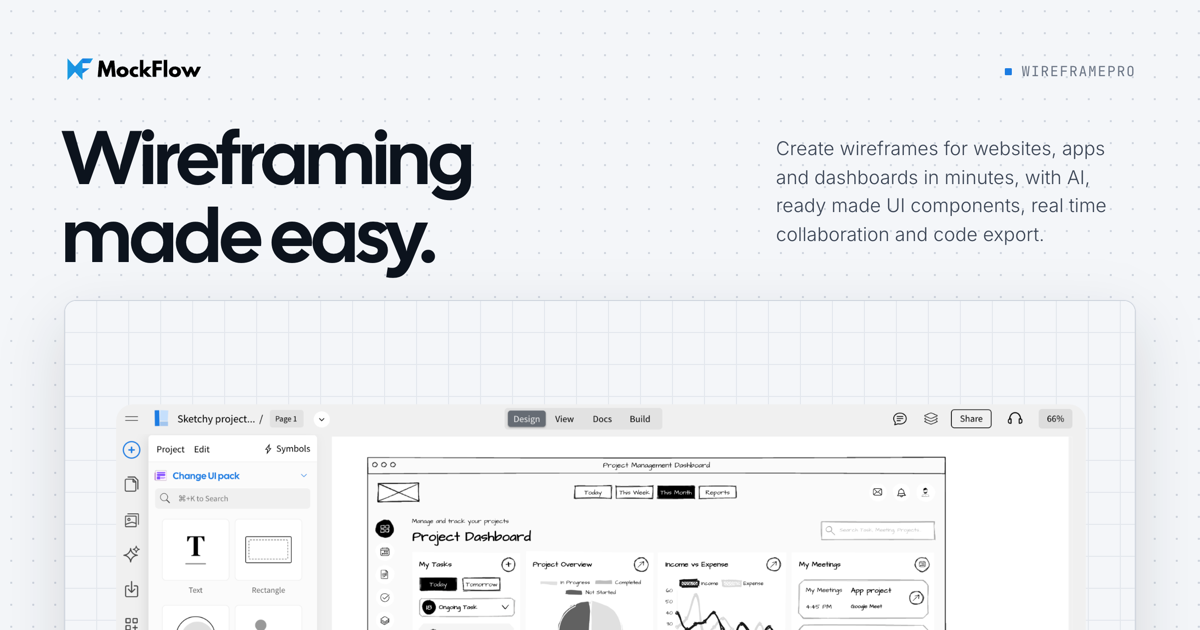
MockFlow is an app creation tool. MockFlow WireframePro is an AI assisted wireframing tool for websites, mobile apps, and dashboards. It offers UI kits, templates, real time collaboration, prototyping, and code export for frameworks like React and Tailwind. Included in every MockFlow plan.
MockFlow WireframePro is a browser based wireframing tool built for product teams that need to sketch websites, mobile apps, and dashboards quickly. It combines a drag and drop editor with ready made UI kits, a large template store, and AI features that generate layouts, copy, user flows, sitemaps, and documentation from simple prompts. The tool is included in every MockFlow plan, making it accessible to solo designers as well as larger organizations. The editor is designed to reduce repetitive work. Symbols and master pages keep shared elements like headers and footers consistent across screens, while chart and data grid components let you drop in realistic dashboards without leaving the canvas. For prototyping, you can add interactions and present clickable flows to stakeholders. When the wireframe is ready, code export produces front end code in frameworks such as React, Tailwind, Bootstrap, and TypeScript, so developers can start from a working base instead of rebuilding from scratch. Collaboration is a core part of WireframePro. Multiple team members can edit the same wireframe in real time, leave comments with suggested changes, and apply those suggestions with one click. A distraction free presentation mode helps when walking clients or executives through a user journey. AI assistance extends beyond generation: it can review designs and suggest improvements, and an assistant called Mida offers guidance while you work. WireframePro fits between quick sketching tools and full design suites. It is more structured than a whiteboard but lighter than a high fidelity design application, which makes it a practical choice for teams that want to move from idea to testable prototype and then to code without switching tools. The AI features and template library lower the barrier for beginners, while symbols, master pages, and code export give experienced designers room to work efficiently.
A free plan is available to start; no credit card details are mentioned on the homepage.
Learn moreWireframePro is included in every MockFlow plan. Specific pricing tiers and feature limits are listed on the MockFlow pricing page.
Learn moreSupport is available via email at support@mockflow.com. Documentation and video tutorials are also provided.
Learn moreExports to Figma and code frameworks such as React, Tailwind, Bootstrap, TypeScript, JavaScript, jQuery, and Electron. A Chrome extension (Clippy) converts live sites into wireframes. An MCP server connects to Claude Code and Cursor.
Learn moreWireframePro includes AI powered wireframe generation from prompts or screenshots, a library of UI kits and templates, real time collaboration, interactive prototyping, code export for React, Tailwind, Bootstrap, and more, plus symbols, master pages, chart components, and data grids.
Learn more AI Angels400+ customizable AI girlfriends for NSFW chat, voice calls, and roleplay
 Candy AIExperience the future of companionship with AI friends who chat, role-play, and connect with you on a human level.
 ourdream.aiA vast AI roleplay platform with millions of characters for chat, images, video and voiceAI Angels400+ customizable AI girlfriends for NSFW chat, voice calls, and roleplayCandy AIExperience the future of companionship with AI friends who chat, role-play, and connect with you on a human level.ourdream.aiA vast AI roleplay platform with millions of characters for chat, images, video and voice


