Modelence

Modelence runs your backend, databases, and jobs on autopilot in production.

Beginner
Screenshot of Modelence, Modelence runs your backend, databases, and jobs on autopilot in production

What is Modelence?

Modelence is a managed production cloud for apps built with coding agents. It provisions databases and secrets from a config file, watches processes and scheduled jobs 24/7, and restarts, reroutes or scales when something fails, on standard AWS infrastructure.

Modelence is a production cloud built for apps that need to keep running after the first demo. It takes the backend half of a project (persistent processes, managed databases, scheduled jobs, and the monitoring that watches all of it) and operates it on the user's behalf. The pitch is aimed squarely at the vibe coding crowd: people who can get a prototype out of Lovable, Replit or a coding agent but do not want to become their own on-call engineer. The mechanics are simple. An app declares its resources in a single config file, including build commands, a MongoDB or Postgres database, Redis, and secrets. The coding agent can write that file, and the first deploy provisions everything in it, injecting connection strings automatically. Every app receives a sandbox and a production environment, so changes can be tried on real infrastructure before users see them, and each deploy is checked against the app's startup requirements so a broken build stops before it replaces a working one. Once live, Modelence watches processes, requests, cron runs and database growth around the clock. Crashed processes are restarted, traffic is rerouted, and capacity is added under load. Memory leaks and slow queries are traced back to specific lines in the codebase, and findings are delivered to the user (Slack incidents are shown on the homepage) for a fix. The underlying stack is plain AWS across 17 regions, with automatic encrypted backups, failover against a 99.9% uptime target, and no proprietary lock-in: teams can replicate their setup in their own AWS account later. Compared with Vercel plus Supabase, Modelence fills the persistent-process gap those tools leave for websockets, agents and long-running jobs. Compared with Railway or Render, the difference is operational: those platforms host services, while Modelence claims to act as a 24/7 SRE that intervenes rather than paging the owner.

How do you use Modelence?

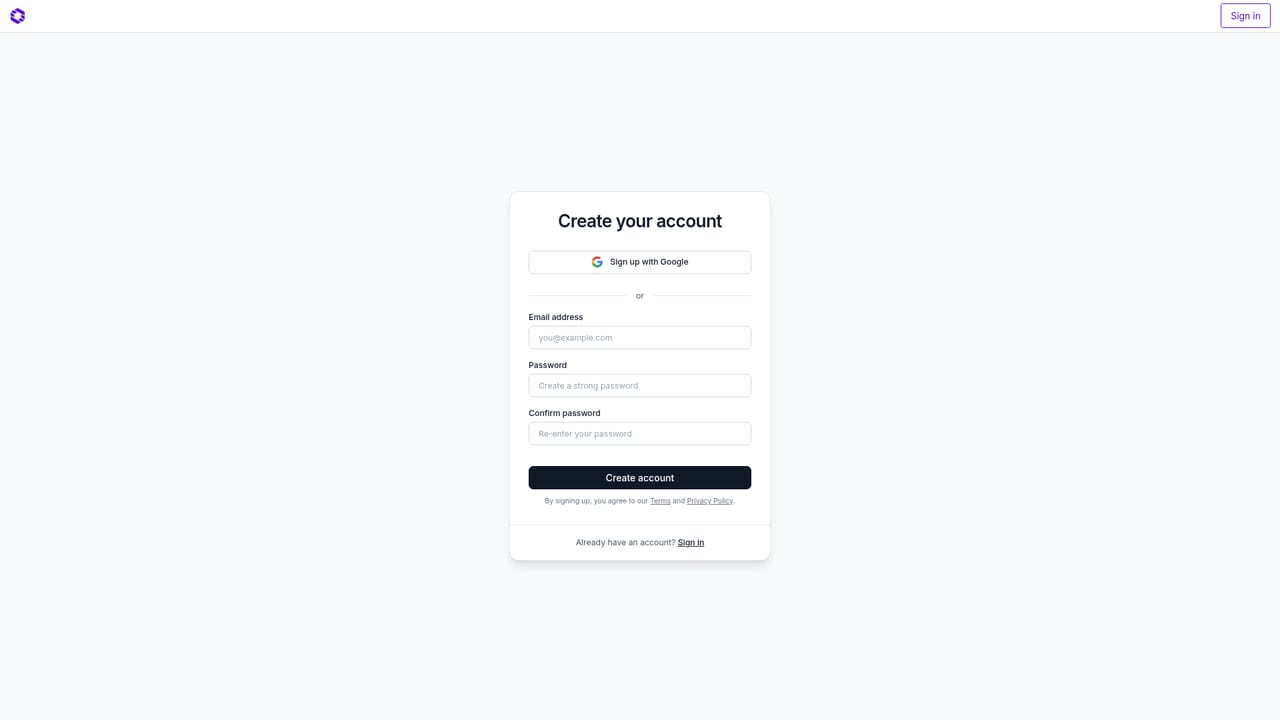
  1. 1Create a Modelence Cloud account
    Sign up for Modelence Cloud with your email or existing provider. The free tier lets you deploy hobby projects and prototypes before any payment.
    Modelence — Create a Modelence Cloud account
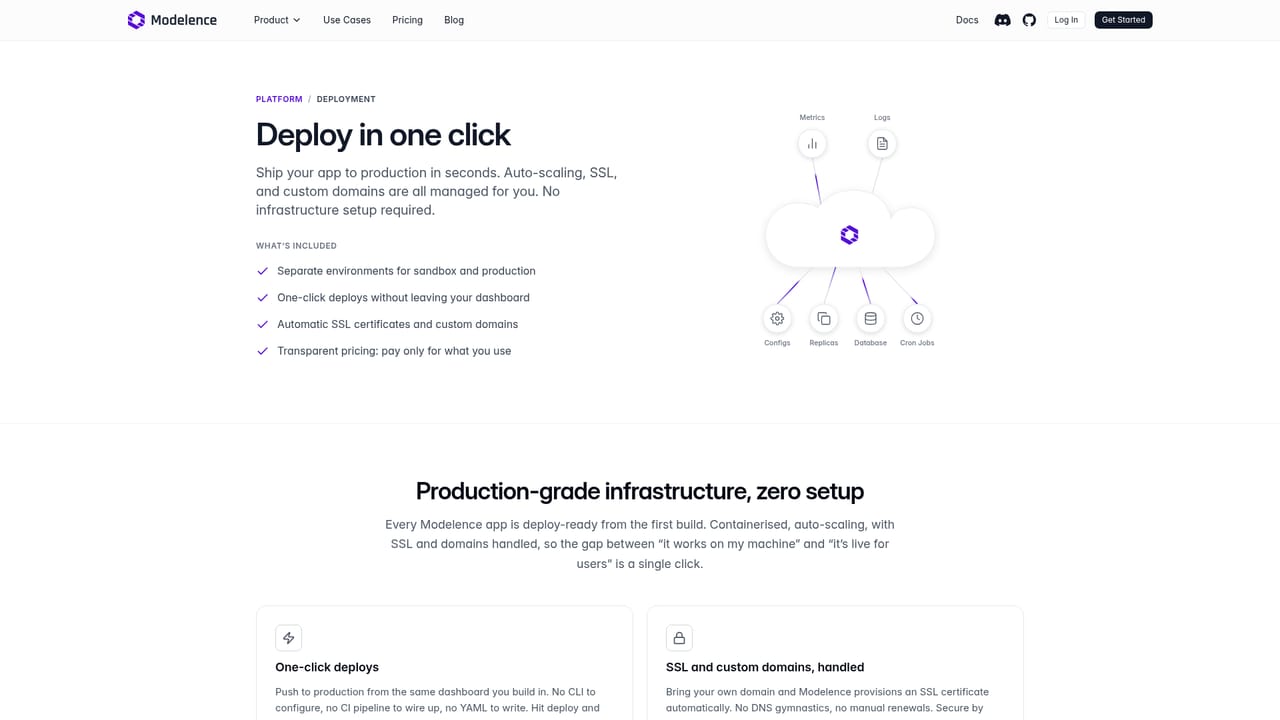
  2. 2Connect your project or paste the agent prompt
    From the dashboard, connect an existing repository, or paste the deploy prompt into Claude Code, Cursor or Codex and let it read modelence.com/skill.md and write the config for you.
    Modelence — Connect your project or paste the agent prompt
  3. 3Review modelence.config.json
    Check the resources block: build and start commands, the MongoDB or Postgres database, Redis if needed, and any secrets. The agent usually fills this in, but you own the final say.
  4. 4Deploy to the sandbox first
    Run the first deploy into the sandbox environment. Modelence provisions every declared resource, injects connection strings, and verifies the app can start before anything reaches production.
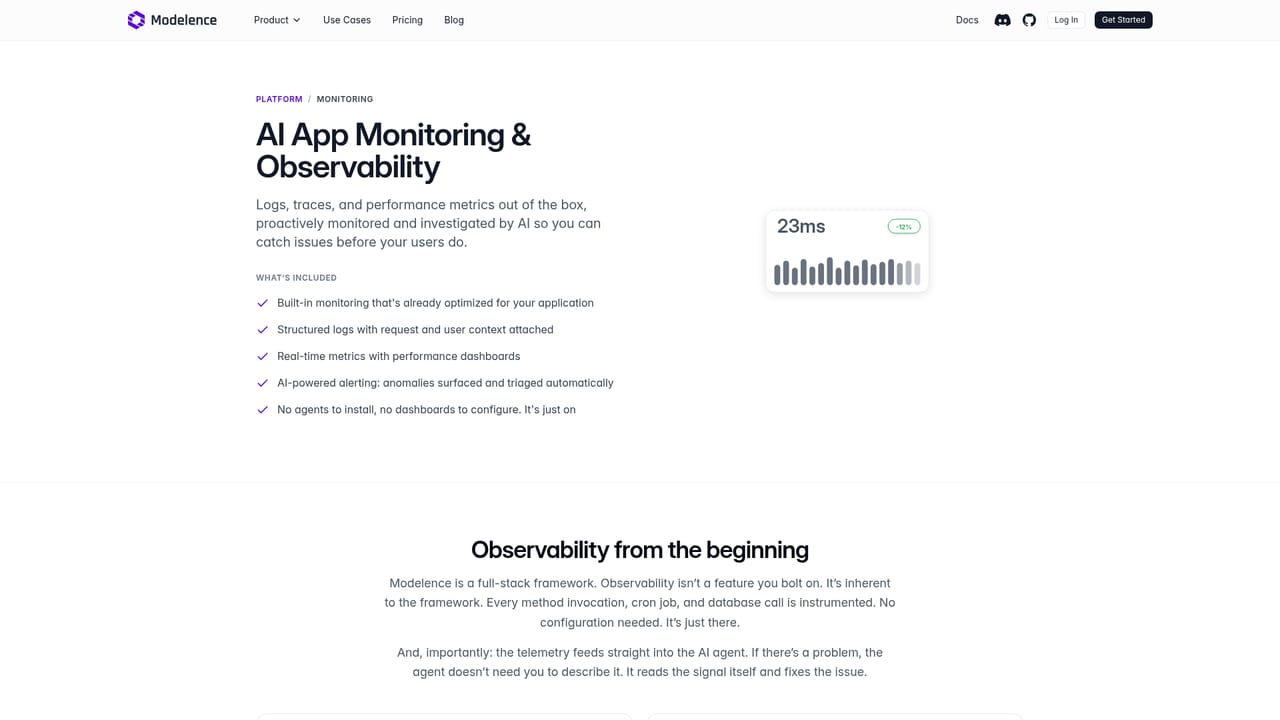
  5. 5Promote to production and open monitoring
    Once the sandbox passes, promote the build to production. Open the monitoring view to see processes, job runs, logs, traces and performance metrics collected from the first moment.
    Modelence — Promote to production and open monitoring
  6. 6Wire incident reports into Slack
    Route autopilot reports into a channel so restarts, reroutes and scaled instances show up where the team already works, with traces pointing to the source file.

Pros and cons

Pros

  • One config file declares app, database, cache and secrets, so the coding agent can handle setup end to end.AI
  • Separate sandbox and production environments come with every app at no extra configuration.AI
  • Findings are traced to the exact file and line, which turns vague downtime alerts into a concrete fix.AI
  • Runs on standard AWS primitives, so the setup can be replicated in your own account later.AI
  • Free tier for hobby projects and prototypes makes the first deploy low risk.AI

Cons

  • Strong AWS coupling means teams with existing GCP or Azure commitments get less out of it.AI
  • The autopilot can restart and reroute, but code-level fixes still land on the user, so it is not hands-off.AI
  • Homepage gives no concrete plan prices, usage limits or overage rates to compare against competitors.AI
  • No public integration catalogue beyond Slack notifications and the coding agent prompt.AI
  • Managed databases and jobs reduce control over tuning compared with running your own cluster.AI

How much does Modelence cost?

Pricing

The homepage states that hobby projects and prototypes can be deployed for free, and that paid plans add resources, monitoring, higher usage limits and priority support. No plan names, prices or usage allowances are listed on the page.

Learn more

Support

Priority support is listed as a paid plan benefit, and a testimonial describes a founder joining a customer call on a Saturday. No support channels or hours are specified on the homepage.

Integrations

Coding agents such as Claude Code, Cursor and Codex can deploy through the skill.md prompt, and incident reports can be delivered to Slack. No other integrations are named on the homepage.

Features

Persistent backend processes with background workers and scheduled jobs, managed MongoDB, Postgres and Redis provisioned from a config file, sandbox and production environments, deploy verification, 24/7 monitoring with logs, traces and metrics, automatic restarts and rerouting, auto-scaling, encrypted backups, failover across 17 AWS regions, and a public status page.

Learn more

Frequently asked questions about Modelence

  • How much does Modelence cost?
    The homepage states that hobby projects and prototypes can be deployed for free, and that paid plans add resources, monitoring, higher usage limits and priority support. No plan names, prices or usage allowances are listed on the page.
  • How do you use Modelence?
    The walkthrough on this page covers 6 steps: 1. Create a Modelence Cloud account 2. Connect your project or paste the agent prompt 3. Review modelence.config.json 4. Deploy to the sandbox first 5. Promote to production and open monitoring 6. Wire incident reports into Slack.
  • What platforms does Modelence support?
    Modelence is available on Web App.
  • What does Modelence integrate with?
    Coding agents such as Claude Code, Cursor and Codex can deploy through the skill.md prompt, and incident reports can be delivered to Slack. No other integrations are named on the homepage.
  • What are the limitations of Modelence?
    Strong AWS coupling means teams with existing GCP or Azure commitments get less out of it. The autopilot can restart and reroute, but code-level fixes still land on the user, so it is not hands-off. Homepage gives no concrete plan prices, usage limits or overage rates to compare against competitors.

Status

StatusActive
Views0
Outbound clicks0
Added10/22/2026

Platforms

Web App

Pricing

FreemiumSubscription