Free trial
No trial is needed: the scriptwriter is offered as a free tool on its own page.
Learn moreAI script drafts for video, matched to stock footage
Own Motion Elements? Verify ownership to get a dofollow link

Motion Elements is a content writing tool. A free, beta scriptwriter that turns a short brief, tone choice and duration into a full video script, with suggested stock footage, music and effect templates from Motion Elements' library of more than 26 million assets.
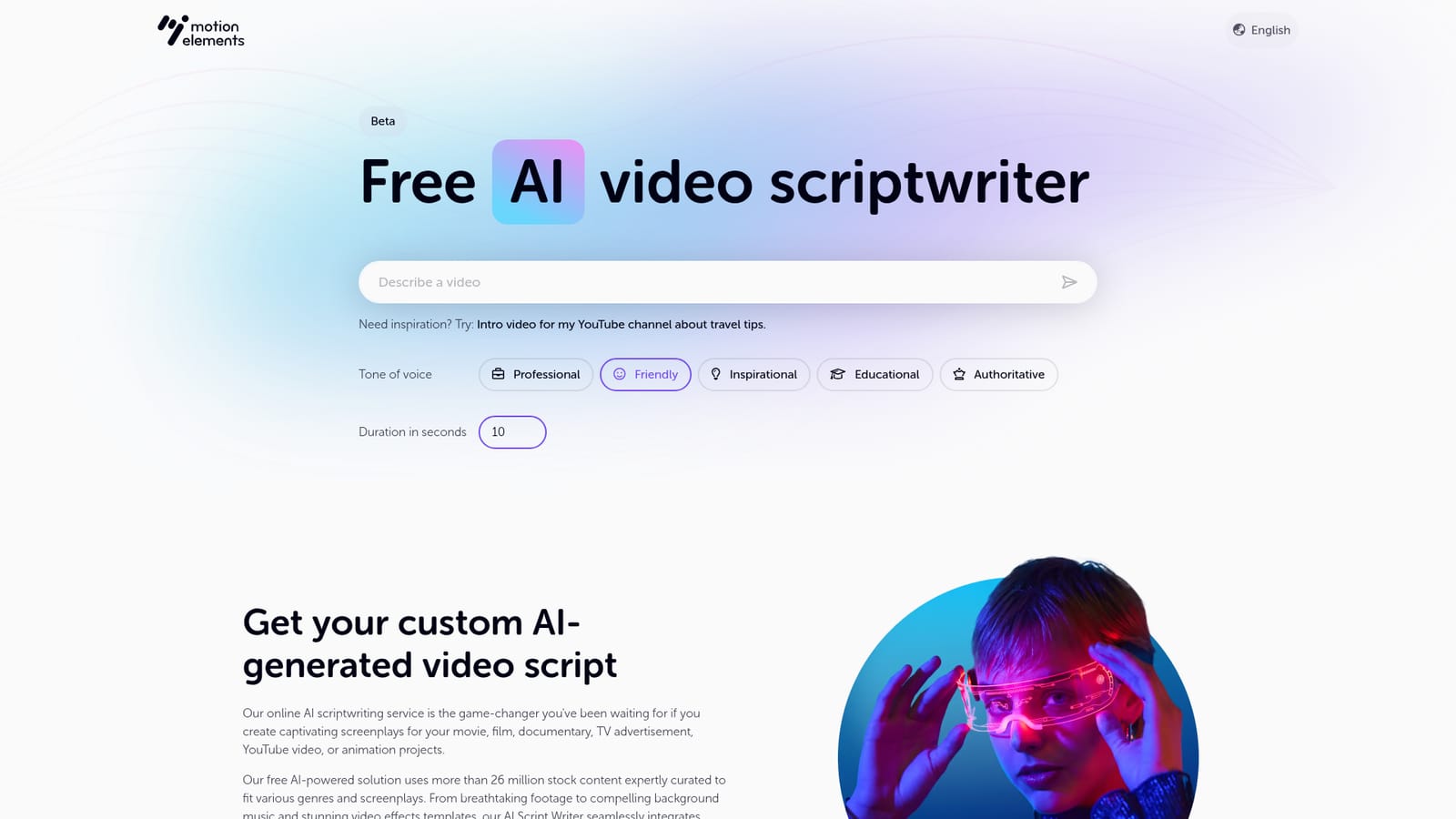
Motion Elements AI Scriptwriter is a browser based tool that turns a short written brief into a video script. The user types in what the video is about, picks a tone of voice from five presets (professional, friendly, inspirational, educational, authoritative) and sets a duration in seconds. The generator then returns a full script rather than a loose outline, which puts it closer to a first draft than to a brainstorming toy. What separates it from general purpose chatbots is the stock library behind it. Motion Elements states that the generator draws on more than 26 million curated stock assets, so the script comes back with suggested footage, background music and video effect templates attached to the relevant beats. For a team that already edits in the same ecosystem, that shortens the gap between writing and assembly. The tool is built on ChatGPT according to the FAQ, and the site labels the feature as beta, so the output should be treated as a starting draft. The practical workflow is narrow but clear. Enter the requirements, choose tone and duration, and generate. Scripts are produced in English, Japanese, Korean, Traditional Chinese, Simplified Chinese, Thai and Russian, with the language set in the tool. The site is explicit that the script text itself cannot be edited in place: refinement happens by rewriting the prompt and regenerating, which suits people who would rather iterate on instructions than hand line edit. Custom requests go into the input prompt, and the more detail supplied there, the more tailored the result. The main audience is content producers working on YouTube videos, TV advertisements, documentaries, films and animation projects, especially those who want a script that already points at usable media. Editors who plan to source their own footage will find the stock recommendations less valuable, and writers who want to sculpt every line inside the tool will find the regenerate-only loop constraining.

No trial is needed: the scriptwriter is offered as a free tool on its own page.
Learn moreThe page presents the scriptwriter as free and does not publish tiers, credit limits or usage caps, so the long term commercial terms are unclear.
Learn moreSupport runs through the Motion Elements help centre and a published support email address, with an FAQ covering languages and editing.
Learn morePrompt to script generation with five tone presets and a duration setting in seconds. Output includes suggested stock footage, music and video effect templates drawn from a library of more than 26 million curated assets. Scripts can be produced in English, Japanese, Korean, Traditional Chinese, Simplified Chinese, Thai and Russian. Scripts cannot be edited in place; users regenerate or rewrite the prompt.
 AI Angels400+ customizable AI girlfriends for NSFW chat, voice calls, and roleplay
 Candy AIExperience the future of companionship with AI friends who chat, role-play, and connect with you on a human level.
 ourdream.aiA vast AI roleplay platform with millions of characters for chat, images, video and voiceAI Angels400+ customizable AI girlfriends for NSFW chat, voice calls, and roleplayCandy AIExperience the future of companionship with AI friends who chat, role-play, and connect with you on a human level.ourdream.aiA vast AI roleplay platform with millions of characters for chat, images, video and voice