Integrations
Accepts music from YouTube, SoundCloud and Suno by link, plus direct MP3 and WAV uploads. Exports video and a GLB file for 3D workflows.
Drop a track and watch a character dance to it
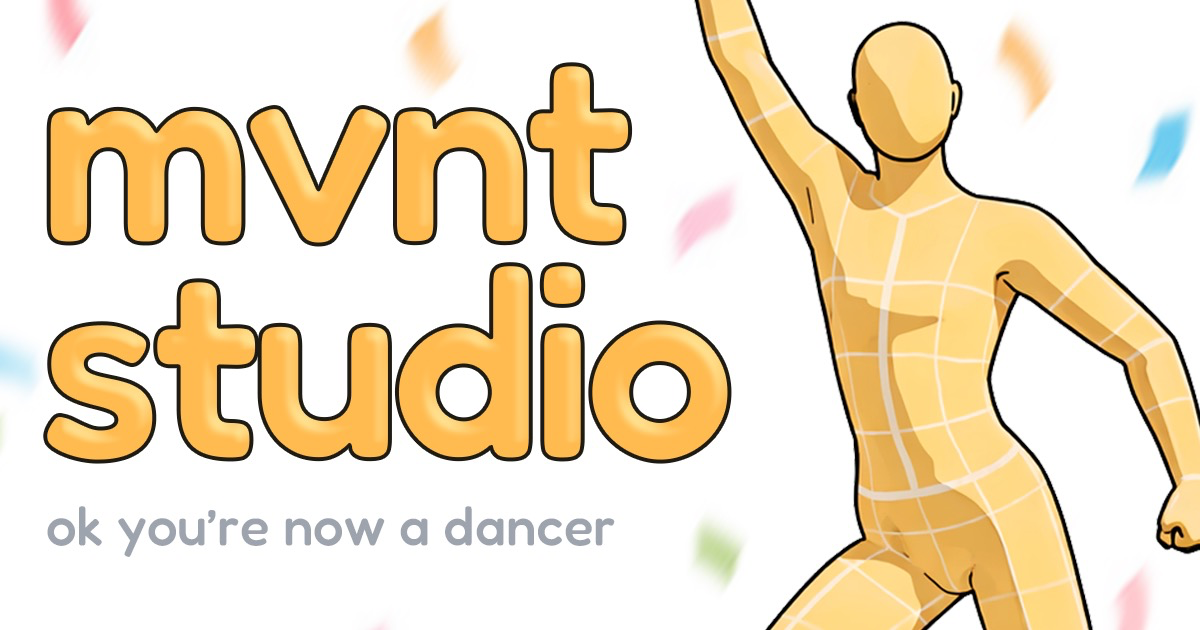
mvnt STUDIO is an audio analysis tool. A browser based AI dance generator built by K pop dancers. Feed in a song from YouTube, SoundCloud, Suno or an uploaded file, pick a character and template, and get a choreography concept you can preview, shape and export as video or GLB.
mvnt STUDIO is a browser based tool that turns a song into a dance concept. The pitch is simple: paste a music link or upload an audio file, and the system reads the track and produces choreography that a chosen character performs on screen. The team behind it is made up of K pop dancers, and that background shows in the output style, which leans heavily on the sharp, synchronized movement vocabulary of idol choreography rather than on generic procedural swaying. The workflow is built around characters and songs. A library of dancers spans several visual families (anime, animals, human, robot) and includes both stylised original figures and recognisable pop culture faces. Alongside the characters sits a set of templates, each pairing a look with a sample track: Origami, Gyaru, Bollywood, Duo, Girl Group, Polar Bear and others. Templates are a shortcut for people who want to see the format working before supplying their own audio, and the homepage highlights community scenes tagged by dance type, so the popular feed doubles as a style reference. Input covers YouTube, SoundCloud, Suno and direct MP3 or WAV upload. That range matters: the tool is not limited to a stock music bed, and producers working with generated tracks can feed their own output straight in. Once a draft exists, it can be shaped into character scenes and exported as video, with a GLB handoff listed for people who want the asset in a 3D pipeline. It suits short form creators, dance cover fans, animators prototyping movement, and anyone who wants a choreography sketch without booking a crew. Compared with full 3D animation suites, mvnt STUDIO trades control for speed: the homepage frames the result as a draft, a starting concept to iterate on rather than a finished broadcast asset.
Accepts music from YouTube, SoundCloud and Suno by link, plus direct MP3 and WAV uploads. Exports video and a GLB file for 3D workflows.
Music to dance generation from YouTube, SoundCloud, Suno links or MP3/WAV uploads. A character library grouped into anime, animal, human and robot styles. Template scenes spanning Origami, Gyaru, Bollywood, Duo, Girl Group and more. Community gallery with popular and new sorting. Character scene shaping, video export and a GLB handoff.
Learn more AI Angels400+ customizable AI girlfriends for NSFW chat, voice calls, and roleplay
 Candy AIExperience the future of companionship with AI friends who chat, role-play, and connect with you on a human level.
 ourdream.aiA vast AI roleplay platform with millions of characters for chat, images, video and voiceAI Angels400+ customizable AI girlfriends for NSFW chat, voice calls, and roleplayCandy AIExperience the future of companionship with AI friends who chat, role-play, and connect with you on a human level.ourdream.aiA vast AI roleplay platform with millions of characters for chat, images, video and voice