MyHair.AI

AI hair analysis that tracks hairline shifts and builds a growth plan

Beginner
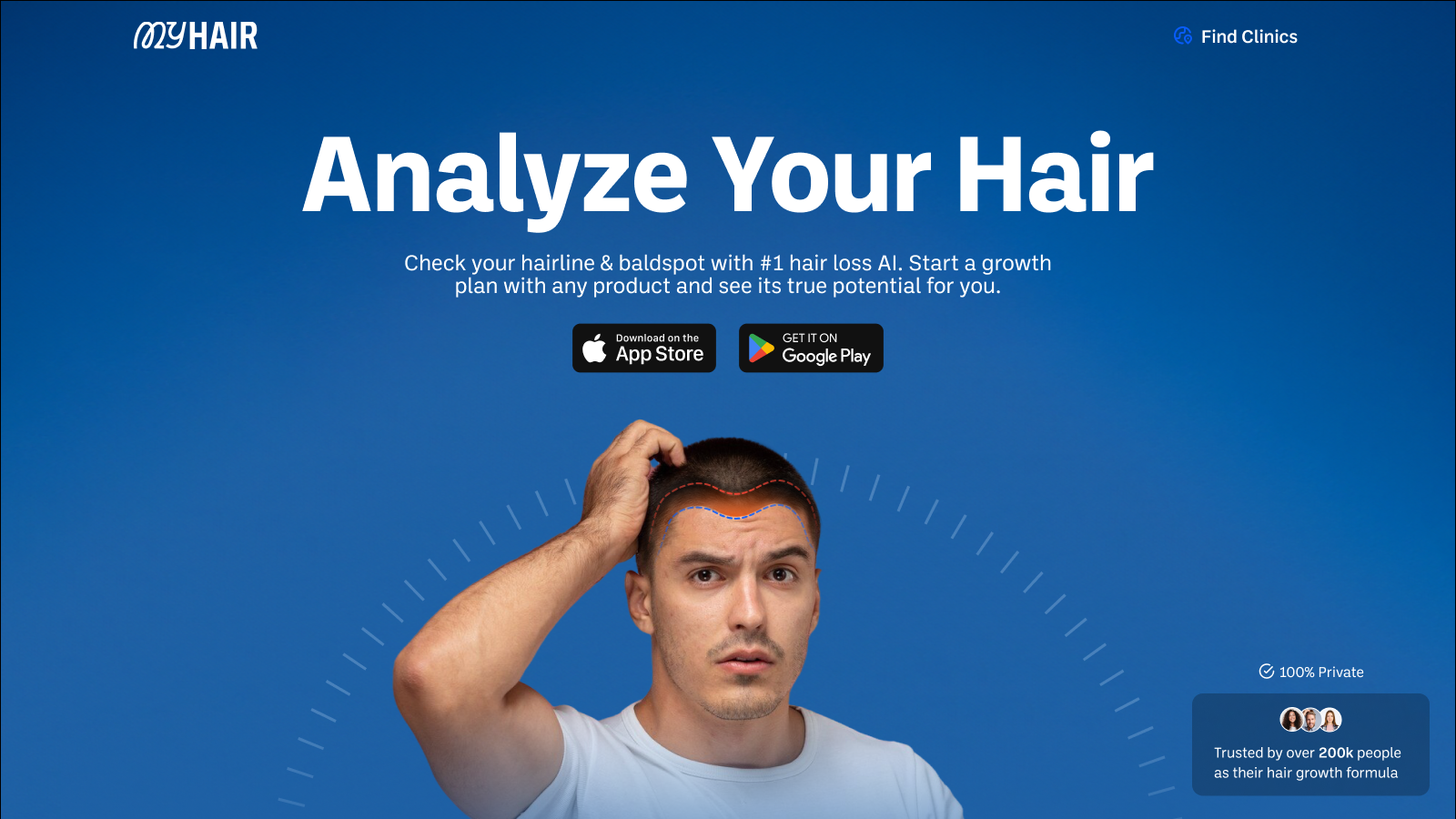
Screenshot of MyHair.AI, AI hair analysis that tracks hairline shifts and builds a growth plan

What is MyHair.AI?

MyHair.AI is a body analyzer tool. MyHair.AI scans your hairline and thinning areas with computer vision, returns hair count, density and dryness metrics, and turns the results into a personalized growth plan with product recommendations and a worldwide clinic directory.

MyHair.AI is a hair health analysis tool built around computer vision. You scan your hairline and any thinning or bald spots with your phone camera, answer a questionnaire about washing habits, shower temperature and stress, and the system returns a breakdown that includes hair count, density, dryness and hairline type. The scan maps the hairline automatically, and the app reports measured change over time (the marketing shows a sample hairline shift figure in millimetres), so progress is tracked against a baseline rather than judged by memory. From that analysis the product generates a treatment timeline built around your stated goals and preferences, along with product recommendations. The site names brands such as Nutrafol, Viviscal, Moroccanoil, Shea Moisture and HappyHead among the labels it works with, and user reviews describe the app rating products already in your cabinet and pointing to where replacements can be bought. That combination of diagnosis plus shopping guidance is the core of the offer, aimed at people who want a structured routine rather than generic advice. A second layer is a clinic directory. MyHair.AI lists verified hair clinics worldwide with results, pricing and patient feedback, and states partnerships with aesthetic medical clinics in France, New York and Dubai plus a network of hair care doctors. Users who reach the limit of at home tracking can move toward in person treatment without starting their research from scratch. It sits between consumer hair care apps and telehealth style hair loss services. The pitch is broader than hair loss alone: dryness, porosity and routine tuning come up repeatedly in testimonials. Users with protective styles such as braids have noted that scanning support for those looks is still developing, so the tool currently suits people with visible, unscanned hairlines best.

How do you use MyHair.AI?

  1. 1Download the app or open the web app
    Get MyHair.AI on your phone, since the hairline scan relies on a camera, or start in the browser if you prefer to try it first.
  2. 2Run the hairline scan
    The auto-scan routine guides you into position and maps your hairline and any bald spots. Good lighting and a steady hand improve the result.
  3. 3Complete the questionnaire
    Answer questions about hair loss frequency, washing habits, shower temperature and stress levels so the analysis reflects your routine, not just your photo.
  4. 4Review your hair analysis
    Open the full breakdown to see hair count, density, dryness and hairline type, then note the figures as your baseline for future comparisons.
  5. 5Follow the custom timeline
    Work through the treatment timeline the app builds around your goals, and check whether the recommended products fit your budget before buying.
  6. 6Find a clinic if needed
    If progress stalls or you want professional input, browse the clinic directory to compare verified clinics by results, pricing and patient feedback.

Pros and cons

Pros

  • Automatic hairline mapping produces measurable figures such as hair count and density instead of vague assessmentsAI
  • Progress can be compared against earlier scans, which makes routine changes easier to judge over weeksAI
  • Product recommendations tie directly to the analysis, and users report the app can rate products they already ownAI
  • Clinic directory with stated partnerships gives a path to professional treatment when self care stallsAI
  • Testimonials reference users in more than 20 countries, suggesting a reasonably broad user baseAI

Cons

  • No pricing information appears on the homepage, so the cost of the analysis or plan is unclear before signing upAI
  • Users with braids and other protective styles report the scan does not yet handle their hair wellAI
  • Image processing can be slow according to one review, which matters when scans are meant to be frequentAI
  • Recommendations lean on brand partnerships, so product suggestions deserve independent scrutinyAI
  • Hair count and density figures are estimates from photos, not clinical measurements, and the site does not publish accuracy dataAI

How much does MyHair.AI cost?

Features

Automatic hairline and bald spot scanning, a questionnaire covering washing, shower temperature and stress, and a full analysis reporting hair count, density, dryness and hairline type. The app builds a personalized treatment timeline with product recommendations, tracks hairline change over time, and includes a directory of verified hair clinics worldwide.

Frequently asked questions about MyHair.AI

  • How do you use MyHair.AI?
    The walkthrough on this page covers 6 steps: 1. Download the app or open the web app 2. Run the hairline scan 3. Complete the questionnaire 4. Review your hair analysis 5. Follow the custom timeline 6. Find a clinic if needed.
  • What platforms does MyHair.AI support?
    MyHair.AI is available on Web App, iOS and Android.
  • What are the limitations of MyHair.AI?
    No pricing information appears on the homepage, so the cost of the analysis or plan is unclear before signing up. Users with braids and other protective styles report the scan does not yet handle their hair well. Image processing can be slow according to one review, which matters when scans are meant to be frequent.

Status

StatusActive
Views0
Outbound clicks0
Added10/21/2026

Platforms

Web AppiOSAndroid

Pricing

Freemium